Flux 3 is Black Forest Labs' new generation of image models. Kie AI starts with Flux 3 Klein for fast text-to-image generation and multi-reference image editing up to 4K, with more Flux 3 models to follow.

Model Type:
Pricing: FLUX 3 Klein Edit Image is priced at 1.6 credits per 1K image (≈ $0.008), 2.5 credits per 2K image (≈ $0.0125) and 6.5 credits per 4K image (≈ $0.0325). Use up to 10 reference images at no extra cost. High-tier top-ups (+10% bonus) bring effective pricing down to ~$0.0072 per 1K image, ~$0.0113 per 2K image and ~$0.0293 per 4K image.
Input

Describe the edit in plain language: what to change and what to keep. Refer to reference images by their order ("image 1", "image 2"). Up to 5,000 characters, any language.

0/5000

Click to upload or drag and drop

Supported formats: JPEG, PNG, WEBP Maximum file size: 30MB; Maximum files: 10

1 to 10 reference images (JPEG, PNG or WebP, up to 30 MB each). The order defines "image 1", "image 2" in your prompt. Reference images are free, but more images take longer.

Output image width. Both must be passed at the same time; JSON integers, each side ≥256 and ≤4096; aspect ratio between 1:2.5 and 2.5:1. Once passed, aspect_ratio and resolution are ignored.

Output image height. Both must be passed at the same time; JSON integers, each side ≥256 and ≤4096; aspect ratio between 1:2.5 and 2.5:1. Once passed, aspect_ratio and resolution are ignored.

Output aspect ratio. auto (default) follows the first reference image.

Output resolution: 1K, 2K or 4K. Higher resolutions cost more and take longer.

Output image format.

Number of images to generate with the same settings.

Random seed. Omit for a random result; with the same seed and parameters the result is reproducible. When generating multiple images, image i uses seed + i. 0-2147483647

Rewrites the prompt into a fuller description before generating, which noticeably improves quality. Enabled by default; pass false to turn it off. Recommended to turn off when your request must be followed literally (exact text edits, "keep X unchanged and only change Y", fixed compositions) or when latency matters.

A configurable parameter. Defaults to true in the Playground.

There is no guarantee that everything can be filtered out; if you are not satisfied with the results, you will need to make your own arrangements.
Output
output typeimage
Generated output
Examples

Explore different use cases and parameter configurations

README

Complete guide to using Flux 3

Flux 3 API: FLUX 3 Image Klein Text-to-Image and Editing

Original image
ParameterText-to-imageEdit
modelflux-3/klein-text-to-imageflux-3/klein-edit-image
promptRequired. Text prompt up to 5000 characters.Required. An instruction describing how to edit the image, up to 5000 characters.
image_urlsNot used.Required. 1 to 10 reference image file URLs (not file content). Accepted types: image/jpeg, image/png, image/webp. Max 30.0MB per image.
aspect_ratio1:1 (default), 4:3, 3:4, 3:2, 2:3, 16:9, 9:16, 21:9, 9:21.auto (default, matches the first input image ratio), 1:1, 4:3, 3:4, 3:2, 2:3, 16:9, 9:16, 21:9, 9:21.
resolution1K (default), 2K, or 4K.1K (default), 2K, or 4K.
width & heightOptional integers from 256 to 4096. Must be passed together, with a width:height ratio between 1:2.5 and 2.5:1. Once passed, aspect_ratio and resolution are ignored.Optional integers from 256 to 4096. Must be passed together, with a width:height ratio between 1:2.5 and 2.5:1. Once passed, aspect_ratio and resolution are ignored.
enhance_promptOn by default (including when omitted). Rewrites the prompt into a fuller description before generating, which noticeably improves quality. Pass false to turn it off.On by default (including when omitted). Rewrites the prompt into a fuller description before generating, which noticeably improves quality. Pass false to turn it off.
output_formatpng (default), jpeg, webp.png (default), jpeg, webp.
num_images1 to 4 (default 1).1 to 4 (default 1).
seedOptional integer from 0 to 2147483647.Optional integer from 0 to 2147483647.
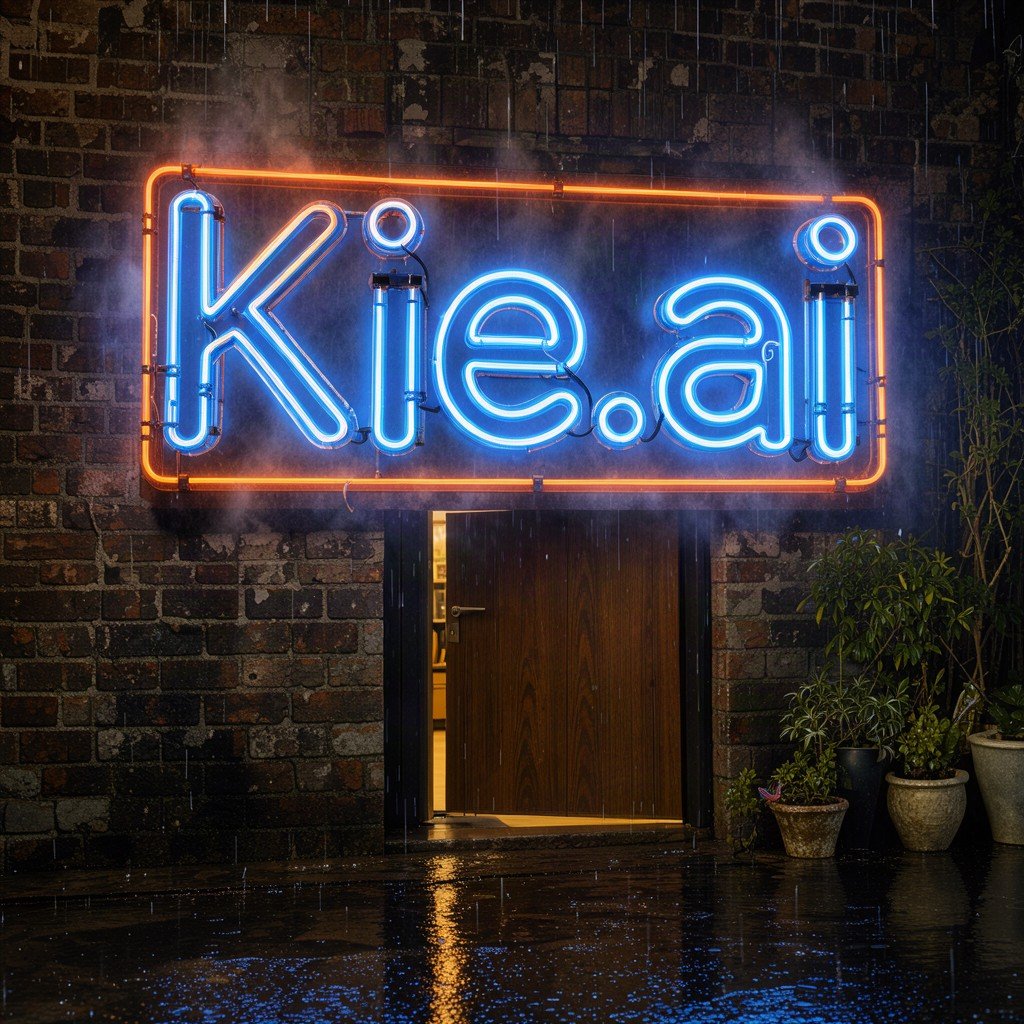
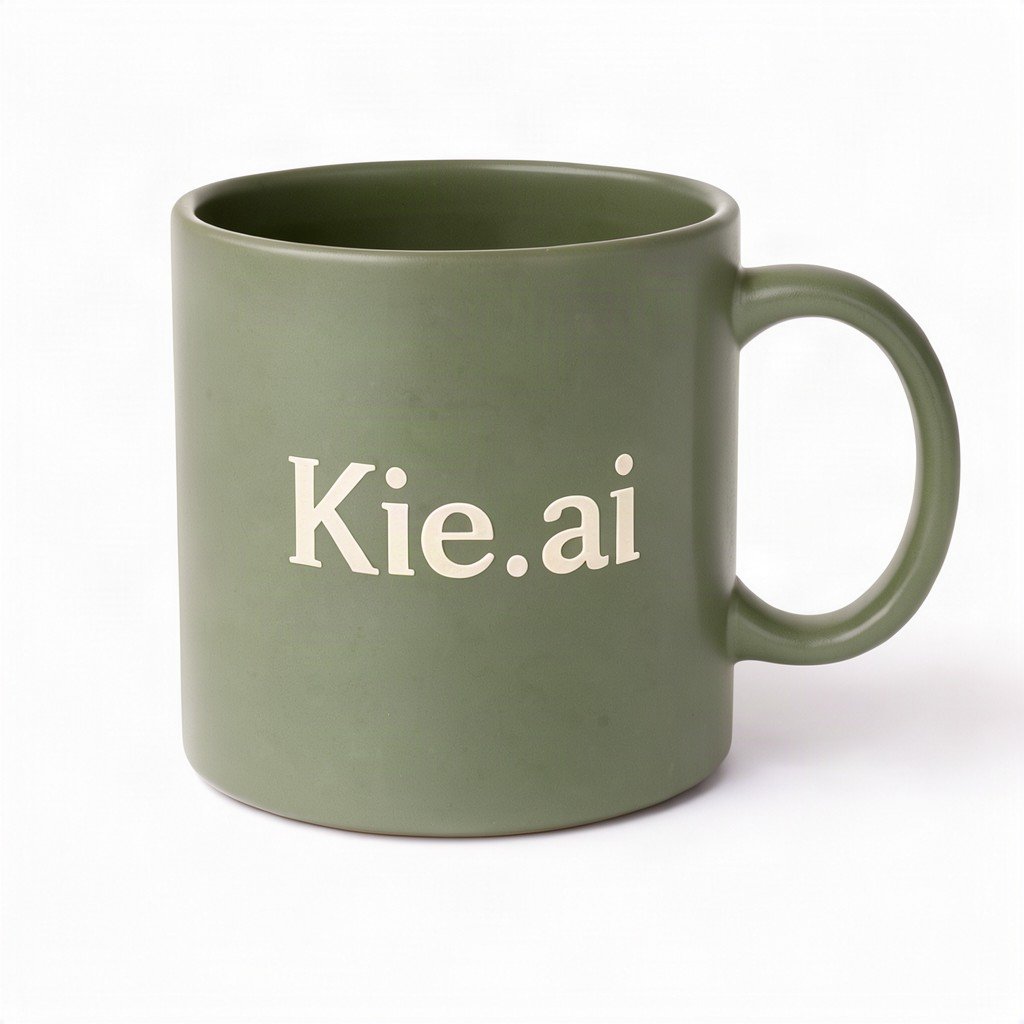
4K Text-to-Image with Two Signs
Custom Pixel Dimensions and Two Images
Combining Two Reference Images
Editing a Chalkboard Photo
ModelWhat Black Forest Labs describesOn this Kie.ai page
FLUX 3 Image KleinOpen-weights member of the FLUX 3 Image family (5.6B parameters, runs on a single consumer GPU; published in undistilled and distilled versions). Generates images from text, edits images from an instruction, and combines several references into one image.Yes — as flux-3/klein-text-to-image and flux-3/klein-edit-image
FLUX 3 ImageAvailable under a commercial weights license for companies; Black Forest Labs shows native 2K and 4K generation and up to 10 references.No
FLUX 3 VideoListed by Black Forest Labs as part of the FLUX 3 family, which it describes as one multimodal model for image, video, audio and action prediction.No
FLUX 3 MaxListed by Black Forest Labs as part of the FLUX 3 family.No
FLUX 3 ActionListed by Black Forest Labs as part of the FLUX 3 family.No

New Kie.ai users receive 80 free credits for testing. After that, you top up credits as you go; the price is shown in the pricing card on this page. You can try this model in the playground on this page without writing code.

The price for flux-3/klein-text-to-image and flux-3/klein-edit-image is shown in the pricing card above. FLUX 3 Video is not offered on this page, so there is no FLUX 3 Video pricing here.

Black Forest Labs publishes Klein weights on Hugging Face (black-forest-labs/flux-3-image-klein and flux-3-image-klein-base, as gated repositories) under the license on their model card (flux-kommunity-license), and states that running Klein in a product needs a commercial license. FLUX 3 Image (non-Klein) is offered under a commercial weights license for companies. On Kie.ai, you use Klein as a hosted API with a playground instead of downloading weights.

Black Forest Labs describes FLUX 3 as one multimodal model for image, video, audio and action prediction, and lists FLUX 3 Max, FLUX 3 Video, FLUX 3 Image, FLUX 3 Image Klein, and FLUX 3 Action. On Kie.ai, this page provides the two FLUX 3 Image Klein endpoints: flux-3/klein-text-to-image and flux-3/klein-edit-image.

No. This page offers only the two FLUX 3 Image Klein models: flux-3/klein-text-to-image and flux-3/klein-edit-image.

Create a key on your Kie.ai API Key Management page. All models in the Kie.ai market use the same authentication method: an Authorization: Bearer YOUR_API_KEY header with the key from your Kie.ai API Key Management page.

Both models support 1K (default), 2K or 4K resolution and nine preset aspect ratios, listed in the parameter table above (the edit model also defaults to auto, which matches the first input image). You can instead pass a custom width and height, each from 256 to 4096 and passed together, with a width-to-height ratio between 1:2.5 and 2.5:1; when you do, aspect_ratio and resolution are ignored.

You must pass image_urls with 1 to 10 image file URLs (not file content). Supported formats are image/jpeg, image/png, and image/webp, up to 30.0MB per image. The parameter table above lists the other limits.

The Kie.ai docs for flux-3/klein-text-to-image and flux-3/klein-edit-image do not list a bounding-box or layout parameter. Black Forest Labs describes bounding-box layouts on a 0 to 1000 grid ([y_min, x_min, y_max, x_max]) as a capability of FLUX 3 Image Klein; see the parameter table above for the supported Kie.ai parameters.