Describe the image you want to generate. Any language is supported, up to 5000 characters.
0/5000Output aspect ratio. The actual pixel size also depends on the resolution tier.
Output resolution tier. Only 1K and 2K are supported. 2K takes noticeably longer to generate.
Background type. transparent outputs a PNG or WebP with a real alpha channel and cannot be used with JPEG. When using transparent, describe only the subject — prompts that mention a background, scene, surface, etc. may produce a non-transparent result.
Output image format. JPEG has no alpha channel, so it cannot be combined with a transparent background.
Rewrites the prompt into a fuller scene description before generating, which noticeably improves quality. Enabled by default (also when the parameter is omitted); pass false to turn it off.
The same seed with the same prompt and parameters reproduces the same image on the same model version. The seed actually used is returned with the result.
A configurable parameter. Defaults to true in the Playground.
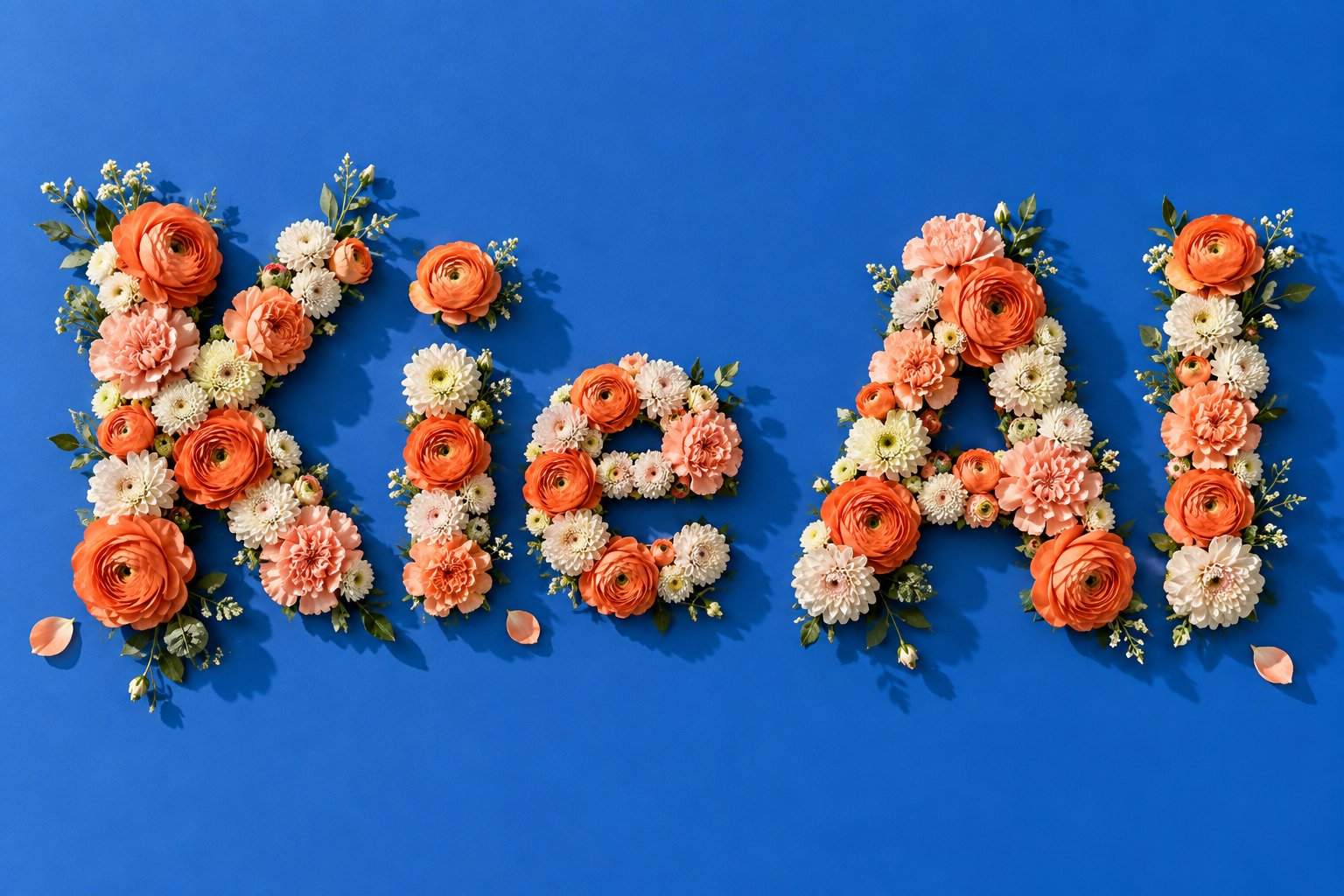
Explore different use cases and parameter configurations
Click to upload or drag and drop
Supported formats: JPEG, PNG, WEBP Maximum file size: 30MB; Maximum files: 10
Reference images, 1 to 10 of them. Their order is the order the prompt refers to ("the first image", "the second image"). JPEG, PNG and WebP are supported, up to 30MB and 25MP each. The more references you add the less detail each one keeps, so stay within 4 when fidelity matters. When combining several people or objects into one picture, a landscape ratio such as 3:2 or 16:9 usually works better.
Describe what you want the result to look like. Any language is supported, up to 5000 characters. When a mask is uploaded, describe what should be generated inside the white area instead.
0/5000Click to upload or drag and drop
Supported formats: JPEG, PNG, WEBP Maximum file size: 30MB
Optional inpainting mask, which switches the request to local-edit mode. A black and white image where white marks the area to change and black stays untouched. It must be used with exactly one reference image, should have the same aspect ratio as that image, and cannot be combined with a transparent background. In local-edit mode the output ratio follows the reference image, so the aspect ratio and prompt rewriting settings are ignored.
Output aspect ratio. Defaults to auto, which takes the aspect ratio of the first reference image and snaps it to the nearest supported ratio. Ignored in local-edit mode.
Output resolution tier. Only 1K and 2K are supported. 2K takes noticeably longer to generate.
Background type. transparent outputs a PNG or WebP with a real alpha channel and cannot be used with JPEG. When using transparent, describe only the subject — prompts that mention a background, scene, surface, etc. may produce a non-transparent result.
Output image format. JPEG has no alpha channel, so it cannot be combined with a transparent background.
Rewrites the prompt into a fuller scene description before generating, which noticeably improves quality. Enabled by default (also when the parameter is omitted); pass false to turn it off.
The same seed with the same prompt and parameters reproduces the same image on the same model version. The seed actually used is returned with the result.
A configurable parameter. Defaults to true in the Playground.
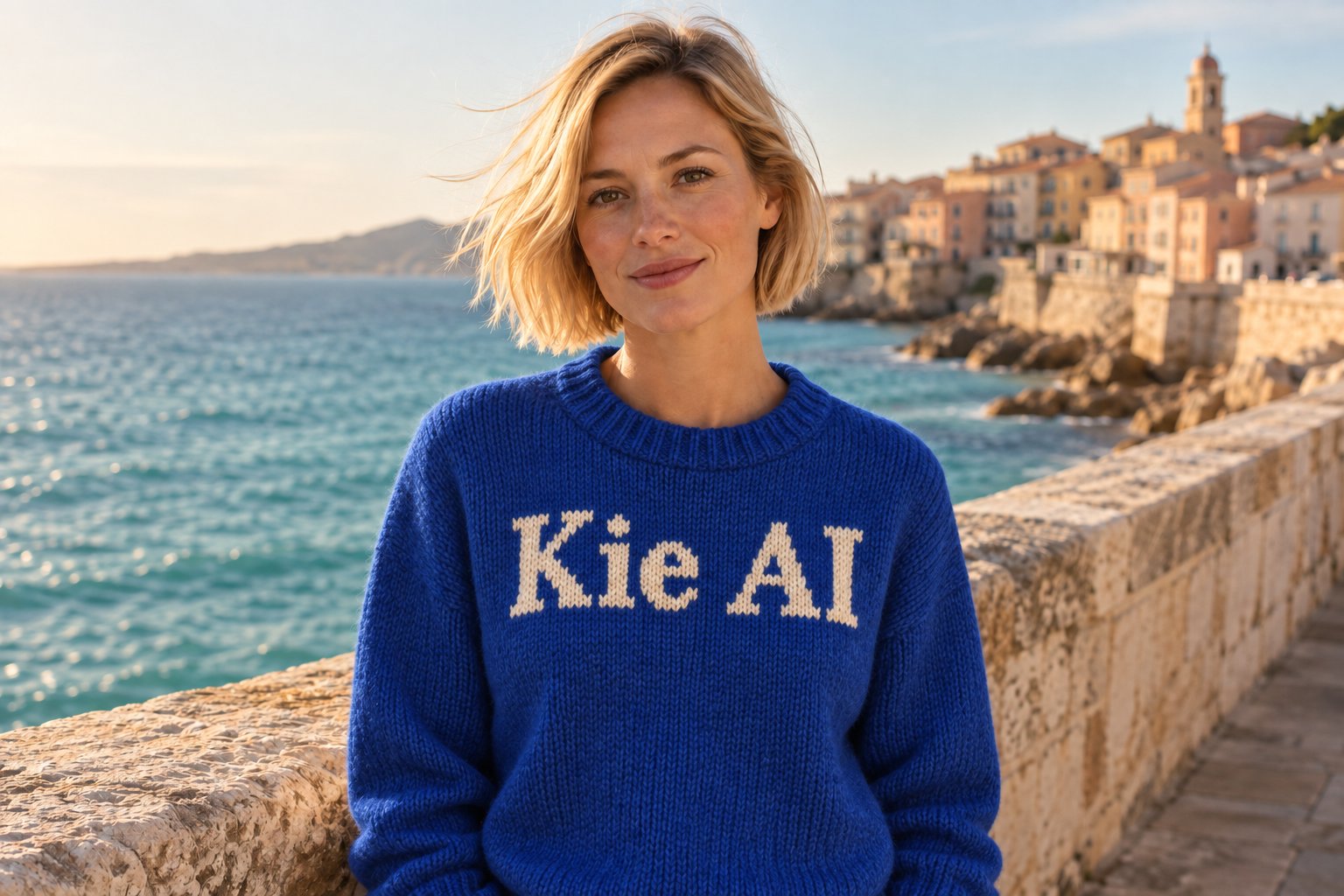
Explore different use cases and parameter configurations
README
Complete guide to using qwen2-1/text-to-image
Qwen Image 2.1 API: Efficient & Unified Image Creation
Build with Qwen-Image-2.1 on Kie AI for text-to-image generation, advanced image editing, transparent assets, and multi-reference workflows—all through one developer-friendly API.
Explore Qwen Image 2.1 API Capabilities with Kie AI
Generate Images from Text with Qwen Image API
Turn natural language prompts into polished visuals with the Qwen Image 2.1 API. Generate portraits, product images, illustrations, marketing graphics, social content, and other creative assets from simple text instructions. Improved visual details and aesthetics help Qwen-Image 2.1 handle both everyday generation and production-ready creative workflows.
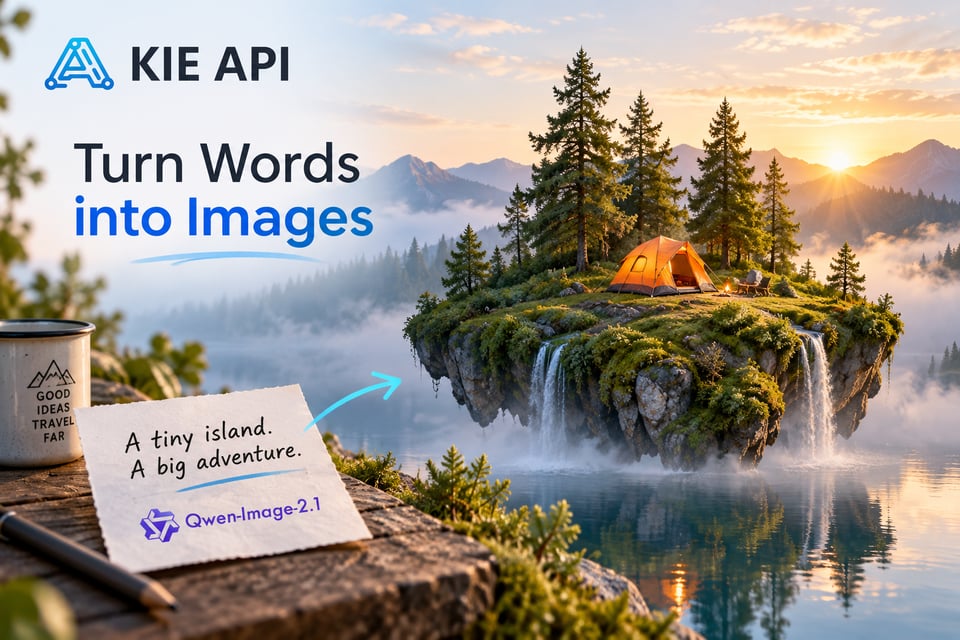
Edit Existing Images with Qwen-Image-2.1 API
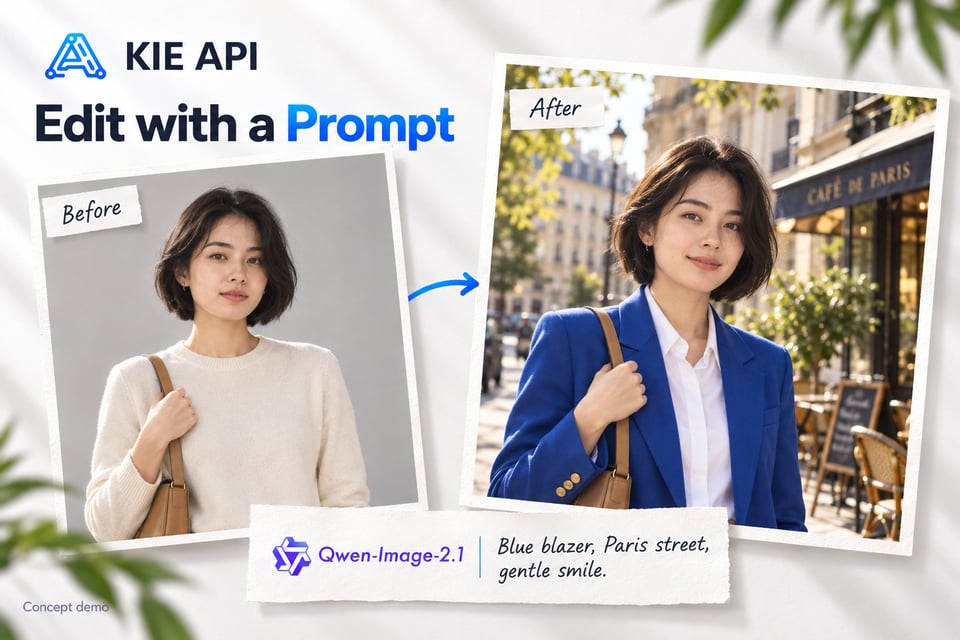
Use the Qwen-Image-2.1 API to transform existing images through natural language instructions. Change objects, clothing, expressions, backgrounds, styles, and scene details without rebuilding the entire image. Its unified generation and editing workflow makes it easier to add flexible AI image editing to apps, creative platforms, and automated content tools.
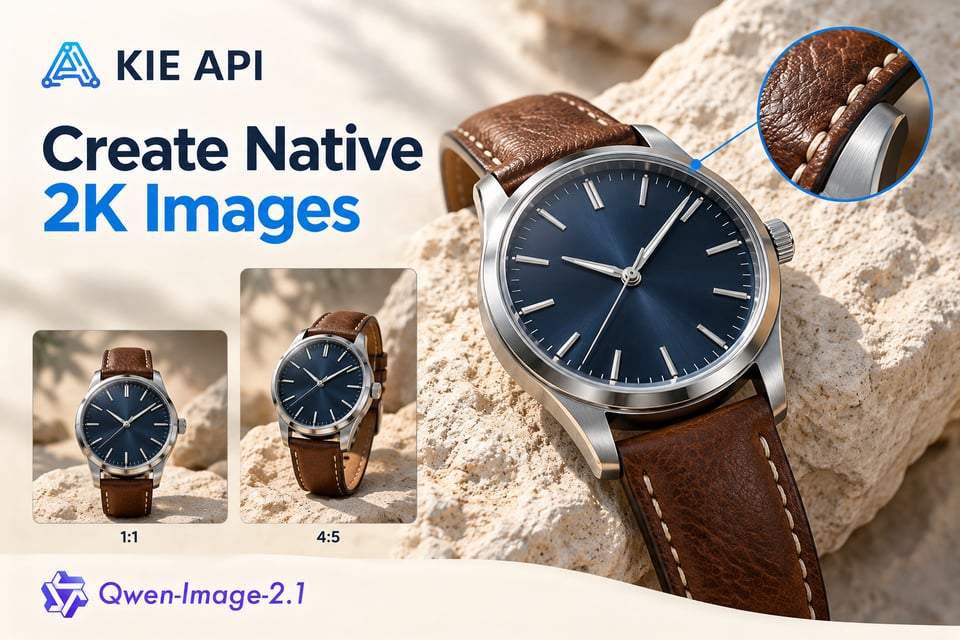
Create Native 2K Images with Qwen Image 2.1 API
Generate detailed visuals at native 2K resolution with the Qwen Image 2.1 API. Create high-resolution images in multiple aspect ratios for product visuals, marketing assets, posters, social content, and other production-ready creative workflows.
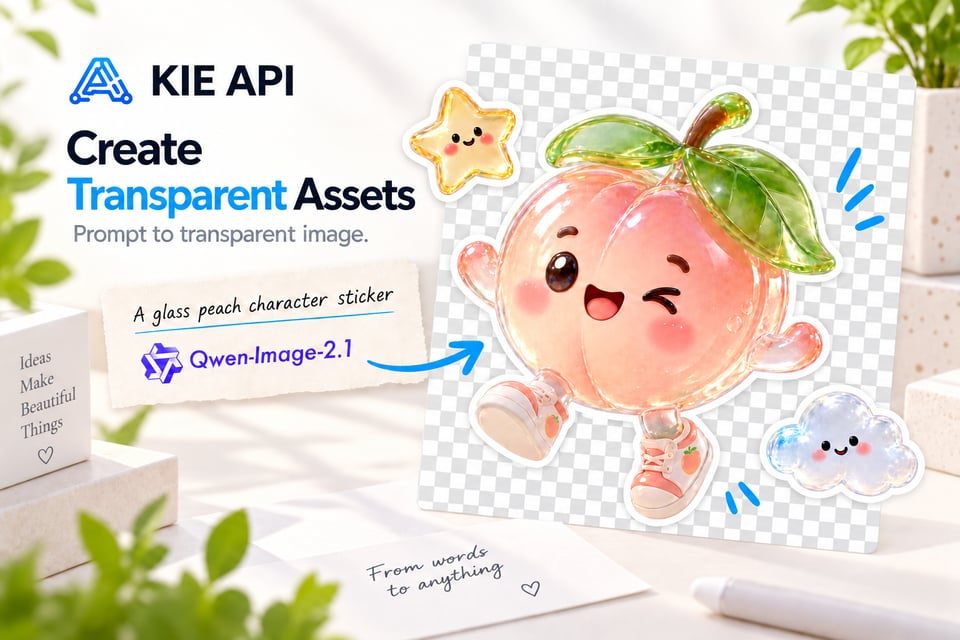
Generate Transparent Images with Qwen Image 2.1
Create transparent visual assets directly with the Qwen Image 2.1 API. The model natively supports transparency, allowing it to generate images with transparent backgrounds from prompts instead of relying on a separate background removal step. This makes Alibaba Qwen-Image-2.1 useful for stickers, product assets, design elements, graphics, and reusable creative content.
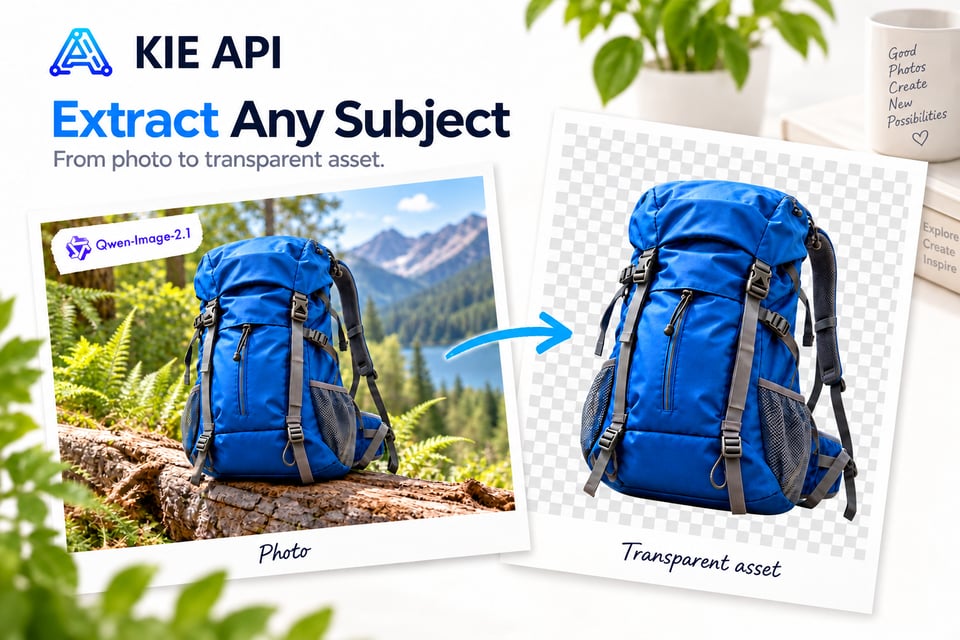
Extract Subjects as Transparent Image Assets
Turn subjects in regular RGB photos into reusable transparent assets with Qwen Image 2.1 API. Extract people, products, objects, or other visual elements as RGBA images while removing the surrounding background. Developers can use this capability to build product cutout tools, asset generators, design apps, and automated creative workflows.
Combine Up to 10 Reference Images
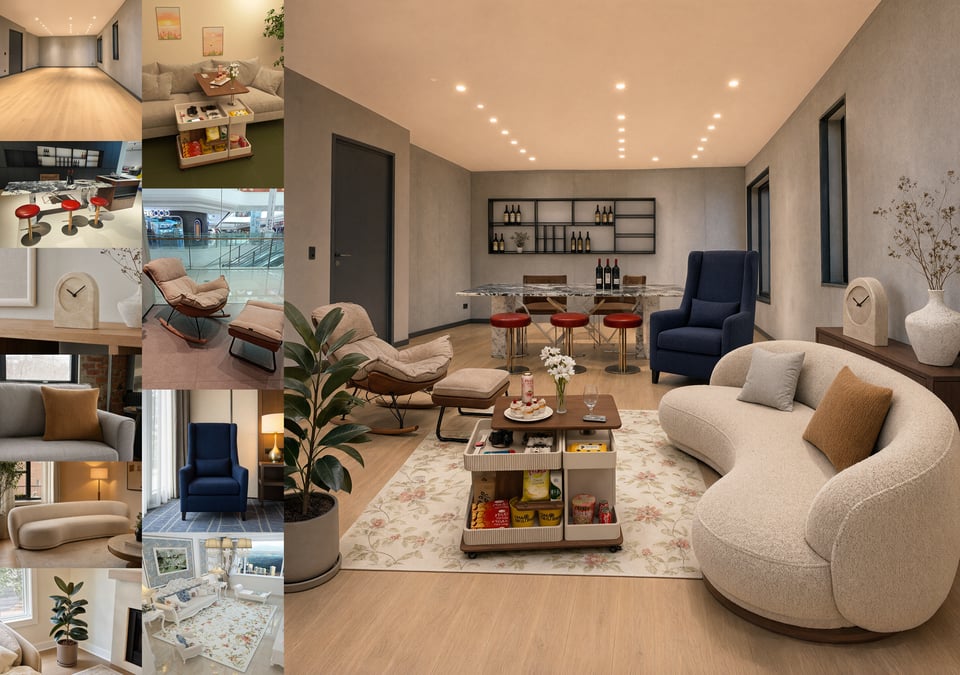
Use up to 10 reference images with Qwen-Image 2.1 to create a single coherent result from multiple visual inputs. Combine people into group photos, match models with clothing and accessories, arrange products, or build complete interior scenes from separate assets. This multi-reference capability makes the Qwen Image API well suited to virtual try-on, e-commerce, design, and multi-asset generation applications.
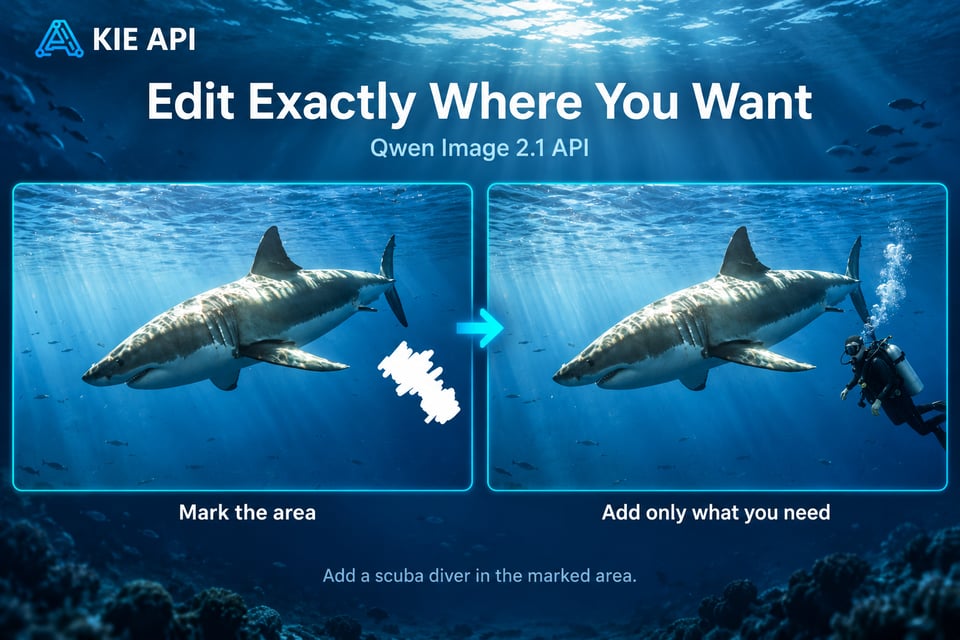
Make Precise Local Edits with Qwen Image 2.1
Control where changes happen instead of regenerating the whole image. Qwen Image 2.1 API supports local editing workflows using circles, painted annotations, or separate masks to identify specific regions. Developers can replace, remove, or add selected elements while keeping the rest of the image intact, making targeted edits easier to integrate into AI editing products.
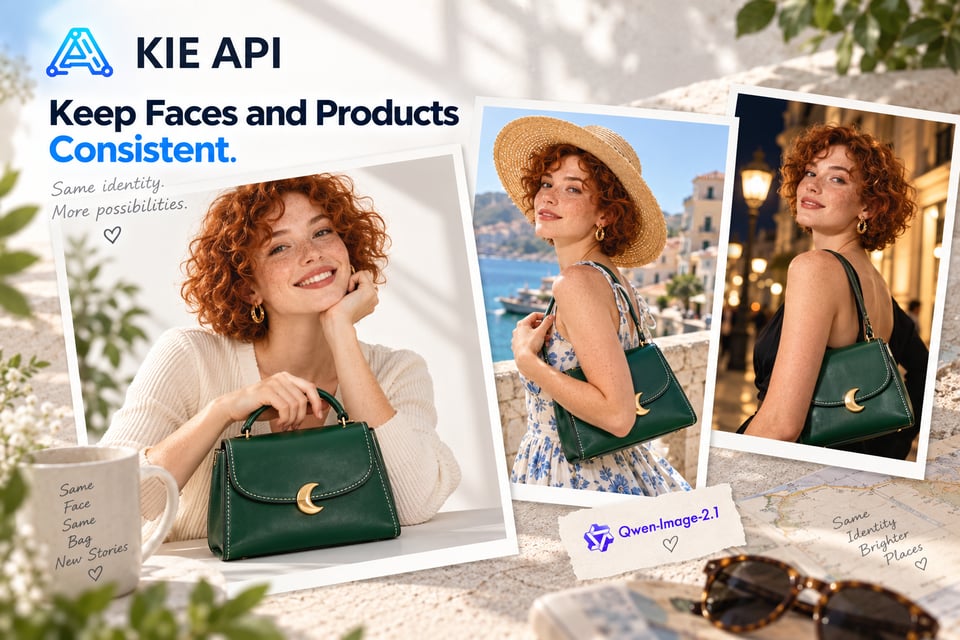
Preserve People and Products Across Image Edits
Maintain important visual details while transforming an image with the Qwen-Image-2.1 API. The model improves identity consistency for portraits and helps preserve defining product details such as shape, texture, and text. This makes Qwen Image 2.1 practical for portrait editing, branded product visuals, e-commerce content, and other workflows where consistency matters.
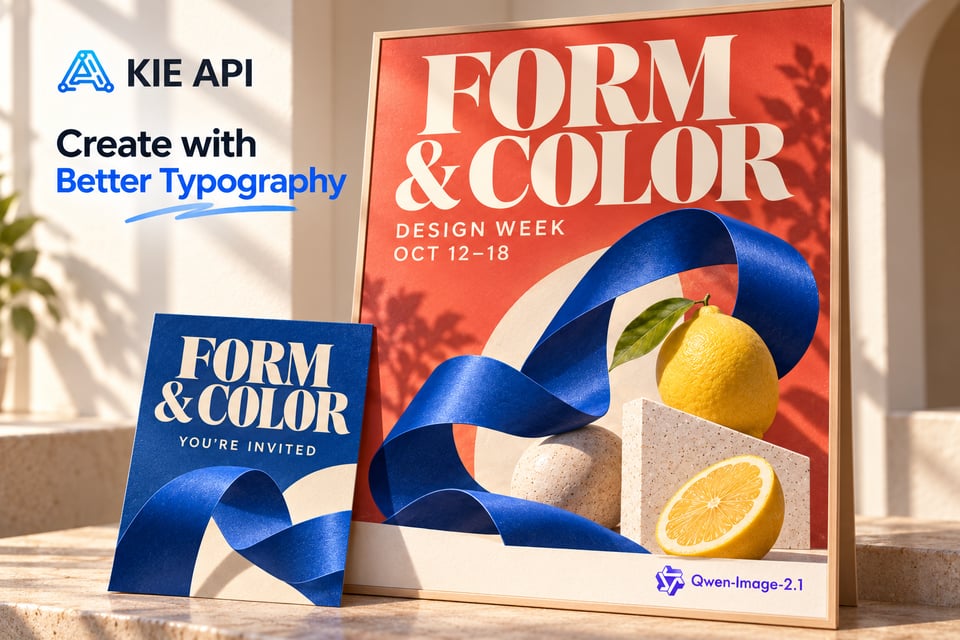
Create Images with Better Text and Typography
Build text-heavy visual content with improved typography using the Qwen Image 2.1 API. The model considers text content, type style, layout, and the surrounding composition when creating visuals. Use Qwen-Image 2.1 for posters, advertisements, social graphics, product visuals, infographics, and other designs where readable text needs to work naturally with the image.
Compact and Efficient Qwen Image 2.1 API
Powerful Image Creation with a Compact 7B Architecture
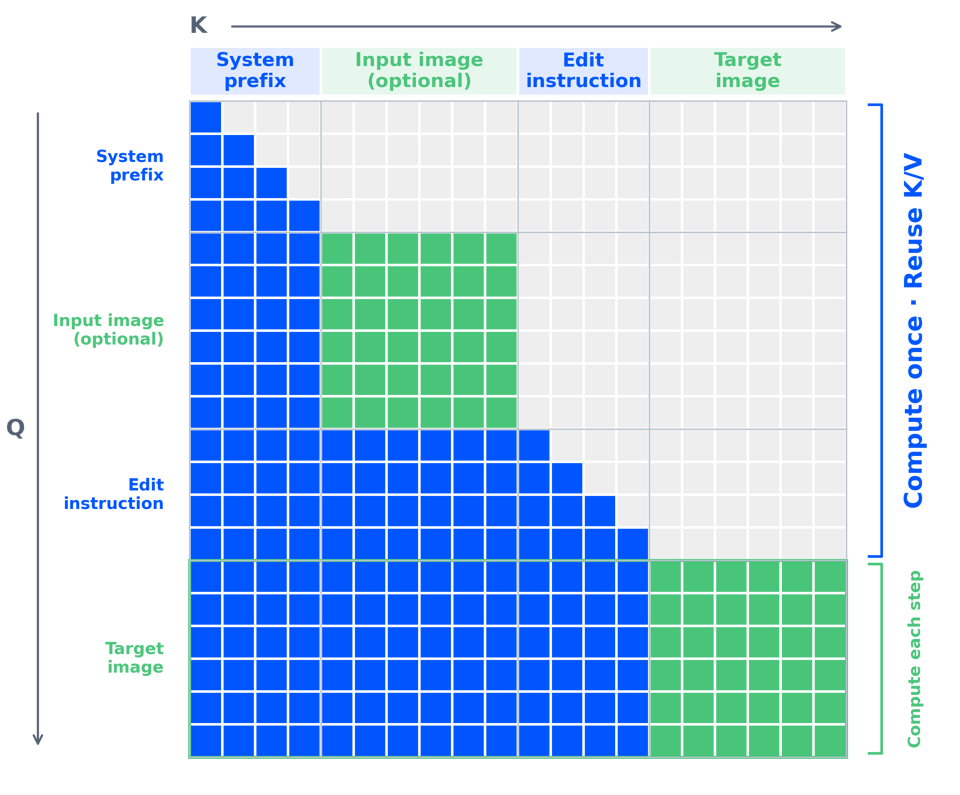
Qwen Image 2.1 uses a lightweight visual generation architecture with 32 Single-Stream DiT layers and just 7B parameters. Combined with mixed-granularity attention and KV cache reuse, it improves inference efficiency and reduces memory use while maintaining strong image generation and editing quality. This makes the Qwen Image 2.1 API a practical choice for efficient, cost-conscious AI image workflows.
How to Use Qwen Image 2.1 API on Kie AI
Step 1: Try Qwen Image 2.1 Online Free in the Playground
Step 2: Get Your Kie AI Qwen Image API Key
Step 3: Configure Your Qwen-Image-2.1 API Request
Step 4: Generate Images with Qwen Image 2.1 API
What Can You Build with Qwen Image 2.1 API on Kie AI
Build AI Image Generator Apps with Qwen Image 2.1
Create text-to-image generators and creative applications powered by Qwen Image 2.1 API. Let users turn natural language prompts into portraits, illustrations, marketing visuals, concept art, social content, and other images. It is a flexible foundation for standalone AI image generators or image creation features inside an existing product.
Create AI Image Editing SaaS with Qwen-Image-2.1 API
Build prompt-based image editors that let users change objects, backgrounds, clothing, expressions, styles, and selected areas of an image. With the Qwen-Image-2.1 API, your SaaS can support both broad transformations and targeted edits while keeping the workflow simple for end users.
Power E-commerce Product Image Tools with Qwen Image API
Use the Qwen Image 2.1 API to build product photography and e-commerce content tools. Create new product scenes, generate campaign visuals, update backgrounds, and produce catalog content while helping preserve important details such as product shape, texture, and text across edits.
Build Virtual Try-On with Qwen Image 2.1 API
Create virtual try-on experiences using the multi-reference capabilities of Qwen Image 2.1 API. Combine separate images of a person, clothing, shoes, bags, hats, and other items into a unified visual. This makes Qwen-Image 2.1 useful for fashion apps, online stores, styling tools, and personalized shopping experiences.
Create Transparent PNG Assets with Qwen-Image-2.1
Build transparent image generators for products, stickers, design elements, and other reusable assets. The Qwen Image 2.1 API can generate transparent images directly or extract subjects from existing photos as RGBA assets, helping developers create workflows that do not depend on a separate background removal step.
Generate Posters and Infographics with Qwen Image 2.1
Use Qwen-Image 2.1 to power tools for posters, advertisements, infographics, social graphics, and other text-rich visual content. The Qwen Image 2.1 API combines image creation with improved text rendering, typography, and layout handling, making it useful for applications where text and visuals need to work together.
Why Use Qwen Image 2.1 API on Kie AI
Integrate Qwen-Image-2.1 with a Simple API
Add the Qwen-Image-2.1 API to your app, SaaS product, or automated workflow with a straightforward API integration. Kie AI gives developers a simpler path to start building, so you can spend less time dealing with setup and more time creating image generation and editing features for your users.
Use Qwen Image 2.1 Without Managing Infrastructure
Access the Qwen Image 2.1 API without deploying the model or maintaining your own inference infrastructure. Skip GPU configuration, model hosting, server management, and other infrastructure work. Kie AI handles the API access layer so your team can focus on building the product around it.
Affordable Qwen Image 2.1 API Pricing
Access the Qwen Image 2.1 API at affordable rates with flexible pricing options on Kie AI. Choose a plan that fits your usage or pay as you go for the API resources you need. Whether you are testing a new idea or running a production app, you can control costs without paying for expensive infrastructure upfront.
Access Multiple Qwen Image APIs in One Place
Go beyond a single model with multiple Qwen Image APIs available through Kie AI. Developers can explore different Qwen image models and choose the right option for each generation or editing workflow while keeping model access within one platform. This also makes it easier to expand your AI image stack as new Qwen models become available.
Start Qwen Image 2.1 API with Free Credits
New users can get free credits to start exploring the Qwen Image 2.1 API on Kie AI. Test prompts, evaluate image results, and validate your integration before committing to larger workloads. It is a practical way to try Qwen Image 2.1 online and see how the API fits your application.
Get Support for Your Qwen-Image-2.1 API Integration
Get help when you run into questions while integrating the Qwen-Image-2.1 API. Kie AI provides customer support for API usage and integration issues, helping developers troubleshoot problems and keep their Qwen image workflows running smoothly.