Click to upload or drag and drop images. Single side: [240, 8000] px; aspect ratio ≤ 8:1
Images: JPEG/JPG/PNG/WebP/BMP, Max 20MB
Text prompt used to describe the desired video content. Supports both Chinese and English, with a maximum length of 20,000 characters.
0/20000Click to upload or drag and drop
Supported formats: JPEG, PNG, WEBP, BMP Maximum file size: 20MB; Maximum files: 10
Maximum 10 images. Mapped in array order to Image1, Image2, ... in the prompt. Specifications are the same as first_frame_url. Cannot be used together with first frame / last frame.
Click to upload or drag and drop
Supported formats: MP4, QUICKTIME Maximum file size: 100MB; Maximum files: 5
Maximum 5 clips. Each clip: 1–15s; total combined duration ≤ 15s. Mapped in array order to Video1, Video2, ... in the prompt. Formats: mp4, mov. Single side: [240, 4096] px; aspect ratio ≤ 8:1; file size per clip ≤ 100MB. Additionally, on the output side: total input video duration + output duration (duration parameter) must not exceed 30 seconds.
Click to upload or drag and drop
Supported formats: MPEG, WAV, X-WAV Maximum file size: 15MB; Maximum files: 5
Maximum 5 clips. Each clip: 1–15s; total combined duration ≤ 15s. Mapped in array order to Audio1, Audio2, ... in the prompt. Formats: wav, mp3; file size ≤ 15MB per clip. When not used as the sole media input, it is still recommended to pair with images or videos.
Maximum 1 publicly accessible webpage (no login required). Cannot be used together with reference_file_urls, nor with first frame / last frame.
Maximum 1 file. Cannot be used together with reference_link_urls, nor with first frame / last frame. Supported formats: docx, doc, xlsx, xls, pptx, ppt, pdf, txt, key, pages, numbers, md. File size ≤ 100MB. For file types such as pdf, docx, ppt, key, pages, etc., page count ≤ 50 pages.
Preset resolution levels for video generation.
Aspect ratio for generated video. "Adaptive" auto-recommends a ratio based on input media proportions and intent.
Duration of the generated video, in seconds. When no video input is provided, the value must be an integer in the range of [2, 30]. When a video input is provided, the total duration of the input video plus the output video must not exceed 30 seconds. Passing -1 enables smart duration mode, where the model automatically recommends an appropriate duration based on the input.
Whether the output video includes audio. true (default): Includes audio; false: No audio track.
Random seed for result reproducibility.0<=x<= 2147483647
A configurable parameter. Defaults to true in the Playground.
Explore different use cases and parameter configurations
README
Complete guide to using wan/3-0-video-prime
Wan 3.0 Video Prime API for Fast Multimodal Video Generation
Generate AI videos faster with Wan 3.0 Video Prime API on Kie AI. Use audio, image, text, and video references to create immersive videos up to 30 seconds.
What Is Alibaba Wan 3.0 Video Prime API
Meet Wan 3.0 Video Prime for Faster Wan AI Video Generation
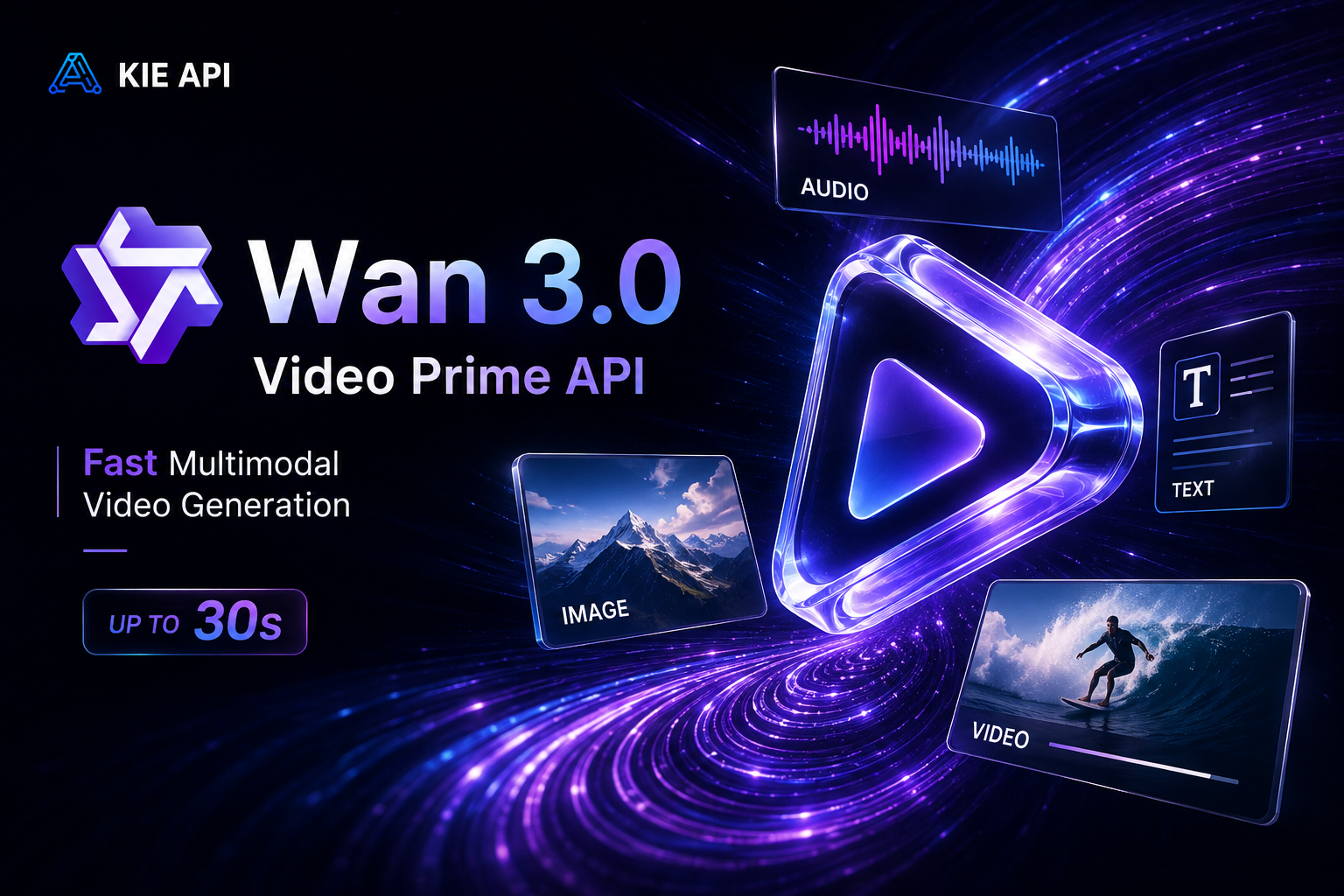
Wan 3.0 Video Prime is a high-speed version of Wan 3.0 Video, with core capabilities aligned with the standard model while delivering significantly faster end-to-end generation. It supports four-modal references across audio, image, text, and video, generates videos up to 30 seconds, and creates immersive audio-visual output. With faster performance, Wan 3.0 Video Prime API is ideal for developers, SaaS products, and scalable AI video workflows.
Key Features of Wan 3.0 Video Prime API on Kie AI
=
Faster Video Generation with Wan 3.0 Video Prime
Wan 3.0 Video Prime delivers core capabilities of Wan 3.0 Video with significantly faster end-to-end generation. This makes Wan3.0-Video-Prime API a strong choice for SaaS products, AI video platforms, and production workflows that need faster results without giving up generation quality and control. Stay with Wan 3.0 Video Prime when its text, image, and video workflows meet your needs, but choose the newer Wan 3.0 Video API when you need audio-aware creation within those workflows.
Four-Modal Reference Support with Wan 3.0 AI API
Go beyond simple prompts with four-modal reference support across audio, image, text, and video. Wan 3.0 Video Prime can combine these inputs to guide characters, objects, scenes, motion, sound, and creative details. Developers can use Wan 3.0 AI API to build more controllable and flexible AI video experiences.
Generate Videos Up to 30 Seconds with Wan3 API
Create longer and more complete video sequences in a single generation. Wan 3.0 Video Prime supports videos up to 30 seconds, giving developers more room for storytelling, product showcases, marketing content, and creative scenes. Wan3 API makes longer video generation easier to integrate into apps and automated workflows.
Immersive Audio-Visual Generation with Wan AI API
Create video and sound as one connected experience. Wan 3.0 Video Prime combines advanced video generation with audio capabilities for more immersive results. With Wan AI API on Kie AI, developers can build richer video experiences without relying on separate workflows for every media component.
Consistent Characters and Visual Elements with Wan 3.0 API
Maintain important characters, products, objects, and visual details throughout generated videos. Reference capabilities in Wan 3.0 Video Prime help preserve key elements across changing scenes and motion, making Wan 3.0 API useful for branded content, character-driven videos, product visuals, and consistency-focused applications.
Wan 3.0 Video Prime API vs Wan 3.0 Video API
Both Wan 3.0 Video Prime and Wan 3.0 Video offer core Wan 3.0 video generation capabilities, including four-modal references, up to 30-second videos, and immersive audio-visual generation. Main difference is speed: Wan 3.0 Video Prime API is optimized for significantly faster end-to-end generation.
| Feature | Wan 3.0 Video Prime | Wan 3.0 Video |
|---|---|---|
| Video Generation | ✓ | ✓ |
| Generation Speed | Faster | Standard |
| Four-Modal Reference | Audio, Image, Text, Video | Audio, Image, Text, Video |
| Maximum Duration | Up to 30 seconds | Up to 30 seconds |
| Audio-Visual Generation | ✓ | ✓ |
| Core Model Capabilities | Aligned with Wan 3.0 Video | Standard |
| Best For | Fast API workflows, SaaS & high-volume generation | Standard video generation |
How to Use Wan 3.0 Video Prime API on Kie AI
Step 1 – Get Your Wan 3.0 API Key
Step 2 – Try Wan 3.0 Video Prime Free Online
Step 3 – Integrate Wan3.0-Video-Prime API
Step 4 – Build and Scale with Wan 3.0 AI API
Why Use Wan 3.0 Video Prime API on Kie AI
Access Wan AI API Models in One Platform
Access Wan AI API models for video and image generation through one platform. Kie AI brings multiple Wan models into a unified API environment, making it easier to add different AI media capabilities to your apps, SaaS products, and automated workflows.
Switch Between Wan 3.0 and Wan 3.0 Video Prime
Choose the right model for each video workflow. Use Wan 3.0 API for standard generation or switch to Wan 3.0 Video Prime when faster end-to-end generation is a priority. This flexibility helps developers balance speed and workflow needs without managing separate API providers.
Try Wan 3.0 Free with New User Credits
Test Wan 3.0 Video Prime online before integrating the API. Kie AI provides free credits for new users, so you can explore generation quality, four-modal references, and video results with a lower barrier to getting started.
Affordable Wan Video API Pricing
Build and test with flexible Wan Video API pricing designed for different usage needs. Kie AI offers affordable options with a low entry cost, making Wan 3.0 AI API accessible for early testing, growing SaaS products, and production workloads.
Easy Wan3 API Integration with Clear Documentation
Connect Wan3.0-Video-Prime API to your application with a straightforward integration process and clear API documentation. Developers can quickly understand request parameters, generation workflows, and result handling without spending unnecessary time on setup.
Access New Wan Video API Models as They Launch
Stay ready for new Wan releases with a continuously updated model library. Kie AI expands its Wan AI API options as new models become available, helping developers access the latest Wan video and image capabilities without rebuilding their API stack.
Build and Scale with Wan 3.0 Video Prime API
Launch an AI Video Generator with Wan 3.0 API
Build an AI video generator powered by Wan 3.0 API and bring advanced video creation directly into your product. Give users a simple way to generate high-quality videos without building or hosting video models yourself.
Automate Marketing Videos with Wan3 API
Use Wan3 API to automate product videos, social media content, ads, and campaign creatives. Faster generation makes it easier for marketing platforms and SaaS products to create more video assets at scale.
Power Multimodal Video Apps with Wan 3.0 AI API
Use audio, image, text, and video as references to build more flexible video experiences. Wan 3.0 AI API helps developers create apps with greater control over characters, products, scenes, motion, and creative direction.
Create Storytelling Tools with Wan 3.0 AI Video Generator
Integrate Wan 3.0 AI Video Generator capabilities into storytelling apps, creative platforms, and content tools. Generate videos up to 30 seconds to create longer scenes and more complete visual narratives.
Scale Fast Video Generation with Wan 3.0 Video Prime
Power high-volume video workflows with Wan 3.0 Video Prime. Faster end-to-end generation makes Wan3.0-Video-Prime API a strong fit for production SaaS, automated pipelines, and applications where speed and scale matter.
Build AI Video Editing Tools with Wan3.0-Video-Prime API
Integrate Wan3.0-Video-Prime API into AI video editing tools and creative SaaS platforms. Let users transform existing visual content, apply multimodal references, and generate new video assets with faster processing inside one workflow.