Click to upload or drag and drop
Supported formats: JPEG, PNG, WEBP Maximum file size: 10MB; Maximum files: 7
Provide one external image URL as a reference for video generation (only one image is supported). This is one of two image input options — you can either upload an external image or specify a task_id + index from a Grok-generated image below. Do not provide both image_urls and task_id at the same time.In your prompt, reference an uploaded image by typing @image(n) followed by a space (for example: @image1 a sunset over the ocean).
Enter the task_id of an image previously generated with the Grok model on Kie. Use it together with the index below to select a specific image from that generation. When using this method, do not provide image_urls. Unlike external images, this method supports Spicy mode.
When using a task_id, specify which image to use (Grok generates 6 images per task). This parameter only works with task_id and is ignored if image_urls is used(0-based).
The text prompt describing the desired video motion
Note: When generating videos using external image inputs, Spicy mode is not supported and will automatically switch to Normal.
The aspect ratio of the video. This parameter is invalid if it is a single image.
The duration of the generated video in seconds
Resolution of the generated video
A configurable parameter. Defaults to true in the Playground.
Explore different use cases and parameter configurations
The text prompt describing the desired video motion
Specifies the width-to-height ratio of the generated content. Controls the aspect ratio of the output video.
The duration of the generated video in seconds
Resolution of the generated video
A configurable parameter. Defaults to true in the Playground.
Explore different use cases and parameter configurations
Specifies the width-to-height ratio of the generated content. Controls the aspect ratio of the output image
Toggle for request processing mode. false enables speed mode (prioritizes low latency); true enables quality mode (prioritizes output quality).
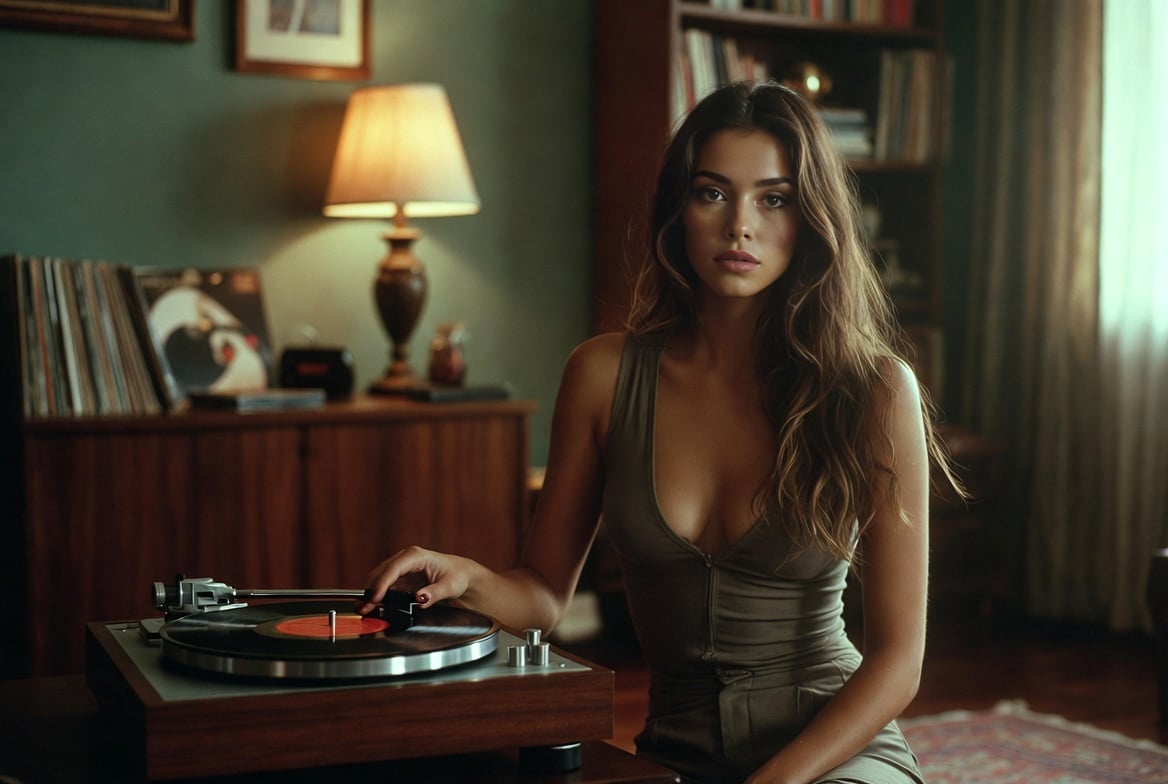
A text description specifying the desired content or style of the generated image.
Click to upload or drag and drop
Supported formats: JPEG, PNG, WEBP Maximum file size: 10MB; Maximum files: 5
An array containing up to 1 URL string pointing to reference images. In your prompt, reference the uploaded image by typing @image(n) followed by a space (for example: @image1 a sunset over the ocean).
A configurable parameter. Defaults to true in the Playground.
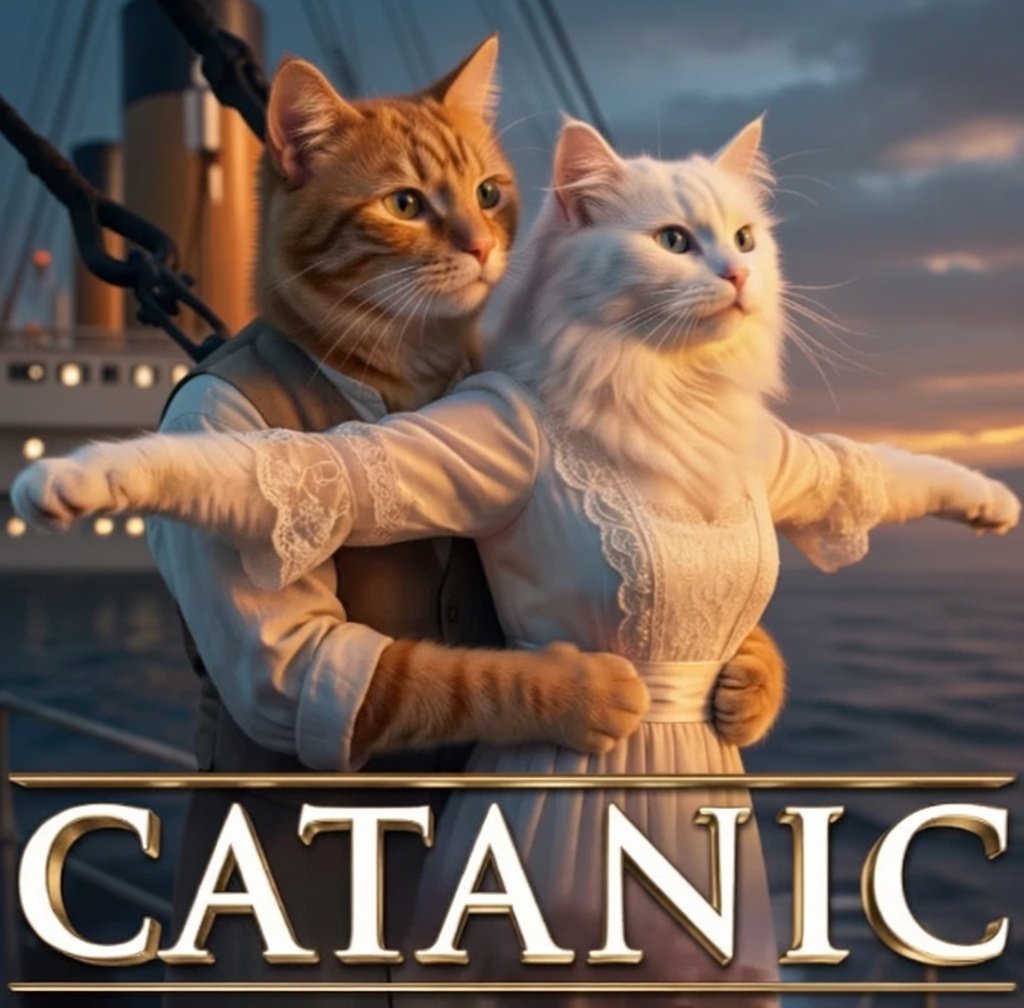
Explore different use cases and parameter configurations
supports only Kie AI–generated taskid
The text prompt describing the desired video motion
Extension start time must be at least 2 seconds.
Extended duration
no output
supports only Kie AI–generated taskid
no output
在 Kie.ai 免费在线调用 Grok Imagine 1.5 API
在 Kie.ai 使用免费额度接入 xAI 的 Grok Imagine API,体验包含最新 Grok Imagine 1.5 在内的模型,享受更快的视频生成速度、更出色的物理动态表现、原生音频生成以及更好的音画同步效果。
Grok Imagine 1.5 API 现已上线 Kie.ai
Grok Imagine 1.5 API 与旧版 Grok Imagine 模型对比
相比旧版 Grok Imagine 模型,Grok Imagine 1.5 API 带来了更快的生成速度、更逼真的动态效果、更好的音画同步以及更强的视觉一致性。现在,开发者可以直接在 Kie.ai 上接入 Grok Imagine 1.5 API,并与其他领先的 AI 视频模型一并使用。
Grok Imagine 1.5 API 的全新特性与升级
借助 Grok Imagine 1.5 API 更快地生成 AI 视频
Grok Imagine 1.5 API 大幅提升了 AI 视频生成速度,帮助开发者在更短时间内创作高质量视频,更高效地扩展 AI 视频应用。
Grok Imagine Video 1.5 API:更逼真的物理运动效果
Grok Imagine Video 1.5 API 显著提升了运动一致性、物体行为逻辑与场景动态效果,生成的 AI 视频动作更加自然,同时极大减少了视觉瑕疵。
Grok Imagine 1.5 AI API:原生音频与语音生成
Grok Imagine 1.5 AI API 支持在单一工作流中生成视频、对白、音效及环境音频,大幅简化 AI 视频制作流程,减少后期处理工作量。
AI 视频生成:更出色的唇形同步与语音质量
xAI Grok Imagine 1.5 提升了语音清晰度与同步效果,生成的 AI 视频唇形动作更加精准,声音与动作的结合更加自然。
Grok Imagine Video:更强的角色与视觉一致性
Grok Imagine Video 1.5 API 能够在跨场景中保持角色外观、图像细节与视觉风格,是叙事创作和品牌内容的理想之选。
全面提升 AI 视频开发工作流的生产力
Grok Imagine 1.5 API 结合了更快的生成速度与更出色的视频质量,并集成了原生音频生成功能,助力开发者更高效地开展大规模 AI 视频开发。
Kie.ai 平台 Grok Imagine API 核心特性
Grok Video Generator:强大的文生图与文生视频功能
通过 Grok Imagine API,您可以轻松将文本提示转化为图像或短视频。只需输入描述,Grok Video Generator 即可精准生成高度匹配的视觉内容。无论是用于故事创作、学术研究还是设计工作,它都能为您生成逼真的动态效果或极具风格的视觉画面。
Grok I2V — 高质量的图生视频动画 API
借助 Grok Imagine API,您可以上传图像并将其转换为流畅的动画视频。I2V 功能在保持原图外观的同时,赋予画面动态与景深。它非常适合用于制作简短的视觉序列或提升静态设计的视觉表现力。
借助 Grok Video API 实现音频与动态同步
Grok Imagine AI API 将视觉画面与同步音效相结合。生成的每一段视频均自带与动态基调和节奏相匹配的背景音频。无需繁琐的独立剪辑步骤,让工作流更加简单、连贯。
探索包含 Grok Imagine Spicy Mode 在内的多种模式
Grok Imagine API 提供多种生成模式,以满足不同的视觉需求。您可以选择标准模式生成日常视觉素材,或尝试 Grok Imagine Spicy Mode 获得更具表现力和艺术感的画面。每种模式都能改变模型解析提示词(Prompt)的方式,赋予您充分的创作控制权。
Grok Imagine AI API 驱动,生成体验快速高效
Grok Imagine API 专为快速响应和稳定性能而生。它能在秒级时间内生成图像和视频,全面支持文生视频与图生视频创作。您可以直接在 Kie.ai 上使用它,快速测试创意、生成示例或构建实时应用。
如何在 Kie.ai 上免费使用 Grok Imagine API
第一步:访问 Grok Imagine API 并获取免费额度
访问 Kie.ai 并进入 Grok Imagine API 页面。登录账号即可领取免费测试额度。无需任何设置或付款,就能直接生成图片或视频,马上体验 API 的功能。
第二步:选择模式并输入提示词
选择符合您目标的生成模式——常规(Normal)、趣味(Fun)、自定义(Custom)或火辣(Spicy)模式。输入文本提示词或上传图片。Grok Imagine AI API 将解析您的输入并准备渲染内容,全面支持文生视频与图生视频创作。
第三步:生成与下载结果
点击“生成”即可开始。Grok Imagine API 会快速处理您的请求,并在几秒钟内提供结果。您可以直接在 Kie.ai 上预览生成的内容,将其下载用于您的项目,或在您自己的应用中调用 API 接口以实现自动化的工作流。
Grok Imagine 1.5 API 对比 Veo 3.1、Kling 3.0 与 Seedance 2.0
Grok Imagine 1.5 API 与 Veo 3.1 API 对比
Veo 3.1 API 以其卓越的视频画质、电影级真实感和高级的场景理解能力而广受认可。对于电影制作人、创意工作室以及更看重视觉保真度而非生成速度的团队而言,它是非常理想的选择。
Grok Imagine 1.5 API 与 Kling 3.0 API 对比
Kling 3.0 API 在动作控制、运镜精度以及复杂场景下的角色一致性方面表现优异。对于 AI 故事创作、动画制作及需要精细控制主体运动的项目而言,它是极佳的选择。
Grok Imagine 1.5 API 与 Seedance 2.0 API 对比
Seedance 2.0 API 凭借多镜头叙事、多模态输入、原生音频生成及强大的角色一致性脱颖而出。它支持文本、图像、视频和音频参考,非常适合电影感内容与结构化视频工作流。
在 Kie.ai 接入 Grok Imagine 1.5、Veo 3.1、Kling 3.0 与 Seedance 2.0
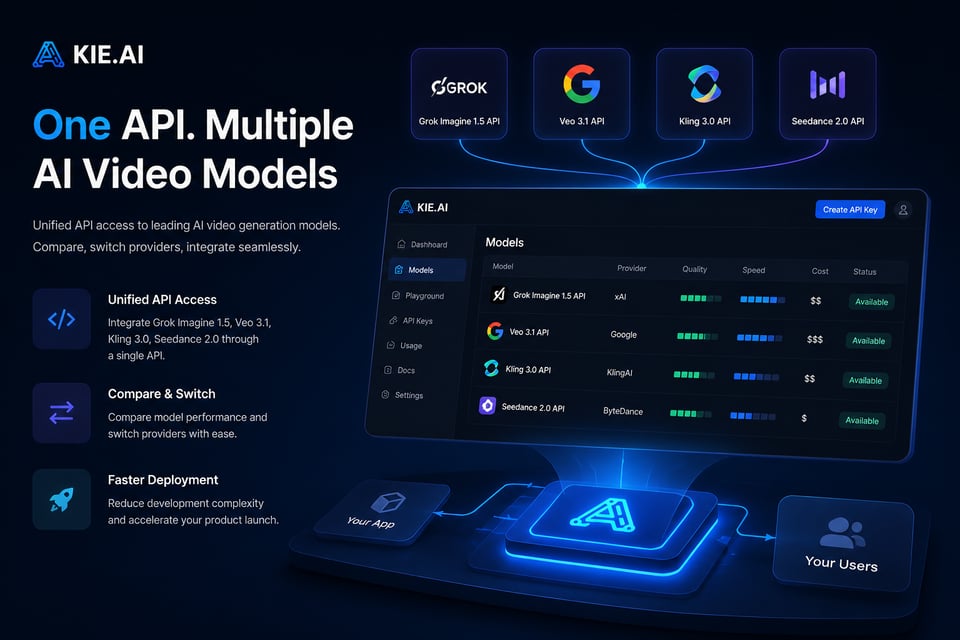
Kie.ai 提供 Grok Imagine 1.5 API、Veo 3.1 API、Kling 3.0 API 和 Seedance 2.0 API 的统一接入。开发者可通过单一平台对比模型、切换服务商并集成多个 AI 视频生成 API,从而降低开发复杂度并加速部署。
Grok Imagine、Veo 3.1 与 Sora 2 对比
xAI 的 Grok Imagine
Grok Imagine 是一款多模态视频模型,支持从文本或图像生成图像与短视频,具备输出速度快、音频同步的特点,并提供可选的 Spicy Mode(辛辣模式)以呈现更具表现力的视觉风格。
Google DeepMind 的 Veo 3.1
Veo 3.1 API 专注于高保真视频生成,具备电影感运镜、强大的提示词遵循度以及精准的唇形同步能力。它支持图生视频工作流,能够生成连贯的视频片段,非常适合创意制作。
OpenAI 的 Sora 2
Sora 2 API 侧重于逼真的动态效果、复杂的场景理解以及可控的长视频序列。它支持故事板工作流、多场景连贯性和特定人物植入,非常适合叙事视频生成与精细的创意项目。
为什么选择通过 Kie.ai 接入 Grok Video API?
开发者专属 Grok Imagine API 免费额度
您可以使用免费额度在 Kie.ai 上开始体验 Grok Imagine API。无需绑定支付方式,即可测试文生图与文生视频功能。这是在将 API 接入您的工作流之前,评估输出质量、生成速度与兼容性的便捷方式。
实时支持 Grok Imagine v0.9 及后续更新
Kie.ai 现已支持 Grok Imagine v0.9,并会在新版本发布时自动更新。您将始终能够体验最新的模型升级,包括更快的响应速度、更高的视觉质量以及更稳定的视频生成效果。
接入 Grok Video API,实现所有 API 的一站式管理
Kie.ai 在同一个控制台中汇集了 Grok Video API 与其他 AI 模型。您可以一站式管理文生视频、图生视频和音频生成的 API 接口,轻松组合多种工具,构建完整的创意工作流。
Grok Imagine API 的实际应用场景
使用 Grok Video API 生成社交媒体视频
Create short, shareable videos for platforms like Instagram, TikTok, and X using Grok Imagine API. The system turns simple text or image prompts into motion clips with synchronized audio, making it easy to produce engaging visual content quickly.
将 Grok Imagine AI API 接入您的应用与网站
Embed Grok Imagine AI API into apps or websites to generate real-time visuals. Developers use it for dynamic banners, preview animations, and background videos that adapt to user input, improving both creativity and interaction inside digital products.
使用 Grok I2V API 制作图生视频动画
Use Grok Imagine I2V (Image-to-Video) API to animate still images smoothly. It adds realistic motion, perspective, and lighting transitions while keeping the original composition intact. This feature works well for turning concept art, product photos, or character designs into short animated clips.
Grok Imagine Spicy 模式的创意探索
Explore different visual styles and tones with Grok Imagine AI API, which includes creative options like Spicy Mode. Artists and designers use it to experiment with storytelling, color palettes, and motion, producing expressive or abstract results for digital art, character studies, and visual design research.