Grok API:一个 API 密钥调用 xAI Grok 模型

用 Grok 对话模型做推理、编程和智能体(价格约为 xAI 官方价的四成),用 Grok Imagine 生成视频和图像——全部通过一个 Kie AI API 密钥,按量计费。

对话与推理
Grok 4.7最新

长文推理、编程与智能体工作流,可选推理强度。

$0.80 / $2.40 per 1M tokens(官方 $2.00 / $6.00)
Grok 4.7 API →
视频与图像

Grok Imagine 文生视频、图生视频与图像生成。

from $0.02 per image(官方 $0.06)
Grok Imagine Image 2.0 API →

Kie AI 上的全部 Grok API 模型

新的 Grok 模型在 Kie AI 上线并定价后,本表自动更新。

浏览 Kie AI 上的全部模型 →

型号类型上线时间价格官方价格状态
Grok 4.7Chat2026年9月$0.80 / $2.40 per 1M tokens$2.00 / $6.00最新
Grok 4.6Chat2026年8月$0.80 / $2.40 per 1M tokens$2.00 / $6.00可用
Grok 4.5Chat2026年7月$0.80 / $2.40 per 1M tokens$2.00 / $6.00可用
Grok Imagine Image 2.0Text to Image · Image to Image · Image Editing2026年8月from $0.02 per image$0.06最新
Grok Imagine Video 1.5Image to Video2026年6月from $0.012 per second$0.08可用
Grok ImagineText to Video · Image to Video · Text to Image · Image to Image2025年11月from $0.012 per second$0.05可用

Grok 对话 API:推理、编程与智能体

兼容 OpenAI Responses 的接口

可选推理强度

函数调用与结构化 JSON 输出

图片输入与流式输出

Grok Imagine API 的主要特性

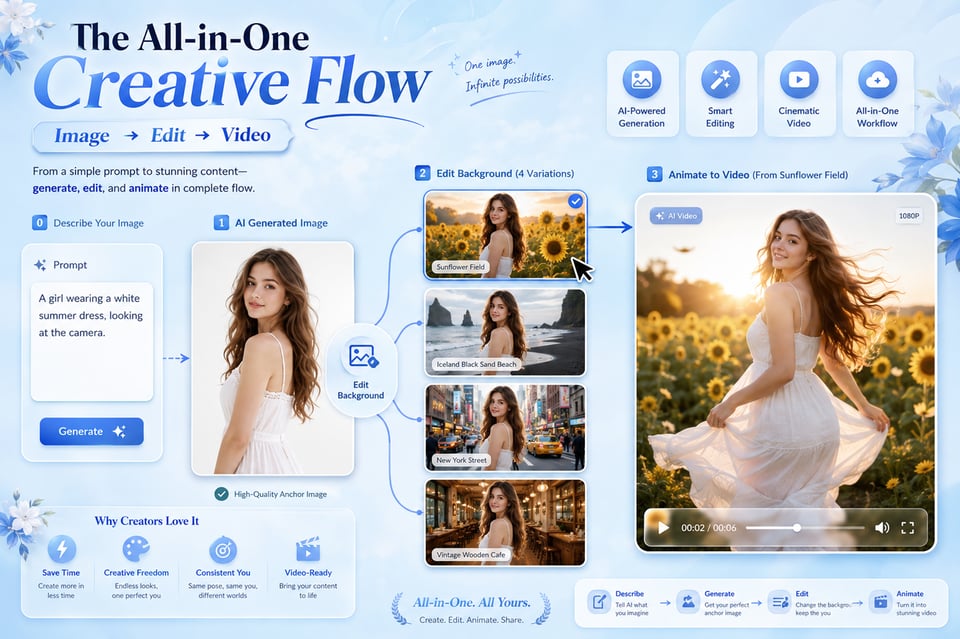
一套 API 支持图像、视频与视觉风格变化

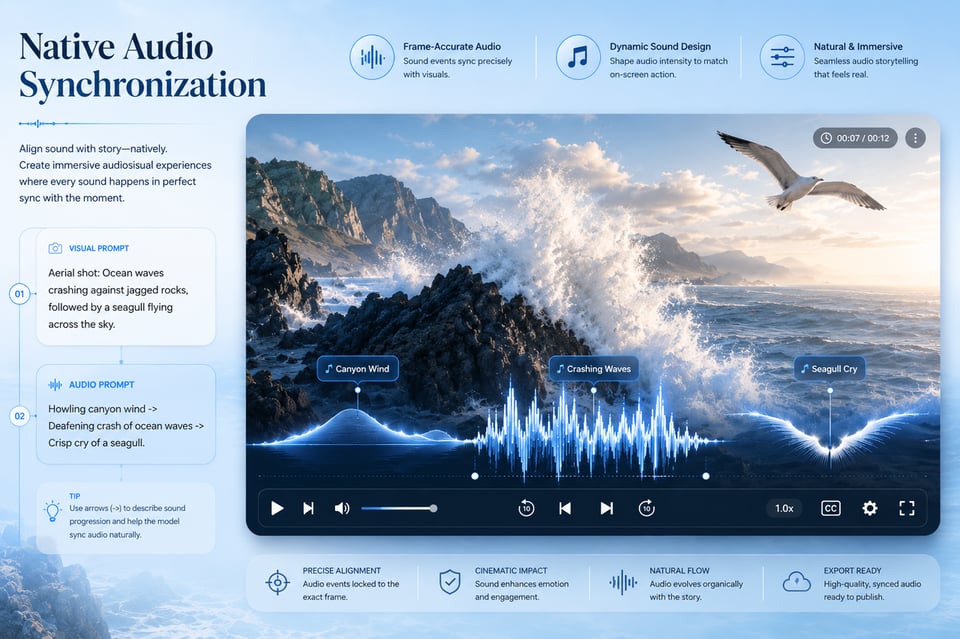
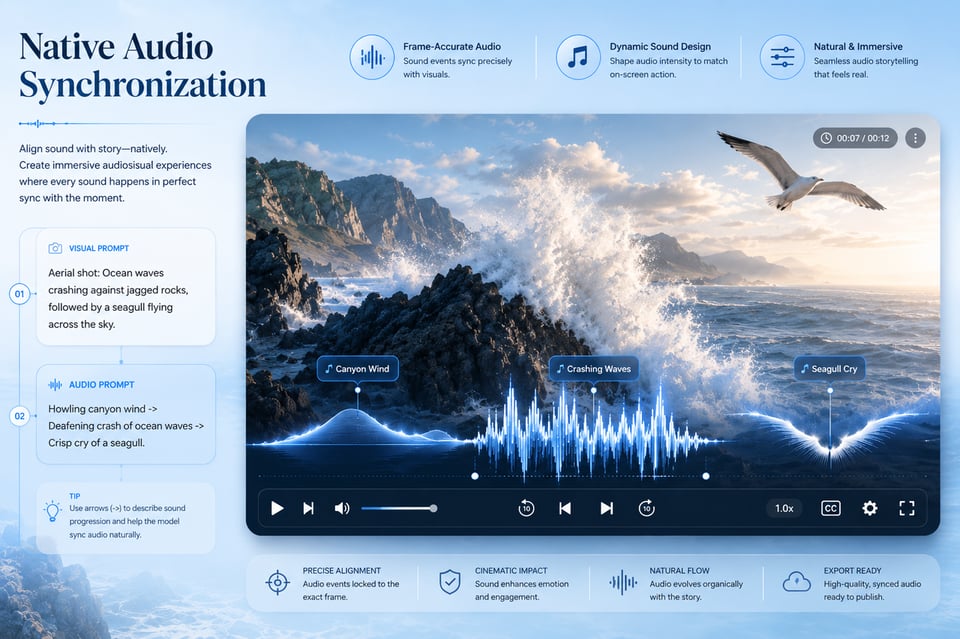
Grok Imagine 视频 API 支持音频生成

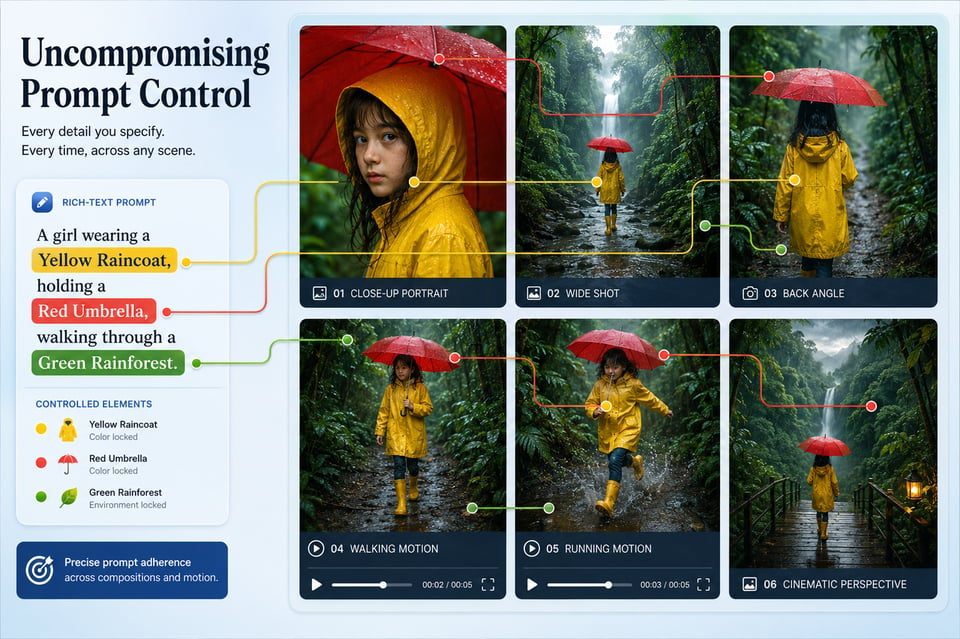
Grok AI API 提示词理解能力更精准

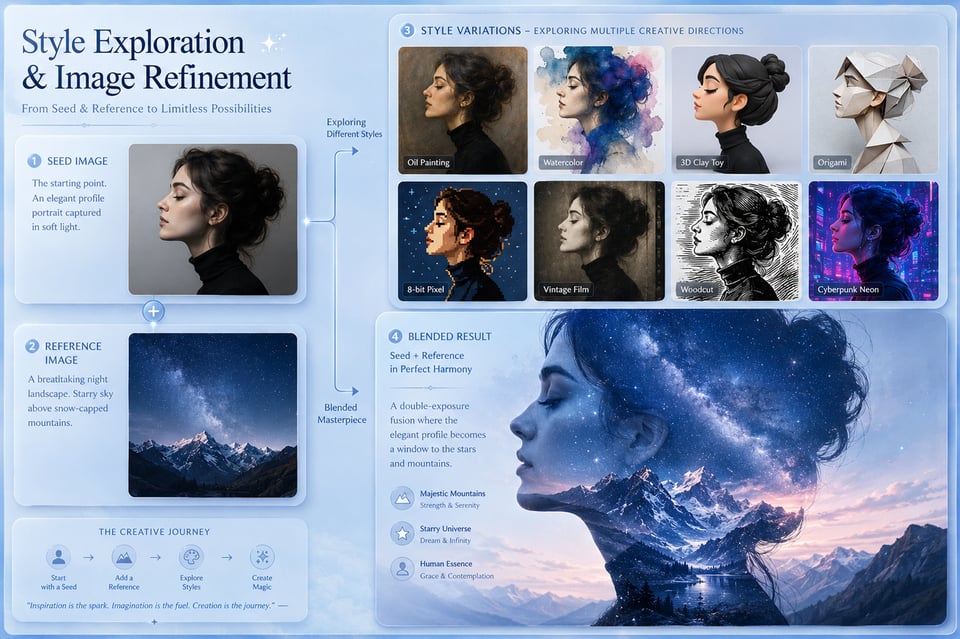
Grok Imagine 图像API:风格探索与图像精修

在 Kie.ai 上开始体验 Grok Imagine API 进行测试与开发

创建账户并获取 Grok Imagine API 访问密钥

创建账户并获取 Grok Imagine API 访问密钥

使用账户积分免费测试 Grok Imagine API

使用账户积分免费测试 Grok Imagine API

集成选定的 Grok Imagine API 服务端点

集成选定的 Grok Imagine API 服务端点

Style Exploration and Image Refinement with Grok Imagine Image API

Style Exploration and Image Refinement with Grok Imagine Image API

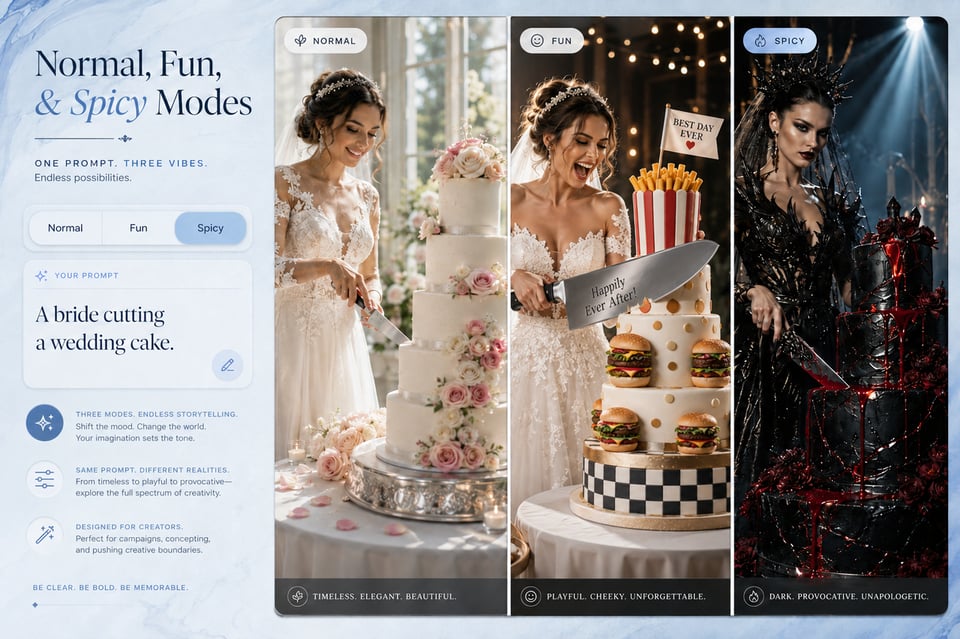
Normal, Fun, and Spicy Modes for Grok Imagine Video API

Normal, Fun, and Spicy Modes for Grok Imagine Video API

Grok Video API:让视频创意变为现实场景

注册 Kie AI 并获取 Grok API 密钥

用免费额度试用 Grok 模型

在应用中调用 Grok API

Grok Image API 如何将图像创意概念转化为可直接使用的视觉内容

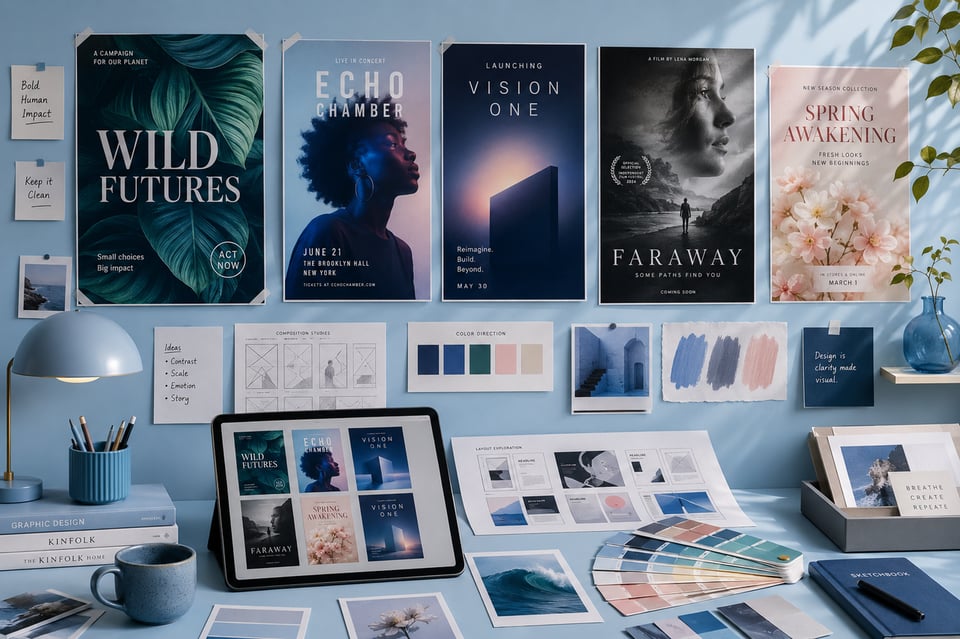
使用 Grok Imagine 图像 API 生成海报及关键视觉初稿

来自 Grok Imagine 文本转图像 API 的封面图形与缩略图概念

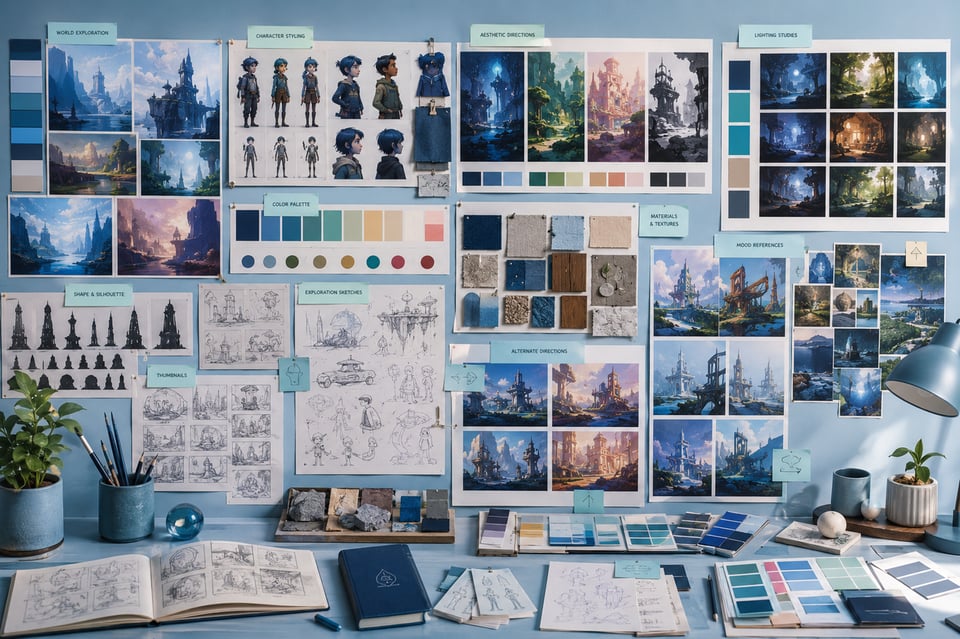
使用 Grok Image API 生成参考图像和氛围视觉

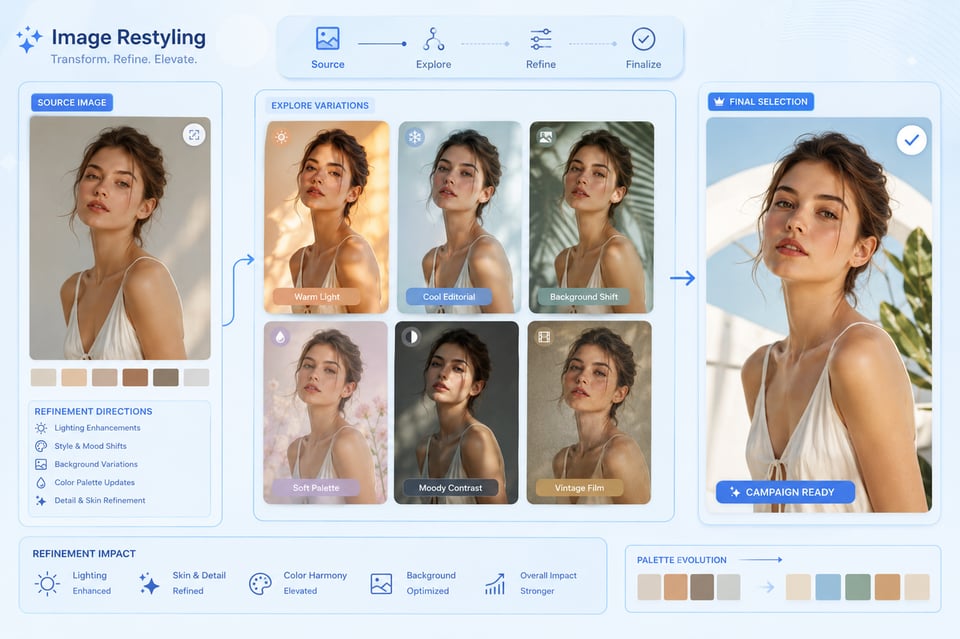
通过 Grok Imagine 图像到图像 API 实现图像风格转换与视觉精修

Where Grok Image API Shapes Still Image Ideas into Ready-to-Use Visuals

Poster and Key Visual Drafts with Grok Imagine Image API

Poster and Key Visual Drafts with Grok Imagine Image API

Cover Graphics and Thumbnail Concepts from Grok Imagine Text to Image API

Cover Graphics and Thumbnail Concepts from Grok Imagine Text to Image API

Creative Reference Images and Mood Visuals with Grok Image API

Creative Reference Images and Mood Visuals with Grok Image API

Image Restyling and Visual Refinement with Grok Imagine Image to Image API

Image Restyling and Visual Refinement with Grok Imagine Image to Image API

Grok API Prompt Guide for Better Image and Video Generation

Start Grok API Prompts with a Clear Main Subject

A strong Grok API prompt should make the main subject easy to understand from the beginning. For images, the subject may be a product, character, poster concept, environment, or visual asset. For videos, it can be a person, object, scene, or action that drives the motion. Clear subject definition helps the output stay focused instead of becoming visually scattered.

Add Style, Mood, and Lighting Details for Grok Imagine API

Visual direction matters across both image and video generation. Users can improve Grok Imagine API results by describing style, mood, lighting, color tone, composition, and atmosphere in natural language. Instead of writing only “a futuristic city,” a stronger prompt can mention neon lighting, rainy streets, cinematic shadows, reflective surfaces, or a calm cyberpunk mood.

Describe Motion Clearly for Grok Imagine Video API

Video generation needs more than a static scene description. Grok Imagine Video API prompts should explain what moves, how fast it moves, and how the camera behaves. Details such as slow push-in, handheld tracking, gentle orbit, dramatic zoom, drifting smoke, flowing fabric, or a character turning toward the camera can help the final video feel more directed.

Use Source Images Carefully with Grok Imagine Image to Video API

When using Grok Imagine Image to Video API, the source image already provides the visual foundation. The prompt should focus on motion, camera direction, atmosphere, and sound cues rather than re-describing every object in the image. For better consistency, the requested action should match the subject and composition already visible in the uploaded image.

Keep Image Transformation Prompts Specific with Grok Imagine Image API

For image-to-image generation, vague editing requests can lead to unpredictable results. Grok Imagine Image API works better when users describe the exact visual change they want, such as warmer lighting, a luxury product background, anime-style rendering, softer shadows, a cleaner poster composition, or a different color mood. Clear transformation goals help preserve the useful parts of the source image while changing the intended elements.

Test Small Prompt Changes Across Grok API Outputs

Small wording changes can create noticeable differences in Grok API image and video results. Users can improve output quality by adjusting one element at a time, such as lighting, camera movement, style, action, or audio direction. This makes it easier to compare results and understand which prompt details have the strongest effect on the final image or video.

Grok Imagine API 常见问题解答

什么是 Grok Imagine API?

我能用 Grok Imagine API 做出什么样的内容?

Grok Imagine API 是否支持生成带音频的视频?

我可以使用 Grok Imagine API 进行图像转视频吗?

Grok Imagine API 是否支持图像生成与图像转换?

我可以在使用前在 Kie.ai 上免费试用 Grok Imagine API 吗?

Frequently Asked Questions About Grok Imagine API