Create a GPT Image 1.5 Generation Task
Create a new generation task by calling the Kie.ai task creation endpoint and specifying gpt-image-1.5 as the model. This establishes a structured JSON request, including the model and optional callback URL.
GPT Image 1.5 is OpenAI’s flagship image generation model for high-quality image creation and precise image editing, with strong instruction following and improved text rendering.
A text description of the image you want to generate
0/3000Width-height ratio of the image, determining its visual form.
Quality: medium=balanced, high=slow/detailed.
Explore different use cases and parameter configurations
Click to upload or drag and drop
Supported formats: JPEG, PNG, WEBP Maximum file size: 10MB; Maximum files: 16
Upload an image file to use as input for the API
A text description of the image you want to generate
0/3000Width-height ratio of the image, determining its visual form.
Quality: medium=balanced, high=slow/detailed.
Explore different use cases and parameter configurations
Complete guide to using gpt-image-1.5
Integrate the GPT Image 1.5 API for image generation and editing. Kie.ai provides lower-than-official pricing, stable high-concurrency infrastructure, and secure gpt-image-1.5 API access.
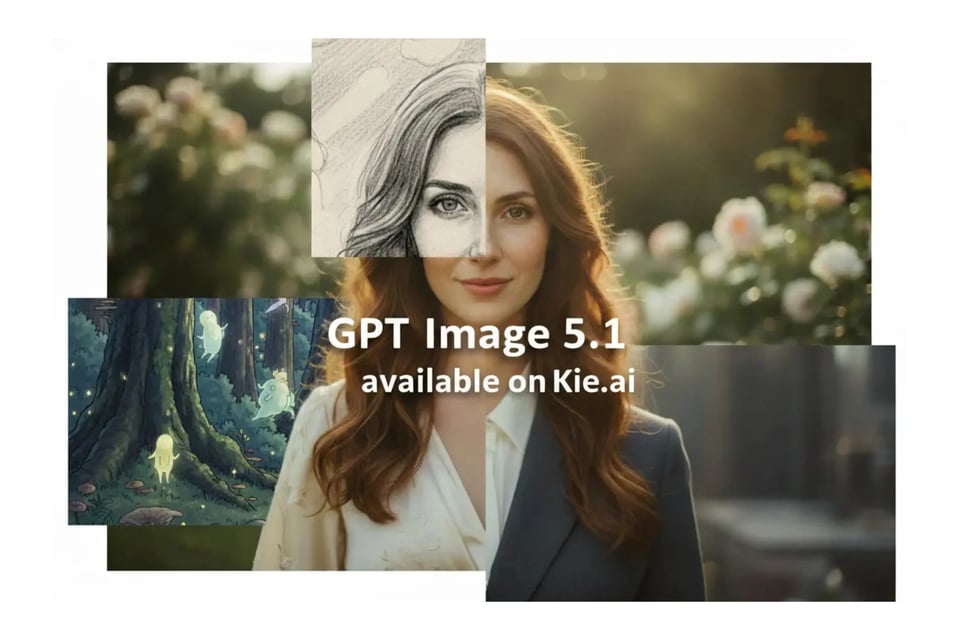
The GPT Image 1.5 API enables developers to generate high-quality images directly from text with strong prompt adherence and reliable composition. Compared to earlier versions of the ChatGPT images, GPT Image 1.5 delivers more realistic visuals and improved text rendering—especially for dense or small text within images.
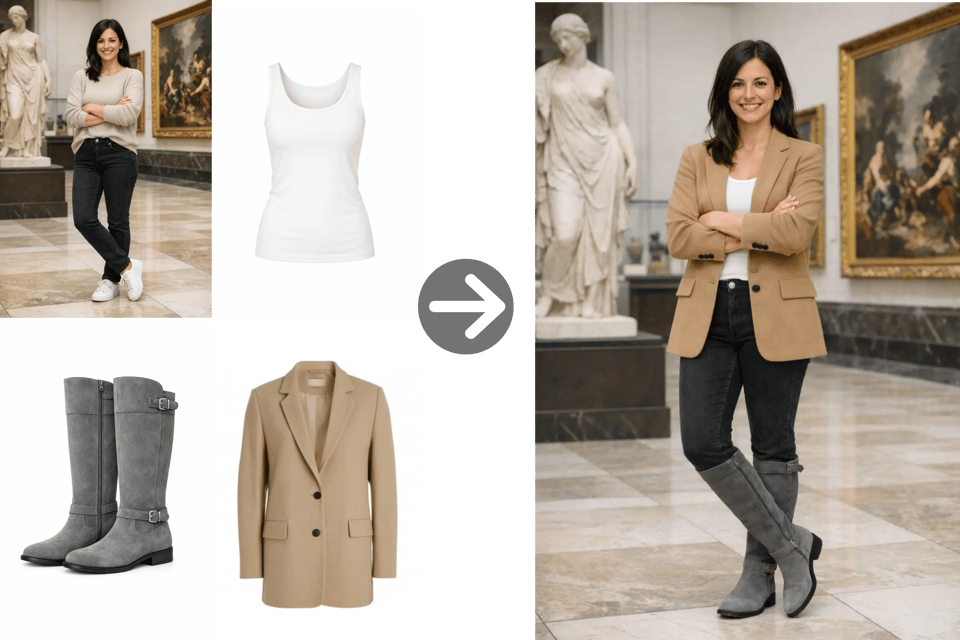
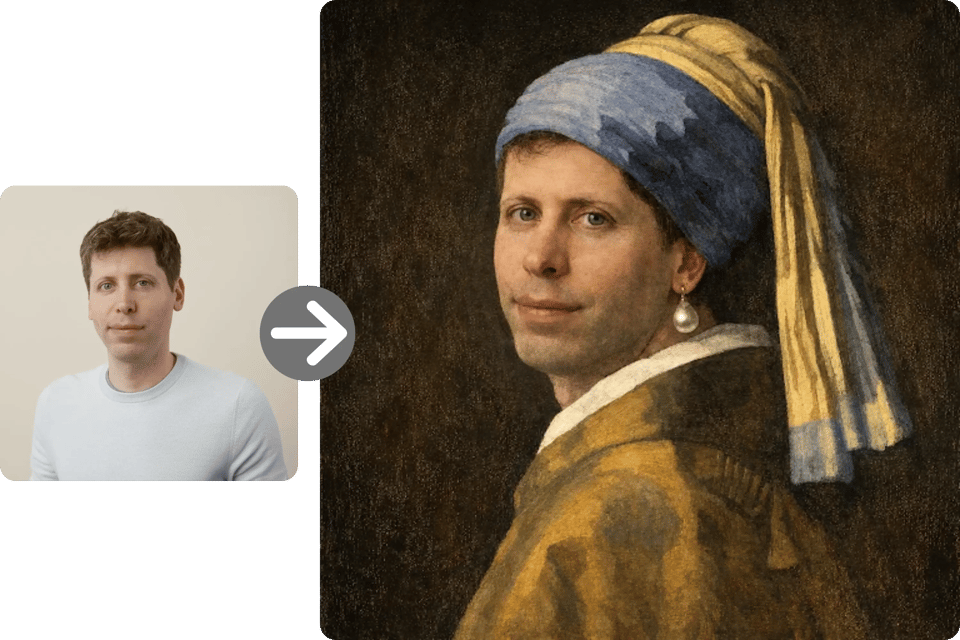
The gpt-image-1.5 API supports precise image editing, allowing developers to modify images while preserving key details. It can add, remove, combine, or blend visual elements, and also supports fine-grained style control and style transfer for consistent results across iterative edits. Stay with gpt-image-1.5 for your current precise edits, but choose the newer GPT Image 2.5 API when stronger reference fidelity is needed to preserve more source details.
The GPT Image 1.5 delivers more precise image editing while preserving critical details such as lighting, composition, and character identity. It supports creative transformations with fine-grained style control and style transfer, allowing developers to apply visual changes without losing consistency across edits. This makes iterative workflows more reliable, especially for brand- or identity-sensitive use cases.
The gpt-image-1.5 AI model takes a clear step forward in text rendering, especially for dense or small text inside images. This improvement makes the model more suitable for use cases like posters, infographics, UI mockups, and branded visuals, where legible and accurate text is essential.

Compared to earlier ChatGPT Image versions, GPT Image 1.5 follows instructions more consistently. This improves the accuracy of image edits and also enables more complex original compositions, where relationships between elements—such as positioning, scale, and layout—are preserved as intended. Developers can achieve the desired result with fewer prompt revisions.
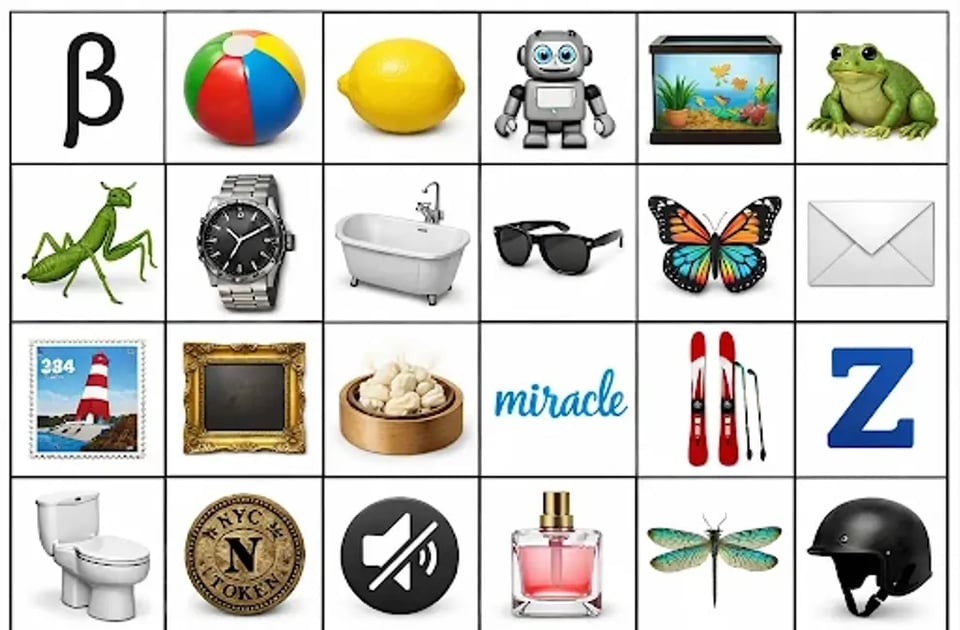
As an upgraded AI image generation model, GPT Image 1.5 produces more realistic images with improved lighting, material accuracy, and overall visual coherence. It also performs better in challenging scenarios, such as rendering many small faces or maintaining natural proportions, resulting in outputs that require less post-processing.
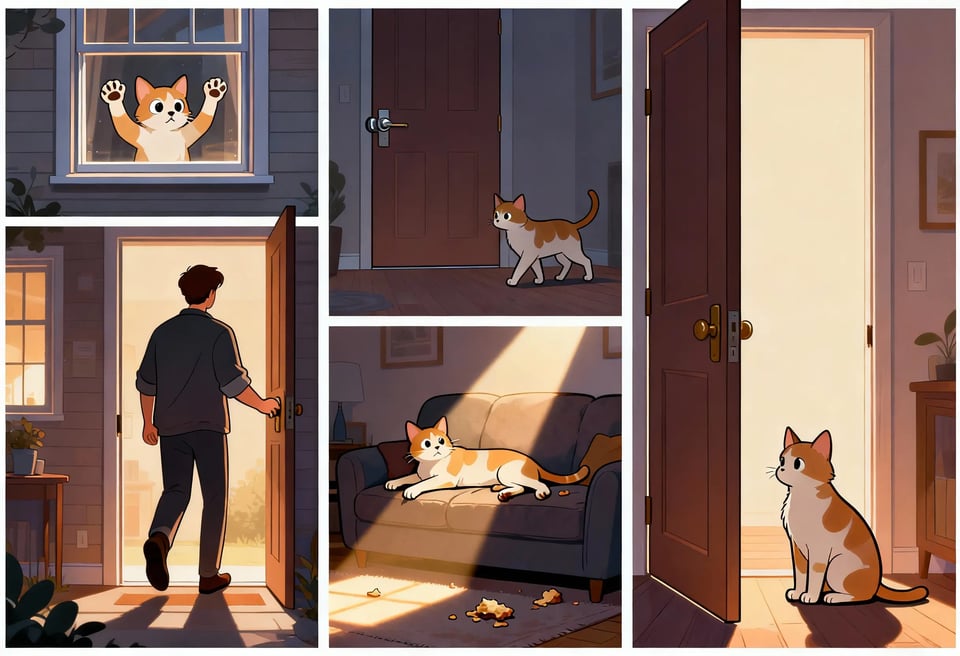
The GPT Image 1.5 AI model is optimized for performance, delivering image generation up to four times faster than earlier ChatGPT Image versions. In addition, image inputs and outputs are approximately 20% cheaper than GPT Image 1, making GPT Image 1.5 API pricing more cost-effective for iteration-heavy and high-volume workflows.
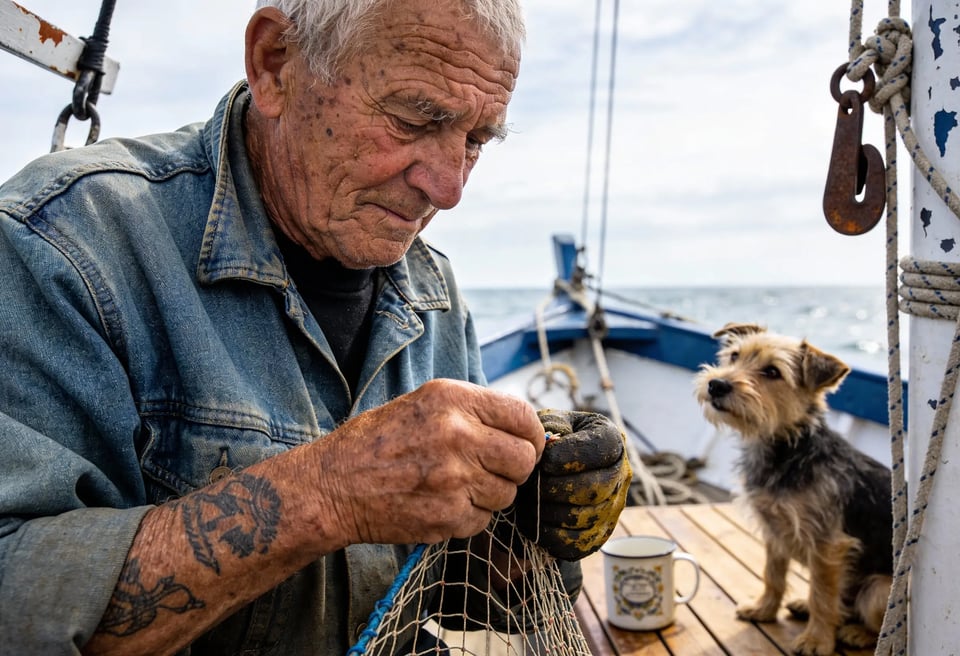
As an advanced AI image generation model, GPT Image 1.5 demonstrates stronger real-world knowledge and reasoning. This allows for more accurate depictions of objects, environments, and scenes, reducing visual inconsistencies and implausible details. The result is imagery that better aligns with real-world expectations and requires less manual correction.
Kie.ai offers access to the GPT Image 1.5 API at a lower cost than the official OpenAI pricing, making it easier to control expenses in production environments. The gpt-image-1.5 API Price is based on a flexible credit system, so you only pay for what you use—no subscriptions.
Kie.ai offers robust API key management features to help teams secure and control access to the gpt-image-1.5 API. Developers can configure safe-spend limits, apply IP whitelisting, and monitor usage at the key level.
Kie.ai provides detailed GPT Image 1.5 API documentation that covers endpoints, parameters, examples, and important notes. In addition, technical support is available to help developers troubleshoot issues and integrate the gpt-image-1.5 API more efficiently.
The GPT Image 1.5 API on Kie.ai is built on a stable infrastructure that supports high concurrency and sustained throughput. This makes it suitable for production systems that require reliable performance under load, such as SaaS products, automation pipelines, and real-time image generation services.
Create a new generation task by calling the Kie.ai task creation endpoint and specifying gpt-image-1.5 as the model. This establishes a structured JSON request, including the model and optional callback URL.
For AI image generation, provide a text prompt; for image editing workflows, include one or more reference images. You can also set parameters such as aspect ratio, or quality to control visual fidelity and performance.
Tasks created with the GPT Image 1.5 API run asynchronously, making them suitable for scalable systems. You can supply a callback URL to receive notifications when a task completes or fails, or poll the task status using the returned task ID.
After a task completes, retrieve the generated image URLs from the task result and integrate them into your application. Usage metrics and credit consumption can be monitored to help manage GPT Image 1.5 API costs.
The GPT Image 1.5 API is well suited for generating consistent product images at scale from text descriptions or reference photos. Ecommerce teams can use this ChatGPT Image Generation API to create product variants, lifestyle scenes, and multiple viewing angles from a single source image, while preserving key visual details. This helps reduce manual design work and accelerates catalog expansion without compromising visual quality.
With its strong preservation of layout, lighting, and identity, the gpt-image-1.5 API is ideal for brand-sensitive image editing workflows. Marketing and design teams can update visuals—such as swapping backgrounds, adjusting compositions, or refining layouts—while keeping logos and core brand elements consistent. This makes the GPT Image 1.5 editing API a reliable choice for iterative asset updates across campaigns.
The OpenAI GPT Image 1.5 API offers improved text rendering, making it effective for generating images that include dense or precise text. Common use cases include posters, infographics, UI mockups, and instructional visuals where legibility matters. Developers building content tools or internal platforms can rely on this AI image generation model to produce structured visuals that require minimal post-editing.
Developers can integrate the GPT Image 1.5 API into SaaS products and internal systems to automate image creation and editing tasks. Typical applications include user-generated content features, report visuals, and design previews generated on demand. With asynchronous execution and predictable outputs, the gpt-image-1.5 API fits well into scalable, high-throughput workflows.