01
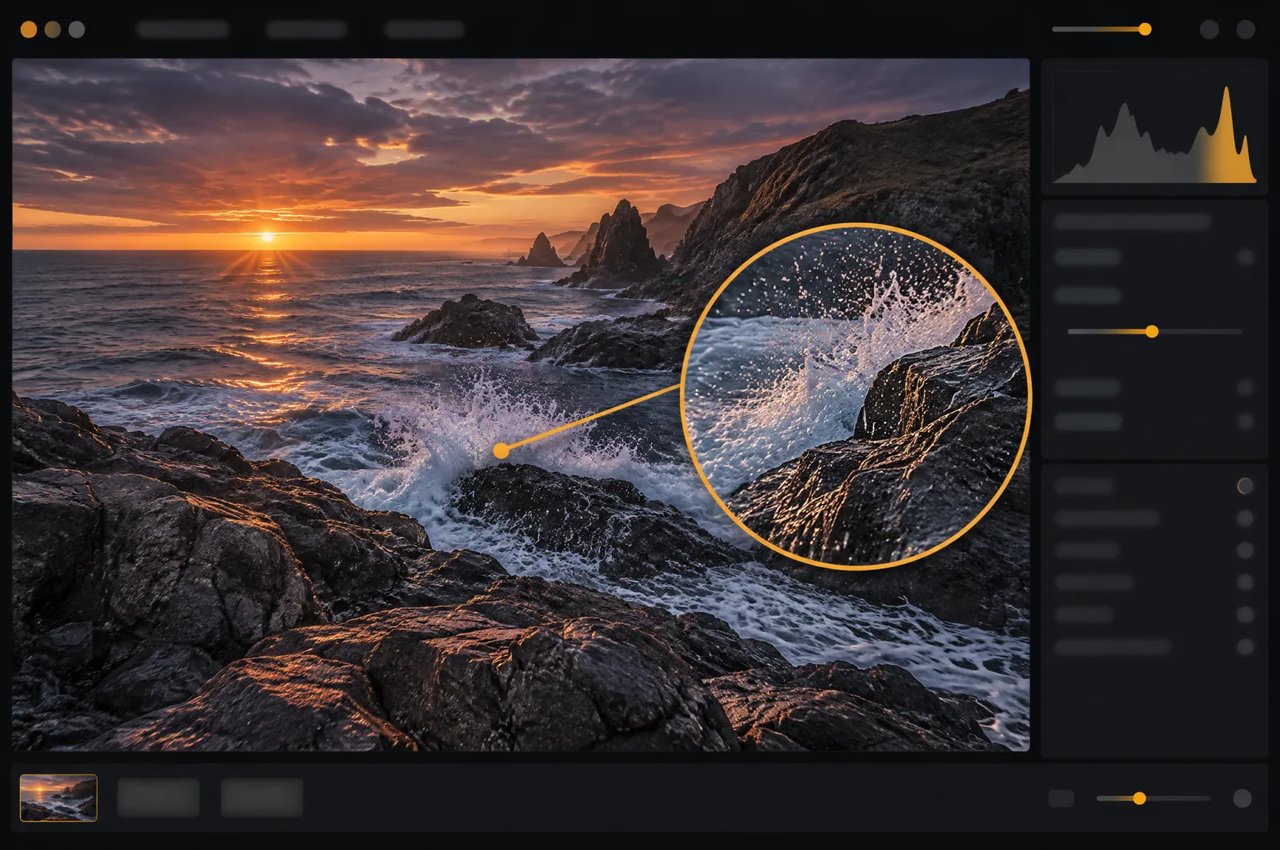
Native 16-Megapixel-Ausgabe
Das Modell generiert direkt rund 16 Megapixel ohne Upscaler. Auf Kie.ai liefert die 4K-Stufe diese Größe – von 4096×4096 bei 1:1 bis 6272×2688 bei 21:9; die Stufen 1K und 2K liefern rund 1 bzw. 4 Megapixel.
MiniMax H3 Image ist ein Open-Source-Modell zur Bildgenerierung und -bearbeitung von MiniMax aus der MiniMax-H3-Familie. Auf Kie.ai generiert es Bilder in 1K, 2K oder 4K (ca. 16 Megapixel) in zehn Seitenverhältnissen und bearbeitet Bilder mit bis zu vier Referenzbildern.
Click to upload or drag and drop
Supported formats: JPEG, PNG, WEBP, BMP Maximum file size: 20MB; Maximum files: 16
Reference images, 1–16, each up to 20 MB and 64 MP. The order defines <Picture 1>, <Picture 2>, ... in the prompt.
Editing instruction, up to 5000 characters. Refer to reference images as <Picture 1>, <Picture 2>, ... in upload order.
0/5000Aspect ratio of the output image. auto: matches the aspect ratio of the first reference image (limited to 1:3–3:1).
Output size tier: 1K (about 1 MP), 2K (about 4 MP, default), 4K (about 16 MP). Billed per image by this tier. Hidden and not sent when both Width and Height are set.
Optional custom output width in pixels (1–8192). Width and Height must be set together: filling one makes the other required. With both set, Aspect Ratio and Resolution are hidden and not sent (the upstream does not accept them together with a custom size); the output is exactly Width × Height, billed by its total pixels (≤1.2 MP 1K, ≤4.5 MP 2K, otherwise 4K). Total pixels 655,360–20,000,000, width : height 1:3–3:1.
Optional custom output height in pixels (1–8192). Must be set together with Width: filling one makes the other required.
Rewrite the prompt into a detailed English description before generating. Turn off to use your prompt as-is (10–20 seconds faster).
Output image format.
Random seed, 0–2147483647. Leave empty for a random seed; the actual seed is returned with the result.
Explore different use cases and parameter configurations
Text prompt, up to 5000 characters. Chinese and English are both supported.
0/5000Aspect ratio of the output image. auto: the prompt rewriter picks a suitable ratio (falls back to 1:1 when prompt expansion is off).
Output size tier: 1K (about 1 MP), 2K (about 4 MP, default), 4K (about 16 MP). Billed per image by this tier. Hidden and not sent when both Width and Height are set.
Optional custom output width in pixels (1–8192). Width and Height must be set together: filling one makes the other required. With both set, Aspect Ratio and Resolution are hidden and not sent (the upstream does not accept them together with a custom size); the output is exactly Width × Height, billed by its total pixels (≤1.2 MP 1K, ≤4.5 MP 2K, otherwise 4K). Total pixels 655,360–20,000,000, width : height 1:3–3:1.
Optional custom output height in pixels (1–8192). Must be set together with Width: filling one makes the other required.
Rewrite the prompt into a detailed English description before generating. Turn off to use your prompt as-is (10–20 seconds faster).
Output image format.
Random seed, 0–2147483647. Leave empty for a random seed; the actual seed is returned with the result.

Explore different use cases and parameter configurations
Complete guide to using MiniMax H3 Image
Modellspezifikationen für MiniMax H3 Image.
| Parameter | MiniMax H3 Image |
|---|---|
| Entwickler | MiniMax |
| Aufgaben | Text-zu-Bild und Bildbearbeitung; ein PNG- oder JPEG-Bild pro Aufgabe |
| Ausgabegröße | 1K, 2K (Standard) oder 4K (ca. 1, 4 oder 16 Megapixel); oder width und height gemeinsam: bis zu 8.192 Pixel pro Seite, insgesamt 655.360 bis 20.000.000 Pixel und ein Verhältnis von Breite zu Höhe zwischen 1:3 und 3:1 |
| Seitenverhältnisse | auto, 1:1, 5:4, 4:5, 4:3, 3:4, 3:2, 2:3, 16:9, 9:16, 21:9 |
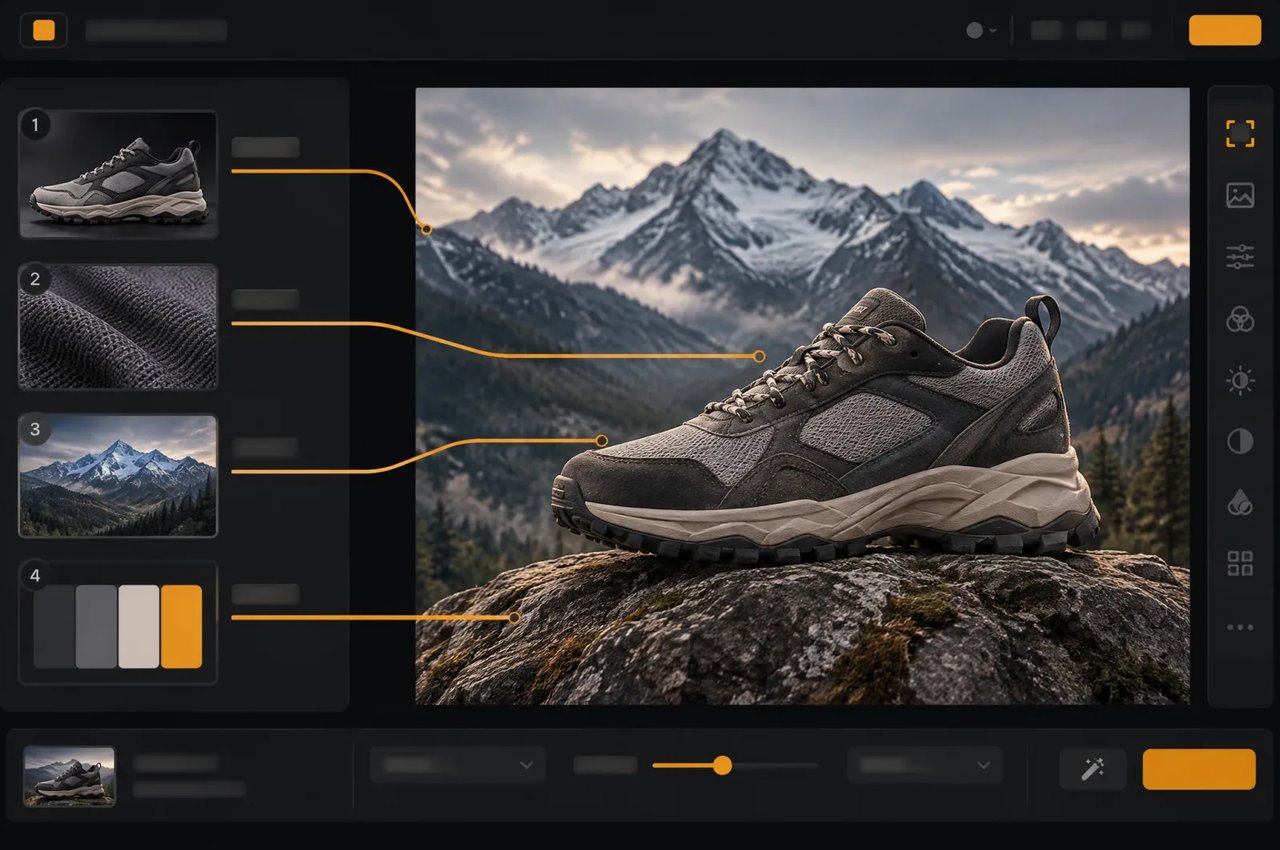
| Referenzbilder | 1 bis 4 pro Bearbeitung, nummeriert in der Reihenfolge des Uploads; jeweils bis zu 20 MB und 64 MP |
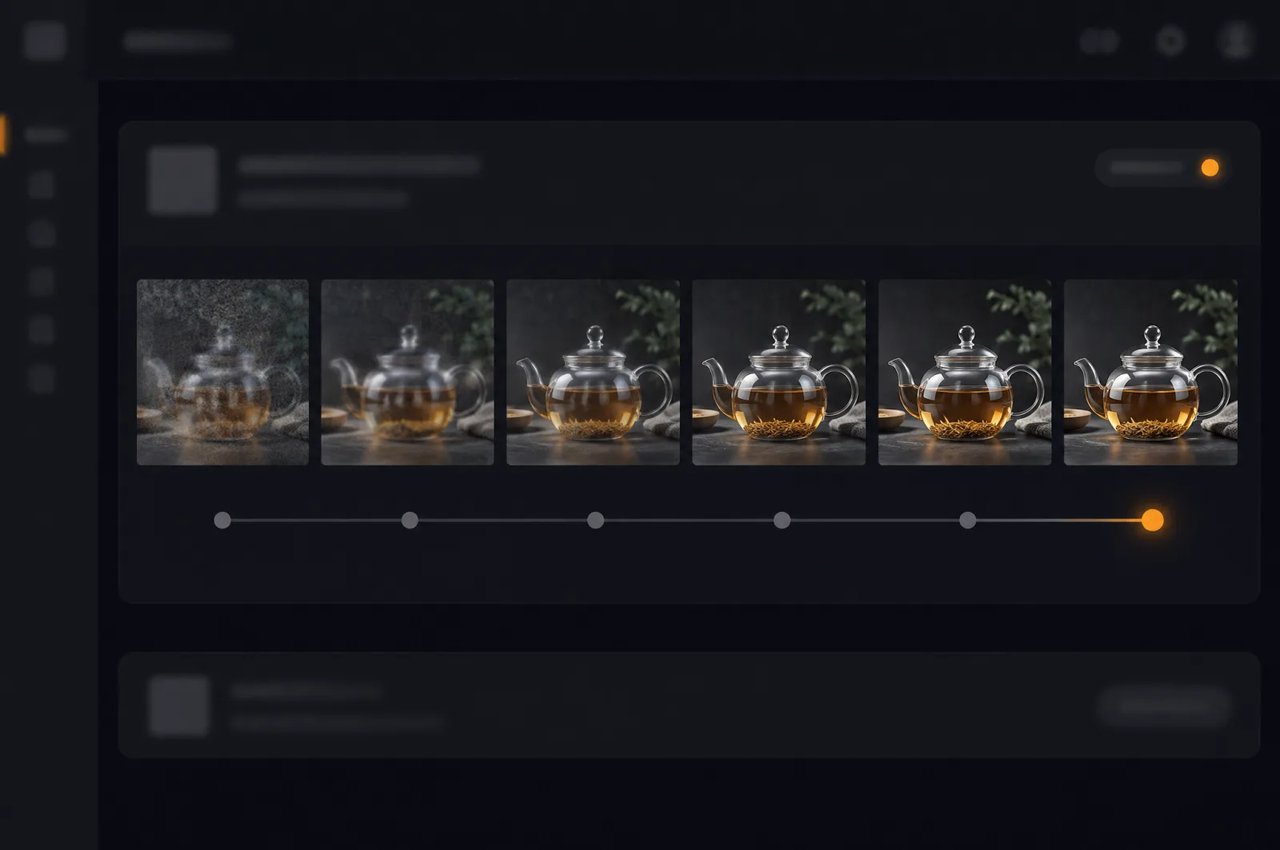
| Sampling | 6 Schritte, fest; keine Classifier-Free Guidance |
| Negativer Prompt | Nicht unterstützt |
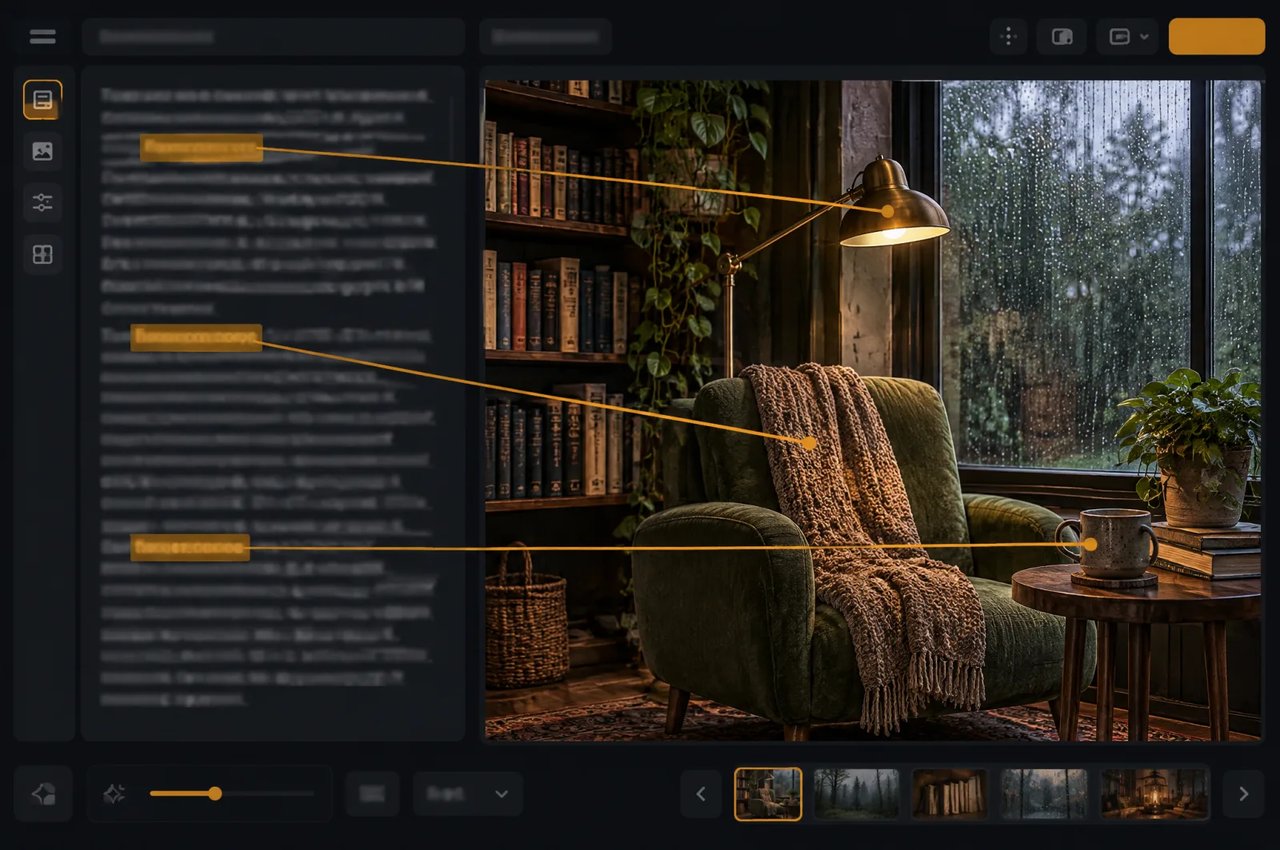
| Prompt | 1 bis 5.000 Zeichen, Chinesisch oder Englisch; wird standardmäßig in eine detaillierte englische Beschreibung umgeschrieben |
| Architektur | Single-Stream-Diffusions-Transformer, 33,1 Mrd. Parameter, 50 Layer |
| Text-Encoder | Qwen3-VL-Text-Encoder von MiniMax H3 |
| Lizenz | MiniMax-H3-Image-Community-Lizenz |
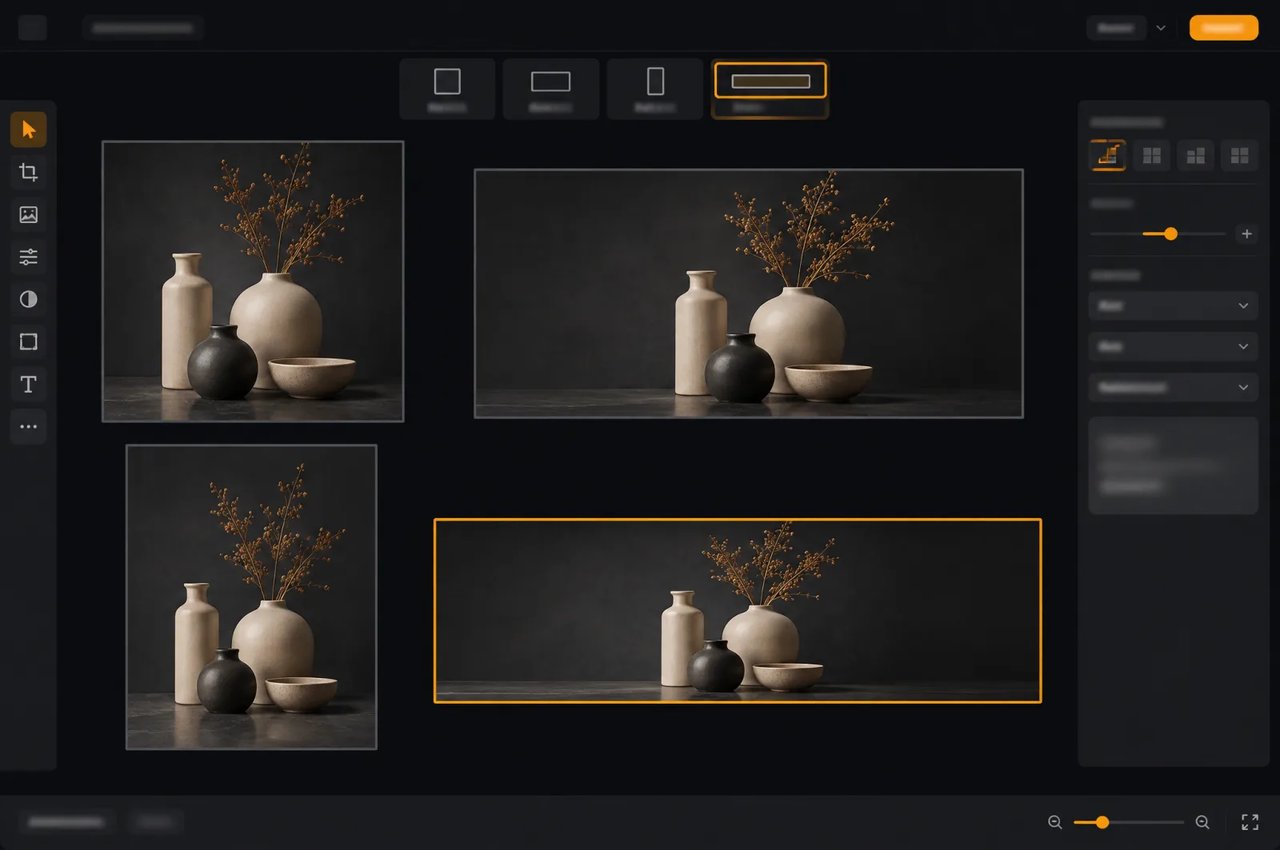
4K-Ausgabegrößen auf Kie.ai (ca. 16 Megapixel); 5:4 und 4:5 entsprechen 4576×3648 und 3648×4576.
| Seitenverhältnis | Größe (Breite × Höhe) |
|---|---|
| 1:1 | 4096×4096 |
| 4:3 | 4736×3552 |
| 3:4 | 3552×4736 |
| 3:2 | 5024×3360 |
| 2:3 | 3360×5024 |
| 16:9 | 5472×3072 |
| 9:16 | 3072×5472 |
| 21:9 | 6272×2688 |