Used to describe the generated images.
0/20000The 27:16, 16:27, 9:8 and 8:9 aspect ratios support 1K only. 2K and 4K are available for other aspect ratios.
Image resolution
Image background output mode
Explore different use cases and parameter configurations
Used to describe the generated images.
0/20000Click to upload or drag and drop
Supported formats: JPEG, PNG, WEBP, JPG Maximum file size: 30MB; Maximum files: 16
Image for reference
The 27:16, 16:27, 9:8 and 8:9 aspect ratios support 1K only. 2K and 4K are available for other aspect ratios.
Image resolution
Image background output mode

Explore different use cases and parameter configurations
Used to describe the generated images.
0/20000Click to upload or drag and drop
Supported formats: JPEG, PNG, WEBP, JPG Maximum file size: 30MB; Maximum files: 16
Image for reference
The 27:16, 16:27, 9:8 and 8:9 aspect ratios support 1K only. 2K and 4K are available for other aspect ratios.
Image resolution
For 2K/4K tasks, background=transparent must be paired with the prompt: describe an isolated subject with no backdrop, scenery or shadow, and for image-to-image explicitly ask to extract the subject and keep the background transparent.
Explore different use cases and parameter configurations
Used to describe the generated images.
0/20000The 27:16, 16:27, 9:8 and 8:9 aspect ratios support 1K only. 2K and 4K are available for other aspect ratios.
Image resolution
Image background output mode
Explore different use cases and parameter configurations
README
Complete guide to using gpt-image-2-5-flare-text-to-image
GPT Image 2.5 API for Sharper Images, Faster Creation, and More Controlled Editing
Bring GPT Image 2.5 into your applications with stronger reference preservation, precise local edits, consistent multi-turn refinement, and flexible image generation workflows.
OpenAI GPT Image 2.5 for Faster Generation and More Precise Editing
Released by OpenAI on September 8, 2026, GPT Image 2.5 improves image quality, generation speed, reference fidelity, and editing precision. It produces sharper details, more natural lighting and textures, preserves recognizable subjects more consistently, and follows focused editing instructions more reliably across complex scenes.GPT Image 2.5 also delivers better consistency across repeated edits and stronger handling of complex prompts involving layout, style, text, transparent backgrounds, and multiple visual requirements. On Kie.ai, developers can access GPT Image 2.5 through different API model options for varied image generation and editing needs. For current model availability, supported parameters, request formats, and implementation details, refer to the latest Kie.ai GPT Image 2.5 API documentation.
GPT-Image-2.5 Flare
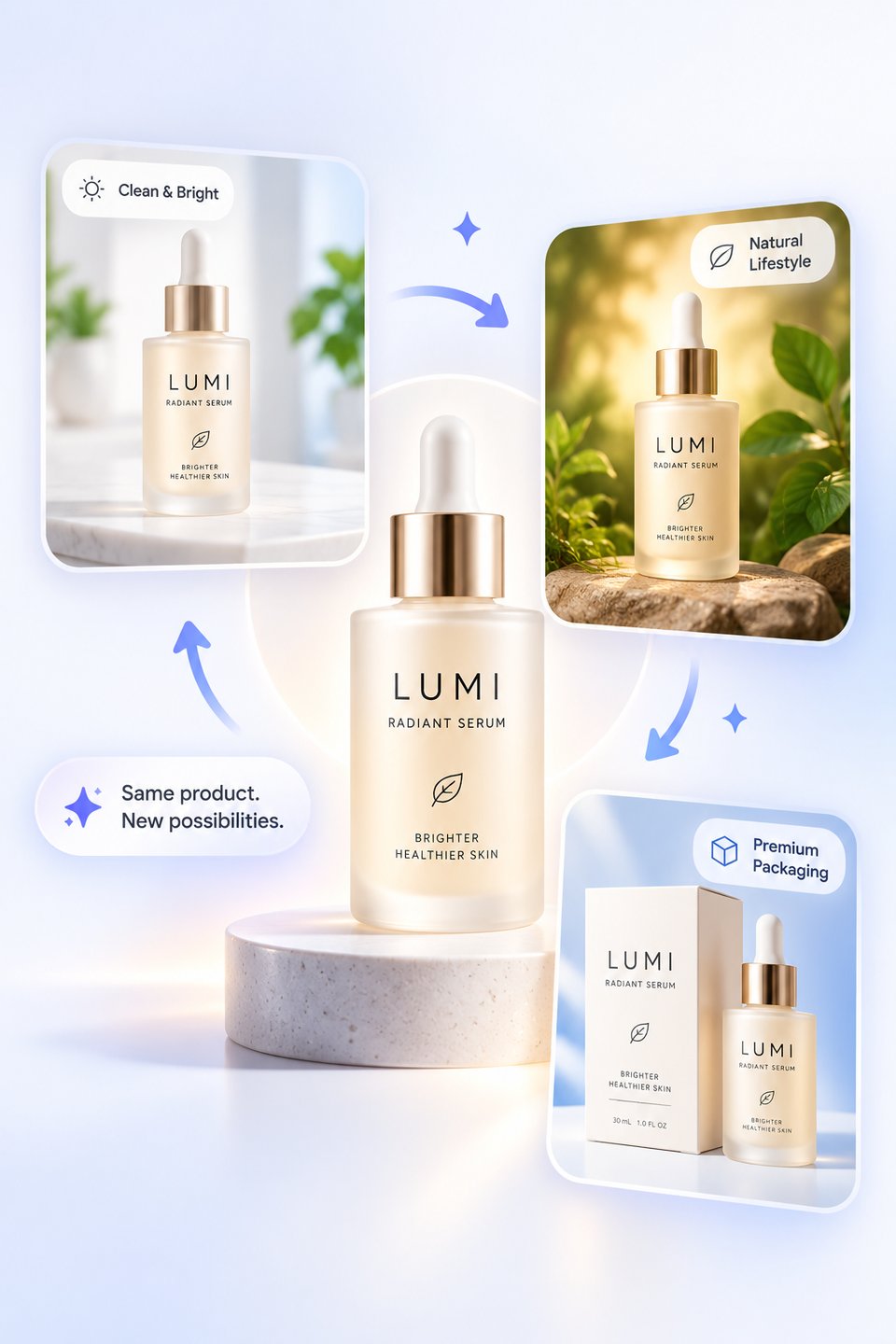
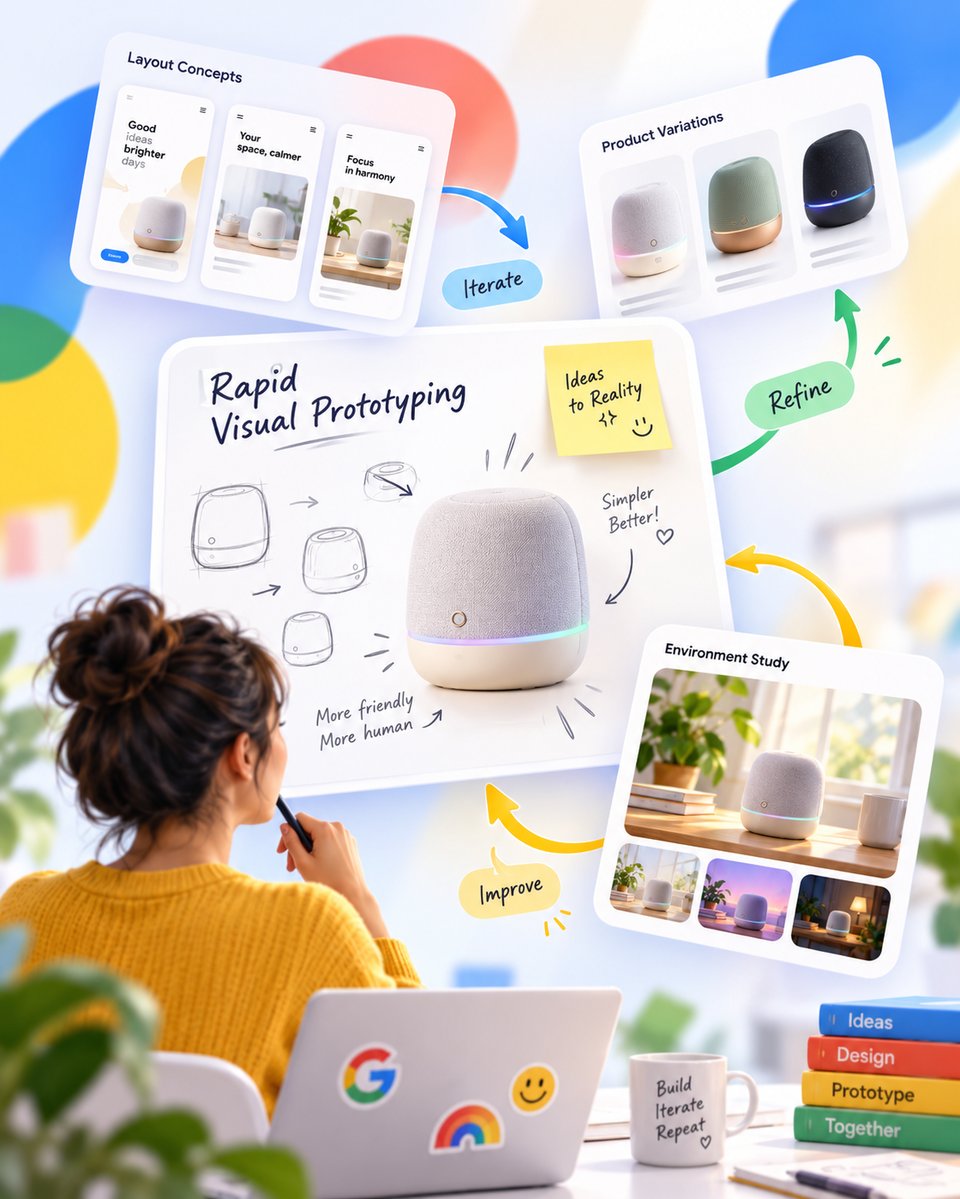
GPT-Image-2.5 Flare is the default choice for most applications, bringing the core improvements of GPT Image 2.5 to image generation and editing workflows with lower latency. It is well suited to creator content, social media visuals, product experiences, visual search, rapid prototyping, and higher-volume generation, making it a strong option for teams that need both quality and speed in production.
GPT-Image-2.5 Sunburst
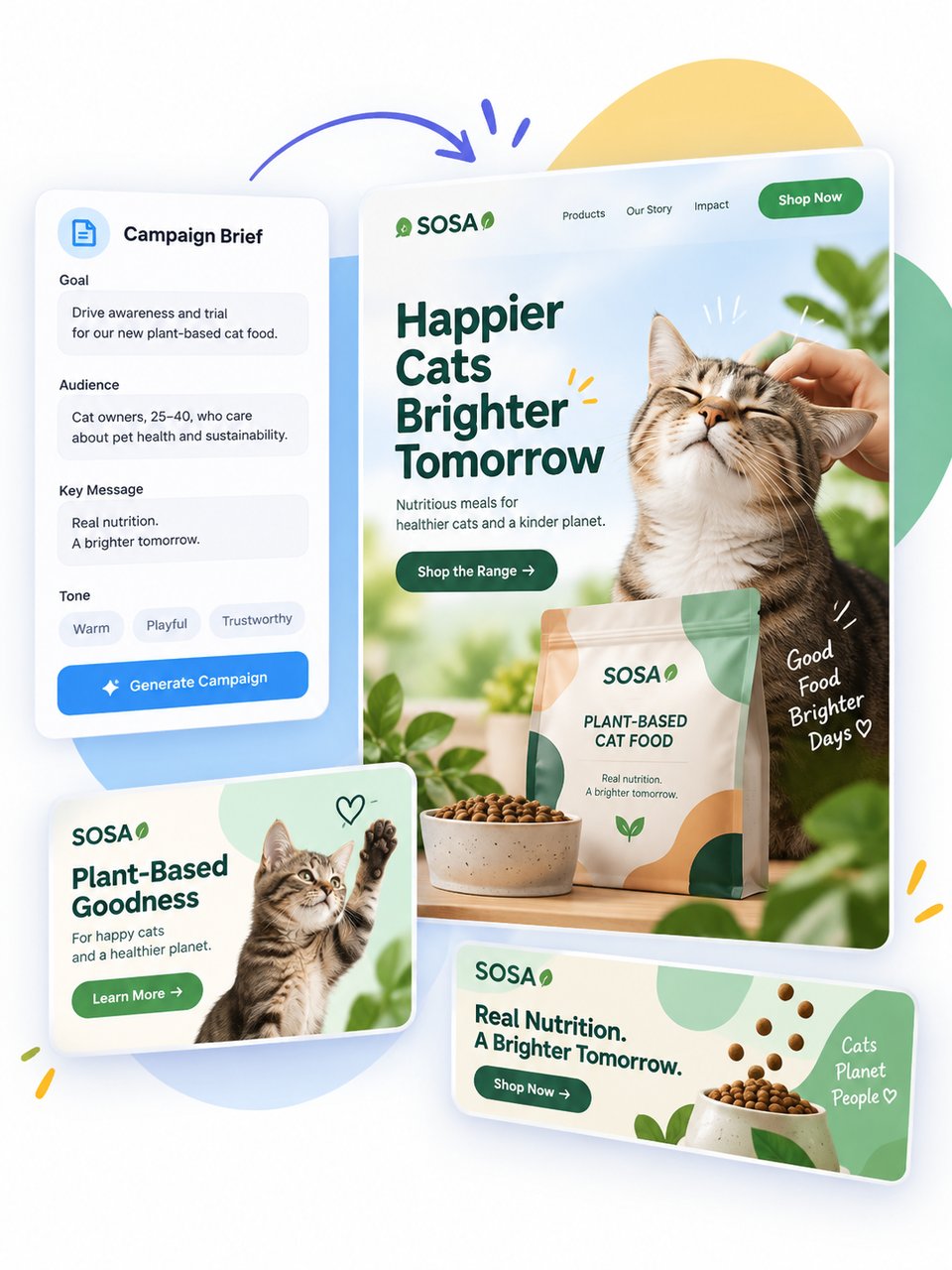
GPT-Image-2.5 Sunburst is built for more premium visual workflows that benefit from tighter control and more polished outputs. It is better suited to high-end creative and editing tasks such as production-ready campaign assets, refined branded visuals, and polished product imagery, where stronger precision across edits and a more controlled creative process matter most.
Explore What Makes GPT Image 2.5 API More Capable for Image Creation and Editing
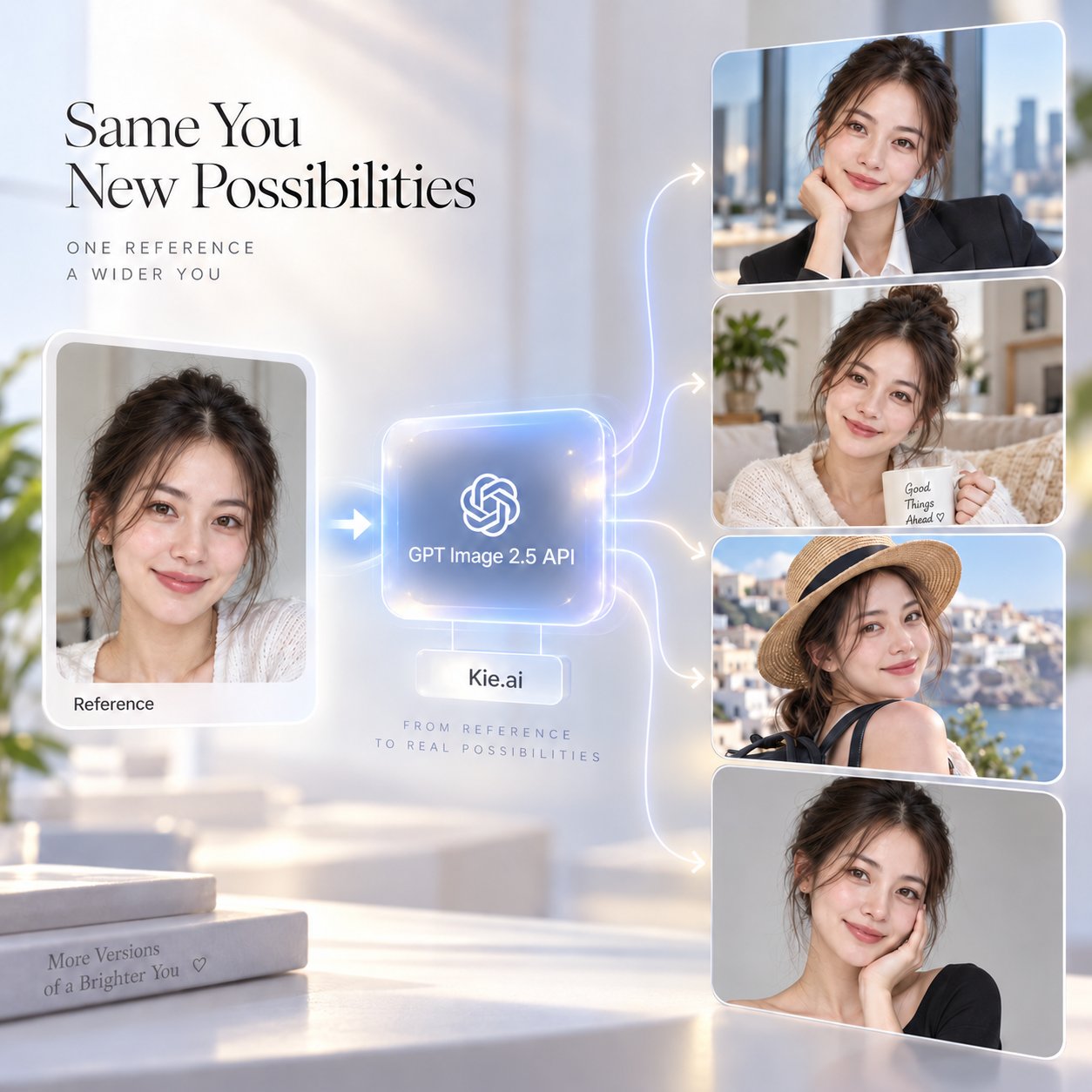
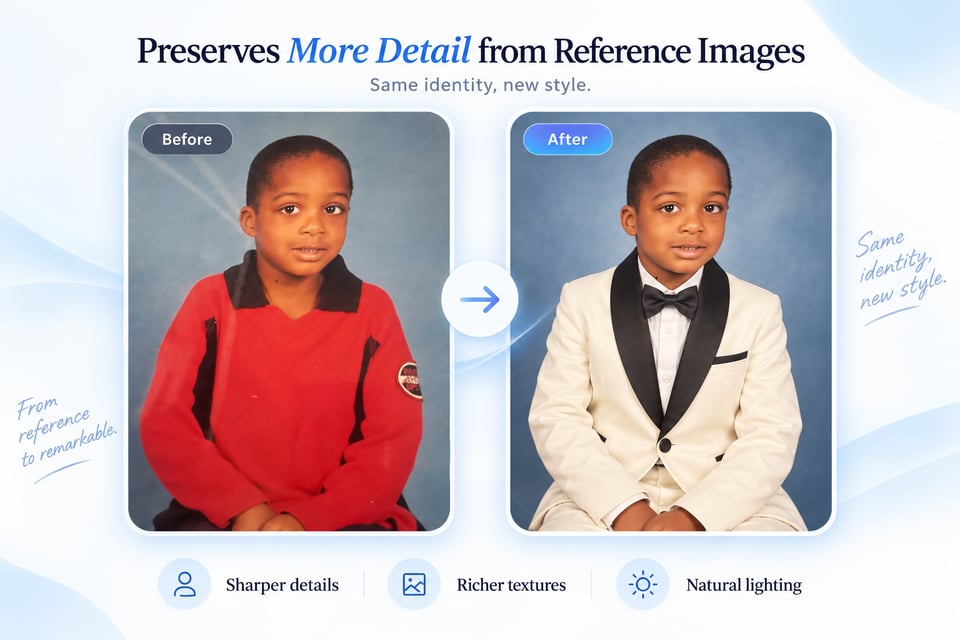
GPT Image 2.5 API Preserves More Detail from Reference Images
Reference-based creation becomes more dependable when faces, objects, places, and other recognizable elements need to remain consistent. GPT Image 2.5 API can retain important source characteristics while introducing new environments, styles, and compositions, with sharper details, richer textures, and more natural lighting.
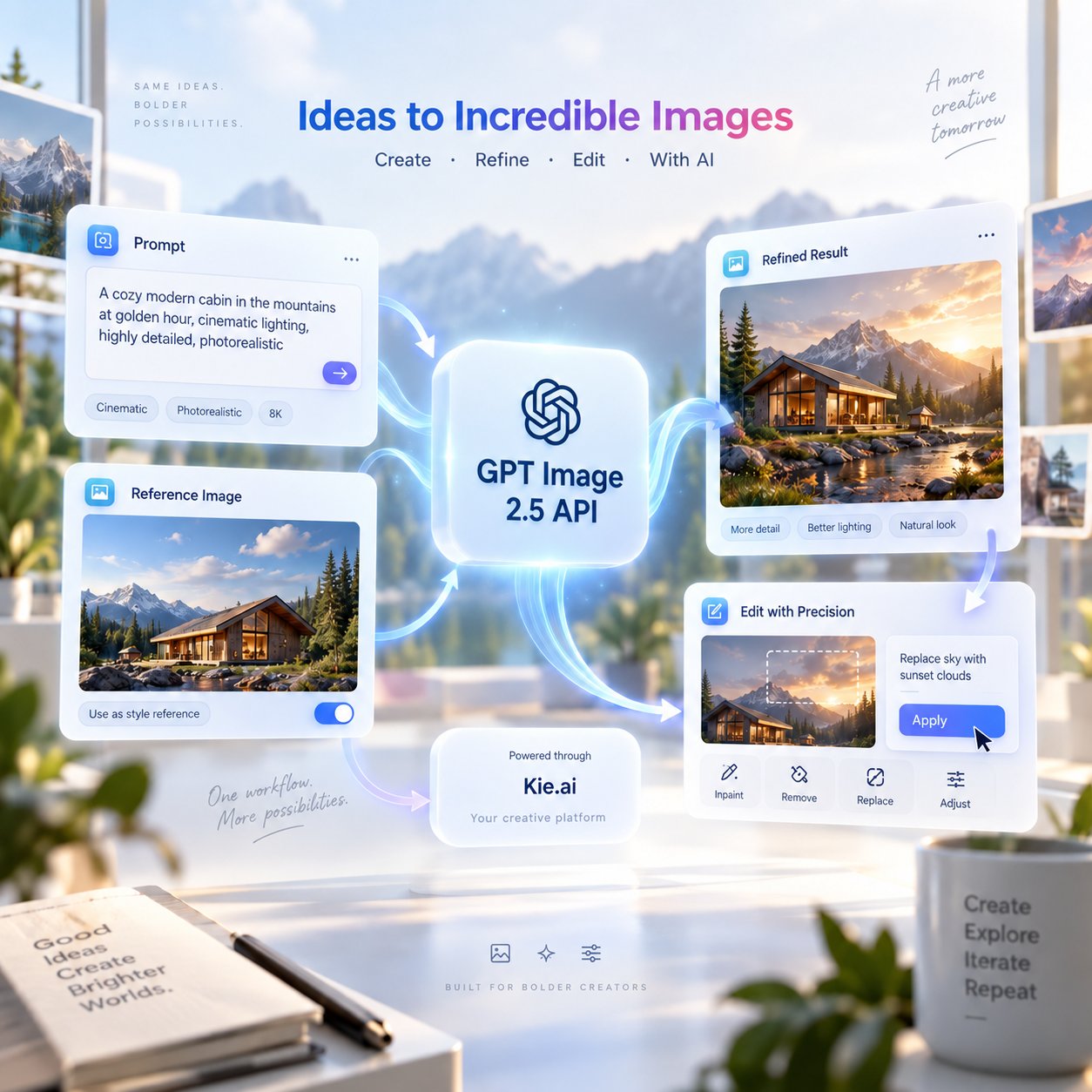
Edit Only What Matters with ChatGPT Images 2.5 API
Targeted changes are easier when the rest of the image should stay untouched. ChatGPT Images 2.5 API can refine backgrounds, products, text, colors, materials, or individual objects while helping the surrounding subject, composition, and overall visual treatment remain stable.
Multi-Turn Refinement Stays More Consistent in ChatGPT Image 2.5 API
Longer editing workflows benefit from stronger continuity between each refinement step. ChatGPT Image 2.5 API is better at carrying earlier adjustments forward, allowing later instructions to build on existing results without unnecessary shifts in subject appearance, layout, image quality, or previously established details.
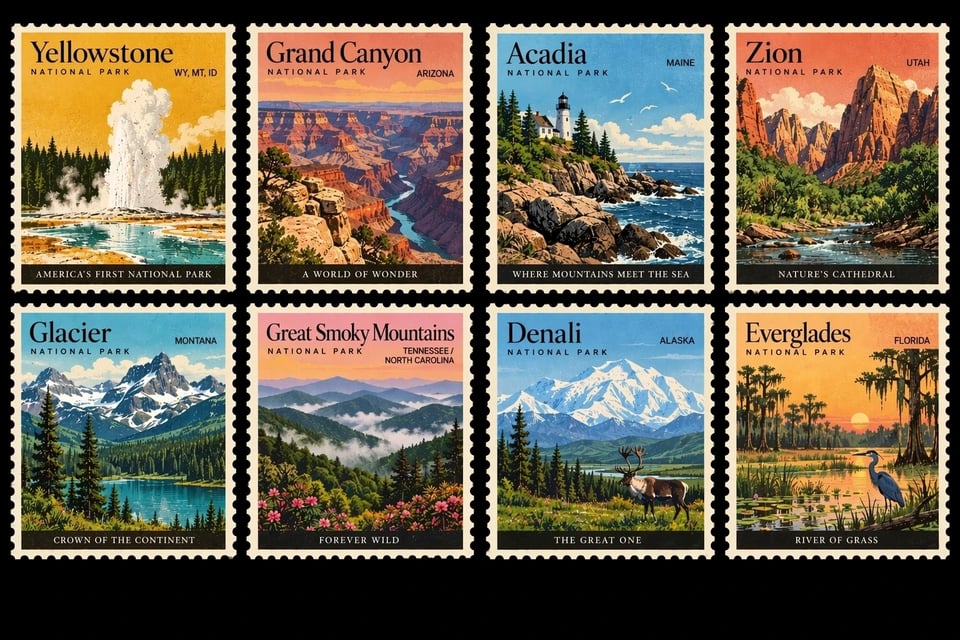
Complex Creative Briefs Become Easier to Follow with GPT-Image-2.5 API
Detailed prompts may combine multiple subjects, spatial relationships, text elements, visual styles, layout requirements, real-world information, and transparent backgrounds. GPT-Image-2.5 API handles these layered instructions with stronger coherence, helping final images stay closer to the intended structure and visual direction.
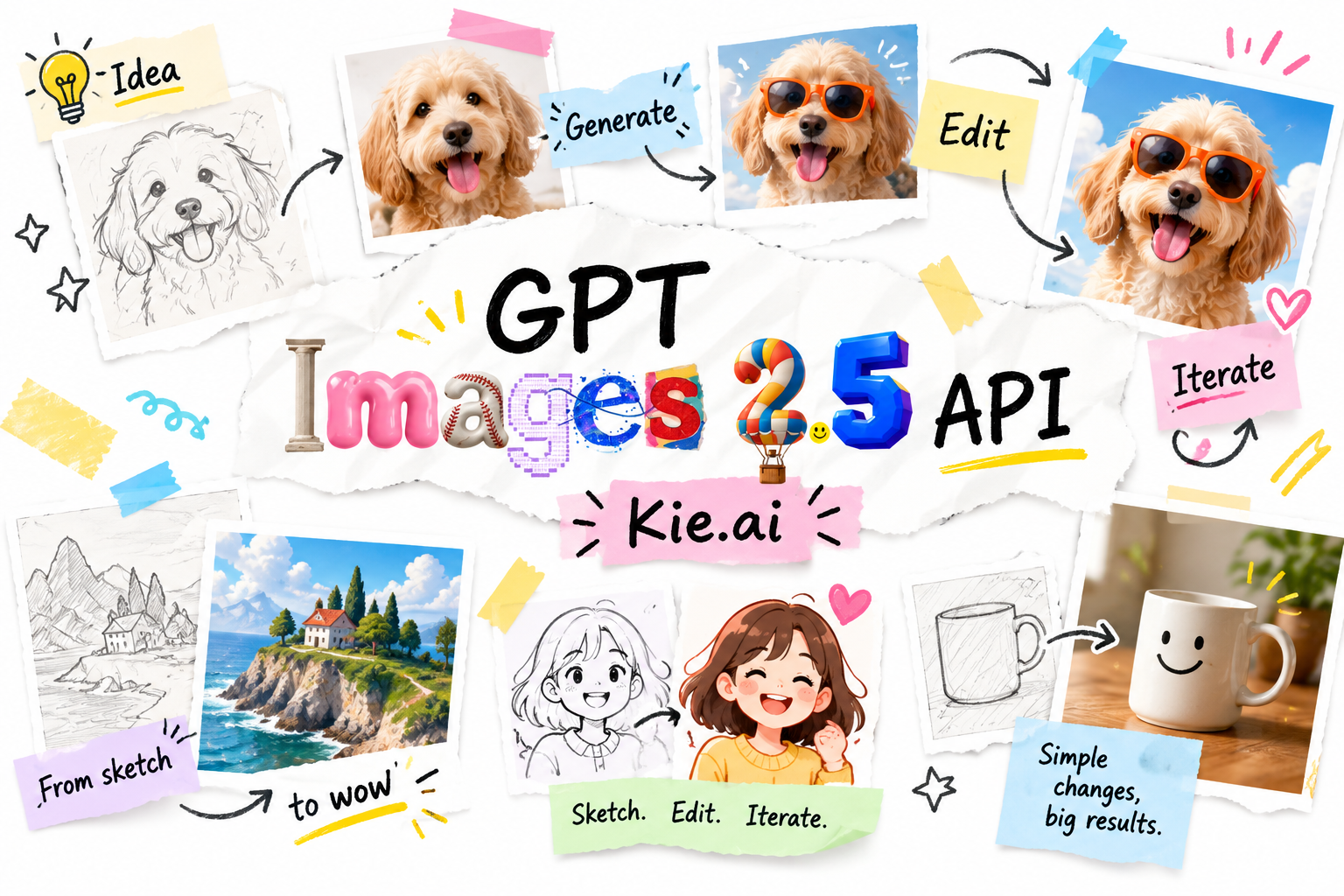
Sketch-Based Ideas Can Guide GPT Images 2.5 API Workflows
Some concepts are easier to communicate visually than through text alone. Rough drawings can help define room layouts, outfit contours, object placement, shapes, and other structural ideas before additional instructions refine the final result. For current Sketch-related support, input formats, and implementation details, refer to the latest Kie.ai GPT Image 2.5 API documentation.
Start Structured Creations Faster with GPT Image 2.5 API Templates
Predefined formats can provide a clearer starting point for posters, merchandise graphics, product images, and other design-focused visuals. Template-based workflows help organize content, layout, design elements, and style direction before generation begins. For currently supported template workflows, request formats, and integration methods, check the latest Kie.ai GPT Image 2.5 API documentation.
GPT Image 2.5 Benchmark Comparison for Generation and Editing Performance
GPT Image 2.5 Takes the Top Two Spots in Text-to-Image
GPT Image 2.5 ranks first and second in the Text-to-Image Arena, with scores of 1,421 and 1,399. Both results place it ahead of GPT Image 2 at 1,381, as well as MAI Image 2.6, Grok Imagine Image 2.0, Nano Banana 2, and Seedream 5.0 Pro. The ranking reflects a clear improvement in overall text-to-image performance, especially for prompts that demand stronger composition, visual detail, and instruction following.
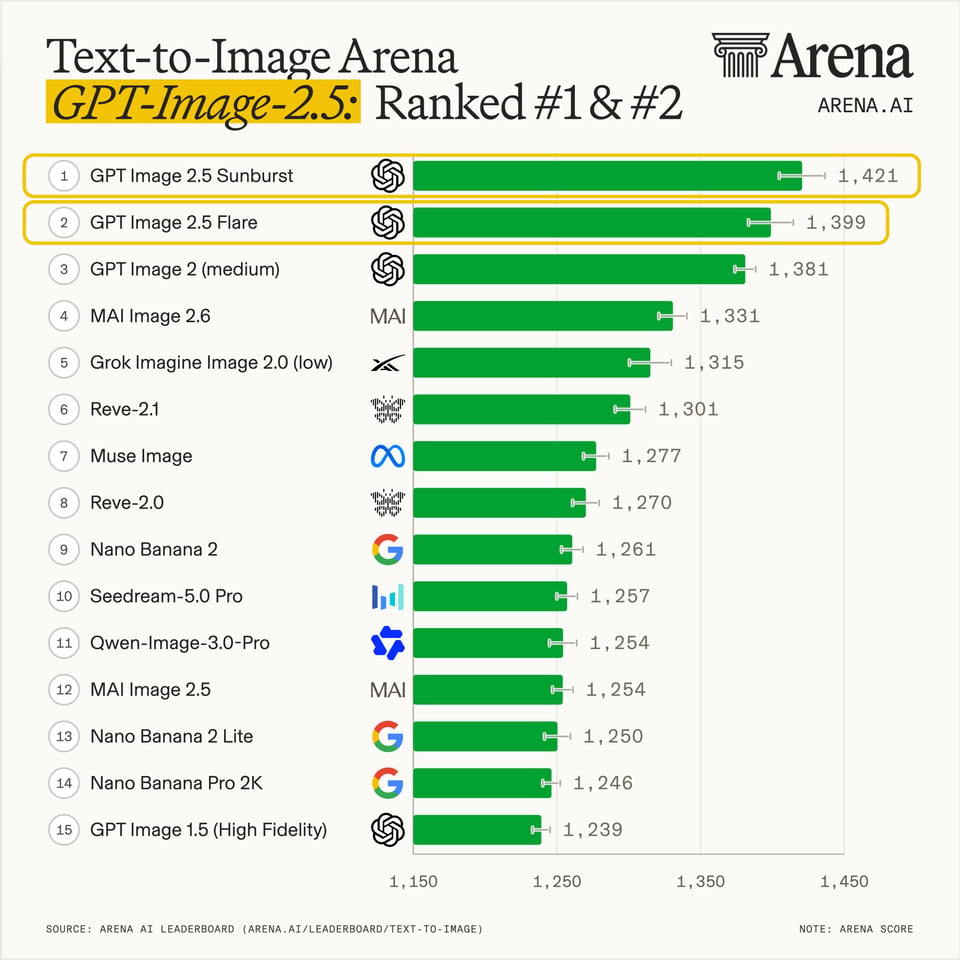
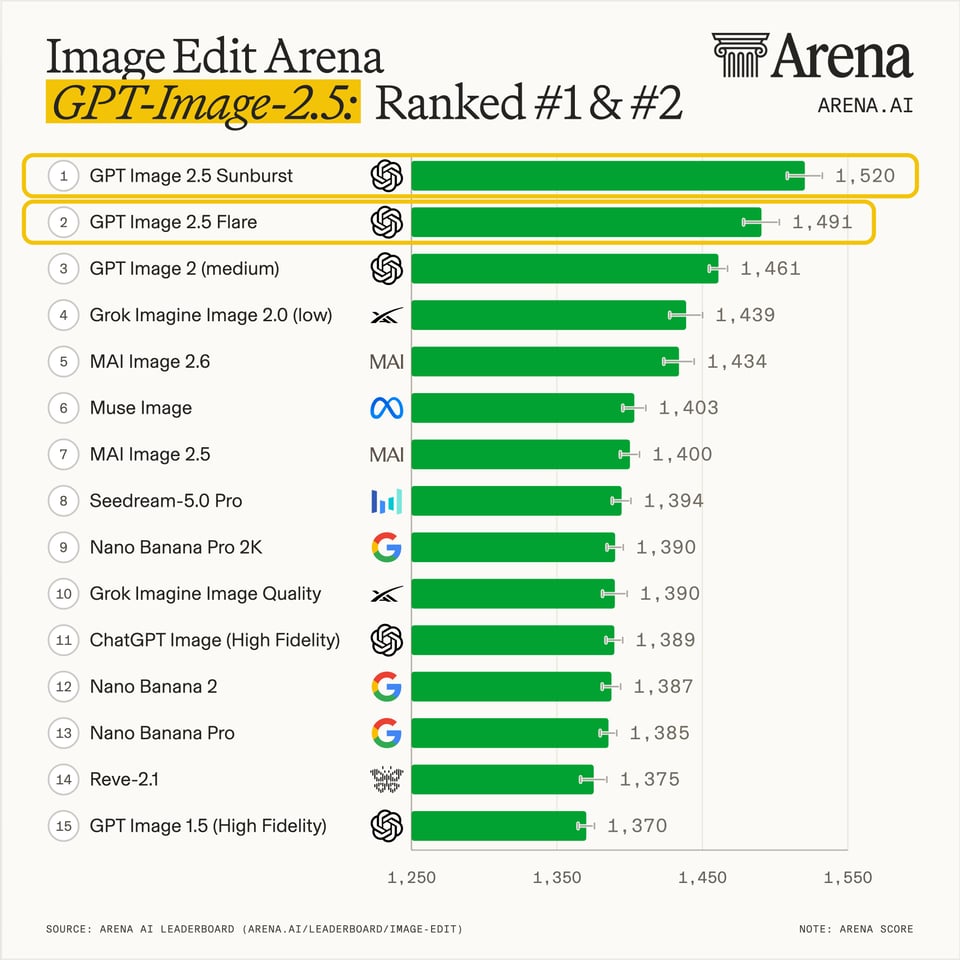
Image Editing Is Another Strong Area for ChatGPT Images 2.5
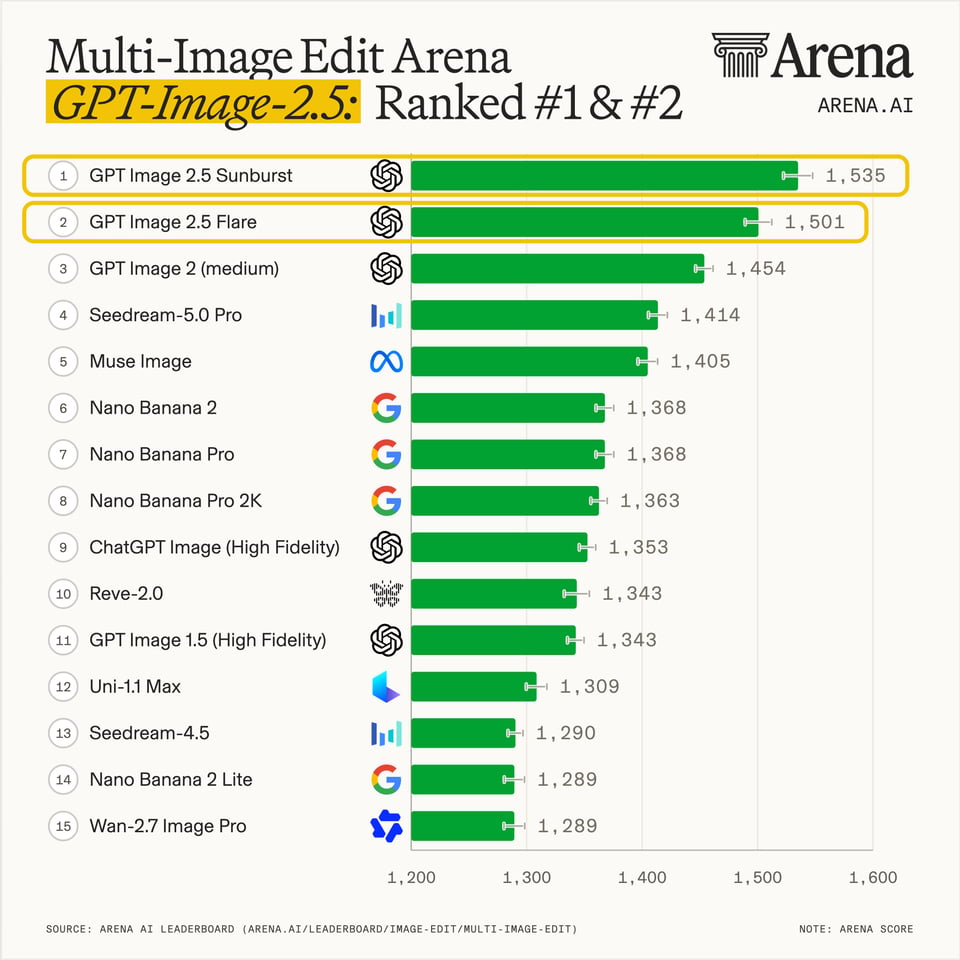
In the Image Edit Arena, GPT Image 2.5 again holds the top two positions with scores of 1,520 and 1,491. GPT Image 2 follows at 1,461, while Grok Imagine Image 2.0, MAI Image 2.6, Seedream 5.0 Pro, and Nano Banana models rank lower. This result aligns closely with GPT Image 2.5’s emphasis on more precise edits and better preservation of elements that should remain unchanged.
Multi-Image Editing Shows an Even Wider GPT-Image-2.5 Lead
The Multi-Image Edit Arena gives GPT Image 2.5 scores of 1,535 and 1,501, securing first and second place ahead of GPT Image 2 at 1,454 and Seedream 5.0 Pro at 1,414. The larger score gap makes multi-image editing one of the clearest areas of improvement, particularly for workflows that need to coordinate multiple references while keeping subjects, style, and visual relationships consistent.
Build with GPT Image 2.5 API on Kie.ai in Five Simple Steps
Get started with our product in just a few simple steps...
1. Sign Up for Kie.ai and Get Your GPT Image 2.5 API Key
2. Test GPT Image 2.5 API Free in the Playground
3. Configure Your GPT Image 2.5 API Request
4. Integrate GPT Image 2.5 API into Your Application
5. Deploy and Monitor Your GPT Image 2.5 API Workflow
See How ChatGPT Images 2.5 API Extends Across Creative and Visual Workflows

Social Media Content Creation
Product Image Generation
Marketing Campaign Visuals
Rapid Visual Prototyping
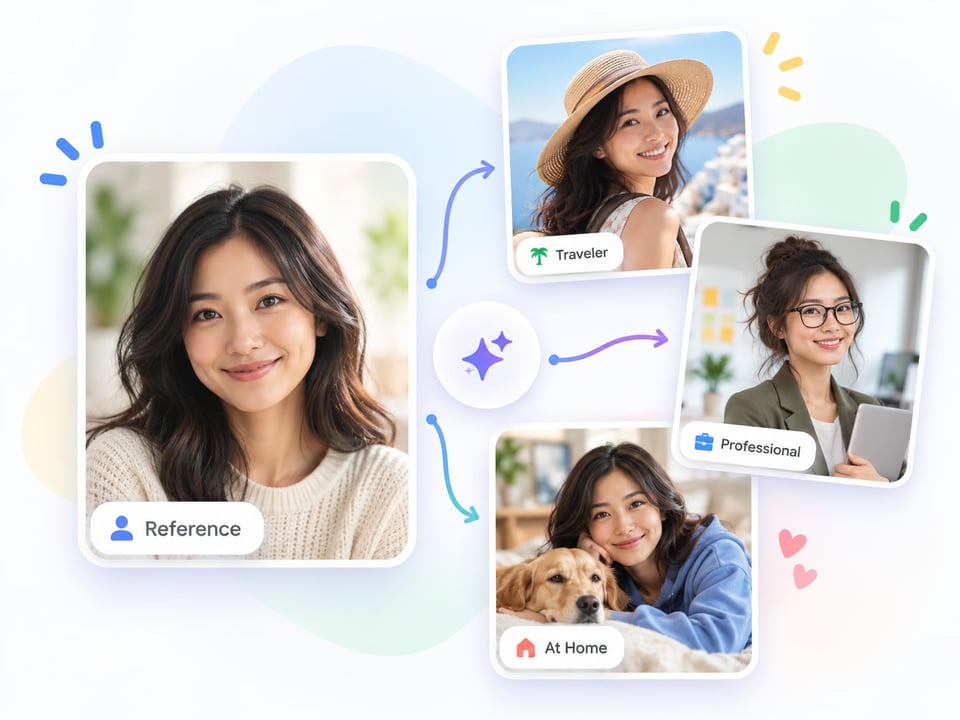
Reference-Based Character Creation
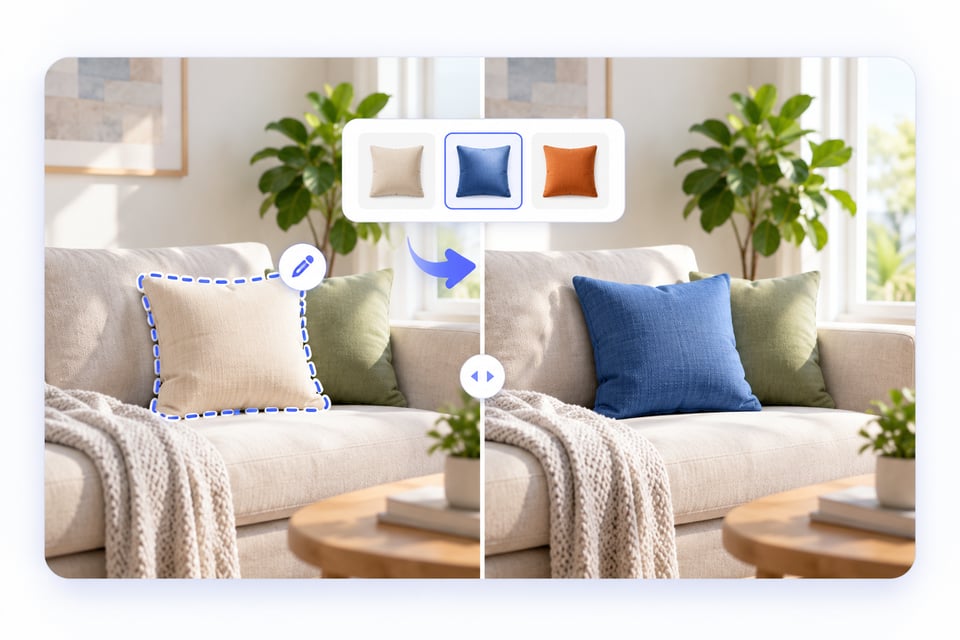
Precision Image Editing

Branded Visual Asset Production

Visual Search and Discovery Experiences

Presentation and Information Graphics
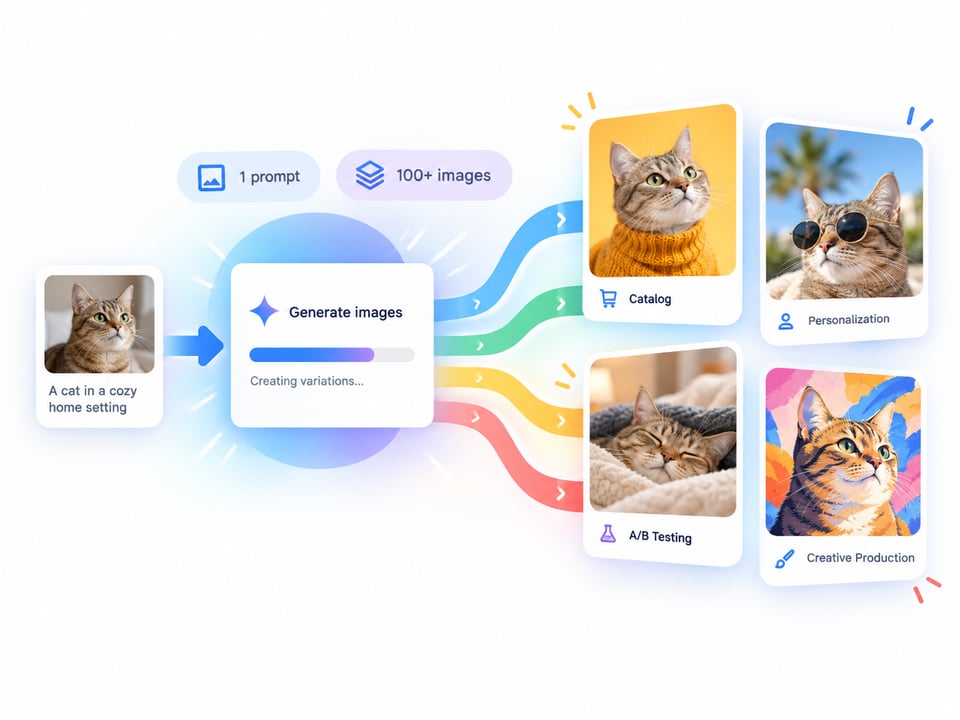
High-Volume Image Generation
What Makes Kie.ai a Better Choice for GPT Image 2.5 API Integration
Get More Cost-Effective GPT Image 2.5 API Pricing
Kie.ai makes GPT Image 2.5 API access more practical for both testing and production use with pricing designed to keep image generation and editing costs easier to control. Whether you are validating a new feature, running repeated creative iterations, or scaling a larger visual workflow, more cost-efficient access can help reduce the expense of using advanced image generation at higher volumes.
Follow Clearer ChatGPT Images 2.5 API Documentation
A smooth integration depends on understanding more than just the endpoint. Kie.ai provides documentation covering authentication, request structure, supported parameters, image inputs, response handling, and other implementation details, helping developers move from early testing to deployment with fewer unnecessary steps. For Sketch, templates, and newly added capabilities, refer to the latest Kie.ai API documentation for current support.
Get Ongoing Support for ChatGPT Image 2.5 API Integration
Unexpected request errors, input issues, or workflow changes can slow down development once an image API is connected to a real product. Kie.ai provides technical support to help developers resolve integration problems, understand supported behavior, and maintain more stable GPT Image 2.5 workflows as requirements become more complex.
Work with More Than GPT-Image-2.5 API in One Place
Different visual tasks may require different strengths, from fast image generation and precise editing to video creation or multimodal processing. Kie.ai brings GPT-Image-2.5 API together with a wider range of AI models, making it easier to compare options, combine multiple capabilities, and build broader creative workflows without maintaining separate integrations across multiple providers.