



Recraft API for Precision Background Removal and Professional High-Resolution Upscaling

Use Kie.ai to explore Recraft AI API workflows for high-fidelity image optimization, advanced semantic backdrop extraction, crisp high-resolution upscaling, and predictable visual quality through one flexible API platform.

Explore Advanced Graphic Recraft APIs Through On Kie.ai

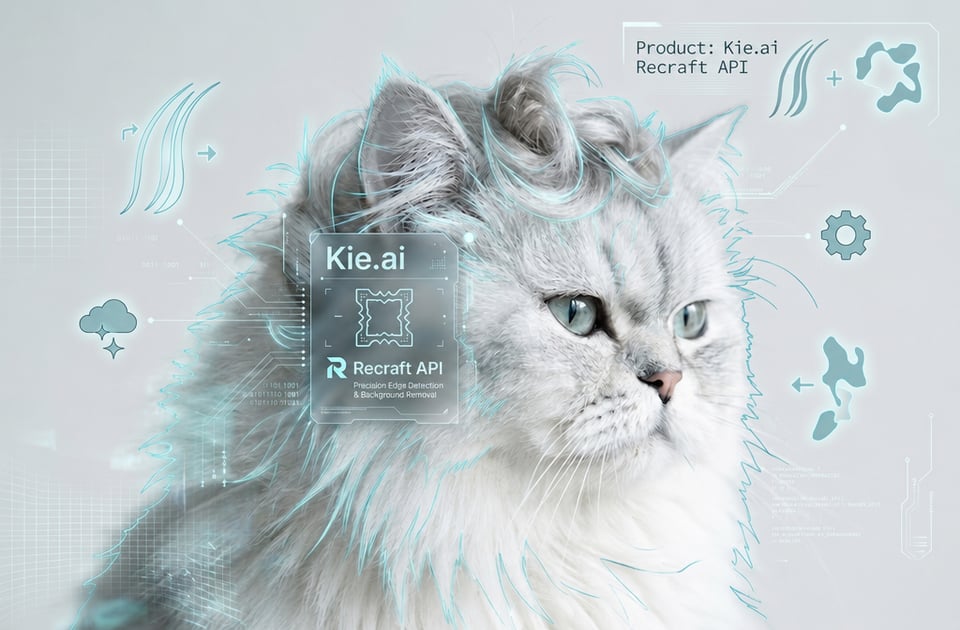
Recraft Remove Background API for High-Precision Backdrop Isolation

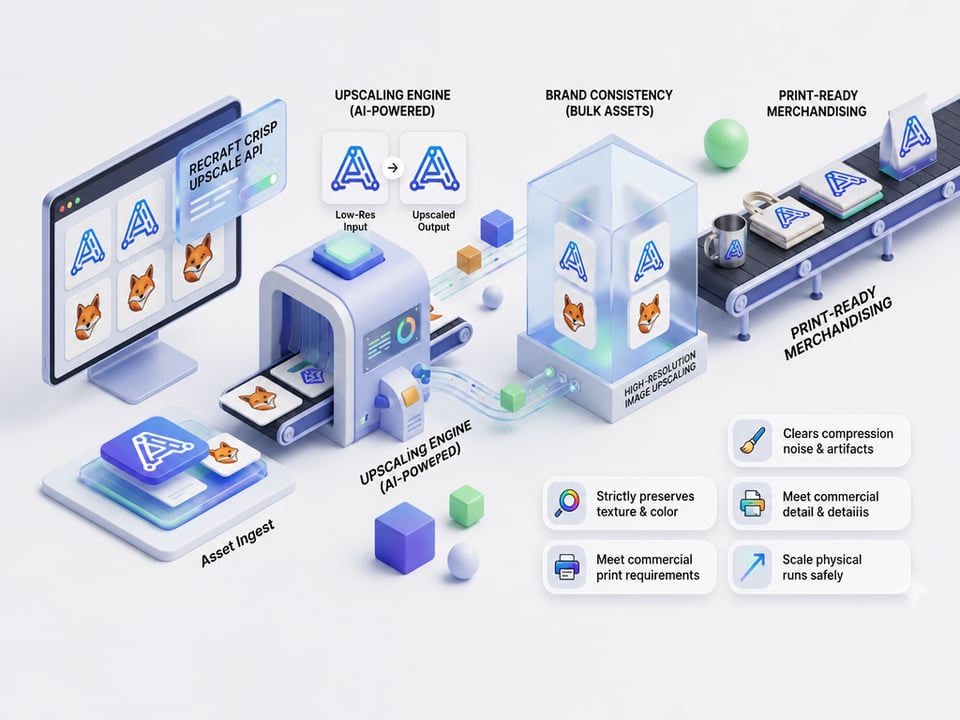
Recraft Crisp Upscale API for Professional Resolution Enhancement

Key Features of Recraft API on Kie.ai

High Precision Edge Detection in Recraft AI API

High Precision Edge Detection in Recraft AI API

Original Detail Preservation via Recraft API

Original Detail Preservation via Recraft API

Precise Color Preservation within the Recraft API Architecture

Precise Color Preservation within the Recraft API Architecture

Rapid Automated Processing in Recraft Remove Background API Workflows

Rapid Automated Processing in Recraft Remove Background API Workflows

Why Choose Kie.ai for Recraft AI API Integration

Access Multiple Recraft API Models in One Platform

Affordable Recraft API Pricing for Flexible Production Scaling

Complete Recraft API Documentation for Efficient Engineering Setup

Free Recraft API Testing and Evaluation Opportunities

Round the Clock Support for Active Recraft API Developers

Rapid Model Updates and Standardized Recraft API Access

Build with Recraft API from Model Testing to Real Requests

  • Step 1: Evaluate Model Behavior Free in the Recraft API Playground

  • Step 2: Establish Authentication with Your Unified Recraft API Key

  • Step 3: Select Your Target Recraft API Endpoint configuration

  • Step 4: Construct and Submit the Asynchronous Recraft API Request

  • Step 5: Capture Output Status and Retrieve Finalized Recraft API Results

  • Step 6: Deploy and Scale Your Automated Recraft API Workflows

How Recraft API Turns Graphical Ideas into Real Product Workflows

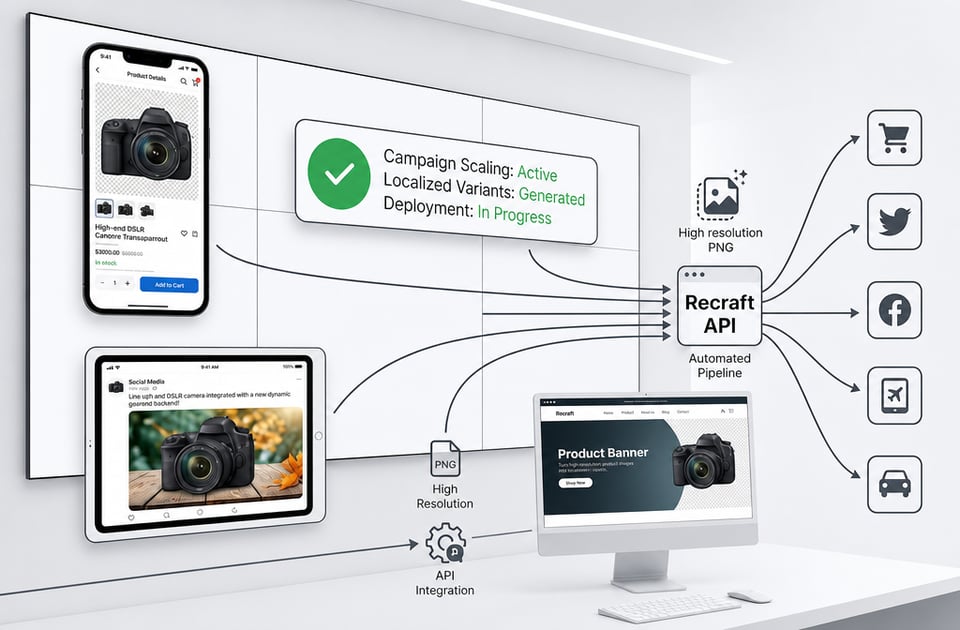
E-Commerce Catalog Automation via Recraft Remove Background API

E-Commerce Catalog Automation via Recraft Remove Background API

Resolution Upgrade Layer through Recraft Crisp Upscale API

Resolution Upgrade Layer through Recraft Crisp Upscale API

Automated Banner Generation for Marketing Campaigns

Automated Banner Generation for Marketing Campaigns

App Development for Image Editing Processing

App Development for Image Editing Processing

Frequently Asked Questions About Kie.ai Recraft API

Q

Does The Upscaling Tool Alter The Original Composition Of The Image?

No, the Recraft crisp upscale API functions strictly as a resolution enhancement layer. It eliminates digital distortion, pixelation, and compression artifacts while maintaining the exact composition, boundaries, and structure of the source asset.

Q

What Functions Does The Recraft Remove Background API Perform?

The Recraft remove background API uses advanced segmentation models to isolate the primary foreground subject and remove complex backdrops, delivering high-resolution transparent PNG files automatically.

Q

How Does The Recraft Crisp Upscale API Enhance Low-Resolution Images?

The Recraft crisp upscale API functions as an intelligent resolution enhancement layer that removes compression noise and artifacts while strictly preserving the authentic textures, color values, and patterns of the source file.

Q

Is There A Playground Environment Available To Test Configurations?

Kie.ai provides free Recraft API testing configurations within online playground, enabling engineering teams to evaluate edge detection, color preservation, and output quality prior to performing backend integration.

Q

Where Can Developers Find Parameters And Authentication Setup Details?

Complete integration rules, request schemas, authentication headers, and callback structures are fully mapped out in the live Kie.ai documentation to minimize setup friction when transitioning from prototypes to production.

Q

How Does Kie.ai Handle Model Updates And Version Releases?

Kie.ai continuously updates new versions and optimizations, providing developers with the ability to explore updated model options and compare generated results.