
動画拡大APIで鮮明なHD・4K出力が実現できます
低解像度の映像は、動画拡大APIによりより明確な構造、強力な定義、そして洗練された高解像度の外観を得られます。元のピクセルを拡大するのではなく、AIによるアップスケーリングはフレーム間で欠損した視覚情報を推定し、HD、2K、4K形式で見てもより鮮明で詳細な出力が可能になります。
Seedance 2.5 on KIE is ByteDance’s upgraded AI video model, built for longer, more controllable video generation. It supports up to 30-second videos, multimodal references, precise editing, and improved consistency for more cinematic and production-ready creative workflows.
Wan3.0 is Alibaba’s next-generation all-in-one video generation model built for multimodal creation. It supports text, image, video, audio, and structured references to produce more consistent, realistic, and controllable video content with enhanced storytelling and editing capabilities.
Seedance 2.0 on KIE is a multimodal Al video model by ByteDance, optimized for fast and realistic video generation. It supports high-quality virtual human video creation with strong multi-shot consistency, enabling more lifelike and cinematic outputs across scenes.
GPT Image 2 is OpenAI’s next-gen image model built for stronger photorealism, cleaner image editing, sharper text rendering, and more polished product photography. Designed for more advanced visual workflows, it pushes image generation beyond basic text-to-image output and into higher-quality creative, commercial, and design-ready use cases.
Meet Nano Banana 2, Google’s Gemini 3.1 Flash Image model, now available via Kie AI API. Built for developers, it combines lightning-fast speed with Pro-level quality, accurate text rendering, strong character consistency, and scalable image generation and editing workflows.
Grok 4.6 is xAI’s latest frontier AI model, designed to enhance long-running agents, advanced reasoning, coding intelligence, and interactive AI experiences. Building on Grok 4.5, it delivers improved performance for complex multi-step tasks, knowledge work, software engineering, and creative applications.
低解像度の動画を拡大し、ぼやけた動画を強化し、Kie AI Video Upscale APIでクリアな映像を得られます。
低解像度の映像は、動画拡大APIによりより明確な構造、強力な定義、そして洗練された高解像度の外観を得られます。元のピクセルを拡大するのではなく、AIによるアップスケーリングはフレーム間で欠損した視覚情報を推定し、HD、2K、4K形式で見てもより鮮明で詳細な出力が可能になります。
AI動画拡大APIでは、映像をフレームごとに評価し、必要に応じて異なる強化調整を適用します。柔らかいテクスチャ、ぼやけた輪郭、曖昧な顔、粗い背景などもバランスよく改善され、手作業による編集を減らしながら、映像全体の視覚的整合性を保ちます。
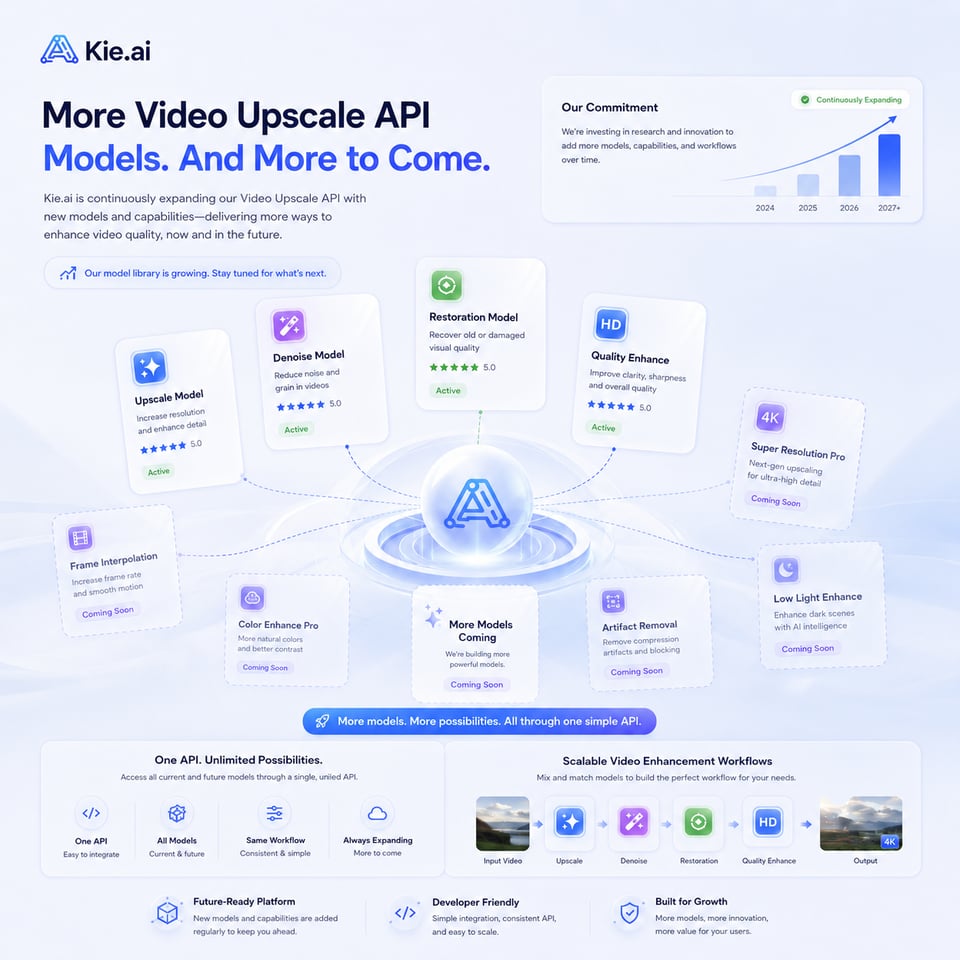
Kie.aiのアカウントを作成し、ダッシュボードにログインして動画拡大APIキーを取得してください。このキーを使用することで、Kie.aiの動画強化ワークフローにアクセスし、アップスケールタスクを実行し、サポートされているAI動画強化モデルを通じて低解像度の映像を処理することが可能になります。

実際のワークフローに組み込む前に、Kie.aiのプレイグラウンドで無料クレジットを使ってAI動画拡大APIをテストしてみてください。サンプル動画をアップロードし、モデルがどの要素を改善したかを確認できます。その後、残りのクレジットとプランのルールを確認して、より多くのタスクを実行できます。
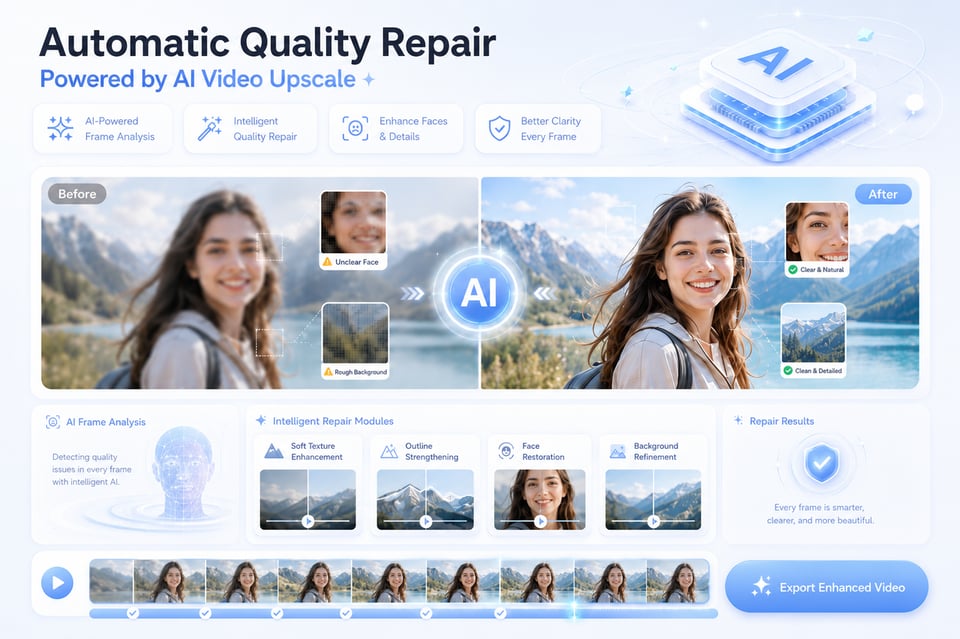
サポートされている動画拡大APIモデルを選択し、動画をアップロードして、Kie.ai APIの現在のドキュメントに従って強化オプションを選択してください。モデルの設定に応じて、解像度の向上、アーティファクトの除去、視覚的な粗さの軽減、オリジナルクリップのよりクリアなバージョンの生成が可能です。
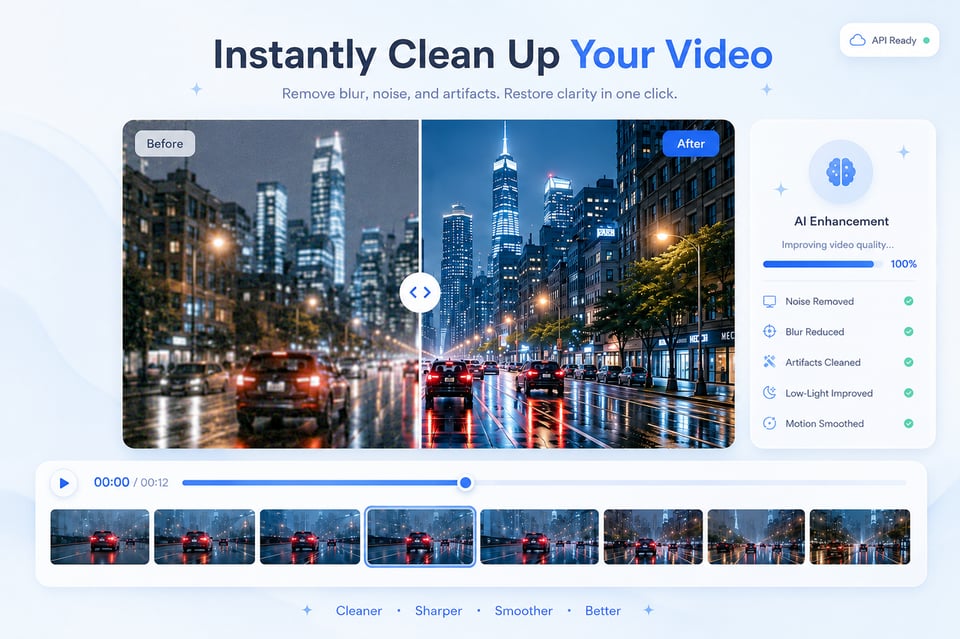
処理が完了すると、強化結果をプレビューし、最終動画をダウンロードできます。製品ワークフローでは、Video Enhance APIを独自のプラットフォームやメディアツール、自動化パイプラインに接続することで、ユーザーがアップロードした動画の強化や一括処理を簡単に実現できます。
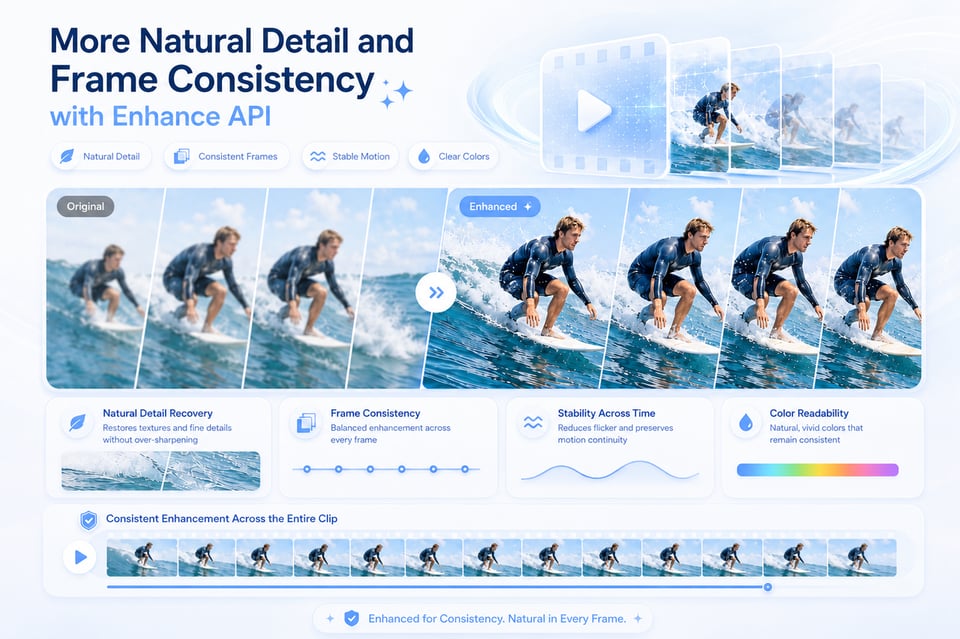
Kie.aiでは、大規模なワークロードに移行する前に動画強化の結果をテストできます。利用可能なクレジットを使って、動画拡大APIの効果がクリア度、シャープネス、ノイズ、全体的な品質に与える影響をさまざまなクリップで確認し、コンテンツワークフローに適しているかどうかを判断できます。
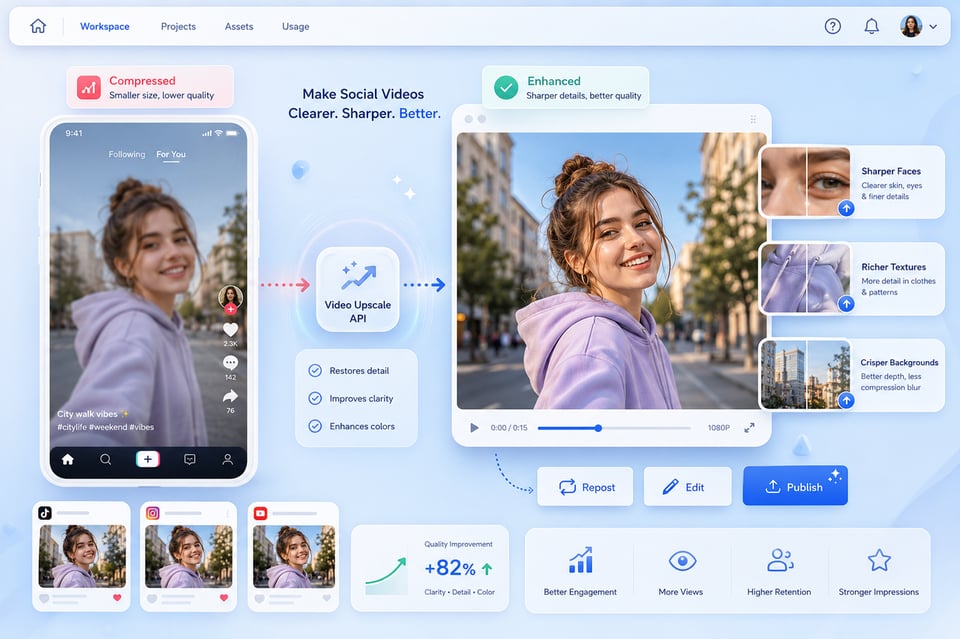
動画強化は、広範なクリエイティブワークフローの1つのステップに過ぎません。Kie.aiは、動画拡大APIを他のAI動画、画像、クリエイティブAPIと1つのプラットフォームで統合し、ユーザーが別のツールに切り替えることなく、メディアアセットの生成・調整・強化・準備を行うことができます。
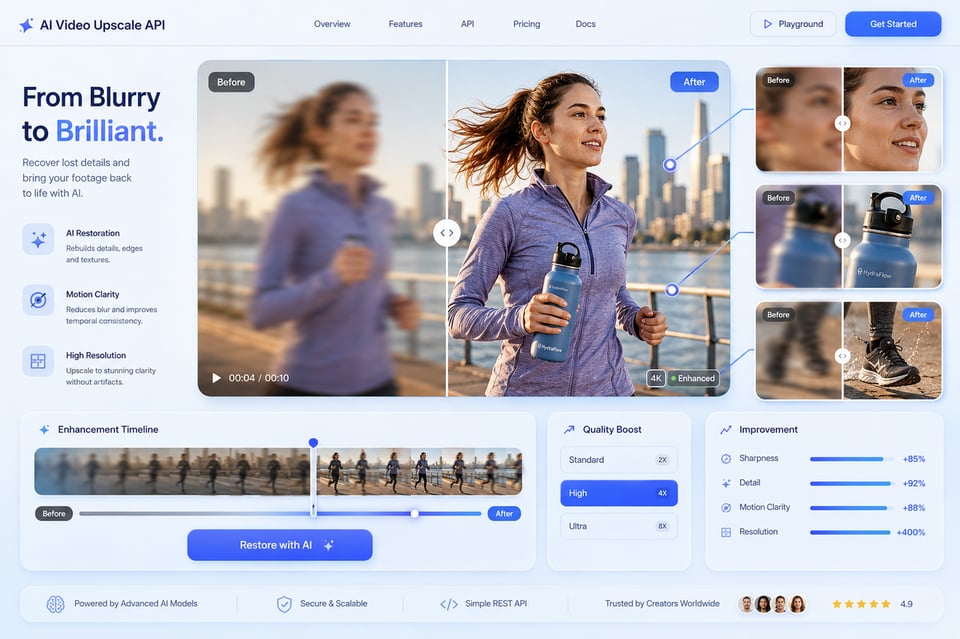
Kie.aiは、サポートされるモデル、リクエスト方法、タスクの状態、利用可能なパラメータ、結果の取得について理解しやすくするためのドキュメントを提供します。モデルオプションや処理ルールは時間とともに変更される可能性があるため、最新のKie.ai APIドキュメントを主な参考資料としてご利用ください。
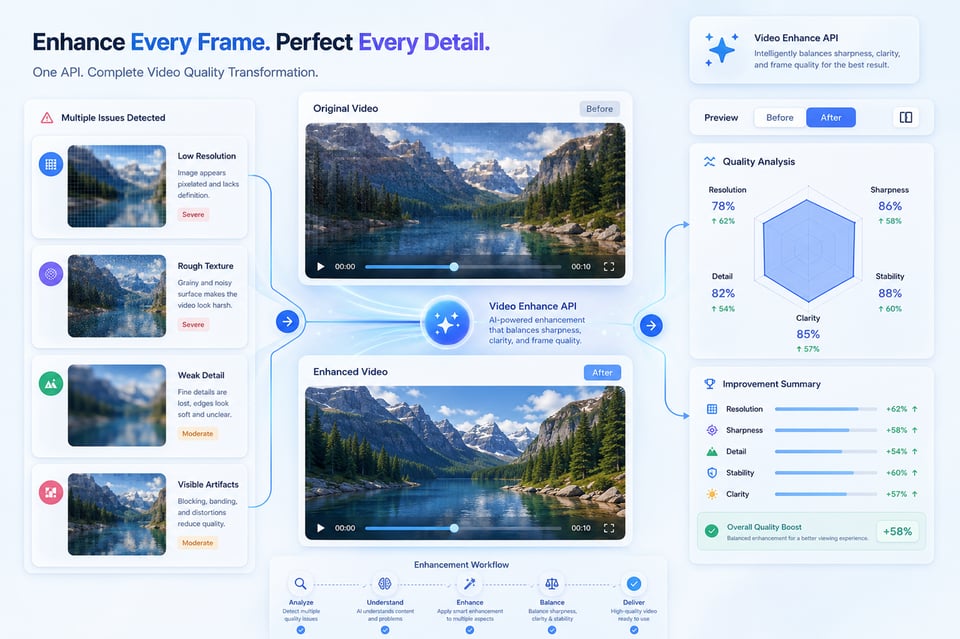
動画強化タスクには、ソースの品質やファイルの状態、出力の期待値など、さまざまな要素が含まれます。Kie.aiは24時間365日対応で、動画拡大APIのテスト、使用方法、タスク処理、ワークフローに関する質問に対応し、継続的なプロジェクトにおける強化プロセスをより信頼性の高いものにします。
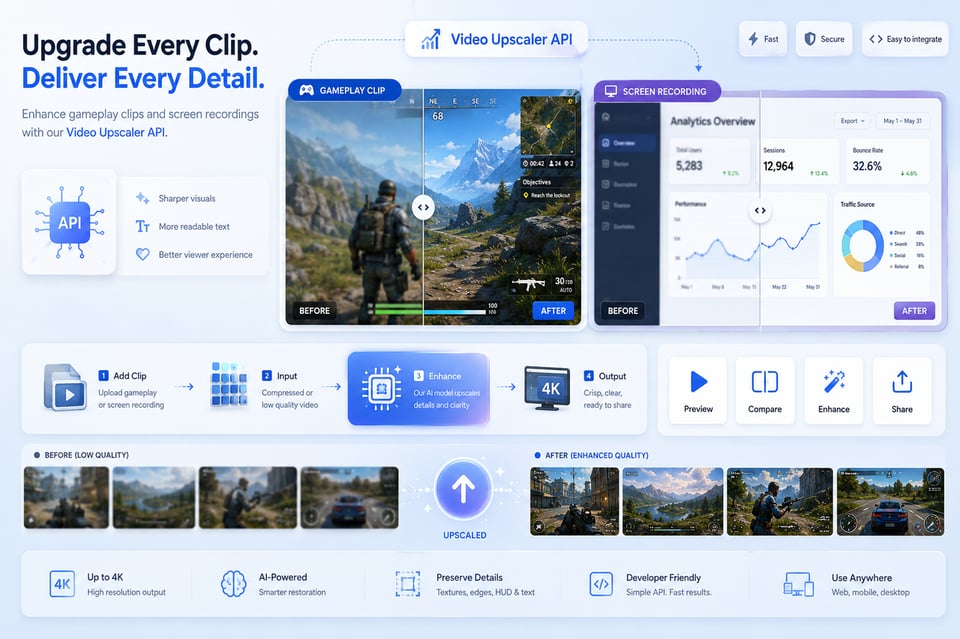
Older videos often come with low resolution, faded clarity, visible grain, and unstable visual detail. Video Enhance API can help clean up those issues while making faces, objects, and scenes easier to see on modern devices. Home memories, event footage, and archive clips can all feel more watchable after enhancement.
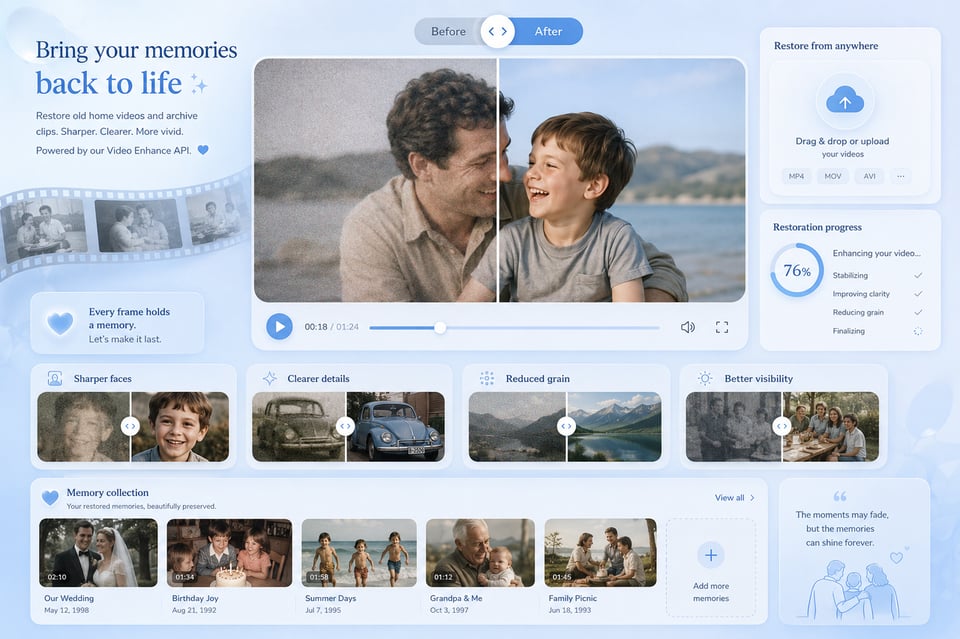
Videos recorded at night, indoors, or in poor lighting often show grain, muddy textures, and unclear subject details. AI Video Upscale API can reduce noise, improve readability in darker areas, and help the whole clip look cleaner without making it feel overly artificial. Night scenes, low-light portraits, and city footage can all benefit from a more refined final look.
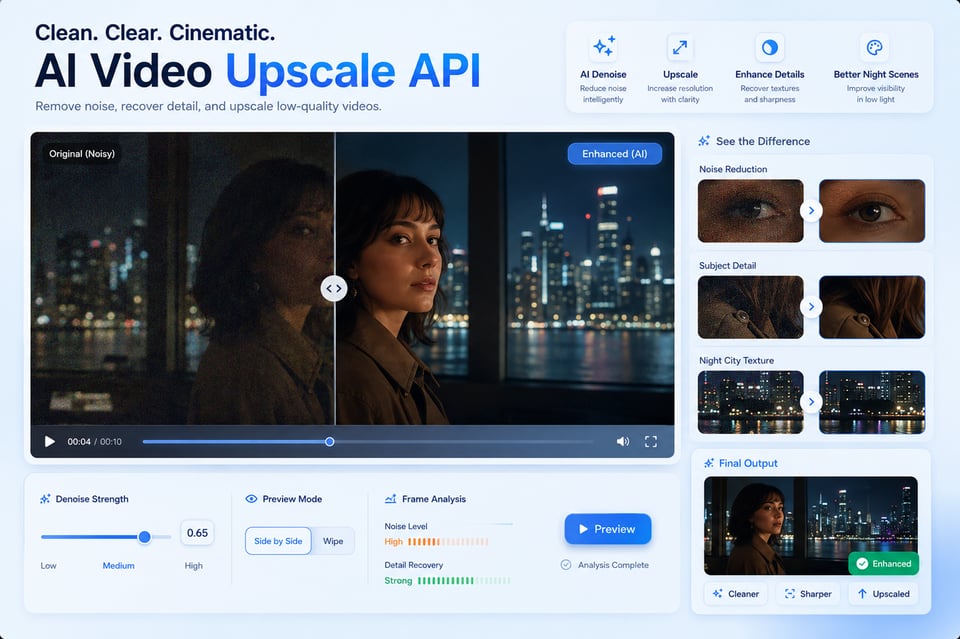
動画拡大APIは、低解像度、ぼやけた、ノイジー、または圧縮された動画を視覚的に明確にし、出力がよりシャープになるように改善できます。古いクリップのリフレッシュ、ソーシャルメディア動画の向上、AI生成動画の強化、低光量映像のクリーニング、公開や編集用により明確なコンテンツを準備するなど、幅広く活用できます。
Video Upscale API(動画拡大API)は、選択したモデルが高解像度出力に対応している場合、より明確なHDまたは4Kスタイルの結果を得られるよう支援します。最終的な品質は元動画の品質に大きく依存します。解像度、ぼやけ具合、圧縮による劣化、照明、動きの複雑さなどが影響します。サポートされる出力形式の詳細については、最新のKie.ai APIドキュメントをご確認ください。
AI Video Upscale API(AI動画拡大API)は、輪郭の強化と明確化、対象物の認識しやすさの向上により、ぼやけた映像を改善できます。ただし、元動画が極端にぼやけている、または視覚情報が大幅に欠損している場合、結果は鮮明さを向上させることはできますが、元の詳細を完全に再現することはできません。
はい。Video Enhance API(動画強化API)は、古い家庭用動画、アーカイブ映像、VHSからの変換、初期の電話録音、その他の低品質な映像を復元するお手伝いをします。視覚的な粗さの軽減、詳細の可視性向上、ノイズの除去により、古い動画を現代の画面でも快適に視聴できるようにします。
Video Upscale API can help improve low-resolution, blurry, noisy, or compressed videos by increasing visual clarity and making the output look sharper. It is useful for refreshing old clips, improving social media videos, enhancing AI-generated videos, cleaning low-light footage, and preparing clearer content for publishing or editing.
Video Upscale API can help create a clearer HD or 4K-style result when the selected model supports higher-resolution output. The final quality still depends on the original video, including its resolution, blur level, compression damage, lighting, and motion complexity. For exact supported output options, check the latest Kie.ai API documentation.
AI Video Upscale API can improve blurry footage by strengthening edges, recovering clearer contours, and making subjects easier to recognize. However, if the original video is extremely blurred or missing too much visual information, the enhanced result may improve clarity but cannot fully recreate perfect original detail.
Yes. Video Enhance API can help restore old home videos, archive clips, VHS transfers, early phone recordings, and other low-quality footage. It can reduce visual roughness, improve detail visibility, clean noise, and make older videos easier to watch on modern screens.
Video Upscaler API can help reduce common quality issues such as grain, pixelation, blocky compression artifacts, muddy textures, and low-light noise. The result is usually cleaner and smoother, especially when the source video has been compressed, downloaded, reposted, or recorded in poor lighting.
Yes. Kie.ai allows users to test Video Upscale API through the playground with available credits. You can upload sample clips, review the enhancement effect, compare output quality, and check whether the result fits your content needs before using it for larger tasks.
Kie.ai currently provides Topaz Video Upscaler API for AI-powered video enhancement. Model availability, supported resolutions, input requirements, processing limits, and parameters may change over time, so the latest Kie.ai API documentation should be used as the main reference before use.