

Seedance 2.5 on KIE is ByteDance’s upgraded AI video model, built for longer, more controllable video generation. It supports up to 30-second videos, multimodal references, precise editing, and improved consistency for more cinematic and production-ready creative workflows.
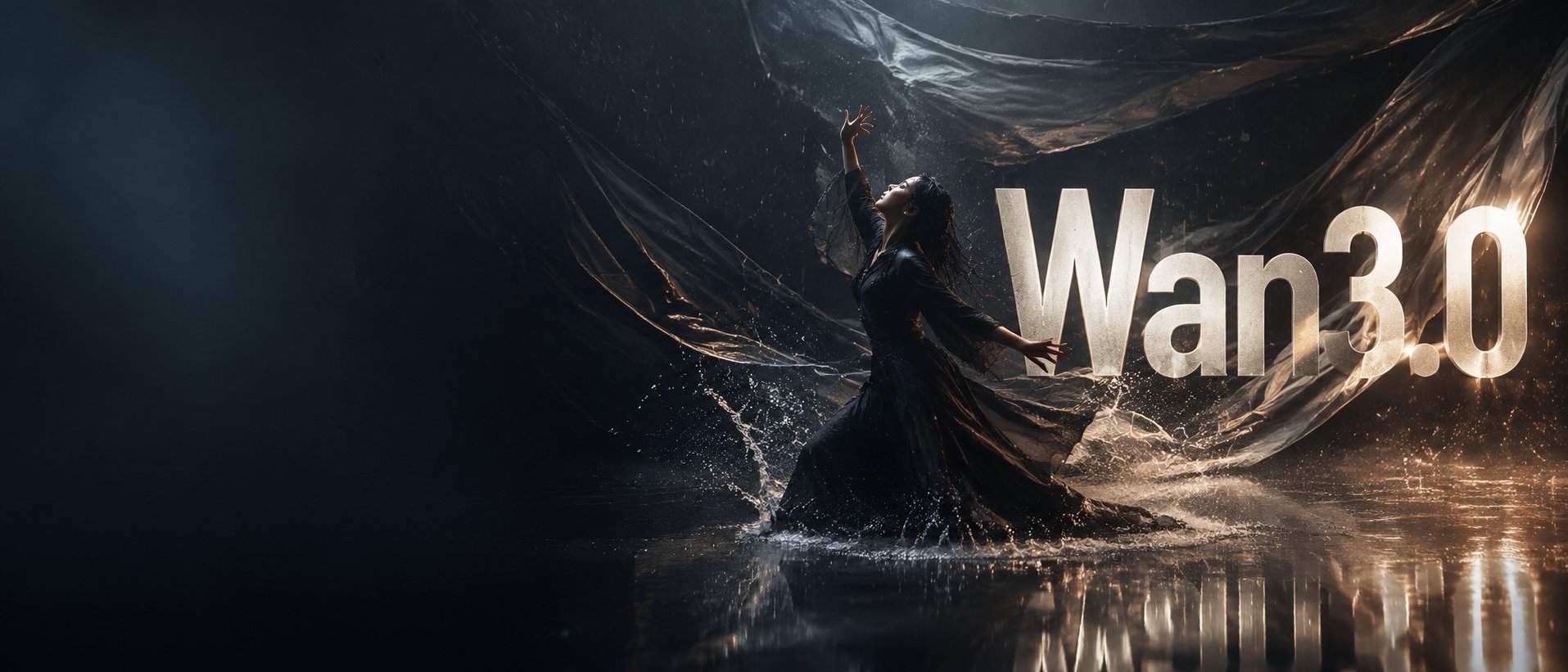
Wan3.0 is Alibaba’s next-generation all-in-one video generation model built for multimodal creation. It supports text, image, video, audio, and structured references to produce more consistent, realistic, and controllable video content with enhanced storytelling and editing capabilities.
Seedream 5.5 is ByteDance Seed's image creation model, released on November 9, 2026. It keeps unedited regions intact across up to 100 rounds of editing, generates images with transparent backgrounds natively, and renders more realistic textures and dense small text.
OpenAI introduces GPT-6.2 Astra as its frontier model for the hardest projects, released on November 17, 2026. It accepts text and image inputs across a 1,050,000-token context window (up to 922,000 input tokens and 128,000 output tokens) and delivers cleaner code, better frontends and 3D models, and better results on demanding tasks with fewer output tokens. On Kie.ai it currently supports chat requests only.
Claude Opus 5.5 is Anthropic's first model in the Claude 5.5 family, delivering frontier-level performance in agentic coding, computer use, and knowledge work. With faster output, clearer communication, and significantly improved computational efficiency, it brings advanced intelligence to demanding, multi-step tasks.
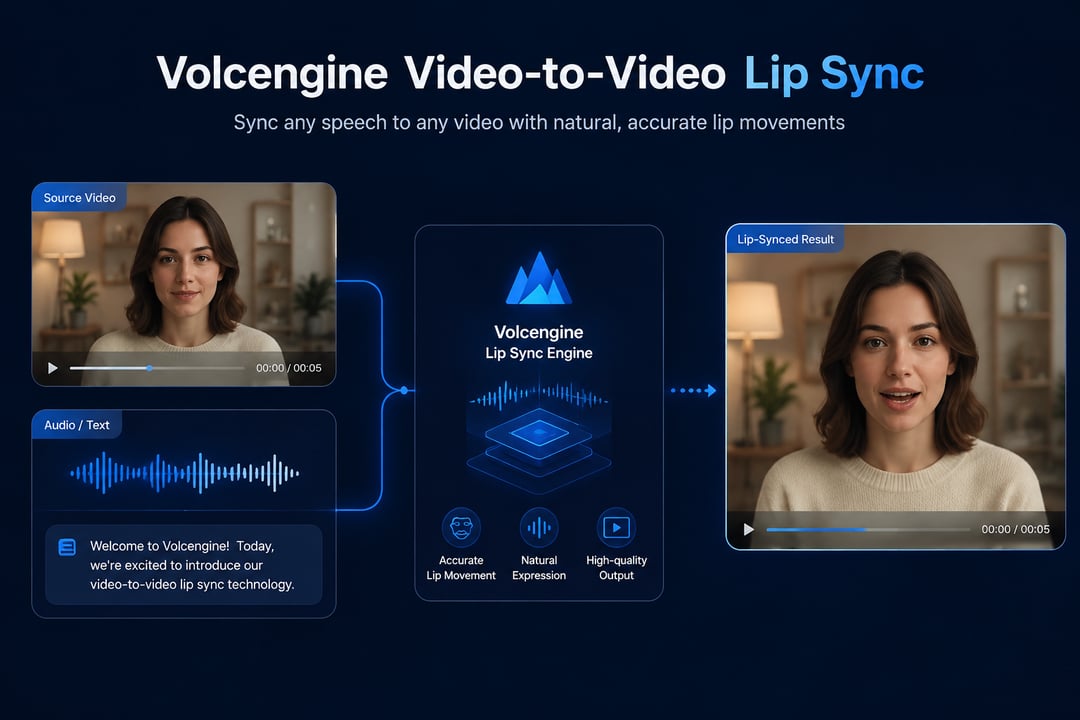
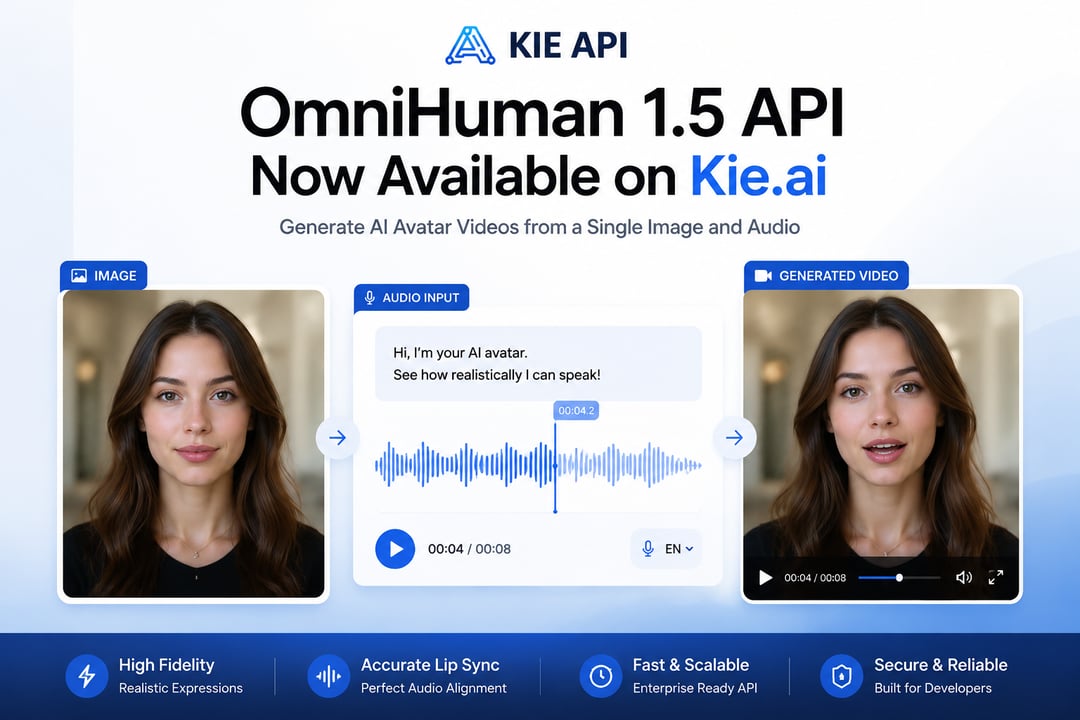
Seedance 2.0 on KIE is a multimodal Al video model by ByteDance, optimized for fast and realistic video generation. It supports high-quality virtual human video creation with strong multi-shot consistency, enabling more lifelike and cinematic outputs across scenes. With efficient generation speed, Seedance 2.0 typically averages around ~5 minutes per generation, while Seedance 2.0 Fast averages around ~4 minutes - making it a reliable choice for scalable, real-time content production.
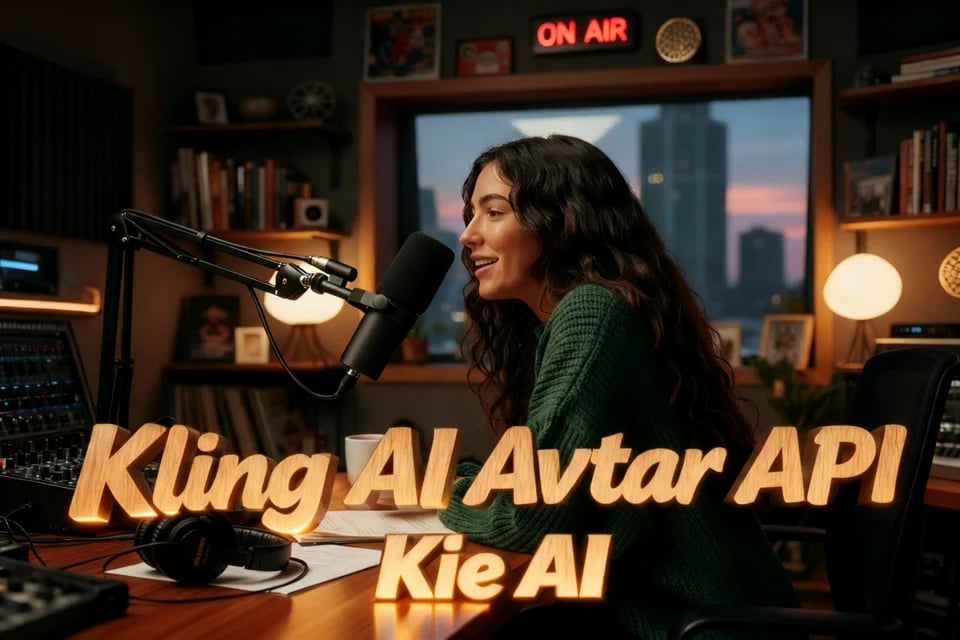
AIトーク動画の作成に最適な複数のリップシンクAPIモデル
Kie.aiで複数のリップシンクAPIモデルを活用し、自然な口の動きと音声の同期、トークアバター、多言語スピーキング動画、スケーラブルなAI動画生成を実現しましょう。
AIリップシンクAPIの主な特徴
Seedance 2.0 API
Seedance 2.0 API is built for high-quality AI video generation with strong motion control, scene consistency, and reference-based creation. Its Lip Sync API use cases are suitable for teams creating cinematic presenter clips, character videos, branded visual content, and polished AI video experiences.
Kling AI Avatar 2.0 API
Kling AI Avatar 2.0 API is designed for avatar-style speaking videos and AI presenter generation. As a Lip Sync API option, it works well for virtual spokespersons, multilingual avatar content, education videos, onboarding videos, and customer-facing AI video experiences.
InfiniTalk API
InfiniTalk API focuses on speech-based talking video and synchronized mouth movement. As a Lip Sync API option, it is suitable for AI avatars, talking character content, creator tools, education products, and AI video platforms that need natural-looking speaking results.
Kie.aiでリップシンクAPIを統合する方法
ステップ1:Kie.aiアカウントの作成とリップシンクAPIキーの取得
Kie.aiアカウントを作成し、ダッシュボードにログインしてリップシンクAPIキーを生成します。このキーは、リップシンクAPIモデルを呼び出す際の認証、モデルアクセス、利用状況の確認・管理に使用されます。
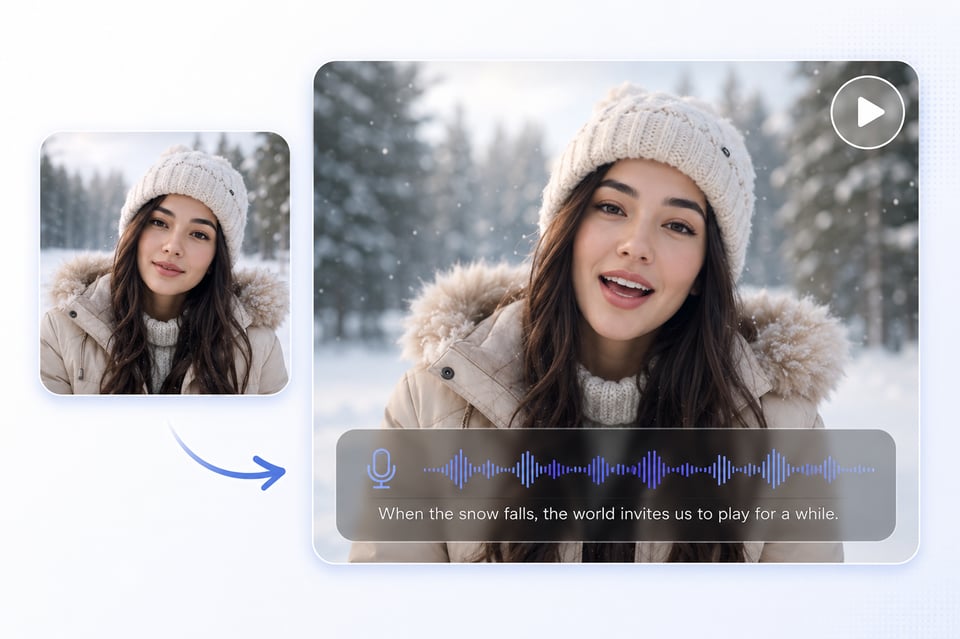
ステップ2:無料クレジットを使ってリップシンクAPIモデルを試す
Kie.aiアカウントに含まれる無料クレジットを使って、統合前にさまざまなリップシンクAPIモデルを試すことができます。このステップにより、モデルごとの口の同期品質、自然な話す表現、入力要件、処理動作、出力スタイルを比較することが可能です。
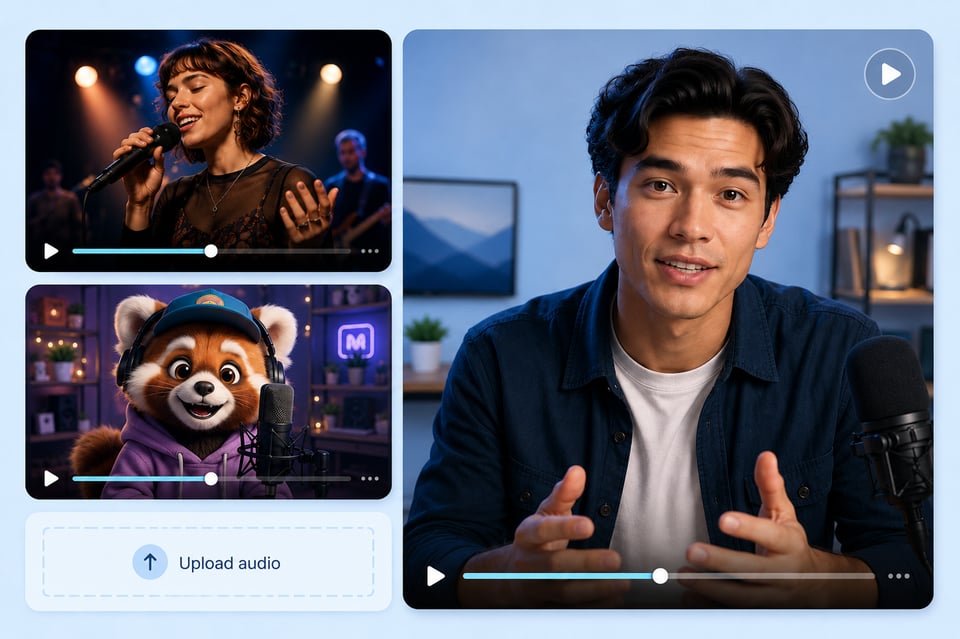
ステップ3:最適なリップシンクAPIモデルを選択する
ターゲットとなるコンテンツタイプと生成目的に合ったリップシンクAPIモデルを選択してください。アバタープレゼンター、人間風の動画、キャラクタービデオ、教育コンテンツ、ソーシャルでの会話動画など、視覚スタイルや口の動きの自然さに応じてモデルの選択が異なります。
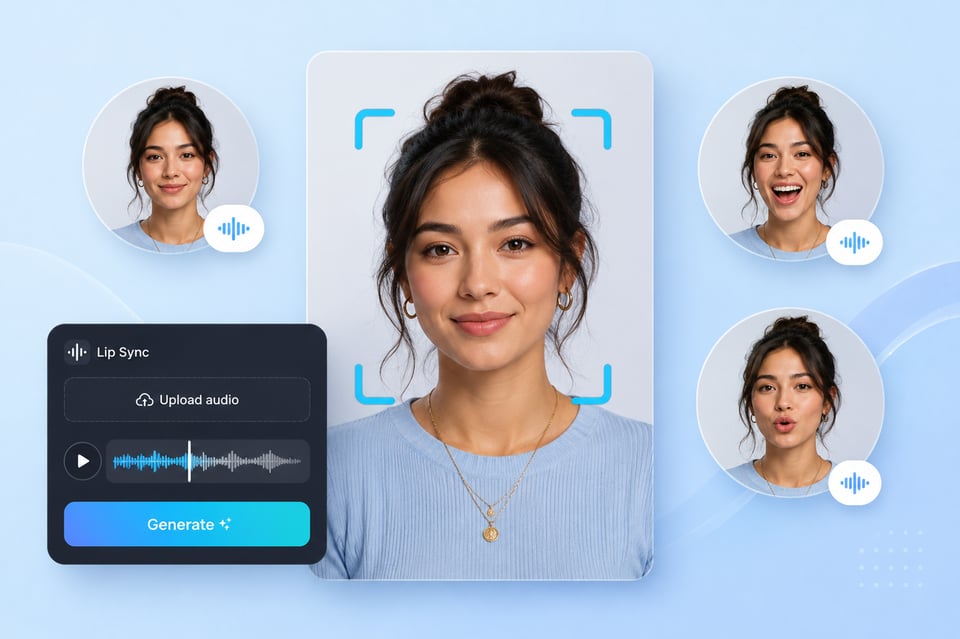
ステップ4:リップシンクAPIリクエストに必要な入力内容の設定
選択したリップシンクAPIモデルに必要なメディア入力を準備してください。例として、顔の動画、アバタークリップ、キャラクターソース、ポートレート形式の入力、スピーチ音声、または生成音声ファイルなどが該当します。顔の可視性が明確で、音声がクリアで、フレームが安定し、サポートされているメディア形式を用意することで、リクエストの成功率と出力の一貫性が向上します。
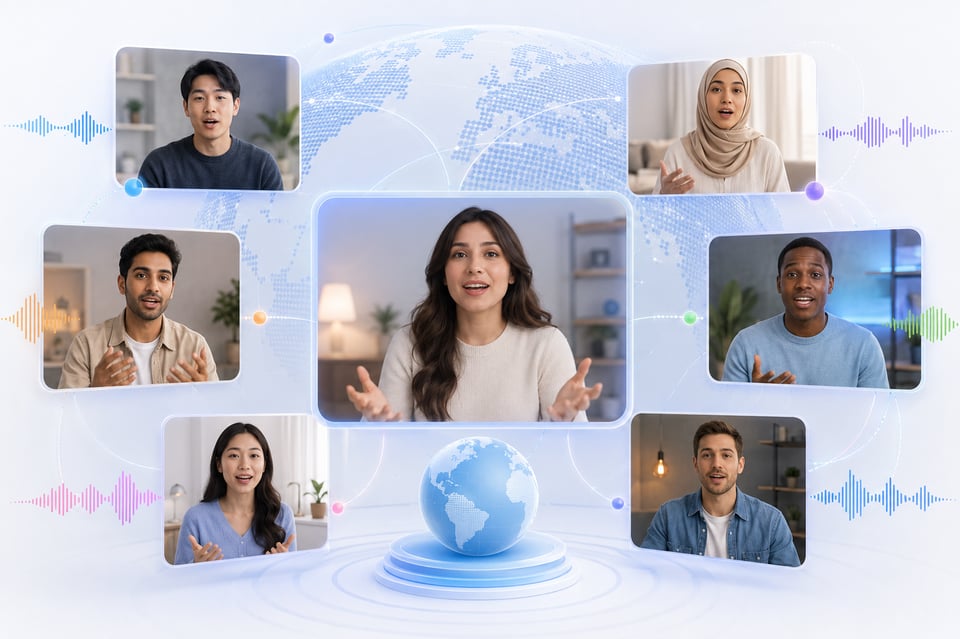
AIビデオ製品におけるリップシンクAPIの活用方法
リップシンクAPIを活用したAIアバタープレゼンター動画
AIリップシンクAPIで多言語対応のスピーキング動画を作成する
リップシンクAPIで作るSNS用トークキャラクター
教育・研修用の動画を作成する際のリップシンクAPIの活用
Step 5: Call Lip Sync API and Retrieve Video Output
リップシンクAPI統合でKie.aiを選ぶ理由
最新モデルに対応した複数のリップシンクAPIと、モデルの定期的な更新
Kie.aiは複数のリップシンクAPIへのアクセスを提供し、チームがさまざまなモデルの性能を比較できるようにします。アバタービデオ、おしゃべりキャラクター、プレゼンタークリップ、音声同期コンテンツなどにおいて、異なるモデルを比較することが可能になります。新しいAIビデオやリップシンクモデルが登場するたびに、Kie.aiはAPIオプションを拡張・更新し、統合の再構築なしに最新のモデル機能を活用できる環境を整えます。
スケーラブルなビデオ制作に最適なリップシンクAPIのリーズナブルな価格設定
繰り返しリップシンク動画を生成する際にはコストが重要な要素となります。Kie.aiは、クリエイターツール、アバタープラットフォーム、教育製品、マーケティングシステム、AIメディアアプリケーションを構築するチーム向けに、実用的なリップシンクAPI価格を提供します。これにより、異なるモデルのテストが容易になり、生成コストの管理が可能となり、API予算をより予測可能にすることで動画作成のスケールアップが実現します。
統合を迅速に実現するための完全なリップシンクAPIドキュメント
明確なドキュメントにより、統合のハードルが低減されます。Kie.aiは、認証方法、リクエスト構造、入力要件、モデル選択、レスポンス処理、動画結果の取得など、リップシンクAPIのすべての機能を網羅したドキュメントを提供します。これにより、技術チームはAPIテストから製品デプロイまでの道筋をよりスムーズに進めることができます。
安定した運用を支える24時間365日対応のAIリップシンクAPIサービス
Kie.aiは、リップシンク生成への継続的なアクセスが必要な製品向けに、24時間365日対応のAIリップシンクAPIサービスを提供します。ソーシャル動画ツール、多言語アバターコンテンツ、学習プラットフォーム、自動化された動画システムなど、さまざまなユースケースに対応しており、APIの安定稼働により、世界中のユーザーが一貫した動画生成のワークフローを安定的に提供できるようになります。
リップシンクAPIのよくある質問
統合前にリップシンクAPIをテストすることは可能でしょうか?
はい。Kie.aiでアカウントに付与されているクレジットを使用して、リップシンクAPIモデルを事前にテストできます。これにより、口の動きの同期品質、入力要件、処理動作、出力スタイルを事前に確認し、製品に最適なモデルを選択することが可能です。
リップシンクAPIにはどのような入力が必要なのでしょうか?
一般的なリップシンクAPIのワークフローでは、顔の画像または動画を含む視覚入力と音声を必要とします。選択したモデルによって、視覚入力は顔の動画、アバタークリップ、キャラクタービデオ、またはポートレートスタイルの画像が対象となり、音声入力は録音されたスピーチ、ナレーション、またはAI生成音声が使用できます。正確な入力形式、必須フィールド、メディア制限、サポートパラメータについては、選択したリップシンクAPIモデルのドキュメントをご確認ください。
リップシンクAPIでトークアバター動画を作成することは可能でしょうか?
はい。リップシンクAPIを使用することで、デジタルプレゼンター、バーチャルスポークスマン、またはキャラクターが提供された音声に合わせて話す映像を作成できます。これは、製品紹介動画、オンボーディング動画、教育コンテンツ、カスタマーサポート動画、クリエイターツールなどに最適です。
AIリップシンクAPIは多言語対応していますか?
はい。リップシンクAPIは、複数の言語を含む音声が提供されている場合、多言語のスピーキング映像を作成できます。この機能により、ローカライズされたアバタープレゼンター、国際的なマーケティング動画、教育資料、トレーニングコンテンツ、グローバルなクリエイターコンテンツなどに活用できます。
FAQs About Lip Sync API
Can I test Lip Sync API before integrating it?
Yes. You can test available Lip Sync API models on Kie.ai with the credits in your account before full integration. This helps you review mouth synchronization quality, input requirements, processing behavior, and output style before choosing a model for your product.
What input does Lip Sync API usually require?
A typical Lip Sync API workflow requires a face-based visual input and speech audio. Depending on the selected model, the visual input may be a face video, avatar clip, character video, or portrait-style source, while the audio may come from recorded speech, narration, or AI-generated voice. The exact input format, required fields, media limits, and supported parameters should follow the documentation of the specific Lip Sync API model you choose.
Can Lip Sync API create talking avatar videos?
Yes. Lip Sync API can be used to create talking avatar videos where a digital presenter, virtual spokesperson, or character appears to speak in sync with the provided audio. This is useful for product explainers, onboarding videos, education content, customer support clips, and creator tools.
Does AI Lip Sync API support multilingual speaking videos?
AI Lip Sync API can support multilingual speaking video creation when the provided audio is in different languages. This makes it useful for localized avatar presenters, international marketing videos, education materials, training content, and global creator content.
Is LipSync API suitable for social media video products?
Yes. LipSync API is suitable for short-form talking videos, character clips, creator avatars, profile-based videos, meme-style content, and social media formats such as Shorts, Reels, and TikTok-style videos. It helps make face-based video content feel more expressive and speech-aligned.
How do I choose the right Lip Sync API model?
The right Lip Sync API model depends on your input type, desired visual style, speaking effect, and product scenario. Avatar presenter videos, cinematic speaker clips, character content, education videos, and social media talking videos may each require different model behavior.
Can Lip Sync API be used in production video applications?
Yes. Lip Sync API can be integrated into video editors, avatar platforms, creator tools, education products, marketing systems, and AI media applications. For production use, it is better to test model output, input compatibility, request structure, and usage cost before scaling.