Smart Storyboarding
Generate multi-camera video.
The video contain audio
Resolution of the generated video
The aspect ratio of the generated video frame
Click to upload or drag and drop images.
Images: JPEG/JPG/PNG/WebP, Max 30MB
Smart Storyboarding
Generate multi-camera video.This field must be set to false when both start and end frames are provided.
Generate audio for video
Resolution of the generated video
"Auto" mode is unavailable for single-frame uploads; it is required when both start and end frames are provided.
Explore different use cases and parameter configurations
Textarea description
0/3072Click to upload or drag and drop
Supported formats: MP4, QUICKTIME Maximum file size: 200MB; Maximum files: 1
The source video URL array must contain exactly one video.
Click to upload or drag and drop
Supported formats: JPEG, PNG Maximum file size: 50MB; Maximum files: 4
The reference image URL array can contain a maximum of 4 images.
Resolution of the generated video
"Auto" mode is required for video-only uploads; it is unavailable when both video and images are provided.
The video contain audio
Click to upload or drag and drop
Supported formats: MP4, QUICKTIME Maximum file size: 200MB; Maximum files: 1
The source video URL array must contain exactly one video.
Click to upload or drag and drop
Supported formats: JPEG, PNG Maximum file size: 50MB; Maximum files: 7
The reference image URL array can contain a maximum of 4 images.
Generate multi-camera video.
Resolution of the generated video
"Auto" mode is required for video-only uploads; it is unavailable when both video and images are provided.
The video contain audio
README
Complete guide to using kling-3.0-omni/text-to-video
Kling O3 API – Access Kling 3.0 Omni Video Model on Kie AI
Build next-generation AI video applications with Kling O3 API, featuring multimodal references, native audio, character consistency, and multi-shot video generation.
Key Features of Kling O3 API on Kie AI
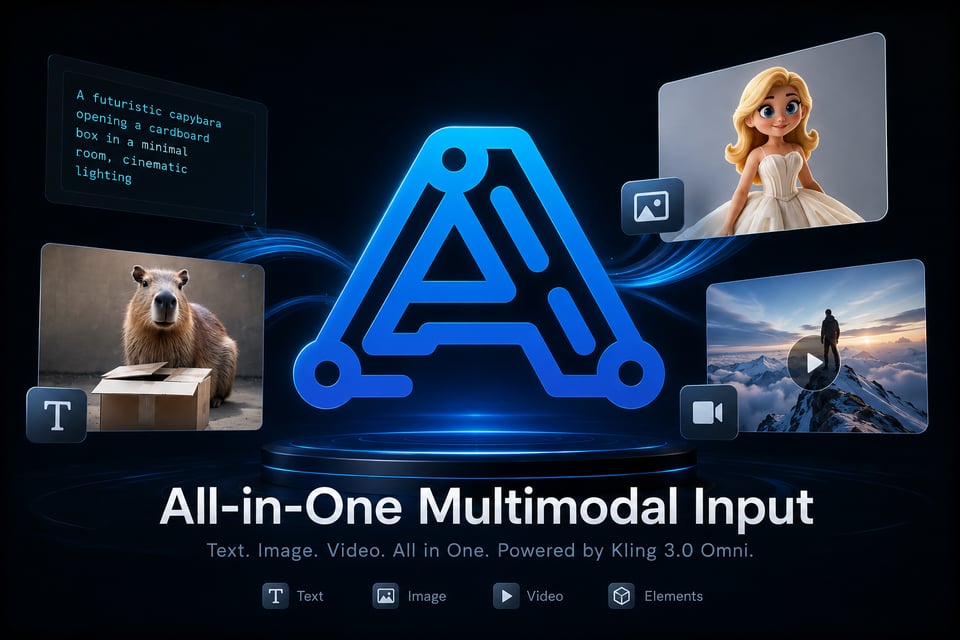
All-in-One Multimodal Input with Kling 3.0 Omni API
Kling 3.0 Omni API can understand text, images, videos, and reusable elements together as generation inputs. Developers can combine different references to guide characters, objects, scenes, motion, and visual details in one flexible Kling AI video workflow.
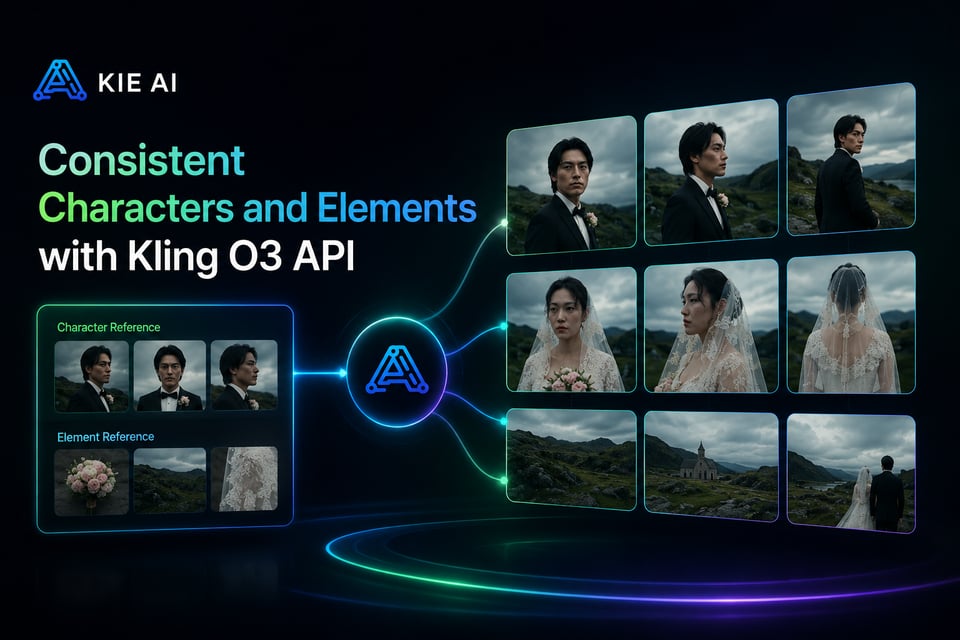
Consistent Characters and Elements with Kling O3 API
Use the Kling O3 API to keep characters, products, objects, and scenes consistent across changing shots and camera angles. Stronger reference understanding helps the Kling VIDEO 3.0 Omni Model preserve key visual details even in complex multi-character scenes.
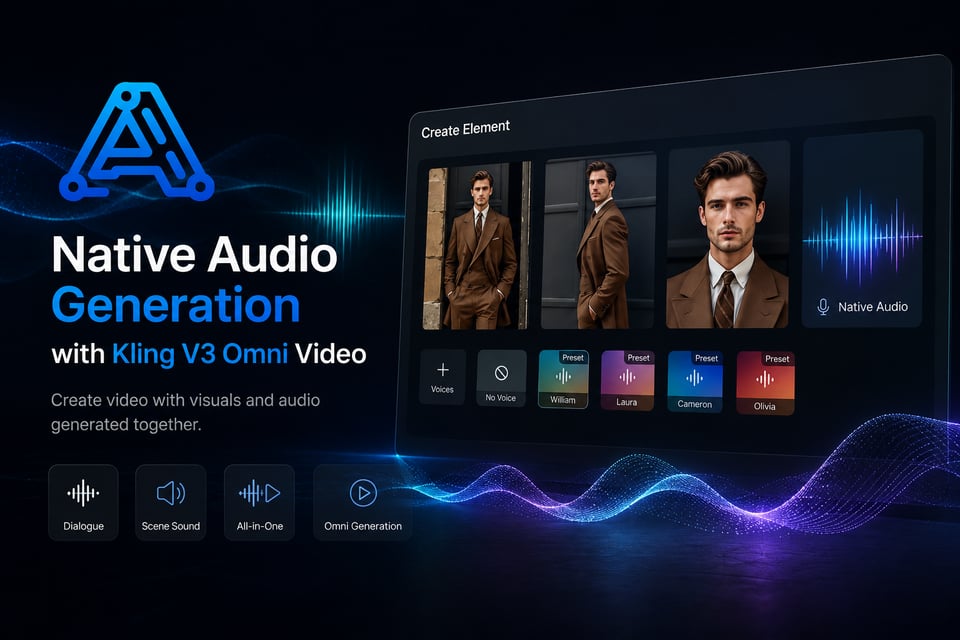
Native Audio Generation with Kling V3 Omni Video
Create Kling V3 Omni video with visuals and audio generated together. Native audio supports dialogue and scene sound within the same generation workflow, helping developers build richer AI video tools without separating every visual and audio task.
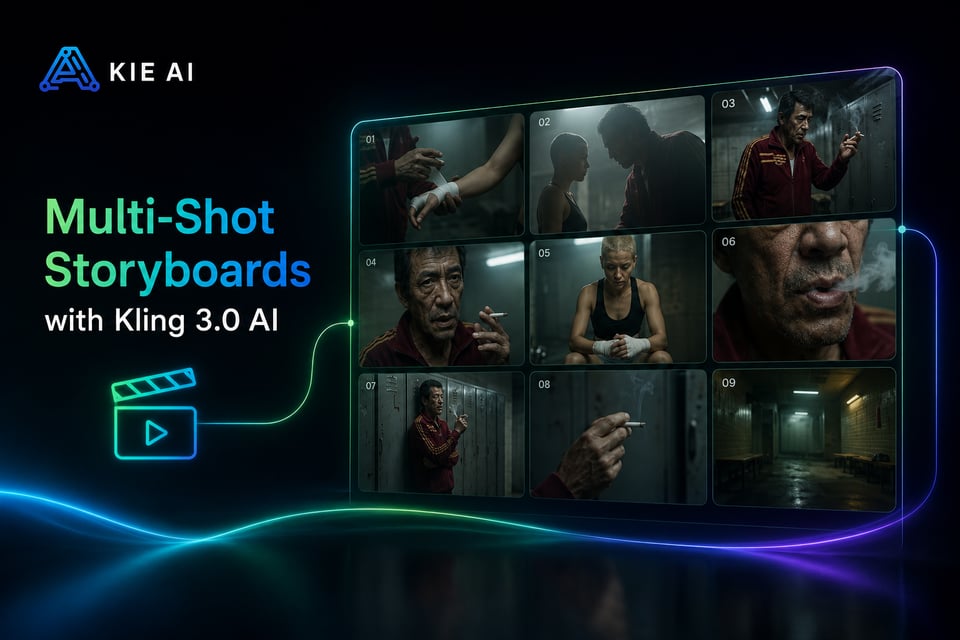
Multi-Shot Storyboards with Kling 3.0 AI
Turn structured prompts into multi-shot videos with Kling 3.0 AI. Define shot duration, framing, camera angle, character actions, dialogue, and camera movement to create more controlled narratives and smoother transitions between scenes.
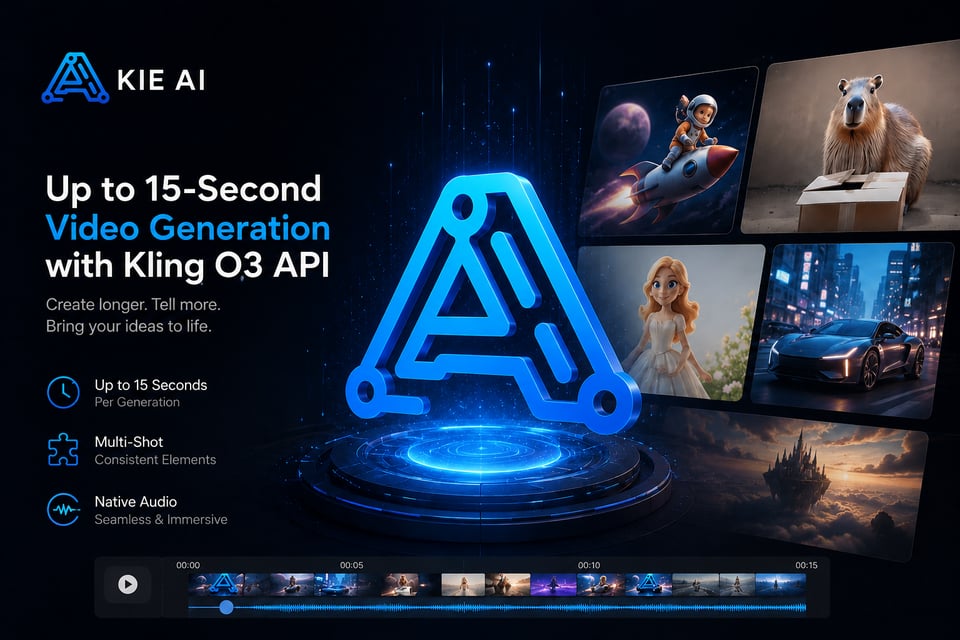
Up to 15-Second Video Generation with Kling O3 API
Kling O3 API supports video generation up to 15 seconds in a single generation. Developers can create longer, more complete sequences with multiple shots, consistent elements, native audio, and flexible duration control for AI video applications.
Multi-Image Reference with Kling 3.0 Omni API
Multi-Image Reference with Kling 3.0 Omni API
Use multiple images with the Kling 3.0 Omni API to define characters, products, objects, and scenes from different views. Richer visual references help preserve important details and improve consistency throughout the generated video.
Video Character Reference with Kling VIDEO 3.0 Omni
Use short videos as character references with Kling VIDEO 3.0 Omni. The model can capture visual traits and character details from video input, helping maintain a more consistent identity across new scenes, actions, and camera angles.
Character Voice Control with Kling O3 API
Kling O3 API supports voice-driven character elements for more consistent audio-visual creation. Bind voice characteristics to reusable characters and use them across dialogue, storytelling, and character-focused video workflows.
Combine Multiple Elements with Kling V3 Omni Video
Create complex Kling V3 Omni video scenes by combining characters, objects, reference images, videos, and other elements. Kling 3.0 Omni can preserve key subject features even as interactions, environments, and camera shots change.
Kling O3 API vs Kling VIDEO O1: What’s New in Kling 3.0 Omni
Kling O3 API, powered by the Kling VIDEO 3.0 Omni Model, expands on Kling VIDEO O1 with native audio, multi-shot generation, video element references, voice control, and longer video creation up to 15 seconds.
| Capability | Kling VIDEO O1 | Kling VIDEO 3.0 Omni |
|---|---|---|
| Text-to-Video | No Native Audio, No Multi-shot | ✅ Supports Native Audio and Multi-shot |
| Image-to-Video | No Native Audio, No Multi-shot | ✅ Supports Native Audio and Multi-shot |
| Start & End Frames-to-Video | No Native Audio, No Multi-shot | ✅ Supports Native Audio and Multi-shot |
| Multi-image Reference | No Native Audio, No Multi-shot | ✅ Supports Native Audio and Multi-shot |
| Element Reference | No Native Audio, No Multi-shot | ✅ Supports Native Audio and Multi-shot |
| Video Element Reference | Not supported | ✅ Supports uploading/recording video elements |
| Added Element Voice Control | Not supported | ✅ Supports adding voice to elements |
| Video Duration | Up to 10s | ✅ Up to 15s |
How to Use Kling O3 API on Kie AI
Step 1: Create a Kie AI Account and Get Your Kling O3 API Key
Step 2: Try Kling O3 API Online in the Playground
Step 3: Integrate Kling 3.0 Omni API into Your App
Step 4: Generate and Scale Kling V3 Omni Video
Why Choose Kie AI for Kling O3 API
Access Multiple Kling AI APIs in One Platform
Connect to Kling O3 API and multiple Kling AI API models through Kie AI. Manage different Kling video models in one place without switching platforms or building separate integrations.
Try Kling O3 API Free with New User Credits
New users receive free credits to test the Kling O3 API before scaling. Explore Kling 3.0 Omni generation, evaluate outputs, and validate your AI video workflow with less upfront cost.
Affordable and Flexible Kling O3 API Pricing
Build and scale with flexible Kling O3 API pricing designed for developers and SaaS teams. Kie AI pricing can be 30%–50% lower than the official API, helping reduce video generation costs.
Easy Integration with Kling O3 API Key and Docs
Get your Kling O3 API key from Kie AI and start integrating with clear API documentation. A simple developer workflow helps you move from testing to production without complex setup.
Fast Access to the Latest Kling AI API Models
Kie AI continuously expands its Kling AI API model library as new models become available. Access the latest Kling video capabilities quickly through the same platform and API workflow.
Developer Support for Kling O3 API Integration
Get responsive support when integrating or using the Kling O3 API. Kie AI helps developers troubleshoot API issues, understand generation workflows, and keep AI video applications running smoothly.
Turn Kling 3.0 Omni API into Real-World Video Products
Build AI Video Generator Apps with Kling O3 API
Integrate the Kling O3 API into AI video generators, creative SaaS tools, and content platforms. Support multimodal inputs and advanced video creation without building complex generation infrastructure from scratch.
Create Consistent Character Videos with Kling 3.0 Omni API
Use the Kling 3.0 Omni API to build character-based video tools that preserve appearance across different scenes and camera angles. Add reusable character elements for stories, virtual characters, and branded content.
Generate Product and Ad Videos with Kling V3 Omni Video
Create Kling V3 Omni video for product demos, ads, campaigns, and social content. Combine product images, scene references, motion prompts, and native audio to turn creative assets into engaging marketing videos.
Build Multi-Shot Stories with Kling VIDEO 3.0 Omni Model
Use the Kling VIDEO 3.0 Omni Model for narrative video applications that need multiple shots in one generation. Control framing, shot duration, dialogue, camera movement, and character actions for structured storytelling.
Create Voice-Driven Character Apps with Kling 3.0 AI
Build dialogue, avatar, and virtual character experiences with Kling 3.0 AI. Combine character references with voice and native audio to create reusable characters that look and sound consistent across different videos.
Automate Video Creation Workflows with Kling AI API
Connect the Kling AI API to content pipelines and SaaS workflows to automate video generation at scale. Turn prompts and reference assets into videos for social media, marketing, entertainment, and other applications.