Prompts for image generation
0/5000Width-height ratio of the image, determining its visual form.
Resolution of output image.
Output image format, either png or jpeg.
A configurable parameter. Defaults to true in the Playground.

Explore different use cases and parameter configurations
Click to upload or drag and drop
Supported formats: JPEG, PNG, WEBP Maximum file size: 30MB; Maximum files: 10
Upload an image file to use as input for the API
Prompts for image generation
0/5000Width-height ratio of the image, determining its visual form.
Resolution of output image.
Output image format, either png or jpeg.
A configurable parameter. Defaults to true in the Playground.

Explore different use cases and parameter configurations
A text description of the image you want to generate
0/5000Click to upload or drag and drop
Supported formats: JPEG, PNG, WEBP, BMP, TIFF, GIF Maximum file size: 30MB
Upload an image file to use as input for the API
Image resolution. It is set by specifying the resolution levels.
Format of the output image
A configurable parameter. Defaults to true in the Playground.




README
Complete guide to using seedream/5-flash-text-to-image
Seedream 5.0 Flash API – Build Faster AI Image Workflows on Kie AI
Build with ByteDance Seedream 5.0 Flash on Kie AI for fast, affordable image generation, precise editing, multi-reference creation, and layer-based workflows. Try Seedream 5.0 Flash free online and integrate the API into your apps.
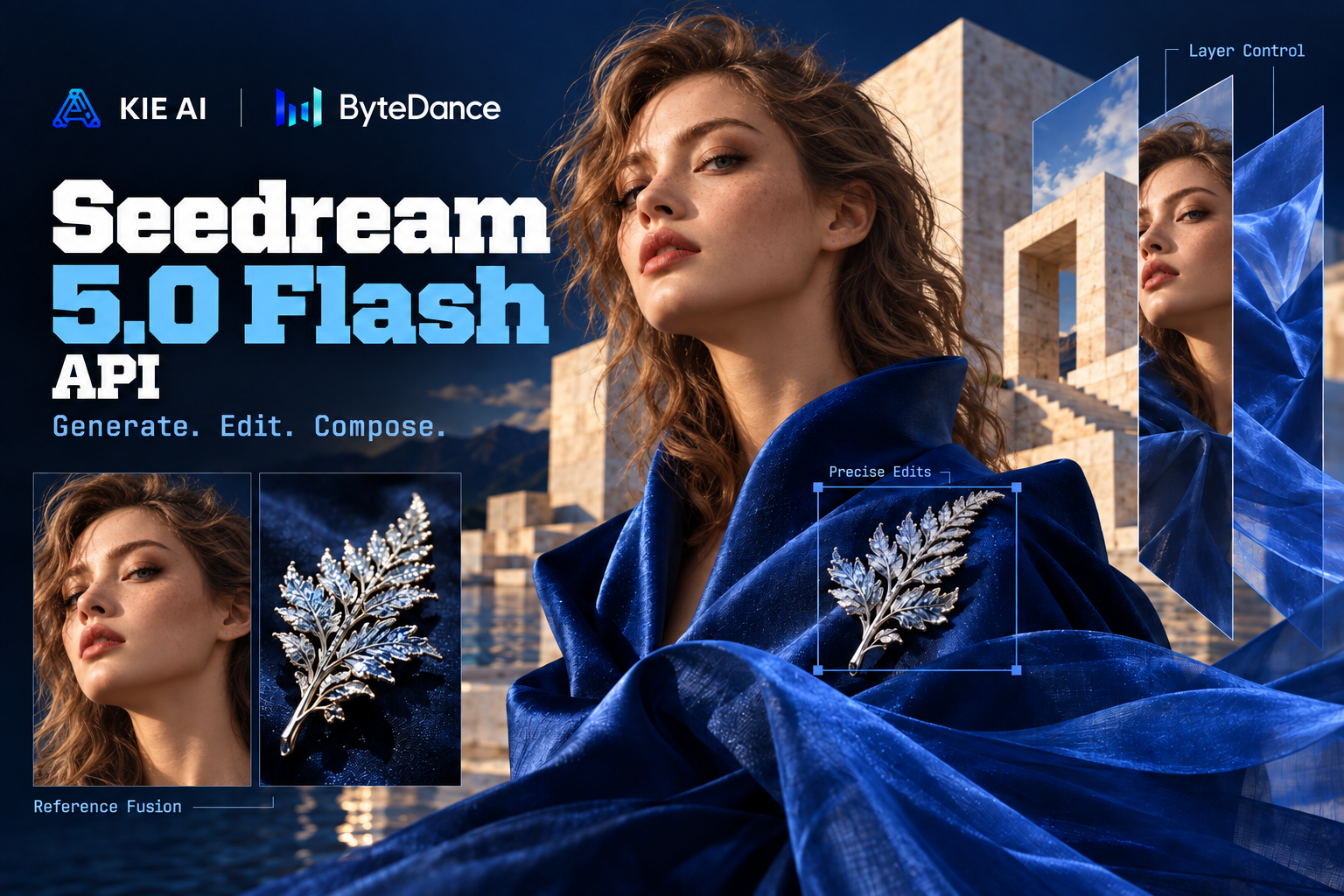
Key Features of Seedream 5.0 Flash API on Kie AI
Generate Images Faster with Seedream 5 Flash API
Create high-quality images with faster generation and lower costs using the Seedream 5 Flash API. Designed for latency- and cost-sensitive workloads, Seedream 5.0 Flash helps developers process frequent image requests without giving up the advanced capabilities of the Seedream 5 family. Use it for AI image generators, marketing tools, content platforms, and other applications where fast visual creation matters.

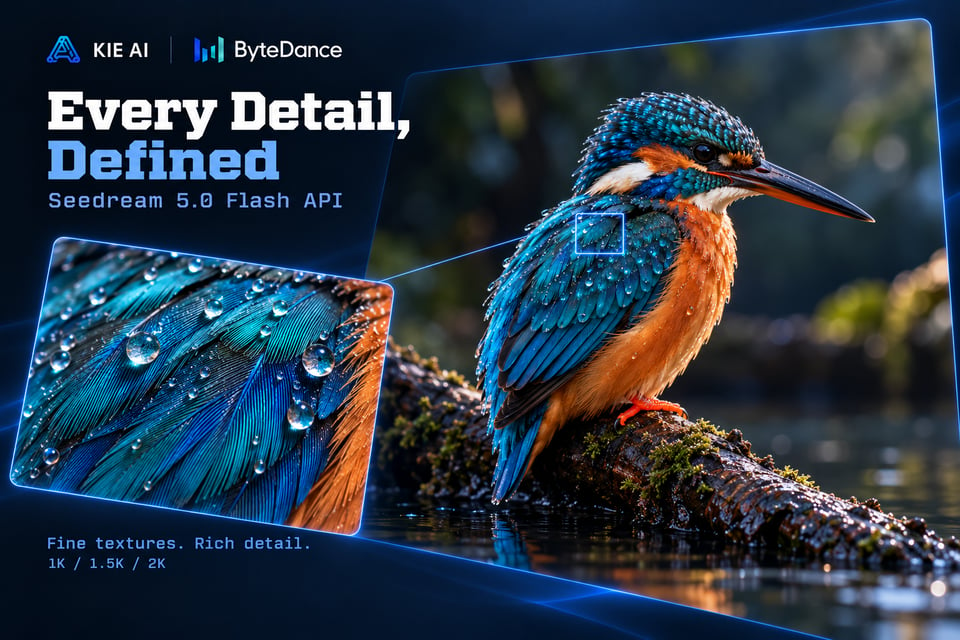
Generate High-Quality 2K Images with Seedream 5.0 Flash AI
Turn natural language prompts into polished visuals with Seedream 5.0 Flash AI. The model can create realistic scenes, illustrations, product visuals, posters, social content, and other creative assets while following detailed prompt instructions. The Seedream 5.0 Flash API supports 1K, 1.5K, and 2K generation, giving developers flexible output options for different product and production needs.
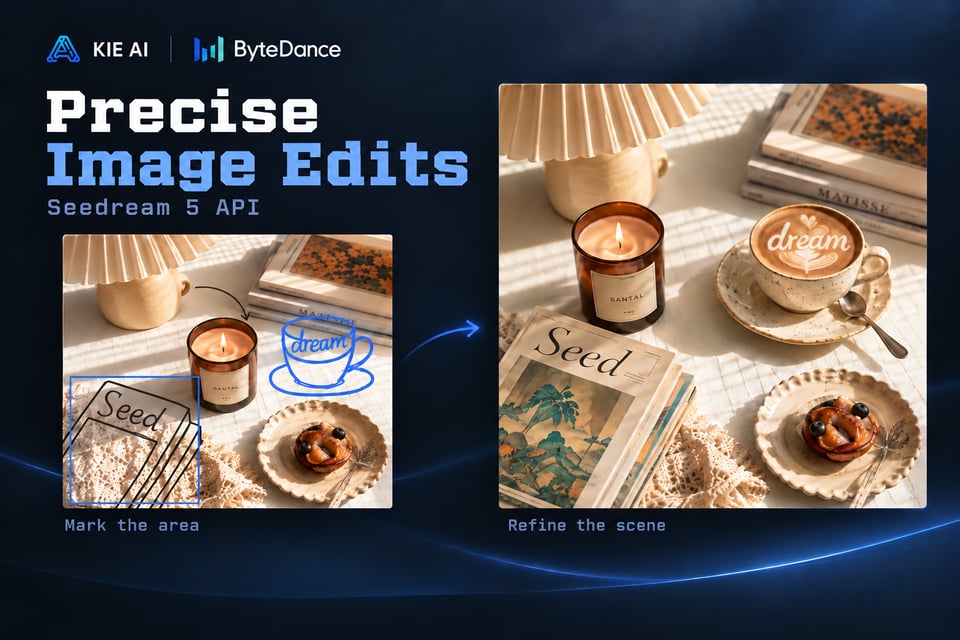
Make Precise Image Edits with Seedream 5 API
Go beyond basic prompt-based editing with the Seedream 5 API. Seedream 5.0 Flash can use coordinates, bounding boxes, arrows, and other visual markers to identify exactly where an edit should happen. Developers can replace objects, modify selected regions, adjust visual details, or add new content with greater control, making the Seedream API a strong fit for interactive AI editing tools.
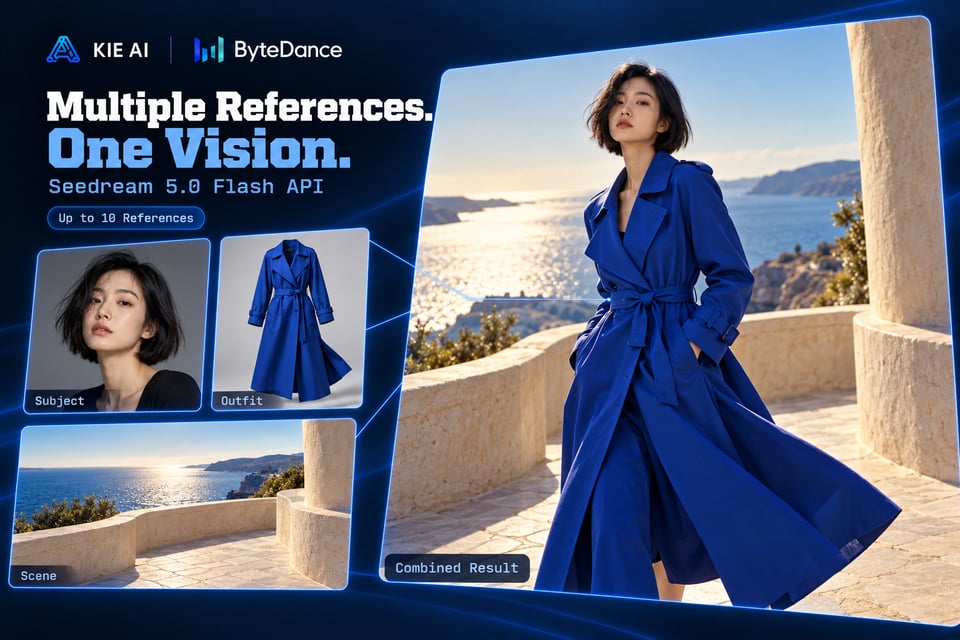
Work with Up to 10 Reference Images in Seedream API
Use multiple visual references to guide generation and editing with the Seedream 5.0 Flash API. Add up to 10 reference images to combine subjects, products, styles, compositions, or other visual information in a single workflow. This multi-reference capability makes ByteDance Seedream 5 Flash useful for applications that need stronger visual consistency and more controlled image creation.
Turn Flat Images into Editable Layers with Seedream 5 Flash
Transform finished images into structured creative assets with Seedream 5 Flash layer decomposition. The model can separate an image into a base image and up to 16 independent layers with transparency, making individual elements easier to move, resize, replace, or refine. With the Seedream 5.0 Flash API, developers can bring AI-powered layer extraction into design editors, creative SaaS products, and automated visual workflows.
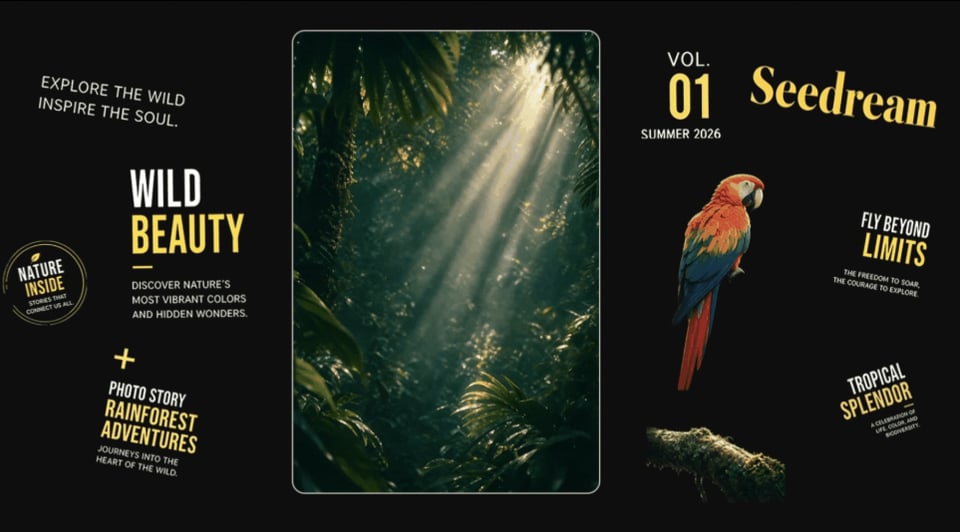
Create Multilingual Visuals with ByteDance Seedream 5 Flash
Build localized visual content for global audiences with ByteDance Seedream 5 Flash. The model extends native multilingual generation across languages including Japanese, Korean, French, German, Spanish, Portuguese, Arabic, and more. Use the Seedream 5.0 Flash API to create localized posters, ads, social graphics, and marketing assets without building separate image workflows for each market.

How to Use Seedream 5.0 Flash API on Kie AI
Step 1: Get Your Seedream API Key
Step 2: Try Seedream 5.0 Flash Free in the Playground
Step 3: Add Your Prompt or Reference Images
Step 4: Integrate Seedream 5 Flash API into Your App
Seedream 5.0 Flash vs Seedream 5.0 Pro API
Seedream 5.0 Flash and Seedream 5.0 Pro share many core capabilities, including text-to-image generation, image editing, multi-reference input, and layer decomposition. The main difference is their focus: Seedream 5.0 Flash API prioritizes faster generation and lower costs for latency-sensitive and high-volume workflows, while Seedream 5.0 Pro API focuses on higher image quality for tasks where visual detail matters most. Both models are available on Kie AI, so developers can choose the right Seedream API for each workload.
| Feature | Seedream 5.0 Flash | Seedream 5.0 Pro |
|---|---|---|
| Best For | Fast, cost-efficient generation | Quality-first image generation |
| Text-to-Image | ✓ | ✓ |
| Image Editing | ✓ | ✓ |
| Reference Images | Up to 10 | Up to 10 |
| Interactive Editing | ✓ | ✓ |
| Layer Decomposition | ✓ | ✓ |
| Resolution | 1K / 1.5K / 2K | 1K / 1.5K / 2K |
| Multilingual Generation | ✓ | ✓ |
| Main Advantage | Speed and lower cost | Higher image quality |
Why Use Seedream 5.0 Flash API on Kie AI
Access Seedream 5.0 Flash, Lite, and Pro in One Place
Explore different Seedream 5.0 models through Kie AI and choose the right option for each workload. Developers can compare available Seedream models and switch between speed, cost, and quality needs without managing separate platforms.
Try Seedream 5.0 Flash API Free with New User Credits
New users receive free credits to test the Seedream 5.0 Flash API before committing to production usage. Experiment with prompts, image generation, and editing workflows to see how ByteDance Seedream 5 Flash fits your application.
Build More for Less with Affordable Seedream API Pricing
Access the Seedream API with competitive, usage-based pricing on Kie AI. The flexible pricing model makes Seedream 5.0 Flash practical for early prototypes, growing SaaS products, and high-volume image generation workflows.
Integrate Seedream 5 API Easily with Clear Documentation
Get started with the Seedream 5 API through a developer-friendly integration process and clear API documentation. Follow practical examples, understand request parameters, and move from your first API call to a working application with less setup.
Access the Latest Seedream APIs in a Growing Model Library
Keep building with the latest Seedream APIs as Kie AI expands its model library. Access new Seedream releases alongside a growing selection of image, video, and AI models without rebuilding your infrastructure for every new model.
Get Responsive Support for Your Seedream API Integration
Get help when you need it throughout your Seedream 5.0 Flash API integration. Kie AI provides responsive customer support for API access, billing, usage, and technical issues, helping developers resolve problems and keep their applications running smoothly.
What Can You Build with Seedream 5.0 Flash API
Build AI Image Generators with Seedream 5 Flash API
Create AI image generators that turn natural language prompts into high-quality visuals. With the Seedream 5 Flash API, SaaS builders can add text-to-image generation to creative platforms, design tools, content apps, and other products where users need fast visual creation.
Create AI Image Editing Tools with Seedream API
Add flexible image editing to your application with the Seedream API. Build tools for local edits, object replacement, background changes, and selected-region generation, giving users more control over how existing images are transformed.
Automate Marketing Visuals with Seedream 5.0 Flash AI
Use Seedream 5.0 Flash AI to produce ads, banners, campaign graphics, social posts, and thumbnails at scale. Its focus on fast and cost-efficient generation makes it well suited for marketing platforms that need to create many visual variations quickly.
Build Product Image Workflows with ByteDance Seedream 5 Flash
Use ByteDance Seedream 5 Flash to automate product image creation and editing. Generate new visual variations, replace backgrounds, localize creative assets, and use reference images to maintain consistent product appearance across campaigns and channels.
Create Editable Design Tools with Seedream 5 API
Bring more flexible visual editing into design products with the Seedream 5 API. Layer decomposition makes it possible to turn flat images into separate visual elements, opening up workflows for poster editors, design canvases, creative SaaS platforms, and other interactive tools.
Scale Image Generation with Seedream 5.0 Flash API
Handle high-volume visual workloads with the Seedream 5.0 Flash API. Its speed and cost-efficient positioning make it a strong fit for SaaS products, automated content pipelines, and applications that need to process frequent image generation requests at scale.