README
Kling 4.0 Flash API for Fast, Low-Cost Kling 4.0 AI Video Generation
Create Kling AI videos faster and more efficiently with Kling 4.0 Flash on Kie AI. Generate dynamic videos with audio, explore the model online with new-user credits, and integrate the Kling 4.0 Flash API into your apps and creative workflows.
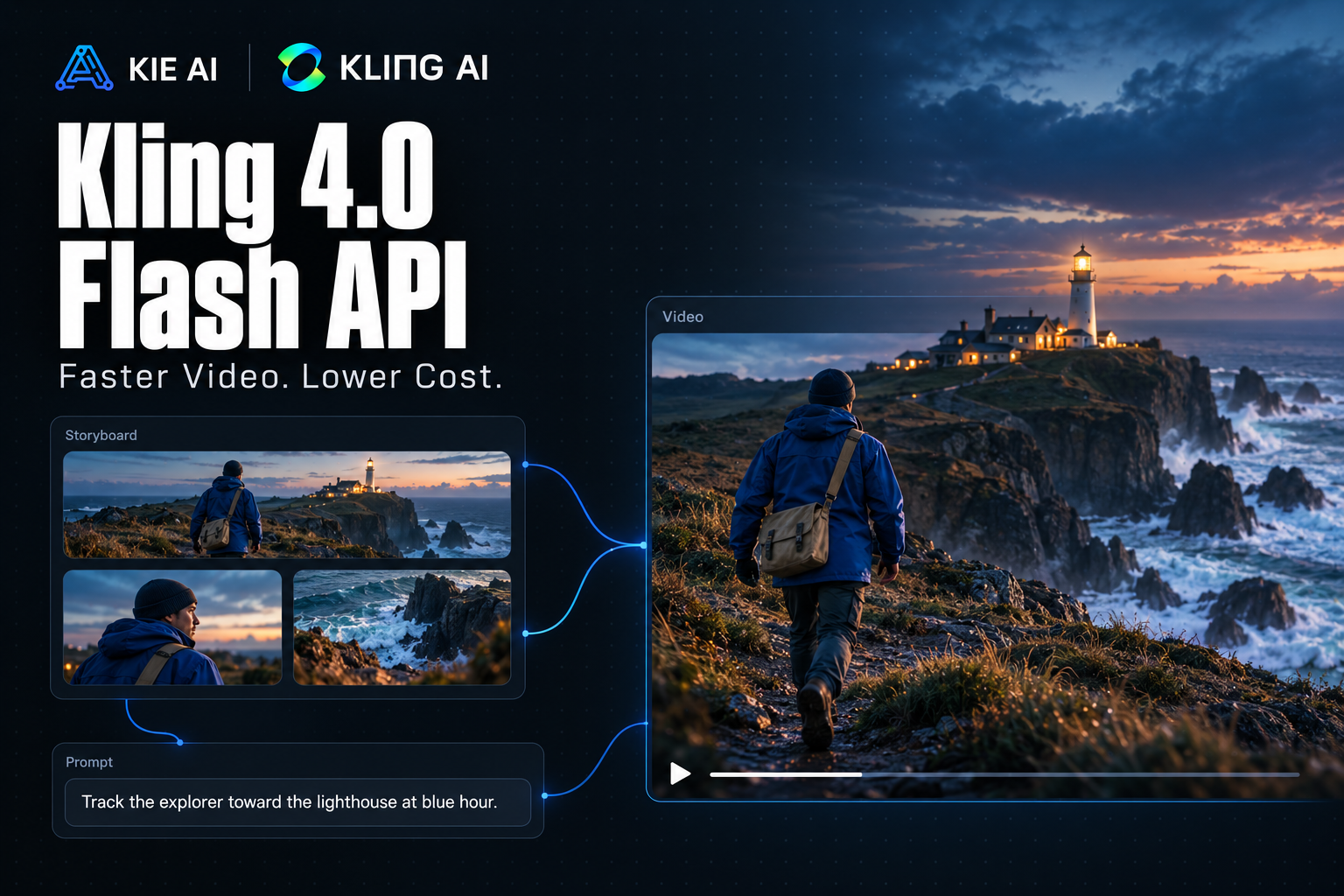
Key Features of Kling 4.0 Flash API on Kie AI
Faster Generation with Kling 4.0 Flash
Create and iterate on AI videos faster with Kling 4.0 Flash API on Kie AI. Built for high-frequency creative workflows, the Flash model focuses on efficient generation and better cost efficiency. Developers can test prompts, explore more creative directions, and generate video variations faster, making Kling 4.0 Flash a strong fit for AI video SaaS products, rapid prototyping, and scalable content creation.
Stable Motion with Kling 4.0 AI Video Generator
Create complex scenes with smoother and more stable movement using the Kling 4.0 AI Video Generator. Kling 4.0 Flash handles large subject movements, fast action, and dynamic camera motion with stronger visual continuity, giving developers more flexibility for character videos, product shots, action scenes, and cinematic content.
Multi-Keyframe Control with Kling 4.0 API
Use multi-keyframe control to guide important moments across a generated video. The Kling 4.0 API can use keyframes to define how actions, scenes, and visual states develop over time, giving creators more control over continuous motion, transitions, and story progression instead of relying on a single starting frame.
Multimodal References with Kling 4.0 Flash
Guide Kling 4.0 Flash with supported image, video, and other reference inputs for more controlled video creation. Use references to define characters, products, environments, actions, or visual direction while keeping important elements consistent across the scene. This makes reference-driven generation useful for advertising, storytelling, and creative production.
Immersive Visuals and Audio with Kling 4.0 API
Create richer video experiences by bringing visuals, motion, and audio into the Kling 4.0 API workflow. The latest Kling generation improves audiovisual expression for more natural and immersive scenes, supporting use cases such as dialogue, cinematic storytelling, branded content, and AI-generated advertising.
Cost-Efficient Kling AI API for Scalable Video Creation
Use the Kling AI API on Kie AI for video workflows that need both speed and cost efficiency. Kling 4.0 Flash is well suited to SaaS products, creative platforms, automated video pipelines, and high-volume generation, helping developers move from early testing to scalable production without adding unnecessary workflow complexity.
How to Use Kling 4.0 Flash API on Kie AI
Step 1: Try Kling 4.0 Flash Free Online
Step 2: Get Your Kling AI API Key
Step 3: Send a Kling 4.0 API Generation Request
Step 4: Retrieve Your Kling 4.0 Flash Video
Kling 4.0 Flash API vs Kling 4.0 API
Compare Kling 4.0 Flash API and Kling 4.0 API to choose the right model for your video workflow. Kling 4.0 Flash focuses on faster generation, cost efficiency, and frequent creative iteration, while Kling 4.0 is designed for more advanced video production and higher-end generation needs.
| Feature | Kling 4.0 Flash API | Kling 4.0 API |
|---|---|---|
| Best For | Fast, frequent AI video generation | Advanced video production |
| Generation Speed | Faster, optimized for rapid iteration | Standard generation |
| Cost Efficiency | Better suited to high-volume workflows | Better suited to premium production |
| Video Duration | Optimized for shorter, faster workflows | Up to 30 seconds |
| Output Quality | Balanced for speed and efficiency | Higher-end output, including advanced 4K options |
| Creative Control | Efficient control for everyday creation | Advanced keyframe and reference control |
| Ideal Use Cases | SaaS apps, ad variations, social videos, prototyping | Cinematic videos, storytelling, complex productions |
How Kling 4.0 Flash vs Kling 3.0 Compare for AI Video Generation
Kling 4.0 Flash vs Kling 3.0 for AI Video Generation
Kling 4.0 Flash is designed for creators and developers who prioritize fast generation, lower costs, and frequent creative iteration. It also benefits from the Kling 4.0 generation improvements aimed at more stable large-scale motion, complex camera movement, and stronger reference consistency. Kling 3.0 focuses more on established professional creation workflows, with native audio, multi-shot storytelling, element consistency, and up to 15-second continuous video generation.
Access Kling 4.0 Flash and Kling 3.0 on Kie AI
Use both Kling 4.0 Flash and Kling 3.0 on Kie AI without managing separate platforms or API integrations. Test each model online, compare video results with your own prompts and assets, and choose the right Kling AI model for different workflows. When you are ready to build, access both models through the Kie AI API with one API key.
What Can You Build with Kling 4.0 Flash API
Create Product Ads with Kling 4.0 Flash
Turn product images and campaign concepts into dynamic promotional videos with Kling 4.0 Flash. Create product reveals, lifestyle scenes, feature showcases, and multiple ad variations while adding camera movement and realistic motion. Faster generation makes it easier for marketing teams to test more creative directions across campaigns.
Produce Social Videos with Kling 4.0 Flash API
Generate short-form videos for social campaigns, creator content, product launches, and branded posts with Kling 4.0 Flash API. Quickly create multiple versions from the same concept, test different visual hooks, and refresh content more frequently without producing every video from scratch.
Build Character Stories with Kling 4.0 AI Video Generator
Bring AI characters, illustrations, and story concepts to life with the Kling 4.0 AI Video Generator. Use visual references and controlled scene progression to create character actions, interactions, and narrative moments for short films, web series, animation concepts, and digital storytelling.
Previsualize Film Scenes with Kling 4.0 API
Use Kling 4.0 API to turn scripts, storyboards, and visual concepts into early scene previews before production begins. Explore character blocking, camera movement, action sequences, and different shot directions quickly, helping filmmakers and creative teams validate ideas before investing in full production.
Create Game Cinematics with Kling AI API
Use Kling AI API to generate cinematic sequences from game characters, concept art, and environment references. Prototype character introductions, action moments, world-building shots, and promotional trailers, while using Kling 4.0 Flash to explore multiple visual directions faster during game development.
Generate Video Variations for Creative Testing
Use Kling 4.0 Flash API to produce multiple versions of the same video concept for creative testing. Experiment with different scenes, actions, camera directions, visual styles, or product presentations to identify stronger creative approaches for ads, landing pages, social campaigns, and content platforms.
Why Choose Kie AI for Kling 4.0 Flash API
Competitive Kling 4.0 Flash API Pricing
Build and scale AI video applications with cost-efficient Kling 4.0 Flash API pricing on Kie AI. Whether you are testing a new product or handling frequent video generation, flexible usage helps you manage API costs while scaling your application.
Try Kling 4.0 Flash Free Online
Explore Kling 4.0 Flash in the Kie AI online playground before integrating the API. New users receive free credits to test prompts, generation settings, and video results, making it easy to evaluate Kling 4.0 Flash without starting with a full API integration.
Access Kling AI API Models in One Place
Use Kie AI as one place to access Kling AI API models for different video generation needs. Developers can explore available Kling models, compare their capabilities, and choose the right option for each workflow without managing separate platforms or integrations.
Manage Kling 4.0 API Access with One API Key
Use one Kie AI API key to manage Kling 4.0 Flash and other supported AI models across your applications. A unified API setup reduces credential management and makes it easier to add, test, or switch models as your SaaS product grows.
Get Fast Access to the Latest Kling AI API Models
Stay closer to new Kling releases through Kie AI. As the Kling AI API evolves, Kie AI aims to bring new models such as Kling 4.0 Flash API to developers quickly, making it easier to test new capabilities, update existing workflows, and keep AI video products current.
Get Developer Support for Kling 4.0 Flash API
Get support when you need help with Kling 4.0 Flash API access, integration, generation tasks, or other API-related issues. Kie AI support helps developers resolve problems faster and keep AI video applications moving from development to production.