
Fortgeschrittene AI-Video-Bearbeitungs-APIs für programmatische Post-Production

Integrieren Sie programmierbare Video-Bearbeitungs- und Transformations-Pipelines in Ihr Produkt. Nutzen Sie die einheitliche API von Kie.ai, um bestehende Footage zu modifizieren, Bewegungsgrenzen präzise zu steuern, visuelle Effekte zu replizieren und Post-Production-Workflows skalierbar optimieren.

Hauptfunktionen der Kie.ai AI Video Editing API

Präzise lokale Bearbeitungen mit einer instruktionsgesteuerten Video-Editing-API

Schrittweise Szenenverfeinerung durch fortschrittliche KI-Video-Editor-Workflows

Anpassung von Umgebung und Beleuchtung mit der Video-Bearbeitungs-API

Stil- und Tempo-Replikation mittels Video-to-Video-API

Warum Kie.ai für Video-Bearbeitungs-APIs wählen?

Dedizierte 24/7-Unterstützung für Entwickler mit privaten Kanälen

Dedizierte 24/7-Unterstützung für Entwickler mit privaten Kanälen

Entwicklerfreundliche API-Dokumentation für effiziente Implementierung

Entwicklerfreundliche API-Dokumentation für effiziente Implementierung

Sehr kostengünstige Preise für die Video-Bearbeitungs-API

Sehr kostengünstige Preise für die Video-Bearbeitungs-API

Dauerhaft aktualisierte Modellbibliothek der Kie.ai Video-Bearbeitungs-API

Dauerhaft aktualisierte Modellbibliothek der Kie.ai Video-Bearbeitungs-API

Starten Sie die Video-Edit-API-Integration auf Kie.ai

Schritt 1: Testen Sie die Kie.ai Video-Bearbeitungs-API kostenlos im Playground

Schritt 2: Vergleich und Bewertung von Video-Bearbeitungs-APIs

Holen Sie sich Ihren Video-Edit-API-Schlüssel und starten Sie die Backend-Integration

Continuously Updated AI Video Editing API Model Library

Was können Entwickler mit der Video-Bearbeitungs-API nutzen?

  • Kino-Licht und Umgebung anpassen mit KI-basierten Video-Editor-Workflows

  • Produktion im Cross-Border-E-Commerce mit Video-Edit-API

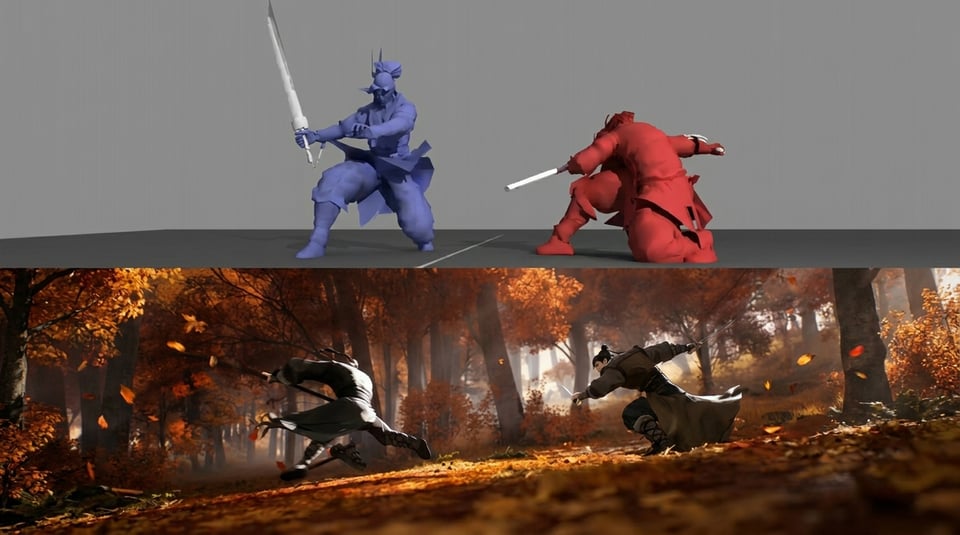
  • Durch die Video-Bearbeitungs-API ermöglicht kinoähnliche Vorvisualisierung. Filmstudios und digitale Agentur-Entwickler nutzen die spezialisierten Frame-Kontrollfunktionen der Video-Bearbeitungs-API, um zeitaufwändige Vorvisualisierungsprozesse zu optimieren. Durch die Anwendung strenger Anfangs- und End-Keyframe-Beschränkungen über die Plattform können automatisierte Storyboard-Systeme präzise Charakterbahnen steuern, komplexe Bewegungspfade stabilisieren und professionelle Kamera-Rhythmen replizieren.

What Can Developers Build with Video Editing API

Cinematic Lighting and Environment Adjustments via AI Video Editor Workflows

Cross-Border E-Commerce Production with an Edit Video API

Cinematic Pre-Visualization Driven by the Video Editing API

Archival Footage Restoration Using the Video-to-Video API

Frequently Asked Questions About Video Editing API

1

Does Kie.ai Offer a Free Video Editing API Tier?

Yes. Kie.ai provides complimentary credits for new users upon registration. This allows development teams to test our AI Video Editing API models directly in the online Playground and validate rendering performance before integrating endpoints into their production workflows.

2

What Core AI Video Editing API are Supported through Kie.ai?

The Kie.ai marketplace integrates including Wan 2.7, Gemini Omni and and other Video Editing API models selection of industry-leading s, . Instead of maintaining multiple vendor infrastructures, developers can access these diverse architectures through a single, unified interface layer.

3

Can I Build a Custom AI Video Editor Using Kie.ai?

Yes. Developers utilize the Kie.ai developer platform to build full-scale AI Video Editor Workflows, cloud-based creation tools, programmatic e-commerce automation systems, localized marketing tools, and interactive short-form video generation apps.

4

How Do I Edit Existing Video Footage Through the API?

You can execute post-production modifications by sending an instruction-driven request to our Video Edit API. The underlying model processes your natural language prompts or image references to swap specific objects, apply visual restyling, or adjust environments across the timeline.

5

Can I Build an Online AI Video Editor that Supports Multiple Models?

Yes. Because Kie.ai abstracts different backend architectures into a unified endpoint structure, it is incredibly easy to build an online multi-model platform. You can provide end-users with flexible options to toggle between different video engines for speed or cinematic quality with zero extra backend code.

6

What Is the Best Video Editing API for Software Developers?

The best choice depends on your specific balance of rendering latency, budget boundaries, and visual fidelity. Kie.ai offers a versatile ecosystem: deploy Wan 2.7 for fast instruction-based local edits, Seedance 2.0 for lifelike virtual humans.