
20+ Görüntüden Videoya AI Modeli ile Çoklu Modeller

Kie.ai’nin Görüntüden Videoya API'si ile görüntüden video oluşturma özellikleri entegre edin. Yüklenen görüntülerden dinamik videolar oluşturun, 20+ yapay zeka video modeli arasında farklı modelleri karşılaştırın ve esnek fiyatlandırma, net dokümantasyon ve güvenilir API erişimiyle doğru modeli uygulamanıza entegre edin.

Görüntüden Video API'sinin Temel Özellikleri

Çoklu Model Tabanlı Üretim İçin 20+ Görüntüden Video API Modeli

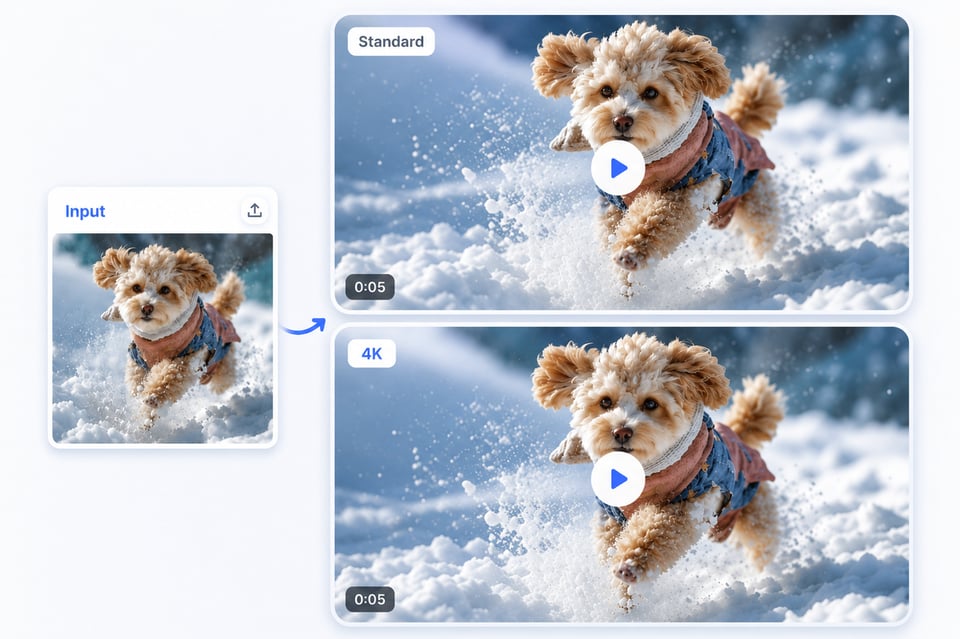
Doğal Hareketlerle Video Üretimi Yüksek Kaliteli Görüntüden Video API ile

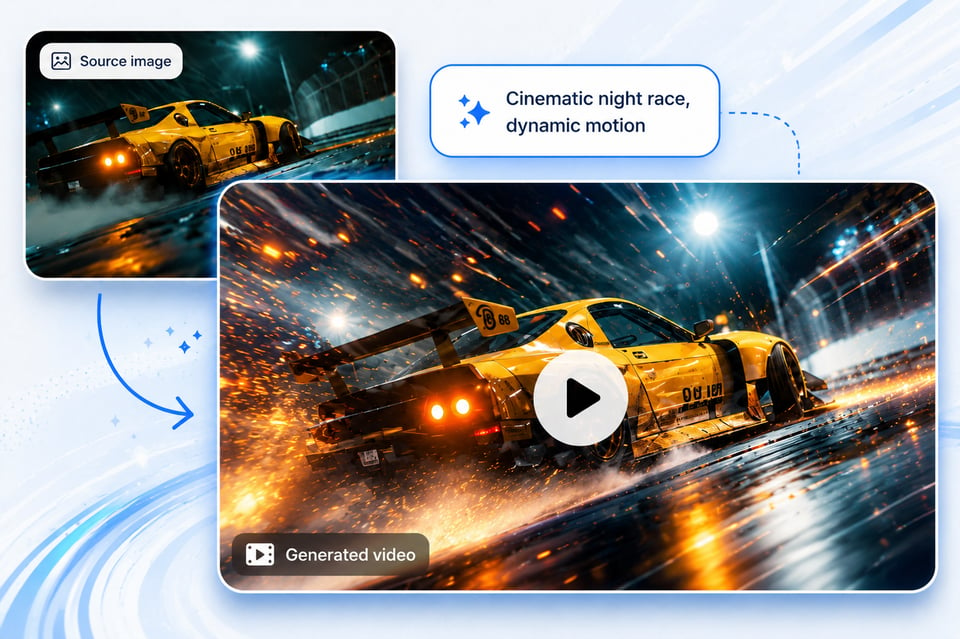
Prompt Tabanlı AI Görüntüden Video API ile Yönlendirilmiş Hareket

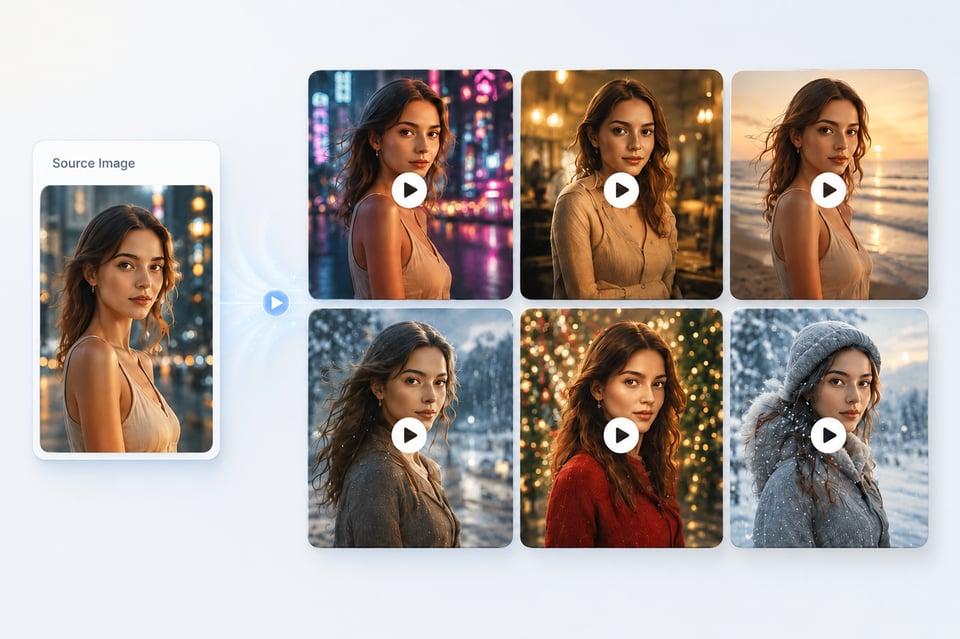
Konu Tutarlılığı ve Görsel Koruma Özellikli Görüntüden Video API

Wan AI Video Models API

Hailuo AI Video Models API

Kie.ai Üzerinde Image to Video API Entegrasyonu Nasıl Başlatılır?

Kie.ai Playground’da Ücretsiz Görüntüden Video API’sini Deneyin

Kie.ai Playground’da Ücretsiz Görüntüden Video API’sini Deneyin

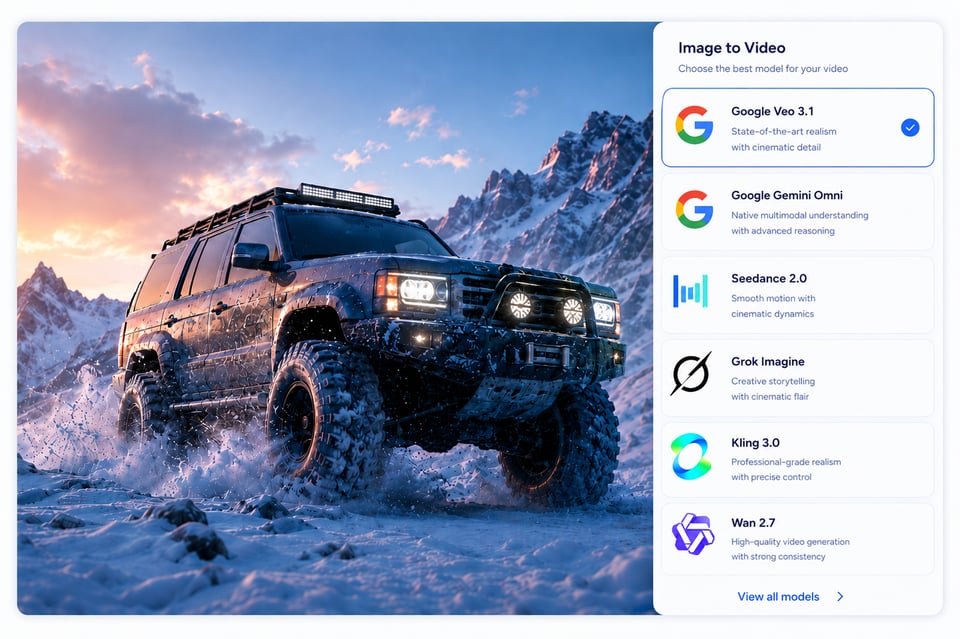
Yapay Zeka Görüntüden Video API Modellerini Karşılaştırın

Yapay Zeka Görüntüden Video API Modellerini Karşılaştırın

Kie.ai Playground’da Entegrasyonu Başlatın

Kie.ai Playground’da Entegrasyonu Başlatın

Image to Video API with Subject Consistency and Visual Preservation

Image to Video API with Subject Consistency and Visual Preservation

Image to Video API ile hangi videolar üretilebilir?

Ürünler İçin Animasyonlu Tanıtım Videoları

Selfi ve Profil Fotoğraflarından Oluşturulan Hareketli Portre Videoları

Hayvanlar İçin Animasyon Videoları Üretimi

Kie.ai'nin Görüntüden Video API Olarak Pratik Olmasının Nedenleri

Uygun fiyatlı Image to Video API Fiyatlandırma

Image to Video API Kullanım Kılavuzu

24 saat hizmet veren Image to Video API

Bir Platformda 20'den Fazla AI Görüntüden Video API

Görüntüden Video API İçin Güvenli Veri İşleme

AI Video Model API Güncellemeleri Hızlı

What Makes Kie.ai a Practical Image to Video API Choice

Affordable Image to Video API Pricing

Complete Image to Video API Documentation

24/7 Image to Video API Service

20+ AI Image to Video APIs in One Platform

Secure Image to Video API Data Handling

Fast AI Video Model APIs Updates

FAQs Image to Video API

1

What is Image to Video API used for?

Image to Video API is used to turn a still image into a generated video through an API request. Developers can use it to build product showcase videos, portrait motion clips, character animation, social media effects, cinematic scene generation, avatar videos, and other image-based video features inside their own apps or platforms.

2

Does Kie.ai provide 20+ AI Image to Video APIs?

Yes. Kie.ai provides access to 20+ AI Image to Video APIs across multiple AI video model brands, including Google, Kling, ByteDance Seedance, Wan, Hailuo, Runway, Grok Imagine, and more. This allows developers to test different models and choose the right API based on motion quality, speed, cost, visual style, and feature support.

3

Which Image to Video API model should I choose?

The right model depends on the type of video you want to generate. Cinematic scene videos may need a model with stronger camera movement and realism, while portrait animation may need better subject consistency. Product showcase videos may require stable object preservation, and social effect videos may prioritize speed and expressive motion. Kie.ai lets developers compare different Image to Video API models before integration.

4

Can I test Image to Video API free before integrating it?

Yes. Developers can test Image to Video API models on Kie.ai with free credits before integration. You can upload an image, write a motion prompt, compare model outputs, review pricing, and evaluate whether the selected model fits your product workflow before connecting it through API.

5

What inputs does an AI Image to Video API usually require?

An AI Image to Video API usually requires an image input and a text prompt. The image provides the visual reference, while the prompt describes the motion, camera movement, subject action, mood, or scene behavior. Depending on the selected model, additional parameters may include duration, aspect ratio, resolution, generation mode, or other model-specific settings.

6

Can Image to Video API keep the original image recognizable?

A good Image to Video API should preserve the main subject, composition, and important visual details while adding motion. For portraits, this may include facial identity, hairstyle, and body structure. For products, this may include shape, color, material, and branding details. The final level of consistency depends on the selected model, image quality, prompt design, and generation settings.

7

Is Kie.ai Image to Video API suitable for product integration?

Yes. Kie.ai Image to Video API is suitable for product integration because it combines multi-model access, affordable Image to Video API pricing, API documentation, 24/7 service availability, secure data handling, and regular model updates. This makes it practical for apps, SaaS tools, creator platforms, ecommerce systems, marketing workflows, and automated video generation features.