
Hơn 20 mô hình AI tạo video đa dạng, hỗ trợ nhiều loại hình ảnh và video

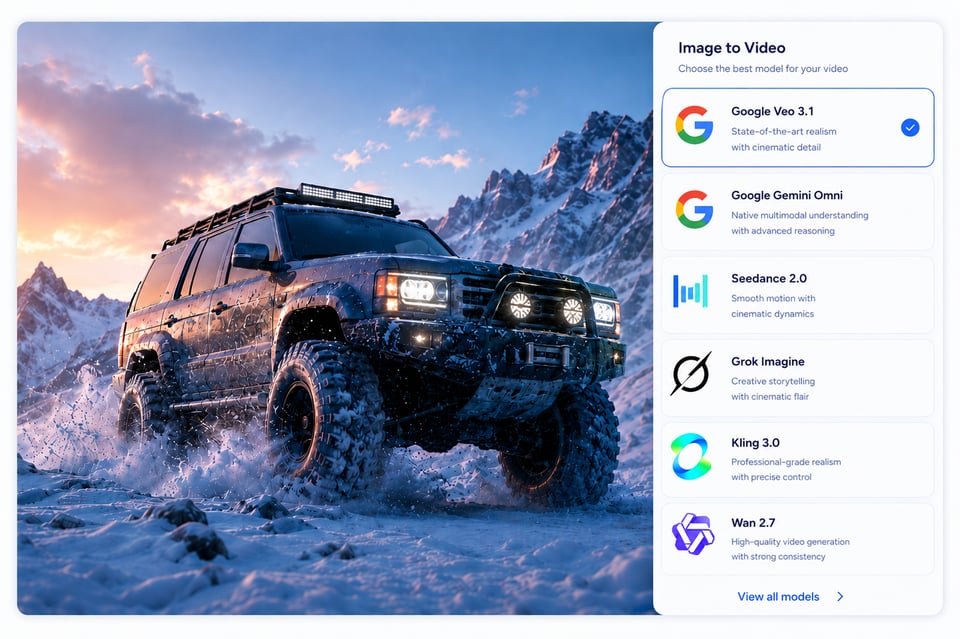
Tích hợp API tạo video từ hình ảnh của Kie.ai để biến hình ảnh đã tải lên thành video động, dễ dàng so sánh hơn 20 mô hình AI video. So sánh hơn 20 mô hình AI tạo video, chọn mô hình phù hợp cho sản phẩm của bạn với mức giá linh hoạt, tài liệu rõ ràng và truy cập API ổn định.

Tính năng chính của API tạo video từ ảnh

Hơn 20 Mô Hình API Tạo Video Từ Ảnh – Đa Dạng Mô Hình

Tạo Chuyển Động Tự Nhiên Từ Ảnh – API Chất Lượng Cao

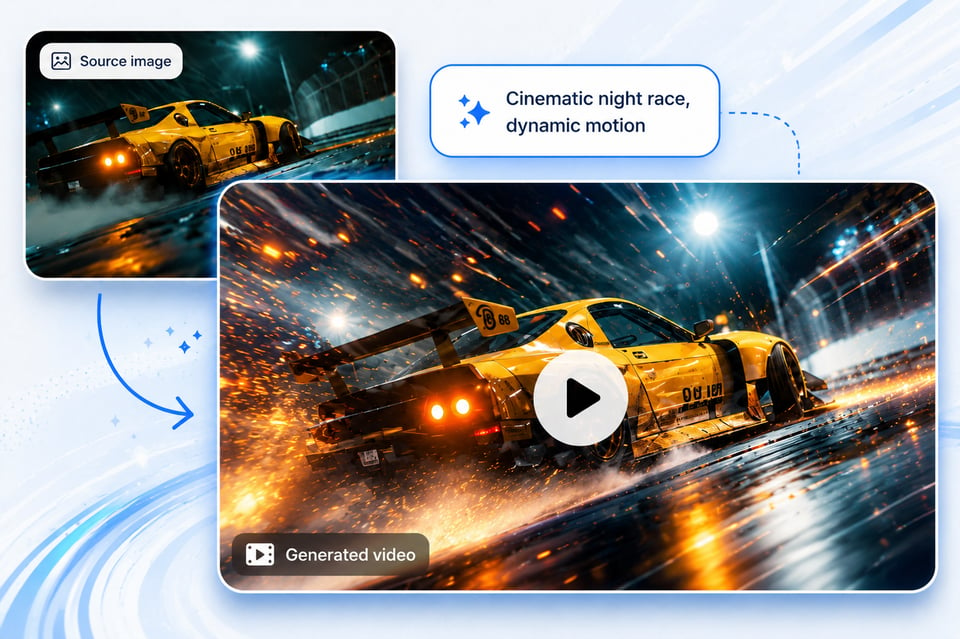
API tạo video từ ảnh dựa trên prompt để điều hướng chuyển động

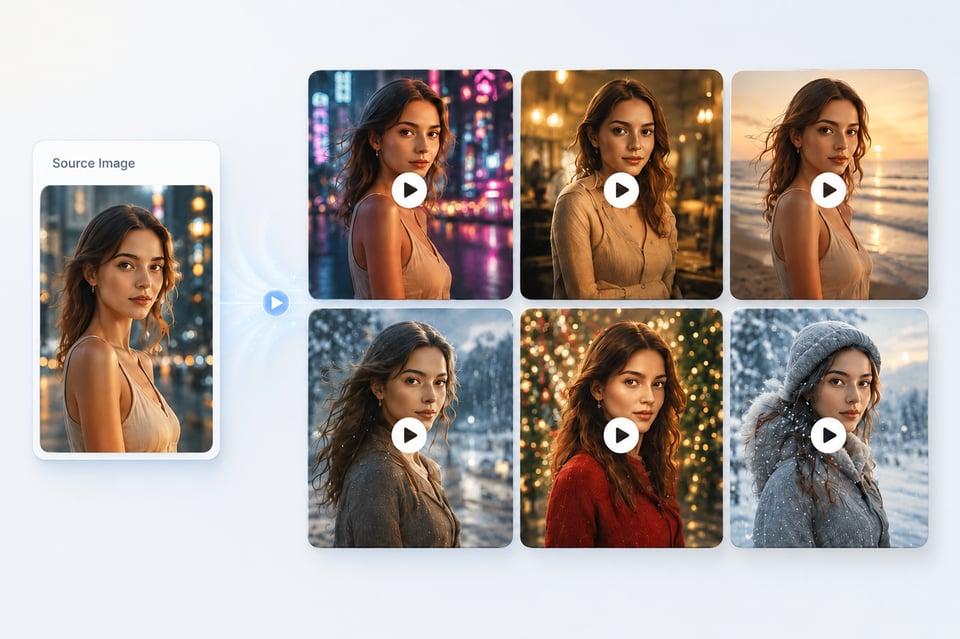
API tạo video từ ảnh với tính nhất quán chủ thể và bảo tồn hình ảnh

Wan AI Video Models API

Hailuo AI Video Models API

Hướng dẫn cách tích hợp API tạo video từ hình ảnh một cách dễ dàng trên Kie.ai

Bước 1: Thử API tạo video từ ảnh miễn phí trong môi trường thử nghiệm (playground)

Bước 1: Thử API tạo video từ ảnh miễn phí trong môi trường thử nghiệm (playground)

Bước 2: So sánh các mô hình API tạo video từ ảnh

Bước 2: So sánh các mô hình API tạo video từ ảnh

Bước 3: Lấy mã API và bắt đầu tích hợp

Bước 3: Lấy mã API và bắt đầu tích hợp

Image to Video API with Subject Consistency and Visual Preservation

Image to Video API with Subject Consistency and Visual Preservation

Bạn có thể tạo những gì với API chuyển đổi hình ảnh thành video?

Video giới thiệu sản phẩm nhanh chóng từ ảnh sản phẩm

Video chuyển động chân dung tự nhiên từ ảnh selfie hoặc ảnh hồ sơ

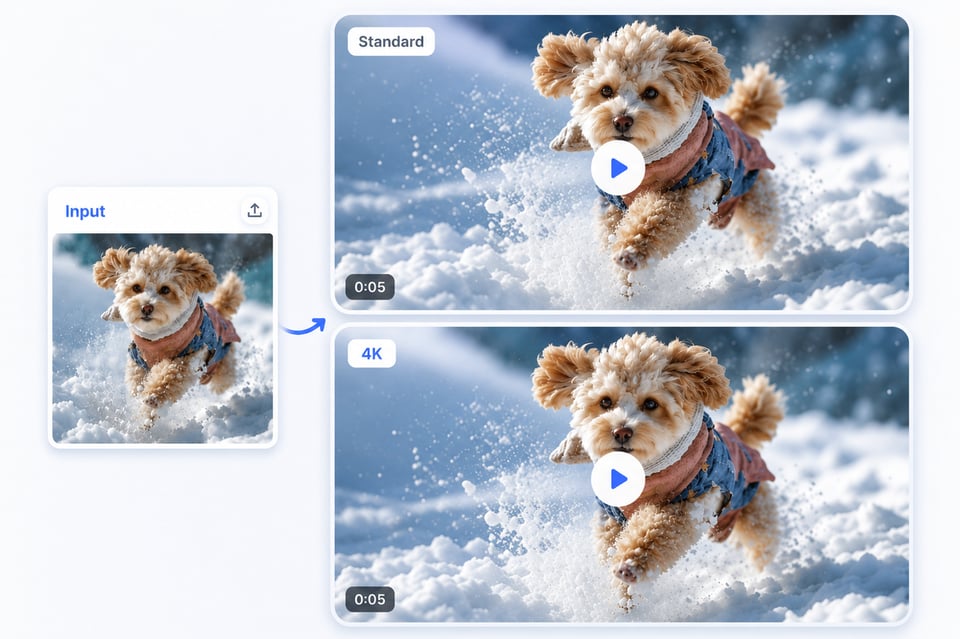
Video chuyển động từ ảnh động vật

Tại sao Kie.ai là lựa chọn API tạo video từ ảnh thực tế

Mức giá API chuyển đổi hình ảnh thành video hợp lý

Hướng dẫn đầy đủ về API tạo video từ ảnh

Dịch vụ API chuyển đổi hình ảnh thành video 24/7

20+ API tạo video từ ảnh AI trên cùng một nền tảng

Xử lý dữ liệu API tạo video từ ảnh một cách an toàn

Cập nhật thường xuyên các API mô hình video AI

What Makes Kie.ai a Practical Image to Video API Choice

Affordable Image to Video API Pricing

Complete Image to Video API Documentation

24/7 Image to Video API Service

20+ AI Image to Video APIs in One Platform

Secure Image to Video API Data Handling

Fast AI Video Model APIs Updates

FAQs Image to Video API

1

What is Image to Video API used for?

Image to Video API is used to turn a still image into a generated video through an API request. Developers can use it to build product showcase videos, portrait motion clips, character animation, social media effects, cinematic scene generation, avatar videos, and other image-based video features inside their own apps or platforms.

2

Does Kie.ai provide 20+ AI Image to Video APIs?

Yes. Kie.ai provides access to 20+ AI Image to Video APIs across multiple AI video model brands, including Google, Kling, ByteDance Seedance, Wan, Hailuo, Runway, Grok Imagine, and more. This allows developers to test different models and choose the right API based on motion quality, speed, cost, visual style, and feature support.

3

Which Image to Video API model should I choose?

The right model depends on the type of video you want to generate. Cinematic scene videos may need a model with stronger camera movement and realism, while portrait animation may need better subject consistency. Product showcase videos may require stable object preservation, and social effect videos may prioritize speed and expressive motion. Kie.ai lets developers compare different Image to Video API models before integration.

4

Can I test Image to Video API free before integrating it?

Yes. Developers can test Image to Video API models on Kie.ai with free credits before integration. You can upload an image, write a motion prompt, compare model outputs, review pricing, and evaluate whether the selected model fits your product workflow before connecting it through API.

5

What inputs does an AI Image to Video API usually require?

An AI Image to Video API usually requires an image input and a text prompt. The image provides the visual reference, while the prompt describes the motion, camera movement, subject action, mood, or scene behavior. Depending on the selected model, additional parameters may include duration, aspect ratio, resolution, generation mode, or other model-specific settings.

6

Can Image to Video API keep the original image recognizable?

A good Image to Video API should preserve the main subject, composition, and important visual details while adding motion. For portraits, this may include facial identity, hairstyle, and body structure. For products, this may include shape, color, material, and branding details. The final level of consistency depends on the selected model, image quality, prompt design, and generation settings.

7

Is Kie.ai Image to Video API suitable for product integration?

Yes. Kie.ai Image to Video API is suitable for product integration because it combines multi-model access, affordable Image to Video API pricing, API documentation, 24/7 service availability, secure data handling, and regular model updates. This makes it practical for apps, SaaS tools, creator platforms, ecommerce systems, marketing workflows, and automated video generation features.