

Seedance 2.5 on KIE is ByteDance’s upgraded AI video model, built for longer, more controllable video generation. It supports up to 30-second videos, multimodal references, precise editing, and improved consistency for more cinematic and production-ready creative workflows.
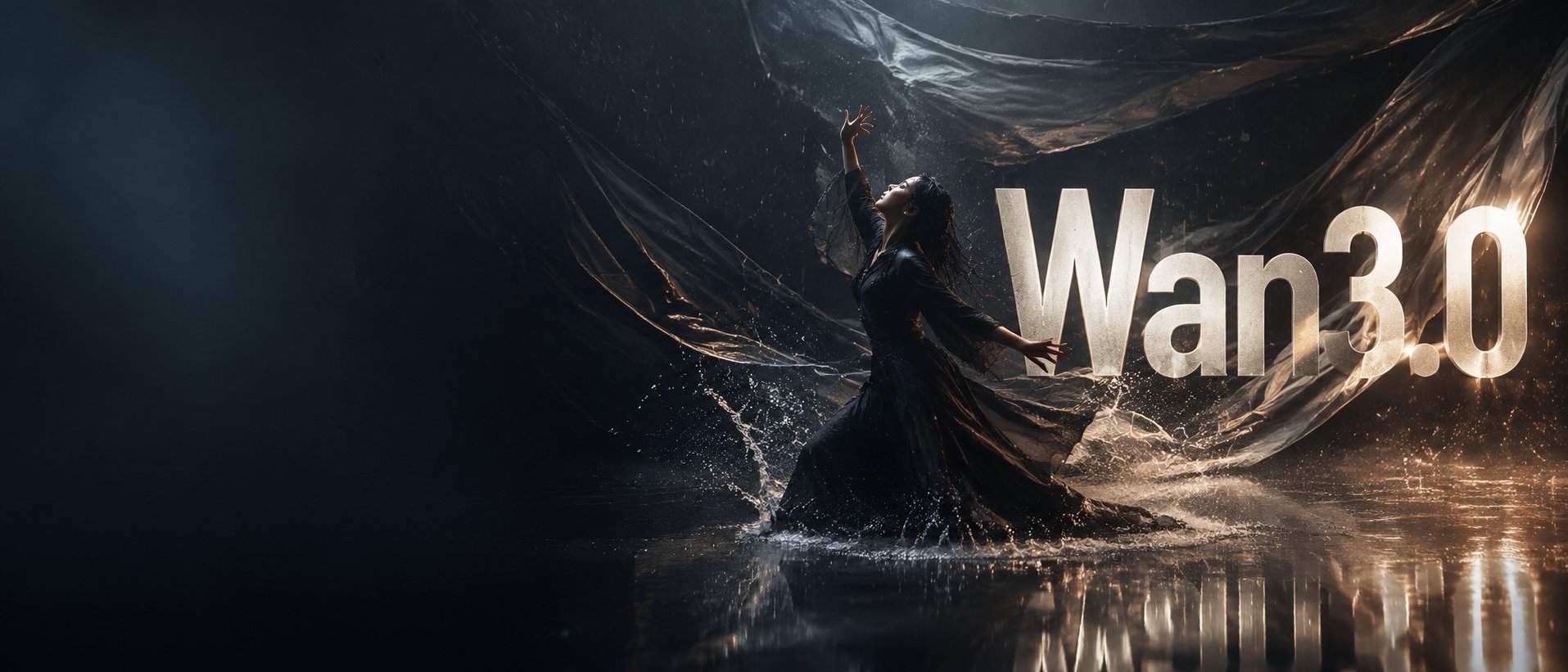
Wan3.0 is Alibaba’s next-generation all-in-one video generation model built for multimodal creation. It supports text, image, video, audio, and structured references to produce more consistent, realistic, and controllable video content with enhanced storytelling and editing capabilities.
Seedream 5.5 is ByteDance Seed's image creation model, released on November 9, 2026. It keeps unedited regions intact across up to 100 rounds of editing, generates images with transparent backgrounds natively, and renders more realistic textures and dense small text.
OpenAI introduces GPT-6.2 Astra as its frontier model for the hardest projects, released on November 17, 2026. It accepts text and image inputs across a 1,050,000-token context window (up to 922,000 input tokens and 128,000 output tokens) and delivers cleaner code, better frontends and 3D models, and better results on demanding tasks with fewer output tokens. On Kie.ai it currently supports chat requests only.
Claude Opus 5.5 is Anthropic's first model in the Claude 5.5 family, delivering frontier-level performance in agentic coding, computer use, and knowledge work. With faster output, clearer communication, and significantly improved computational efficiency, it brings advanced intelligence to demanding, multi-step tasks.
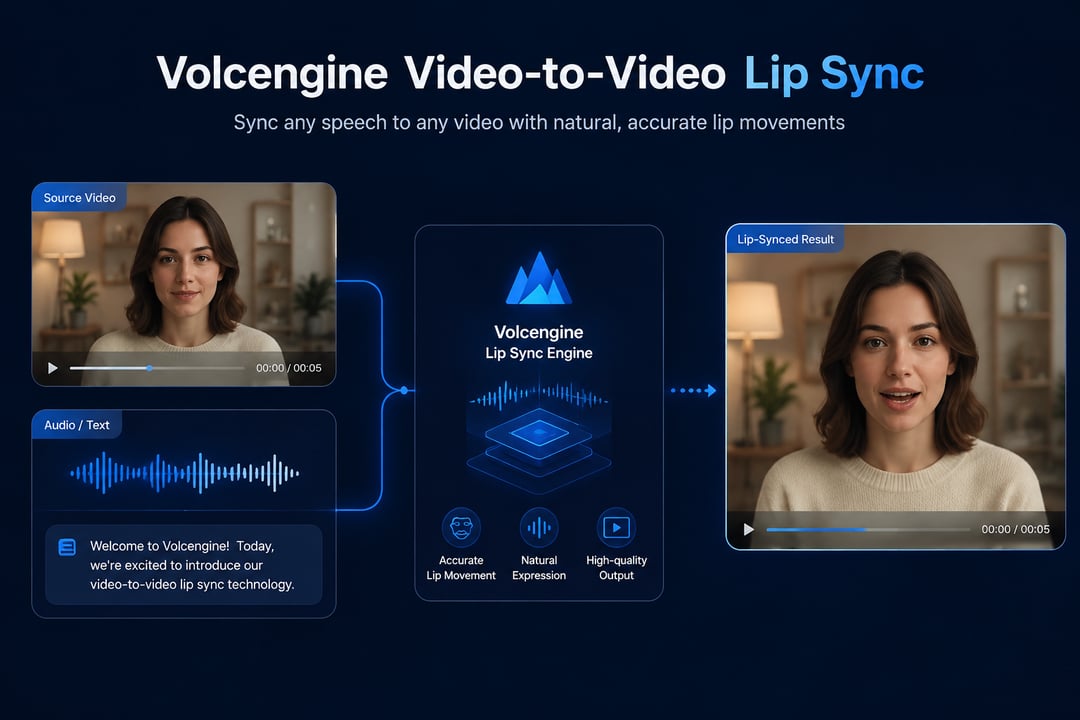
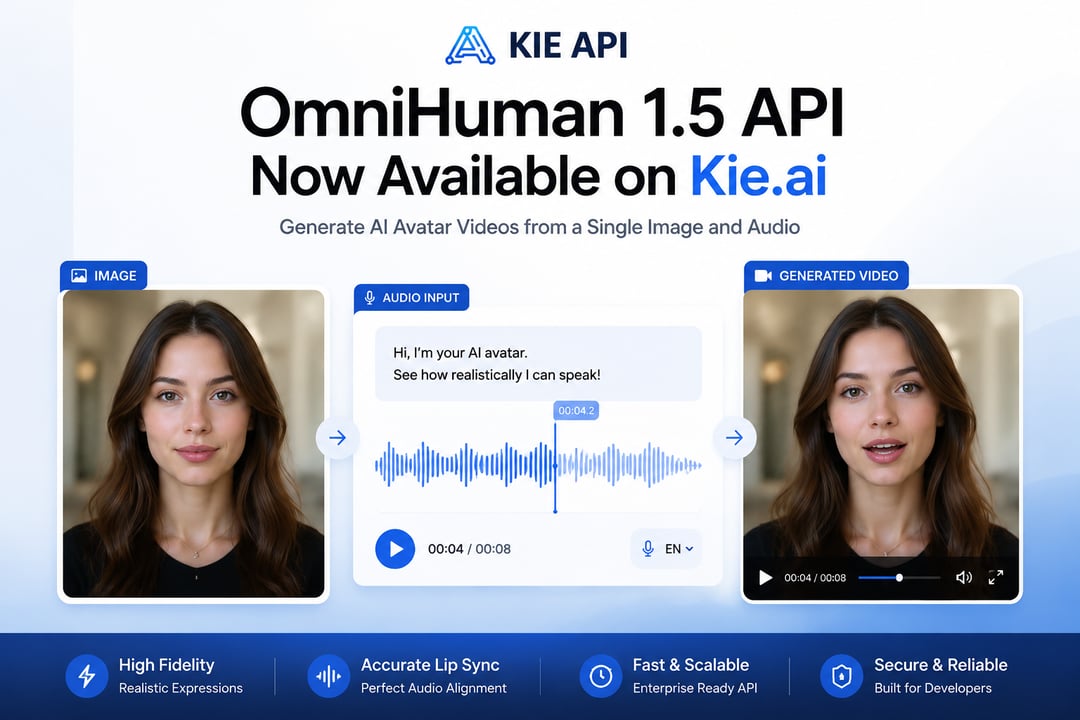
Seedance 2.0 on KIE is a multimodal Al video model by ByteDance, optimized for fast and realistic video generation. It supports high-quality virtual human video creation with strong multi-shot consistency, enabling more lifelike and cinematic outputs across scenes. With efficient generation speed, Seedance 2.0 typically averages around ~5 minutes per generation, while Seedance 2.0 Fast averages around ~4 minutes - making it a reliable choice for scalable, real-time content production.
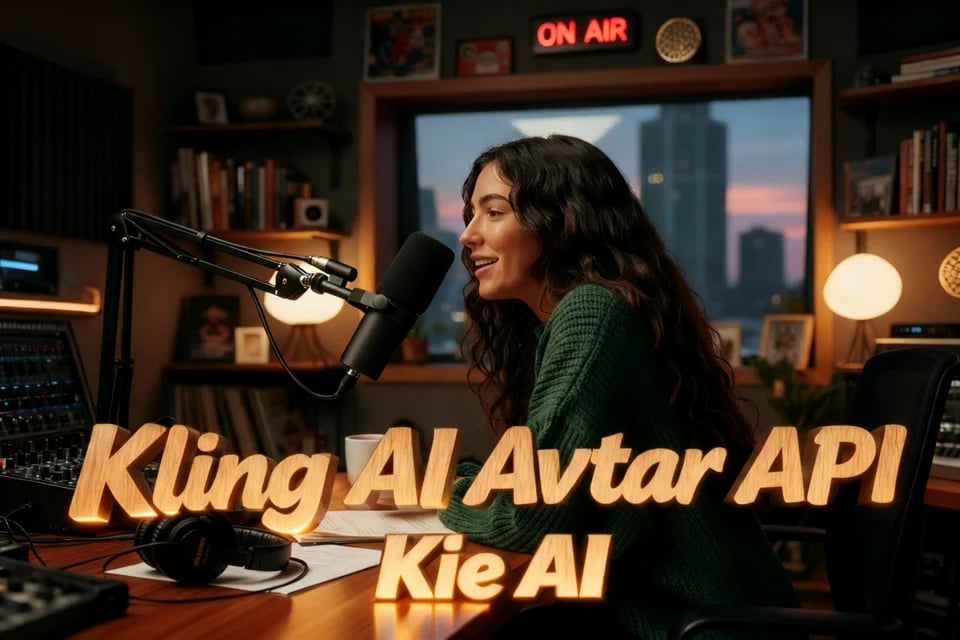
Mehrere Lip-Sync-API-Modelle für die Erstellung von KI-Talking-Videos
Nutzen Sie Kie.ai, um mehrere Lip-Sync-API-Modelle zu nutzen, um natürliche Lippenbewegungen, sprechende Avatare, mehrsprachige Sprechvideos und skalierbare KI-Videoerstellung zu realisieren.
Hauptfunktionen der KI-Lip-Sync-API
Seedance 2.0 API
Seedance 2.0 API is built for high-quality AI video generation with strong motion control, scene consistency, and reference-based creation. Its Lip Sync API use cases are suitable for teams creating cinematic presenter clips, character videos, branded visual content, and polished AI video experiences.
Kling AI Avatar 2.0 API
Kling AI Avatar 2.0 API is designed for avatar-style speaking videos and AI presenter generation. As a Lip Sync API option, it works well for virtual spokespersons, multilingual avatar content, education videos, onboarding videos, and customer-facing AI video experiences.
InfiniTalk API
InfiniTalk API focuses on speech-based talking video and synchronized mouth movement. As a Lip Sync API option, it is suitable for AI avatars, talking character content, creator tools, education products, and AI video platforms that need natural-looking speaking results.
Integrieren Sie die Lip-Sync-API auf Kie.ai
Schritt 1: Registrieren und Ihren API-Schlüssel erhalten
Erstellen Sie ein Kie.ai-Konto, melden Sie sich im Dashboard an und generieren Sie Ihren Lip-Sync-API-Schlüssel. Dieser Schlüssel dient zur Authentifizierung Ihrer Anfragen, zum Zugriff auf Modelle sowie zur Nutzungsverwaltung bei Aufrufen der Lip-Sync-API-Modelle über Kie.ai.
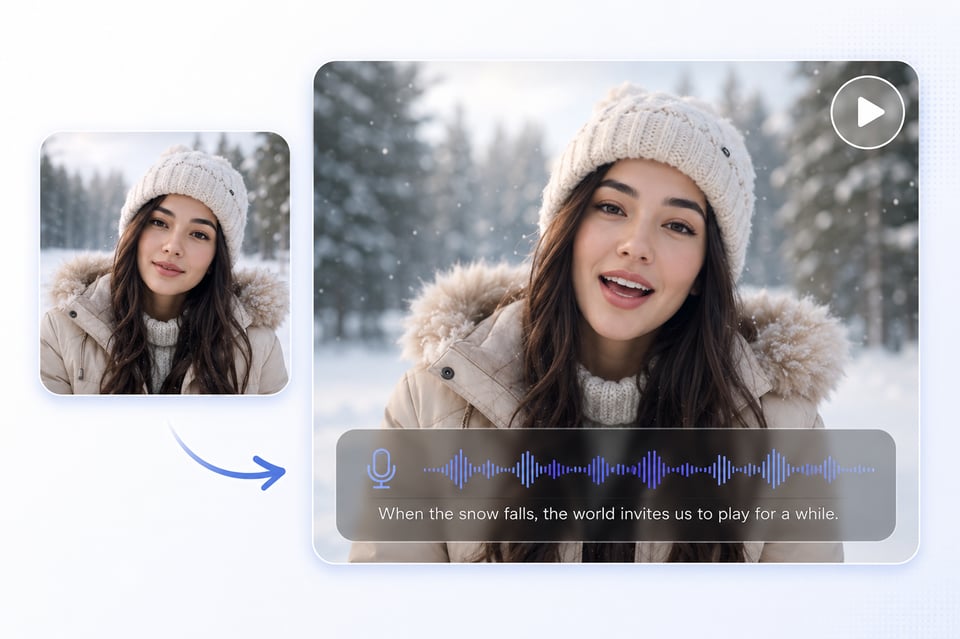
Schritt 2: Testen Sie die Lip-Sync-API-Modelle mit Ihren kostenlosen Credits
Nutzen Sie die kostenlosen Credits Ihres Kie.ai-Kontos, um verschiedene Lip-Sync-API-Modelle vor der Integration zu testen. Dieser Schritt hilft Ihnen, die Qualität der Mundbewegung, die Realistizität des Sprechens, die Eingabeanforderungen, die Verarbeitung und das Ausgabestil verschiedener Modelle zu vergleichen.
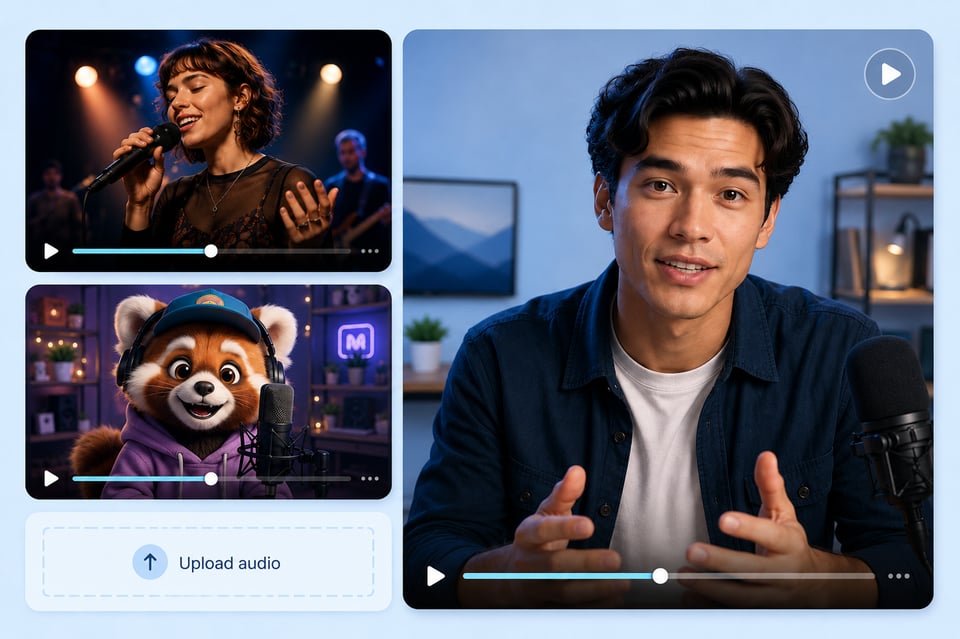
Schritt 3: Wählen Sie das passende Lip-Sync-API-Modell aus
Wählen Sie das Lip-Sync-API-Modell aus, das zu Ihren Zielsetzungen und Inhalten passt. Avatar-Präsentatoren, menschliche Szenen, Charaktervideos, Bildungsinhalte und soziale Sprechvideos benötigen je nach visuellem Stil und Sprech-Effekt unterschiedliche Modellauswahlen.
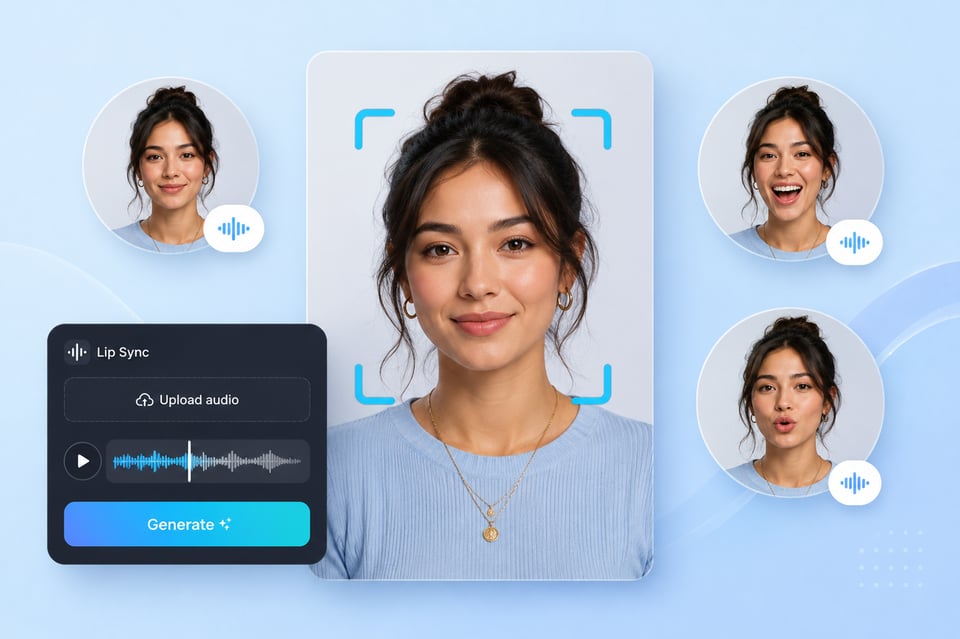
Schritt 4: Konfigurieren Sie die Eingaben für Lip-Sync-API-Anfragen
Bereiten Sie die erforderlichen Mediendaten für Ihr gewähltes Lip-Sync-API-Modell vor, wie z. B. ein Gesichts-Video, ein Avatar-Clip, eine Charakterquelle, ein Porträt-Input, Sprachaudio oder eine generierte Sprachdatei. Klare Gesichtsdeutlichkeit, sauberes Audio, stabile Bildaufnahme und unterstützte Formate erhöhen die Erfolgsrate und Konsistenz der Ergebnisse.
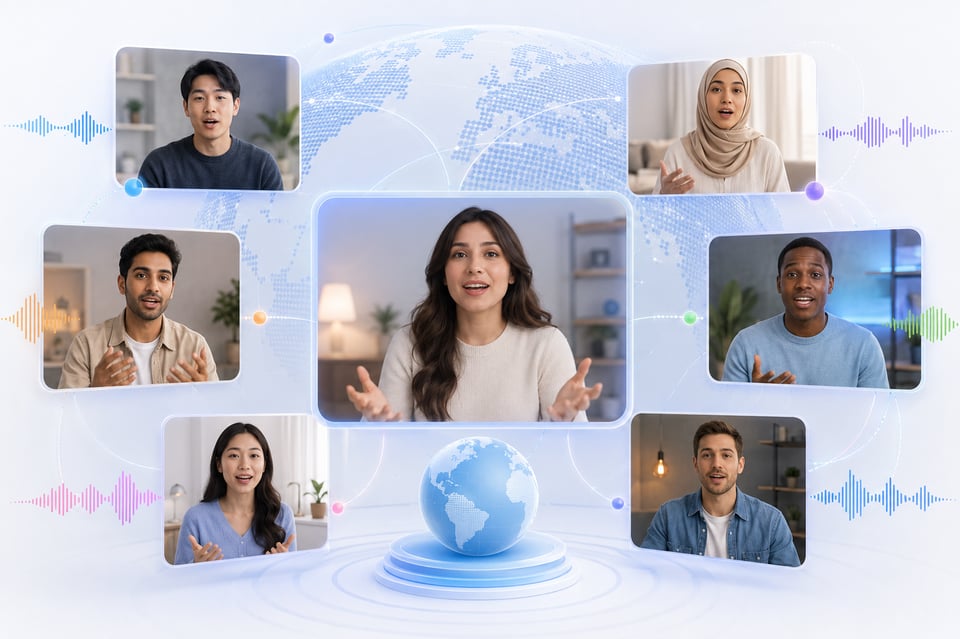
Wo die Lip-Sync-API in KI-Video-Produkten eingesetzt wird
KI-Avatar-Präsentervideos mit Lip-Sync-API
Mehrsprachige Sprechinhalte mit KI-Lip-Sync-API
Talk-Charaktere für Social Media mit LipSync-API
Bildung und Schulungsvideos mit Hilfe der Lip-Sync-API
Step 5: Call Lip Sync API and Retrieve Video Output
Warum Kie.ai für die Lip-Sync-API-Integration wählen?
Mehrere Lip-Sync-APIs mit regelmäßigen Modellaktualisierungen
Kie.ai bietet Teams Zugriff auf mehrere Lip-Sync-APIs, mit denen verschiedene Modelle für Avatar-Videos, sprechende Charaktere, Präsentationsclips und audio-synchronisierte Inhalte verglichen werden können. Mit der stetigen Entwicklung neuer KI-Video- und Lip-Sync-Modelle erweitert und aktualisiert Kie.ai kontinuierlich seine API-Angebote, damit Produkte immer auf dem neuesten Stand der Technik bleiben, ohne dass eine erneute Integration erforderlich ist.
Kosteneffiziente Preisgestaltung für Lip-Sync-APIs zur skalierbaren Videoerstellung
Bei wiederholter Erstellung von Lip-Sync-Videos ist Kosten ein entscheidender Faktor. Kie.ai bietet praktische Preise für die Lip-Sync-API für Teams, die Creator-Tools, Avatar-Plattformen, Bildungsprodukte, Marketing-Systeme und KI-Medienanwendungen entwickeln. Dies erleichtert das Testen verschiedener Modelle, die Kontrolle der Erstellungskosten und die Skalierung der Videoerstellung mit einem vorhersehbaren API-Budget.
Vollständige LipSync-API-Dokumentation für eine schnellere Integration
Klare Dokumentation reduziert Integrationsprobleme. Kie.ai bietet vollständige LipSync-API-Dokumentation, um Teams bei der Erläuterung von Authentifizierung, Anfragestruktur, Eingabeanforderungen, Modellwahl, Response-Handhabung und Abruf von Videoergebnissen zu unterstützen. Dies gibt technischen Teams einen direkten Weg vom API-Test zum Produkt-Deployment.
24/7 KI-Lip-Sync-API-Service für zuverlässigen Produktionsbetrieb
Kie.ai bietet einen 24/7-KI-Lip-Sync-API-Service für Produkte, die kontinuierlichen Zugriff auf Lip-Sync-Generierung benötigen. Egal ob es sich um soziale Video-Tools, mehrsprachige Avatar-Inhalte, Lernplattformen oder automatisierte Video-Systeme handelt – die kontinuierliche API-Verfügbarkeit hilft, die Generierungsabläufe stabil für Nutzer in verschiedenen Regionen und Zeitzonen zu halten.
FAQs über Lip-Sync API
Kann ich die Lip-Sync-API vor der Integration testen?
Ja. Sie können verfügbare Lip-Sync-API-Modelle auf Kie.ai mit den in Ihrem Konto verfügbaren Credits testen, bevor Sie eine Integration durchführen. Dies hilft Ihnen, die Qualität der Lippen-Synchronisation, die Eingabeanforderungen, das Verarbeitungsverhalten und den Ausgabestil zu bewerten, bevor Sie ein Modell für Ihr Produkt auswählen.
Welche Eingaben benötigt die Lip-Sync-API normalerweise?
Ein typischer Ablauf der Lip-Sync-API erfordert visuelle Eingaben (z. B. Gesichts-Video) sowie Sprach-Audio. Je nach gewähltem Modell kann die visuelle Eingabe ein Gesichts-Video, ein Avatar-Clip, ein Charaktervideo oder eine Bildquelle im Porträtstil sein, während das Audio aus aufgenommener Sprache, Erklärungen oder KI-generierten Stimmen stammen kann. Die genaue Eingabeform, erforderliche Felder, Medienlimits und unterstützte Parameter sollten der Dokumentation des gewählten Lip-Sync-API-Modells entsprechen.
Kann die Lip-Sync-API Talking-Avatar-Videos erstellen?
Ja. Die Lip-Sync-API kann verwendet werden, um Talking-Avatar-Videos zu erstellen, bei denen ein digitaler Präsentator, ein virtueller Sprecher oder ein Charakter in Einklang mit dem Audio zu sprechen scheint. Dies ist nützlich für Produkt-Erklärungen, Onboarding-Videos, Bildungsinhalte, Kundensupport-Clips und Creator-Tools.
Unterstützt die KI-Lip-Sync-API mehrsprachige Videos?
Die KI-Lip-Sync-API unterstützt die Erstellung mehrsprachiger Videos, wenn das Audio in verschiedenen Sprachen vorliegt. Dadurch eignet sie sich besonders für lokalisierte Avatar-Präsentatoren, internationale Marketing-Videos, Lehrmaterialien, Schulungsunterlagen und globale Content-Erstellung für Kreative.
FAQs About Lip Sync API
Can I test Lip Sync API before integrating it?
Yes. You can test available Lip Sync API models on Kie.ai with the credits in your account before full integration. This helps you review mouth synchronization quality, input requirements, processing behavior, and output style before choosing a model for your product.
What input does Lip Sync API usually require?
A typical Lip Sync API workflow requires a face-based visual input and speech audio. Depending on the selected model, the visual input may be a face video, avatar clip, character video, or portrait-style source, while the audio may come from recorded speech, narration, or AI-generated voice. The exact input format, required fields, media limits, and supported parameters should follow the documentation of the specific Lip Sync API model you choose.
Can Lip Sync API create talking avatar videos?
Yes. Lip Sync API can be used to create talking avatar videos where a digital presenter, virtual spokesperson, or character appears to speak in sync with the provided audio. This is useful for product explainers, onboarding videos, education content, customer support clips, and creator tools.
Does AI Lip Sync API support multilingual speaking videos?
AI Lip Sync API can support multilingual speaking video creation when the provided audio is in different languages. This makes it useful for localized avatar presenters, international marketing videos, education materials, training content, and global creator content.
Is LipSync API suitable for social media video products?
Yes. LipSync API is suitable for short-form talking videos, character clips, creator avatars, profile-based videos, meme-style content, and social media formats such as Shorts, Reels, and TikTok-style videos. It helps make face-based video content feel more expressive and speech-aligned.
How do I choose the right Lip Sync API model?
The right Lip Sync API model depends on your input type, desired visual style, speaking effect, and product scenario. Avatar presenter videos, cinematic speaker clips, character content, education videos, and social media talking videos may each require different model behavior.
Can Lip Sync API be used in production video applications?
Yes. Lip Sync API can be integrated into video editors, avatar platforms, creator tools, education products, marketing systems, and AI media applications. For production use, it is better to test model output, input compatibility, request structure, and usage cost before scaling.