Click to upload or drag and drop images.
Images: JPEG/JPG/PNG/WebP, Max 20MB
Describe the image you want to generate.
0/20000Click to upload or drag and drop
Supported formats: JPEG, PNG, WEBP, JPG Maximum file size: 20MB; Maximum files: 7
Upload an image file to use as input for the API
Note: when video input is provided, the output duration is determined by the model automatically. This duration parameter will not take effect.
Audio ID list. Up to 3 ID is allowed.
Video ratio
Character ID list. Each character ID uses 1 or 2 image slot. Available character slots: 3/7. Remaining image slots: 5/7.
Output video resolution. Valid values: 720P(default), 1080P, 4k.
Optional video input. Only 1 video is allowed and it uses 2 image slots.
Random seed. Range: [0, 2147483647]. If not specified, the system generates a seed automatically. Fixing the seed can improve reproducibility, but results may still vary due to the model’s stochasticity.
Explore different use cases and parameter configurations
Basic Voice
Input description
Textarea description
0/20000Input description
No result yet. Click generate to start.
Input description
Click to upload or drag and drop
Supported formats: JPEG, PNG, WEBP Maximum file size: 20MB; Maximum files: 2
Array of character reference image URLs. Up to 2 images are supported. Index 0 is the portrait image, and index 1 is the body image. The body image is optional, but if provided, the portrait image must be present at index 0.
Audio ID list. Up to 1 IDs are allowed.
Character Description
0/20000No result yet. Click generate to start.
README
Complete guide to using google/gemini-omni-flash-1-1
Gemini Omni 1.1 Flash API for Multimodal Video Generation and Editing
Build powerful AI video workflows with Gemini Omni 1.1 Flash API on Kie AI. Extend scenes, control first and last frames, use video references, create fast drafts, and upscale videos to 4K—all through one easy-to-integrate API.
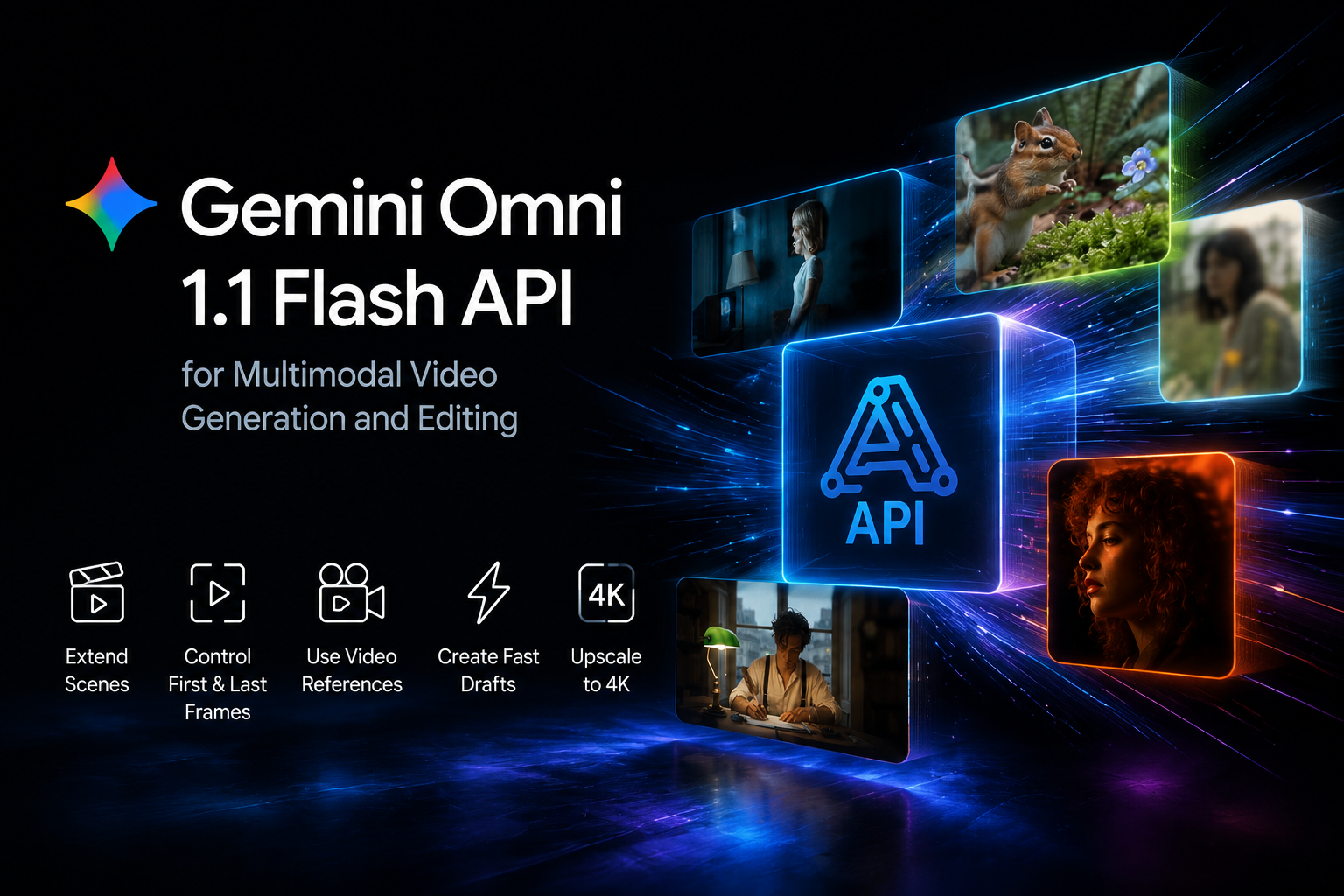
Build AI Video Workflows with Google Omni Flash API
Extend Videos with Gemini Omni 1.1 Flash Scene Extension
Continue existing footage with stronger visual and narrative consistency. Gemini Omni 1.1 Flash scene extension can use up to 10 seconds of previous video context to understand what happened before, helping developers create longer, more cohesive scenes without starting each generation from scratch. If you want to refine an extended scene through more controlled revisions, explore MiniMax H3 (Hailuo-03) API for precise video editing.
Generate AI Videos from Multimodal Prompts and References
Build multimodal video generation workflows with Gemini Omni 1.1 Flash API using prompts, images, and video references. Give the model more creative context to guide motion, scenes, and visual direction, making it easier to add controllable AI video generation to creative apps and SaaS products.
Create First-to-Last Frame Videos with Google Omni Flash API
Turn two keyframes into a continuous video sequence with Google Omni Flash API. Set the first and last frames to guide how a shot begins and ends, then generate the motion between them for smooth transitions, camera moves, loops, and other controlled video workflows.
Go from Fast Drafts to 4K with Gemini Omni 1.1 Flash
Prototype quickly and move promising ideas into high-quality production. Gemini Omni 1.1 Flash API supports fast 360p drafts for testing different prompts and creative directions, then lets you upscale selected results to 1080p or 4K for final video output.
Key Features of Gemini Omni 1.1 Flash API on Kie AI
Extend Scenes with Gemini Omni 1.1 Flash API
Continue existing videos while keeping the story and visuals consistent. Gemini Omni 1.1 Flash API can use up to 10 seconds of previous video context to generate a natural continuation. This deeper context helps maintain consistent characters, environments, motion, and creative direction across extended scenes.
Control First and Last Frames with Google Omni Flash API
Define how a shot starts and ends with first and last frame control. Google Omni Flash API generates smooth motion between your selected keyframes, giving you more control over transitions and camera movement. Use it for cinematic zooms, camera orbits, seamless loops, and other continuous shots without relying on manual frame-by-frame editing.
Generate Faster 360p Drafts with Gemini Omni
Test more ideas before spending resources on final output. Gemini Omni 1.1 Flash API supports lightweight 360p drafts that can generate up to 60% faster than standard 720p video and at about one-third of the cost. Developers can quickly compare prompts, scenes, and creative directions before moving the best result into production.
Create 1080p and 4K Videos with Gemini Omni 1.1 Flash
Move from quick drafts to polished production assets in the same workflow. Google's Gemini Omni 1.1 Flash 4K capability lets you upscale generated videos to 1080p or 4K for sharper, more detailed results. This makes the Gemini Omni 1.1 Flash API practical for advertising, social content, creative tools, and professional video production.
Generate with Video References in Gemini Omni
Give Gemini Omni more visual context by adding video references to your input. The model can use up to three seconds of reference video to guide movement, characters, and scene details. Combined with prompts and images, this multimodal input gives developers more control when building reference-based video generation and editing experiences.
Direct Cinematic Motion with Google Omni 1.1 Flash API
Create video with more intentional camera movement and visual direction. Google Omni 1.1 Flash API supports creative controls for shots such as dolly zooms, snap zooms, push-ins, pull-backs, and 360-degree camera orbits. These controls help developers build AI video tools that go beyond basic generation and give users more ways to direct each shot.
How to Use Gemini Omni 1.1 Flash API on Kie AI
Step 1 — Test Gemini Omni 1.1 Flash Online in the Kie AI Playground
Step 2 — Get Your Gemini Omni 1.1 Flash API Key
Step 3 — Send Prompts and References to Google Omni Flash API
Step 4 — Generate Gemini Omni Videos and Add Them to Your App
Why Use Gemini Omni 1.1 Flash API on Kie AI
Access Gemini Omni and Multiple AI Models Through One API
Connect to Gemini Omni and a growing range of leading AI models through Kie AI. Developers can explore different video, image, and AI models without managing separate providers and integrations for every workflow.
Try Gemini Omni 1.1 Flash Free with New User Credits
Get started with Gemini Omni 1.1 Flash free using credits available to new Kie AI users. Test prompts and model capabilities in the online playground before deciding how to integrate the API into your product.
Affordable Gemini Omni 1.1 Flash API with Flexible Pricing
Build and scale with an affordable Gemini Omni 1.1 Flash API and flexible pricing options. Kie AI makes it easier to start with smaller workloads and scale API usage as your application grows.
Easy Google Omni Flash API Integration with Clear Documentation
Integrate Google Omni Flash API into your application with clear API documentation and a straightforward developer workflow. Spend less time on setup and more time building video generation and editing features into your product.
Access New Gemini Omni and AI Models as They Launch
Keep your application ready for the latest AI capabilities with Kie AI's continuously expanding model library. Explore new Gemini Omni models and other leading AI models through the same platform without rebuilding your entire AI stack.
Developer Support for Gemini Omni 1.1 Flash API
Get support when you need help testing or integrating Gemini Omni 1.1 Flash API. Kie AI provides customer support to help developers resolve API issues and keep their AI workflows running smoothly.
Explore Gemini Omni 1.1 Flash API for AI Video Workflows
Build AI Video SaaS with Gemini Omni 1.1 Flash API
Add advanced AI video generation and editing to SaaS products, creative platforms, and media tools. Gemini Omni 1.1 Flash API gives developers access to multimodal inputs and flexible video controls without building a video generation model from scratch.
Create AI Video Editing and Scene Extension Tools
Build editing tools that let users continue existing footage while keeping scenes visually connected. With Gemini Omni scene extension, applications can use previous video context to create more natural continuations for storytelling, editing, and content creation.
Generate Marketing Videos with Google Omni Flash API
Use Google Omni Flash API to power tools for product videos, social content, campaign creatives, and digital advertising. Users can quickly explore different ideas with fast drafts before creating polished video assets for production.
Build AI Storytelling Apps with Gemini Omni
Create storytelling tools that generate connected scenes with stronger visual and narrative continuity. Gemini Omni can help developers build applications for short films, creative stories, branded content, and other workflows where consistency between scenes matters.
Build Cinematic Video Tools with Google Omni 1.1 Flash API
Create applications with more control over camera movement and shot transitions. Google Omni 1.1 Flash API can support workflows involving first and last frames, camera orbits, zooms, continuous transitions, and other cinematic video effects.
Prototype and Produce 4K Video with Gemini Omni 1.1 Flash
Build workflows that move from fast experimentation to high-quality output. Developers can use Gemini Omni 1.1 Flash for lightweight 360p drafts, compare creative variations, and then produce sharper 1080p or 4K video for final use.