

API Recraft cho loại bỏ nền chính xác và chuyên nghiệp, nâng cấp độ phân giải cao

Sử dụng Kie.ai để khám phá các quy trình làm việc của Recraft AI API nhằm tối ưu hóa hình ảnh với chất lượng cao, trích xuất nền ngữ nghĩa nâng cao, tăng độ phân giải sắc nét và đảm bảo chất lượng hình ảnh ổn định thông qua một nền tảng API linh hoạt.

Tính năng nổi bật của API Recraft trên Kie.ai của chúng tôi

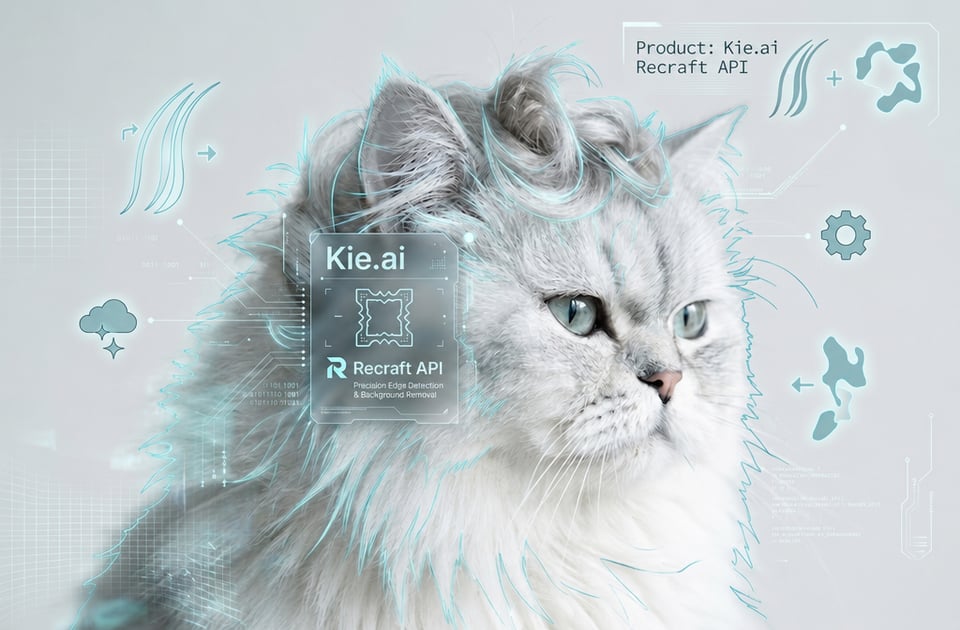
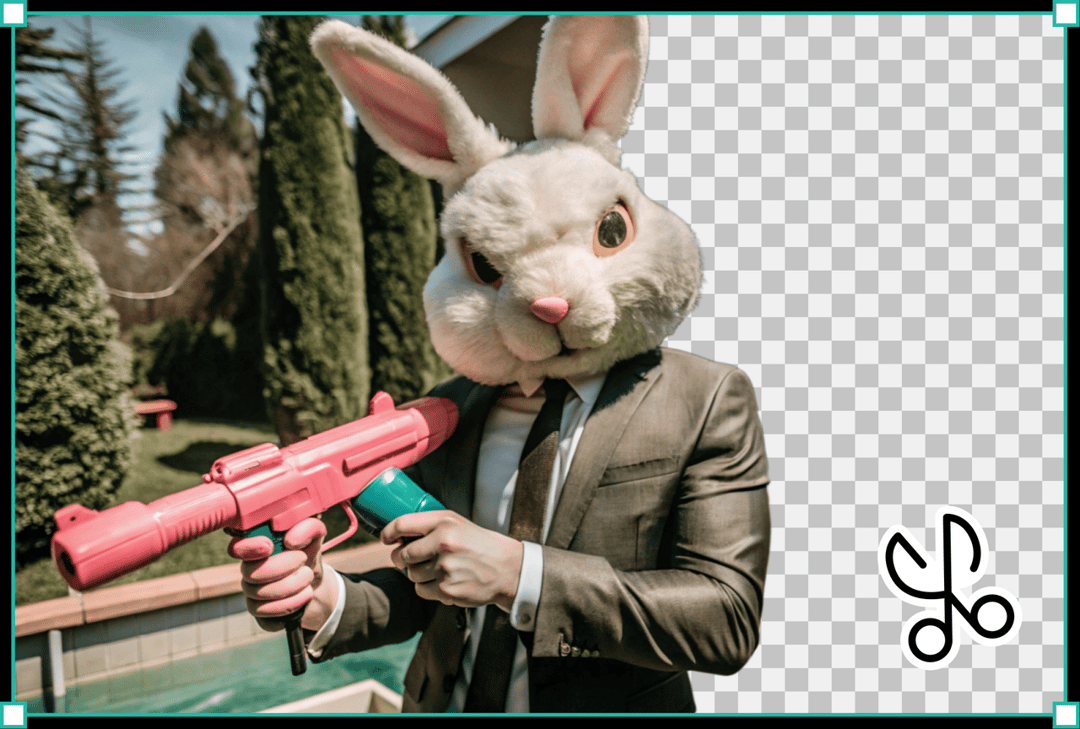
Phát hiện cạnh chính xác và sắc nét trong Recraft AI API

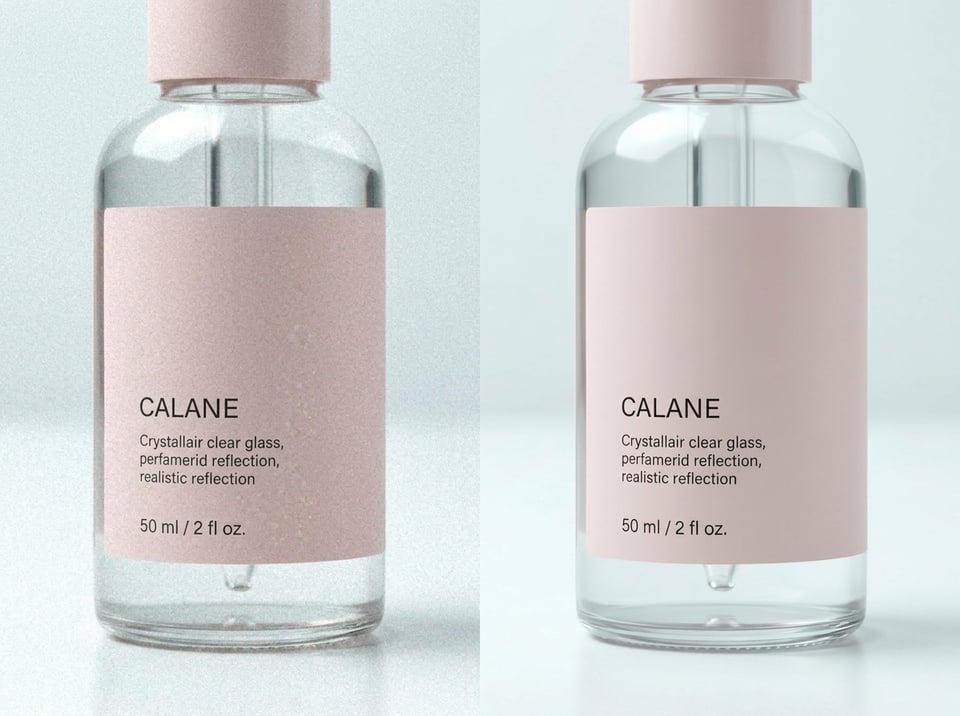
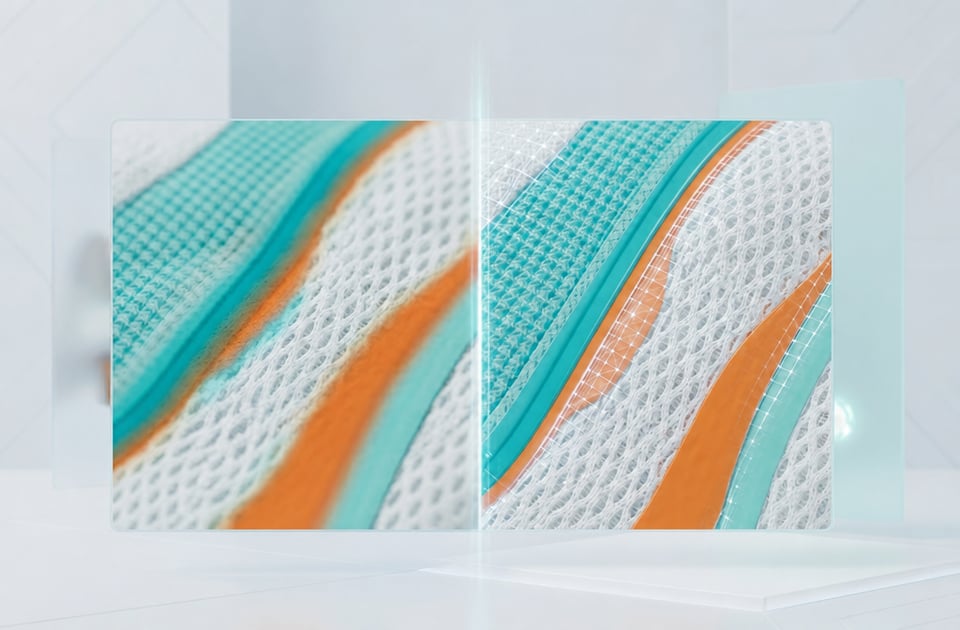
Bảo tồn chi tiết gốc của Recraft API

Tại sao nên chọn Kie.ai để tích hợp với API Recraft AI?

Truy cập nhiều phiên bản mô hình API Recraft trong một nền tảng duy nhất

Truy cập nhiều phiên bản mô hình API Recraft trong một nền tảng duy nhất

Bảng giá API Recraft có chi phí hợp lý và linh hoạt cho việc mở rộng sản xuất

Bảng giá API Recraft có chi phí hợp lý và linh hoạt cho việc mở rộng sản xuất

Tài liệu đầy đủ về Recraft API để thiết lập hiệu quả cho các nhà phát triển

Tài liệu đầy đủ về Recraft API để thiết lập hiệu quả cho các nhà phát triển

Các cơ hội thử nghiệm và đánh giá Recraft API miễn phí

Các cơ hội thử nghiệm và đánh giá Recraft API miễn phí

Xây dựng từ giai đoạn kiểm thử mô hình đến yêu cầu thực tế với Recraft API

Bước 1: Thử nghiệm hành vi của mô hình miễn phí trong Recraft API Playground

Bước 2: Thiết lập xác thực bằng khóa API duy nhất của bạn

Bước 3: Chọn cấu hình điểm cuối Recraft API phù hợp với mục tiêu của bạn

Bước 4: Xây dựng và gửi yêu cầu bất đồng bộ đến API Recraft

Bước 5: Ghi nhận trạng thái đầu ra và lấy lại kết quả từ API Recraft đã hoàn tất

Bước 6: Triển khai và mở rộng các quy trình tự động của API Recraft

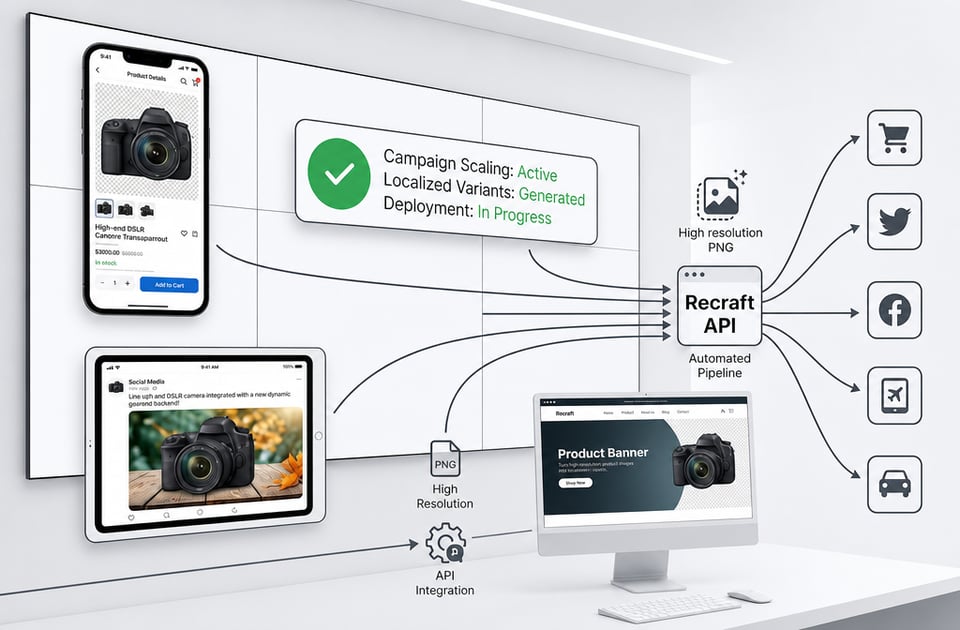
Recraft API giúp biến ý tưởng đồ họa thành quy trình sản xuất thực tế

  • Tự động hóa việc quản lý danh mục sản phẩm thương mại điện tử bằng Recraft Remove Background API

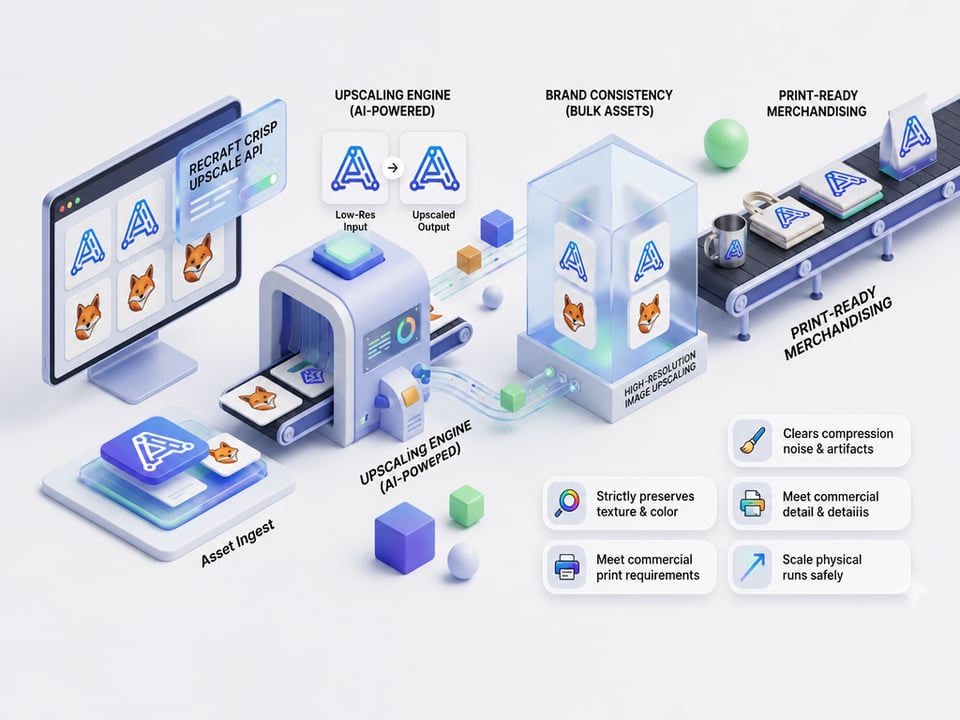
  • Tăng độ phân giải bằng API Recraft Crisp Upscale

  • Tự động tạo banner quảng cáo cho chiến dịch marketing

  • Phát triển ứng dụng xử lý ảnh và chỉnh sửa

  • Step 5: Capture Output Status and Retrieve Finalized Recraft API Results

  • Step 6: Deploy and Scale Your Automated Recraft API Workflows

Câu hỏi thường gặp về API Recraft

E-Commerce Catalog Automation via Recraft Remove Background API

E-Commerce Catalog Automation via Recraft Remove Background API

Resolution Upgrade Layer through Recraft Crisp Upscale API

Resolution Upgrade Layer through Recraft Crisp Upscale API

Automated Banner Generation for Marketing Campaigns

Automated Banner Generation for Marketing Campaigns

App Development for Image Editing Processing

App Development for Image Editing Processing

Frequently Asked Questions About Kie.ai Recraft API

Q

Does The Upscaling Tool Alter The Original Composition Of The Image?

No, the Recraft crisp upscale API functions strictly as a resolution enhancement layer. It eliminates digital distortion, pixelation, and compression artifacts while maintaining the exact composition, boundaries, and structure of the source asset.

Q

What Functions Does The Recraft Remove Background API Perform?

The Recraft remove background API uses advanced segmentation models to isolate the primary foreground subject and remove complex backdrops, delivering high-resolution transparent PNG files automatically.

Q

How Does The Recraft Crisp Upscale API Enhance Low-Resolution Images?

The Recraft crisp upscale API functions as an intelligent resolution enhancement layer that removes compression noise and artifacts while strictly preserving the authentic textures, color values, and patterns of the source file.

Q

Is There A Playground Environment Available To Test Configurations?

Kie.ai provides free Recraft API testing configurations within online playground, enabling engineering teams to evaluate edge detection, color preservation, and output quality prior to performing backend integration.

Q

Where Can Developers Find Parameters And Authentication Setup Details?

Complete integration rules, request schemas, authentication headers, and callback structures are fully mapped out in the live Kie.ai documentation to minimize setup friction when transitioning from prototypes to production.

Q

How Does Kie.ai Handle Model Updates And Version Releases?

Kie.ai continuously updates new versions and optimizations, providing developers with the ability to explore updated model options and compare generated results.