Grok API: xAI Grok Models with One API Key

Use Grok chat models for reasoning, coding and agents — priced about 60% below xAI list price — and Grok Imagine for video and image generation, all through one Kie AI API key with pay-as-you-go billing.

Chat & reasoning
Grok 4.7Latest

Long-form reasoning, coding and agent workflows with selectable reasoning effort.

$0.80 / $2.40 per 1M tokens(Official $2.00 / $6.00)
Grok 4.7 API →
Video & image

Text-to-video, image-to-video and image generation with Grok Imagine.

from $0.02 per image(Official $0.06)
Grok Imagine Image 2.0 API →

All Grok API models on Kie AI

This table updates automatically as new Grok models launch and are priced on Kie AI.

Explore all AI models on Kie AI →

ModelTypeLaunchedPriceOfficial priceStatus
Grok 4.7Chatthg 9 2026$0.80 / $2.40 per 1M tokens$2.00 / $6.00Latest
Grok 4.6Chatthg 8 2026$0.80 / $2.40 per 1M tokens$2.00 / $6.00Available
Grok 4.5Chatthg 7 2026$0.80 / $2.40 per 1M tokens$2.00 / $6.00Available
Grok Imagine Image 2.0Text to Image · Image to Image · Image Editingthg 8 2026from $0.02 per image$0.06Latest
Grok Imagine Video 1.5Image to Videothg 6 2026from $0.012 per second$0.08Available
Grok ImagineText to Video · Image to Video · Text to Image · Image to Imagethg 11 2025from $0.012 per second$0.05Available

Grok Chat API for Reasoning, Coding and Agents

OpenAI Responses–Compatible Endpoint

Selectable Reasoning Effort

Function Calling and Structured JSON Output

Image Input and Streaming Responses

Explore More Ways to Create with xAI Grok Imagine API on Kie.ai

Text to Video with Grok Imagine API

Image to Video with Grok Imagine API

Text to Image with Grok Imagine API

Image to Image with Grok Imagine API

Key Features of Grok Imagine API

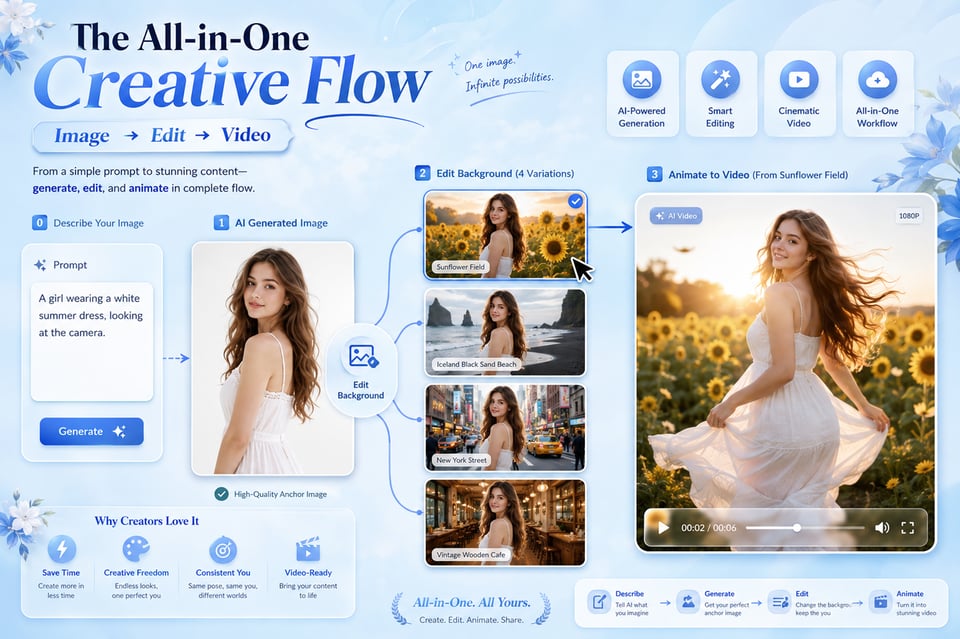
One Grok Imagine API for Images, Videos, and Visual Variations

One Grok Imagine API for Images, Videos, and Visual Variations

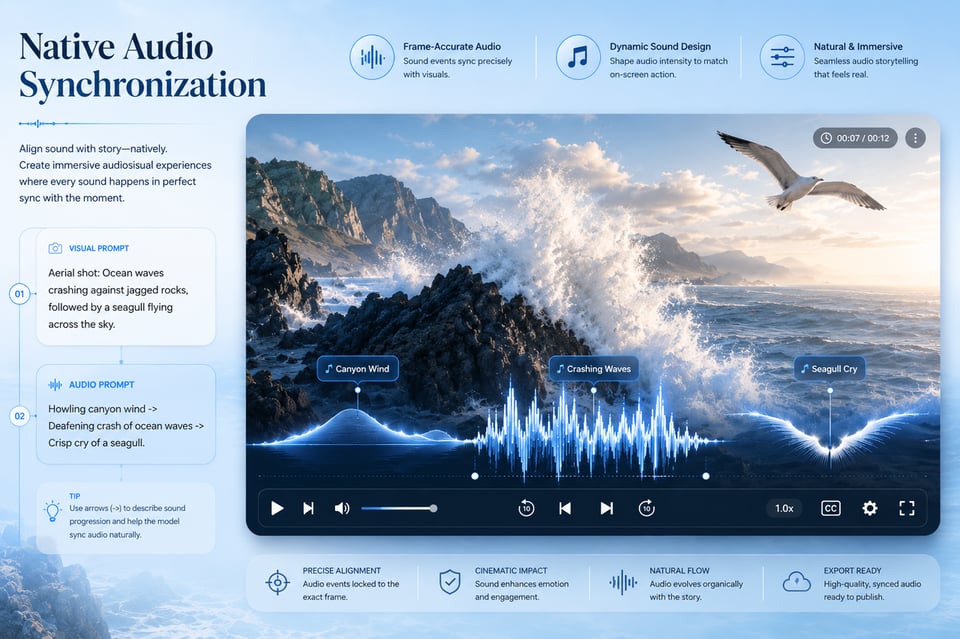
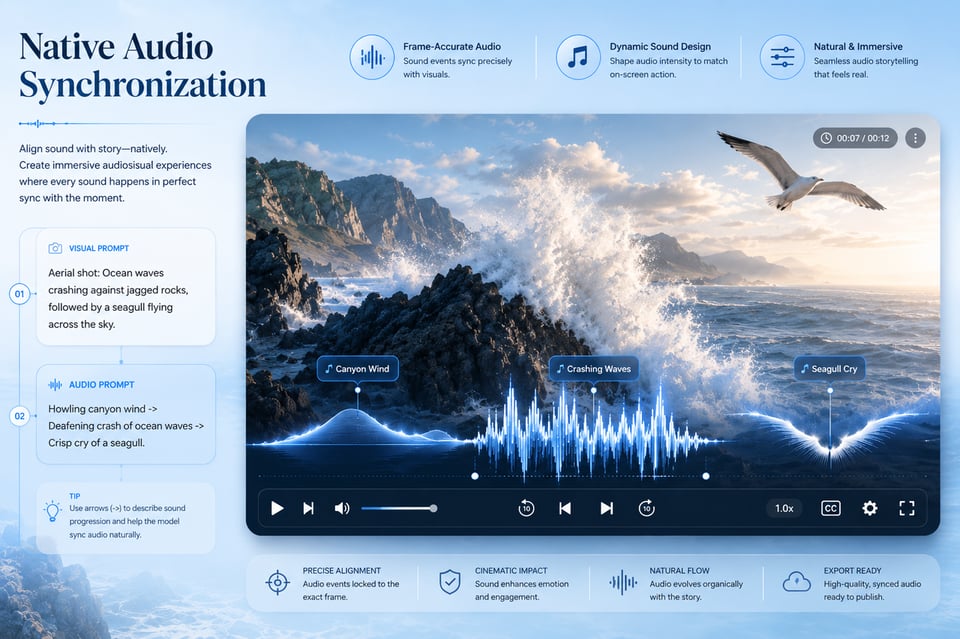
Video Generation with Native Audio in Grok Imagine Video API

Video Generation with Native Audio in Grok Imagine Video API

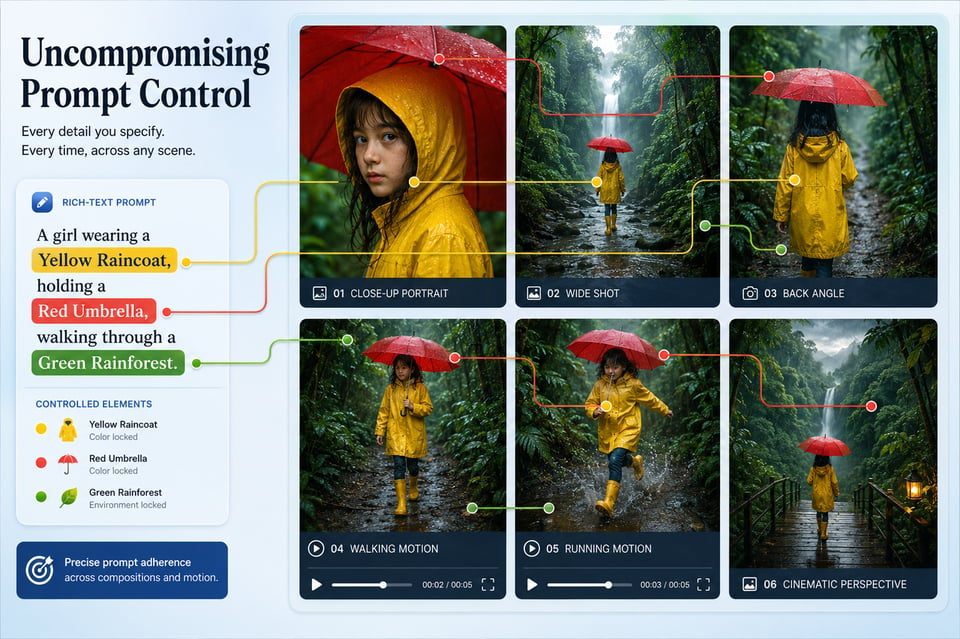
Better Prompt Control Across Grok AI API Creation Modes

Better Prompt Control Across Grok AI API Creation Modes

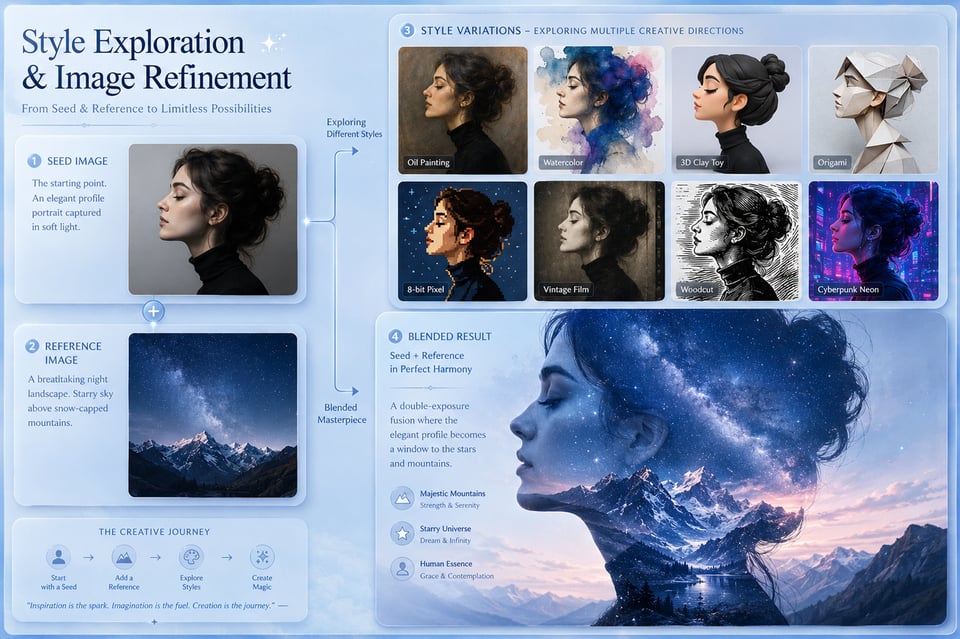
Style Exploration and Image Refinement with Grok Imagine Image API

Style Exploration and Image Refinement with Grok Imagine Image API

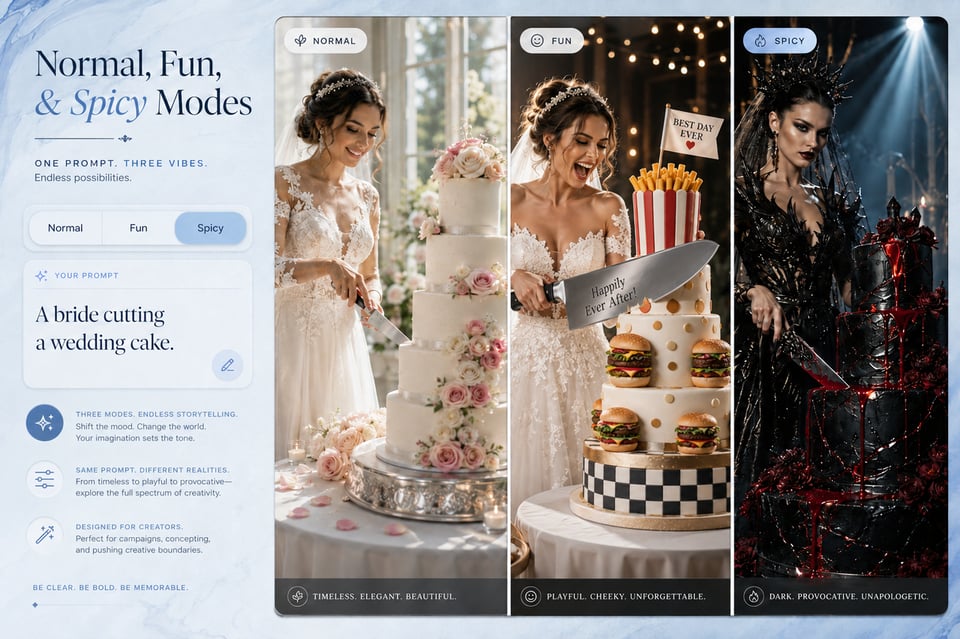
Normal, Fun, and Spicy Modes for Grok Imagine Video API

Normal, Fun, and Spicy Modes for Grok Imagine Video API

Start Testing and Building with Grok Imagine API on Kie.ai

Create a Kie AI Account and Get Your Grok API Key

Try Grok Models with Free Credits

Call the Grok API from Your App

Where Grok Video API Turns Video Ideas into Real Scenes

Product Motion Videos Powered by Grok Imagine Video API

From Campaign Concepts to Clips with Grok Imagine Text to Video API

Character Scenes and Avatar Videos via Grok Imagine Image to Video API

Cinematic Previews Built with Grok Video API

Where Grok Image API Shapes Still Image Ideas into Ready-to-Use Visuals

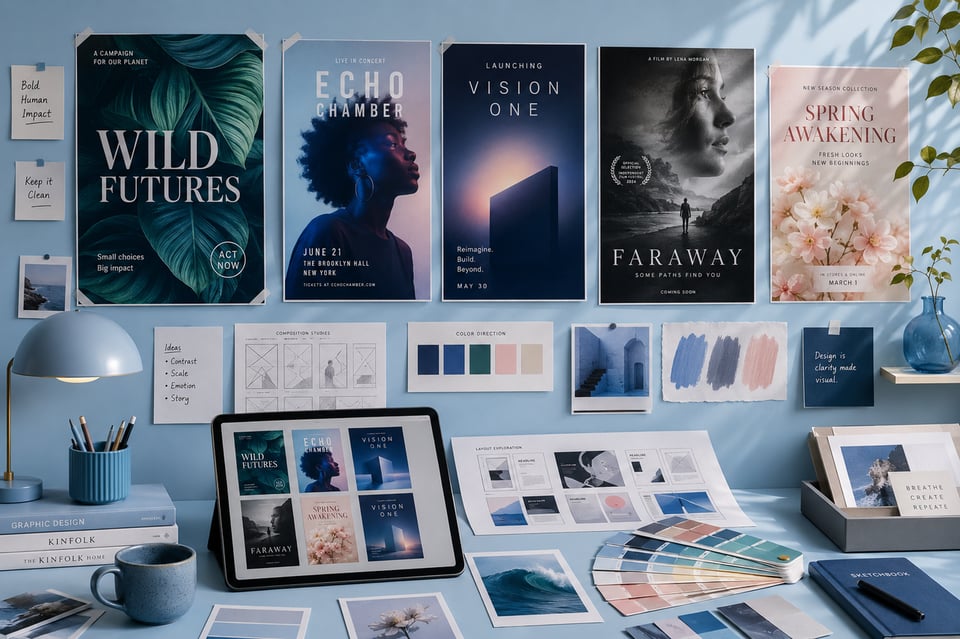
Poster and Key Visual Drafts with Grok Imagine Image API

Poster and Key Visual Drafts with Grok Imagine Image API

Cover Graphics and Thumbnail Concepts from Grok Imagine Text to Image API

Cover Graphics and Thumbnail Concepts from Grok Imagine Text to Image API

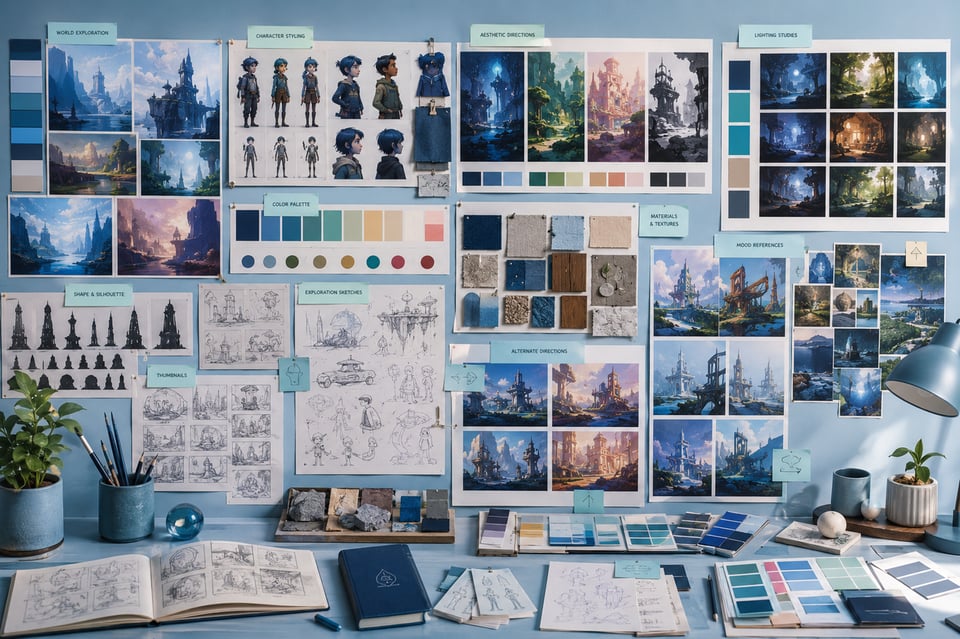
Creative Reference Images and Mood Visuals with Grok Image API

Creative Reference Images and Mood Visuals with Grok Image API

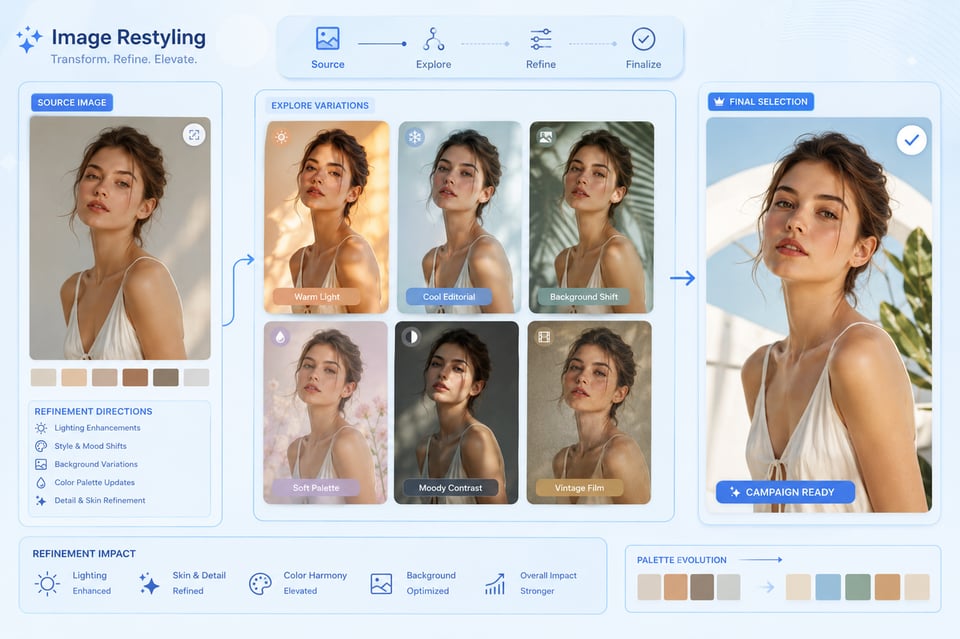
Image Restyling and Visual Refinement with Grok Imagine Image to Image API

Image Restyling and Visual Refinement with Grok Imagine Image to Image API

Grok API Prompt Guide for Better Image and Video Generation

Start Grok API Prompts with a Clear Main Subject

A strong Grok API prompt should make the main subject easy to understand from the beginning. For images, the subject may be a product, character, poster concept, environment, or visual asset. For videos, it can be a person, object, scene, or action that drives the motion. Clear subject definition helps the output stay focused instead of becoming visually scattered.

Add Style, Mood, and Lighting Details for Grok Imagine API

Visual direction matters across both image and video generation. Users can improve Grok Imagine API results by describing style, mood, lighting, color tone, composition, and atmosphere in natural language. Instead of writing only “a futuristic city,” a stronger prompt can mention neon lighting, rainy streets, cinematic shadows, reflective surfaces, or a calm cyberpunk mood.

Describe Motion Clearly for Grok Imagine Video API

Video generation needs more than a static scene description. Grok Imagine Video API prompts should explain what moves, how fast it moves, and how the camera behaves. Details such as slow push-in, handheld tracking, gentle orbit, dramatic zoom, drifting smoke, flowing fabric, or a character turning toward the camera can help the final video feel more directed.

Use Source Images Carefully with Grok Imagine Image to Video API

When using Grok Imagine Image to Video API, the source image already provides the visual foundation. The prompt should focus on motion, camera direction, atmosphere, and sound cues rather than re-describing every object in the image. For better consistency, the requested action should match the subject and composition already visible in the uploaded image.

Keep Image Transformation Prompts Specific with Grok Imagine Image API

For image-to-image generation, vague editing requests can lead to unpredictable results. Grok Imagine Image API works better when users describe the exact visual change they want, such as warmer lighting, a luxury product background, anime-style rendering, softer shadows, a cleaner poster composition, or a different color mood. Clear transformation goals help preserve the useful parts of the source image while changing the intended elements.

Test Small Prompt Changes Across Grok API Outputs

Small wording changes can create noticeable differences in Grok API image and video results. Users can improve output quality by adjusting one element at a time, such as lighting, camera movement, style, action, or audio direction. This makes it easier to compare results and understand which prompt details have the strongest effect on the final image or video.

Why Build with Grok Imagine API on Kie.ai

Affordable Grok API Pricing for Flexible Testing

Clear Grok Imagine API Documentation for Faster Integration

One Platform for Grok Image and Video API Access

Credit-Based Grok API Testing Before Full Deployment

Multiple Grok Imagine API Creation Modes in One Place

Continuous Model Updates and 24/7 Grok API Support

Frequently Asked Questions About Grok Imagine API