


Recraft API voor nauwkeurige achtergrondverwijdering en professionele upscale tot hoge resolutie

Gebruik Kie.ai om Recraft AI API-workflows te verkennen voor beeldoptimalisatie met hoge precisie, geavanceerde semantische achtergrondextractie, scherpe upscale tot hoge resolutie en voorspelbare visuele kwaliteit via één flexibel API-platform.

Belangrijke mogelijkheden van de Recraft API op Kie.ai

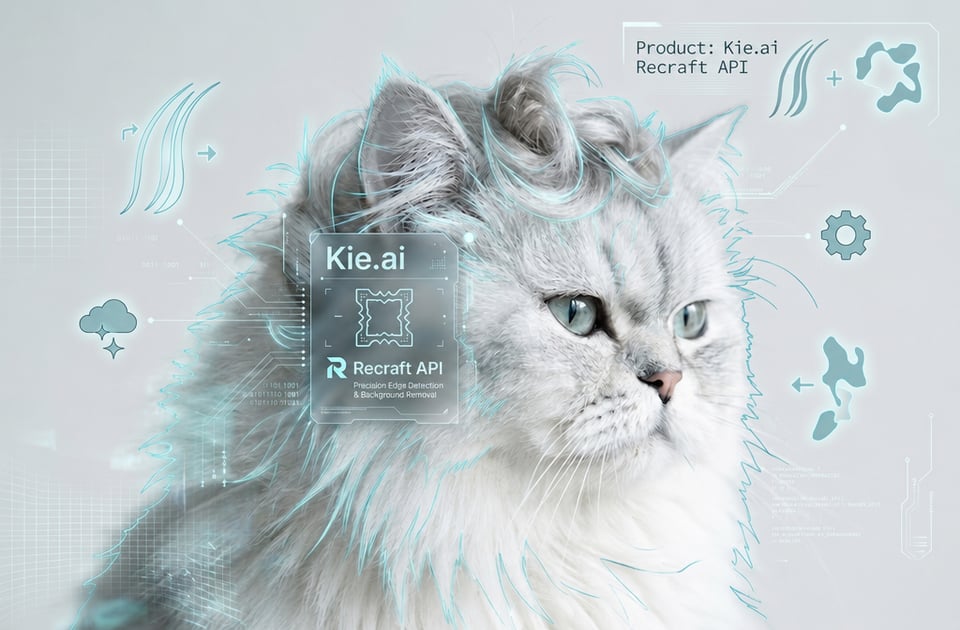
Hoge precisie randdetectie in Recraft AI API

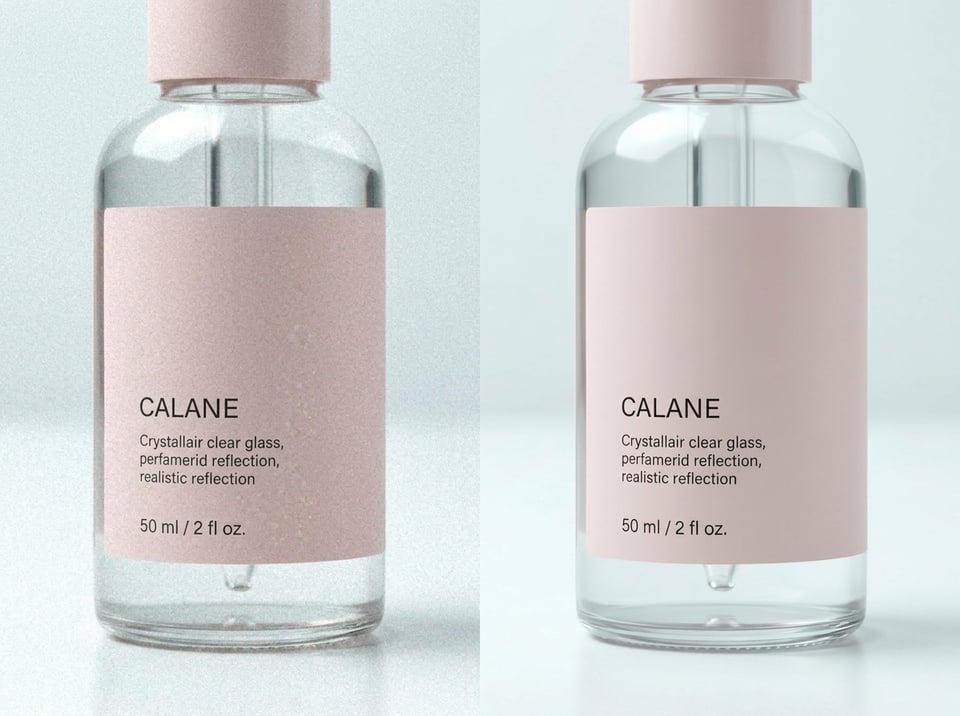
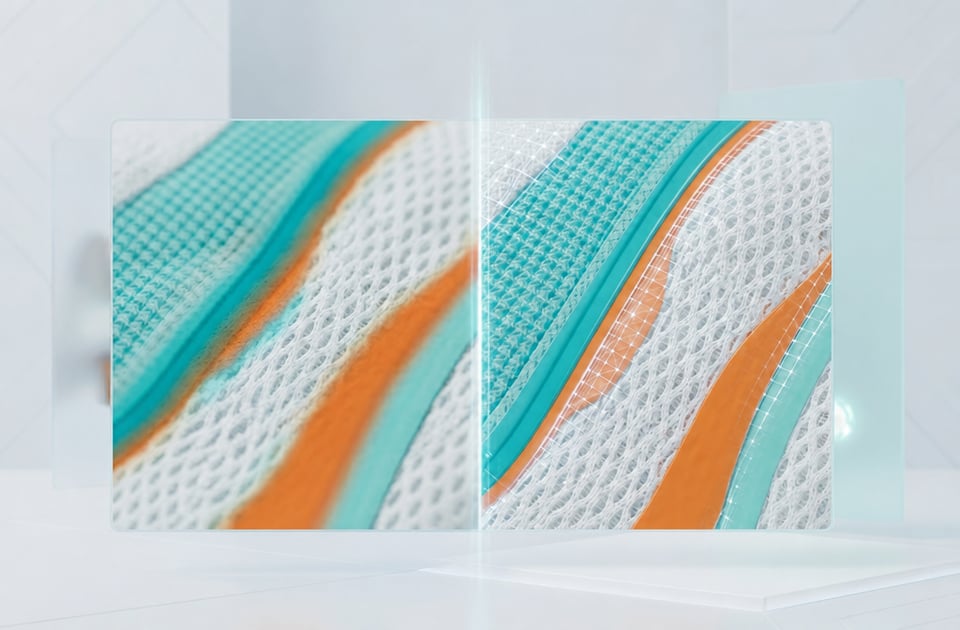
Originele detailbehoud via Recraft API

Waarom Kie.ai kiezen voor Recraft AI API-integratie

Toegang tot meerdere Recraft API-modellen in één omgeving

Toegang tot meerdere Recraft API-modellen in één omgeving

Betaalbare Recraft API-prijzen voor flexibele productieschaalbaarheid

Betaalbare Recraft API-prijzen voor flexibele productieschaalbaarheid

Volledige Recraft API-documentatie voor een efficiënte engineeringsetup

Volledige Recraft API-documentatie voor een efficiënte engineeringsetup

Gratis Recraft API-test- en evaluatieopties

Gratis Recraft API-test- en evaluatieopties

Bouw met de Recraft API van het testen tot het verwerken van echte aanvragen

Stap 1: Modelgedrag gratis testen in de Recraft API Playground

Stap 2: Authenticatie instellen met je Unified Recraft API-sleutel

Stap 3: Kies het juiste Recraft API-eindpuntconfiguratie

Stap 4: Bouw en verzend een asynchrone Recraft API-aanvraag

Stap 5: Vang de uitvoerstatus op en haal de eindresultaten binnen

Stap 6: Implementeer en schaal uw geautomatiseerde Recraft API-processen

Hoe Recraft API Grafische Ideeën Omzet naar Werkelijke Productwerkstromen

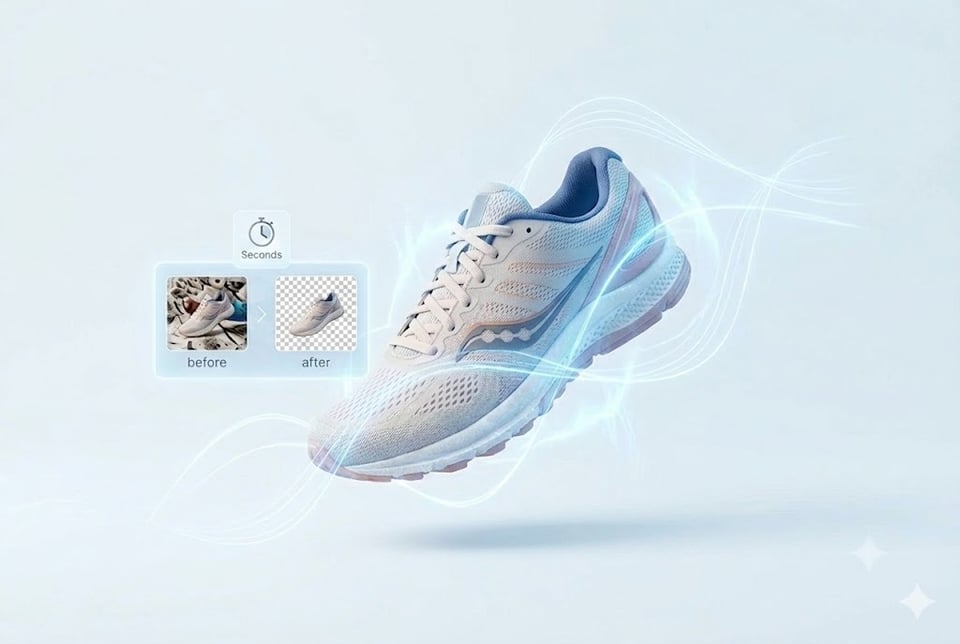
  • E-commerce catalogusautomatisering met behulp van de Recraft Remove Background API

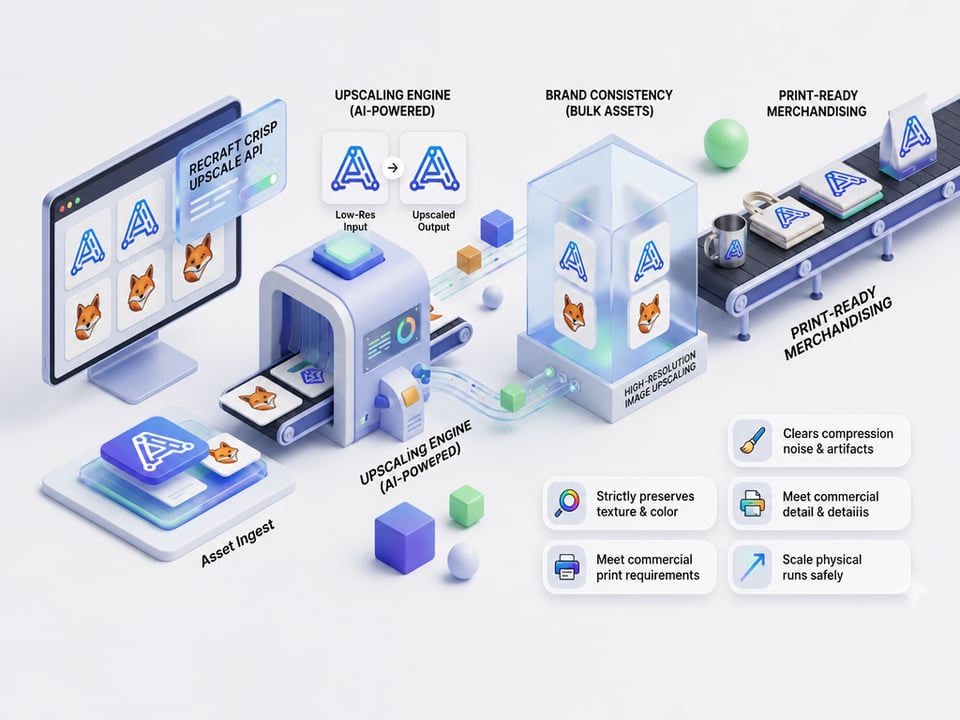
  • Resolutieverbeterlaag via de Recraft Crisp Upscale API

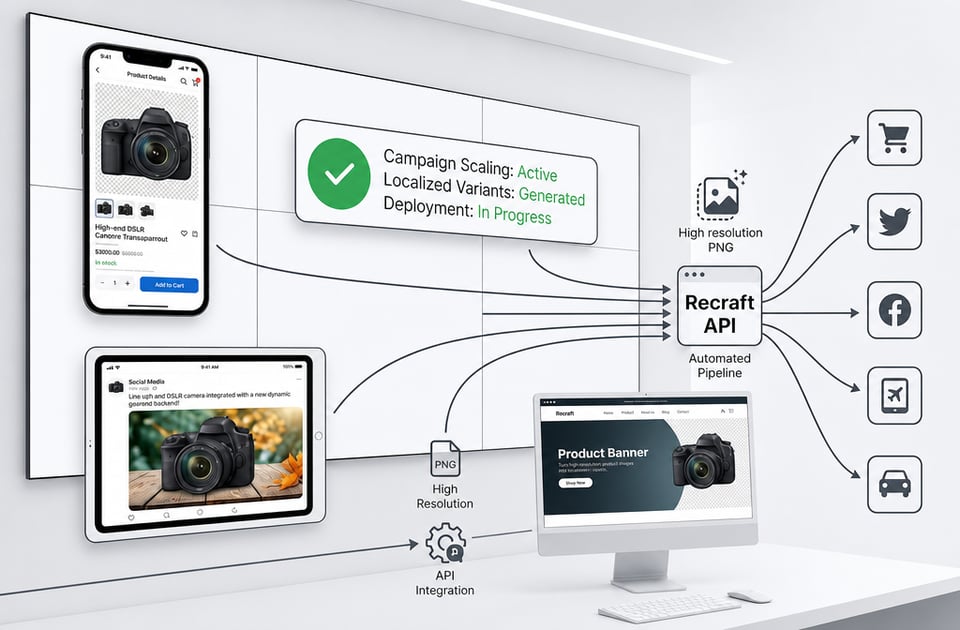
  • Automatisch banners genereren voor marketingcampagnes

  • App-ontwikkeling voor Fotobewerking

  • Step 5: Capture Output Status and Retrieve Finalized Recraft API Results

  • Step 6: Deploy and Scale Your Automated Recraft API Workflows

Veelgestelde vragen over Kie.ai Recraft API

E-Commerce Catalog Automation via Recraft Remove Background API

E-Commerce Catalog Automation via Recraft Remove Background API

Resolution Upgrade Layer through Recraft Crisp Upscale API

Resolution Upgrade Layer through Recraft Crisp Upscale API

Automated Banner Generation for Marketing Campaigns

Automated Banner Generation for Marketing Campaigns

App Development for Image Editing Processing

App Development for Image Editing Processing

Frequently Asked Questions About Kie.ai Recraft API

Q

Does The Upscaling Tool Alter The Original Composition Of The Image?

No, the Recraft crisp upscale API functions strictly as a resolution enhancement layer. It eliminates digital distortion, pixelation, and compression artifacts while maintaining the exact composition, boundaries, and structure of the source asset.

Q

What Functions Does The Recraft Remove Background API Perform?

The Recraft remove background API uses advanced segmentation models to isolate the primary foreground subject and remove complex backdrops, delivering high-resolution transparent PNG files automatically.

Q

How Does The Recraft Crisp Upscale API Enhance Low-Resolution Images?

The Recraft crisp upscale API functions as an intelligent resolution enhancement layer that removes compression noise and artifacts while strictly preserving the authentic textures, color values, and patterns of the source file.

Q

Is There A Playground Environment Available To Test Configurations?

Kie.ai provides free Recraft API testing configurations within online playground, enabling engineering teams to evaluate edge detection, color preservation, and output quality prior to performing backend integration.

Q

Where Can Developers Find Parameters And Authentication Setup Details?

Complete integration rules, request schemas, authentication headers, and callback structures are fully mapped out in the live Kie.ai documentation to minimize setup friction when transitioning from prototypes to production.

Q

How Does Kie.ai Handle Model Updates And Version Releases?

Kie.ai continuously updates new versions and optimizations, providing developers with the ability to explore updated model options and compare generated results.